A:AnswerYou should have access to all the Office apps. We recommend that you reach out to our Customer Support Team for help here: https://support.microsoft.com/en-us/contactus/.
A:AnswerYou can use Office 365 on both devices. Just a quick tip to install on the second device you will not use the activation code instead you will log into your Microsoft Account on the new device and install Office 365 Personal from there. You can learn more about it here: https://aka.ms/AA4rq32.
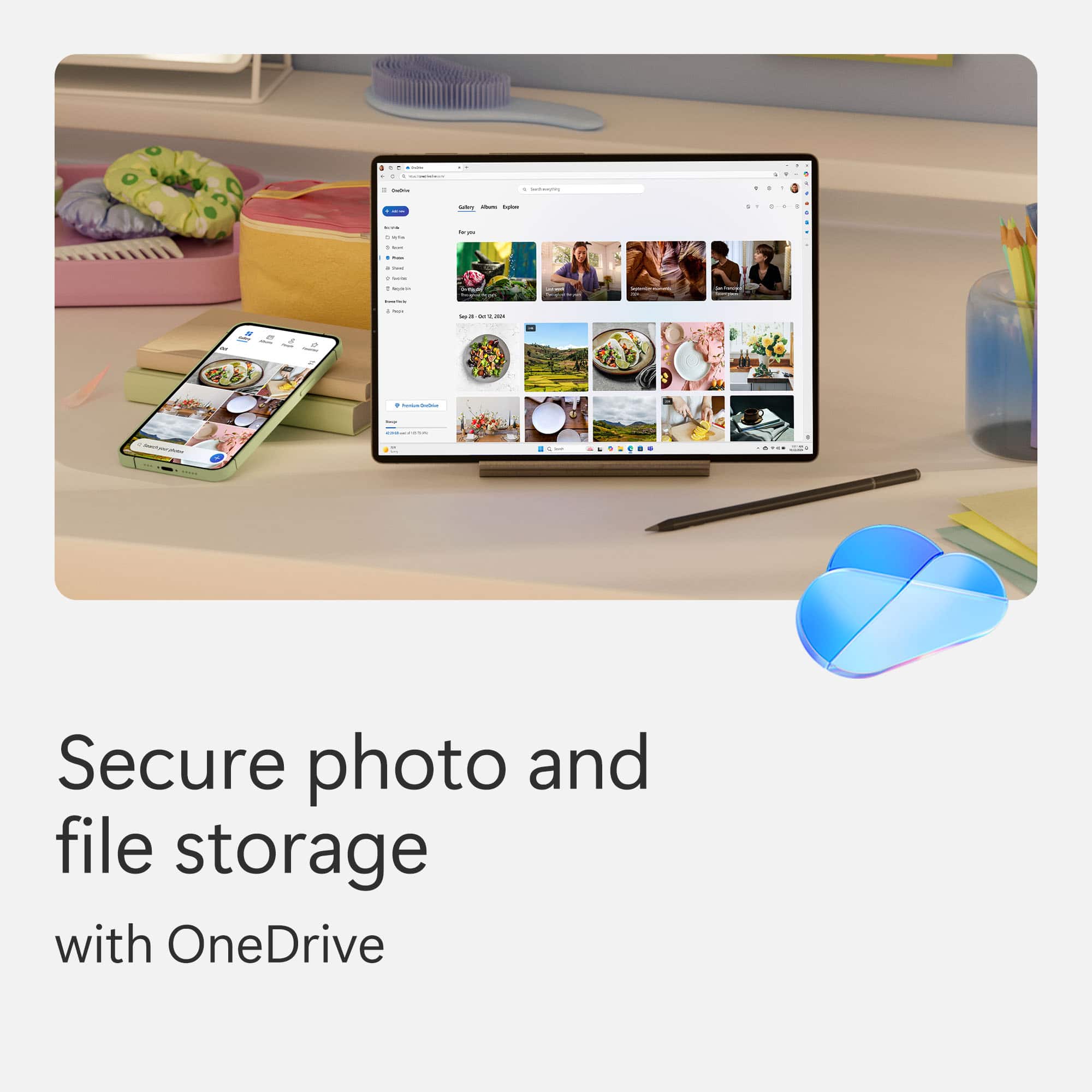
A:AnswerYou might lose access to your documents if they are stored on OneDrive, as your access will go from 1TB to 5 GB and anything over 5GB may not be stored in OneDrive. Use at your own risk!
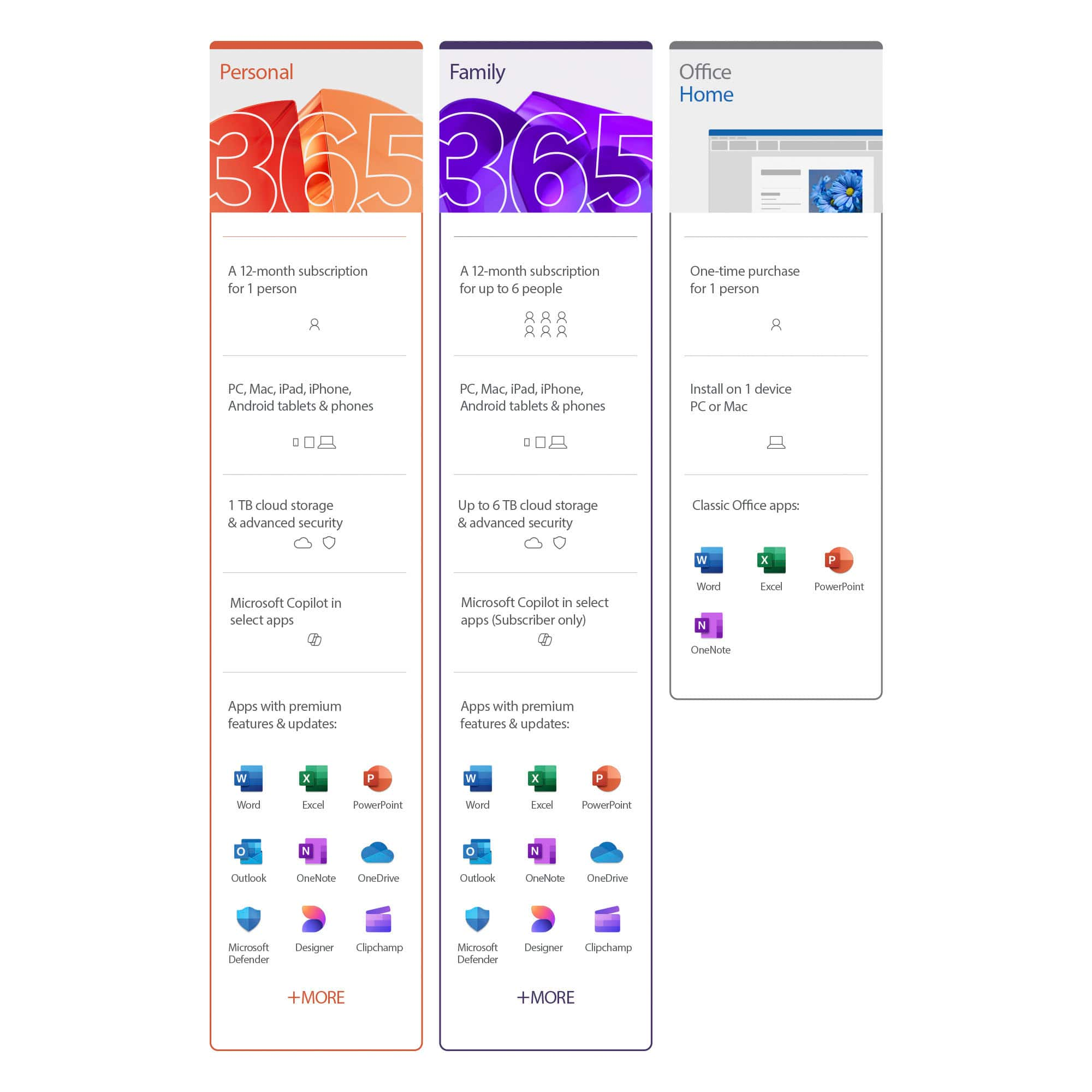
A:AnswerThe difference in price is whether the subscription can be shared or not. Office 365 Personal can only be used by one account, while Office 365 Home can be shared with multiple Microsoft Accounts. Both can be installed on multiple devices.
A:AnswerYes, after activation or installing the package, open new word doc and it will ask you to auto face to one drive and just make sure you say yes .
A:AnswerIn response to the 2 answers - So how does someone that it using more than 1 computer (ONLY 1 USER) install on multiple computers without a 'internal network' ? Disabled person using more than 1 computer and we always get a computer with a Disc Drive or we do not buy it.
A:AnswerI don't know if this will answer your question as I don't have MS personal 365 but I know home 365 does have a feature that allows you add it on to multiple platforms by opening up the office program and clicking on install. I'm not really sure how it works as I don't have any other windows 10 platforms or a tablet plus I don't have an immediate use for installing it on my google pixel