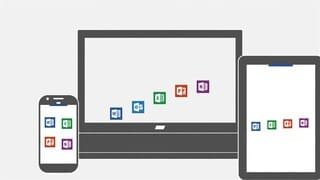
A:AnswerOffice is very useful, especially for kids. Office 365 will let them do their work at home, then sign in at work and have access to it. No need to drag the laptop around.
A:AnswerYou can find the technical requirements here: https://support.office.com/en-us/article/microsoft-os-requirements-for-office-2019-for-mac-and-office-365-for-mac-16b8414f-08ec-4b24-8c91-10a918f649f8.
A:AnswerIf you are just using it for gaming and never intend to do anything like write a resume or do your finances on it then no you do not need it. You can get it anytime later if it turns out you do.
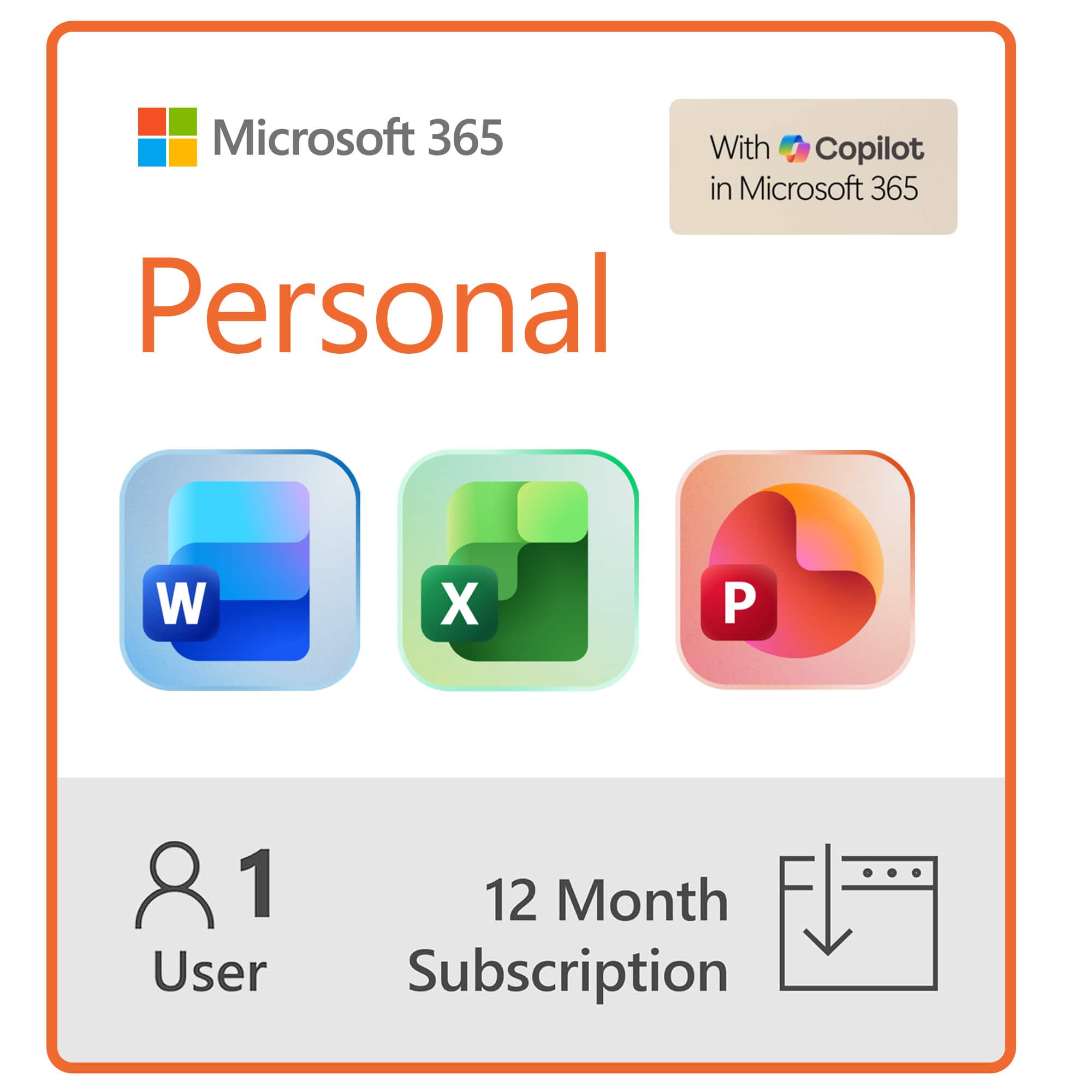
A:AnswerWhen you first install Microsoft 365 Personal you connect it to an email address. You can either use that account on your husband's iPad8 or upgrade to Microsoft 365 Family and share the subscription with him.
A:AnswerWhen you redeem the code on Microsoft, you're switched to Best Buy's payment system where it will start off as auto-renew, but you can then cancel auto-renewal at https://www.bestbuy.com/services/planlist (if URL doesn't show up, it's bestbuy's website followed by 'services' followed by 'planlist' with forward slashes in between).