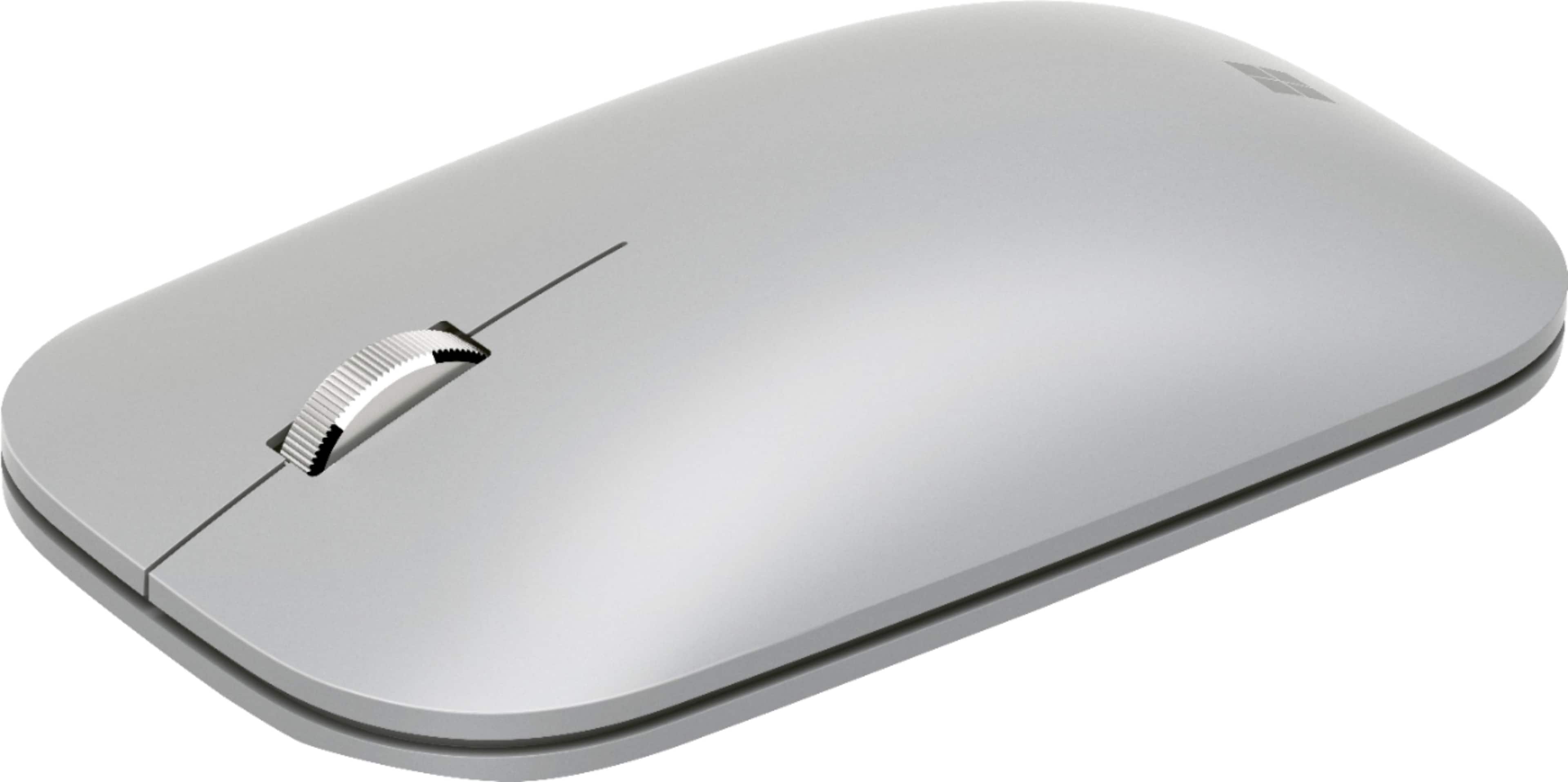
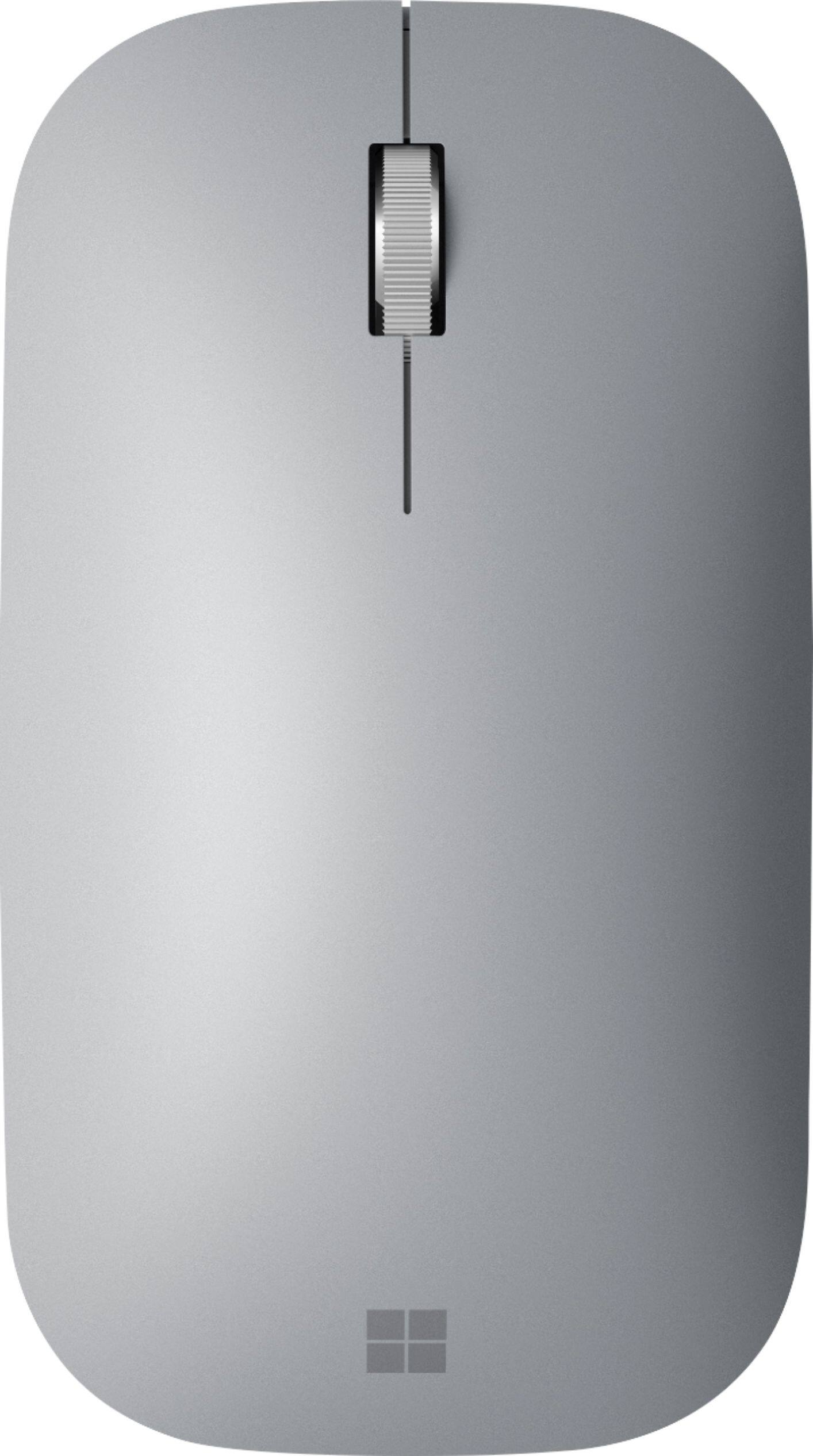
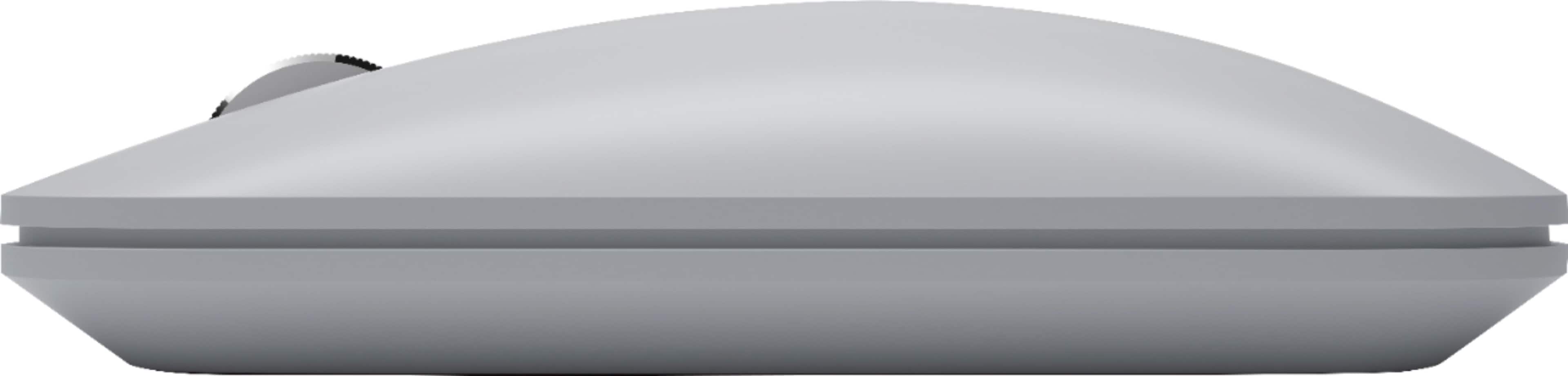
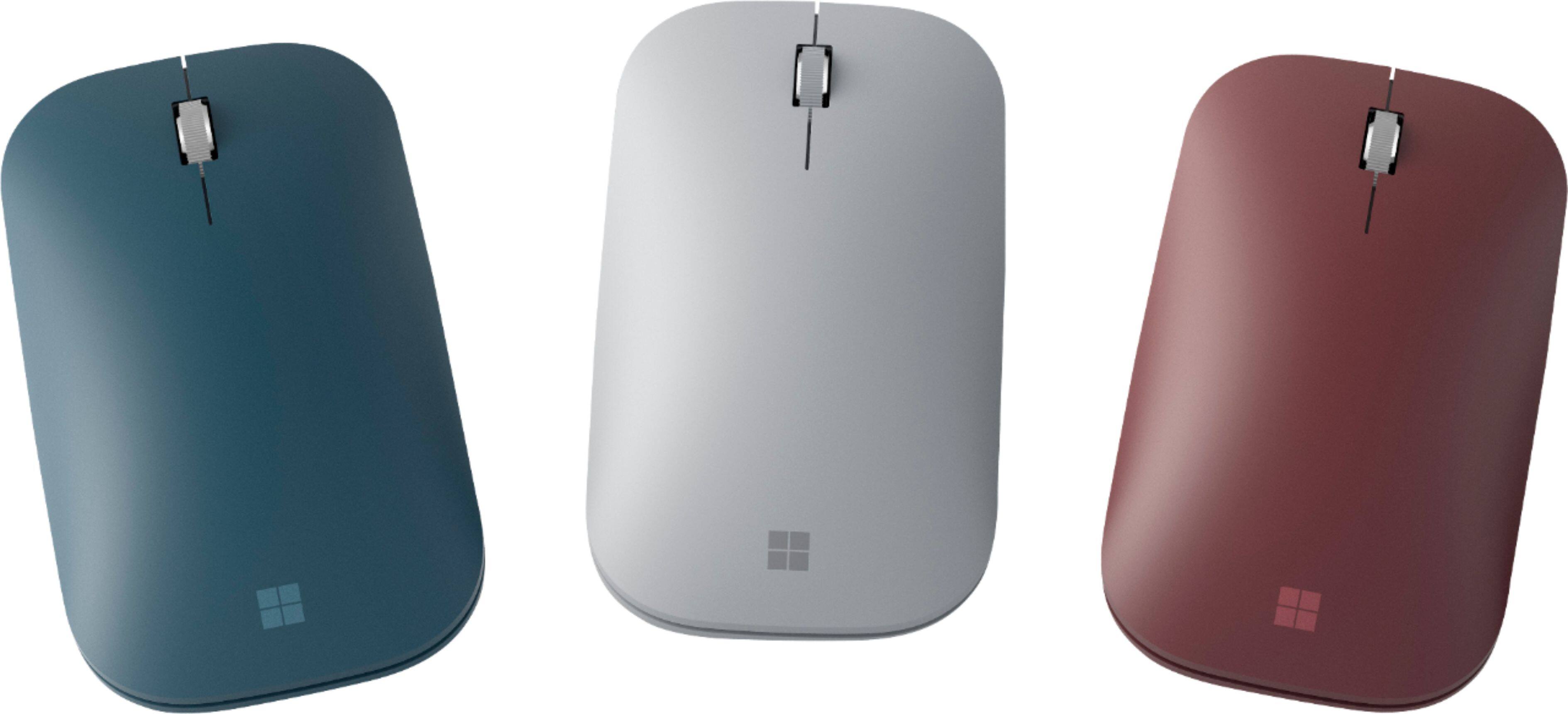
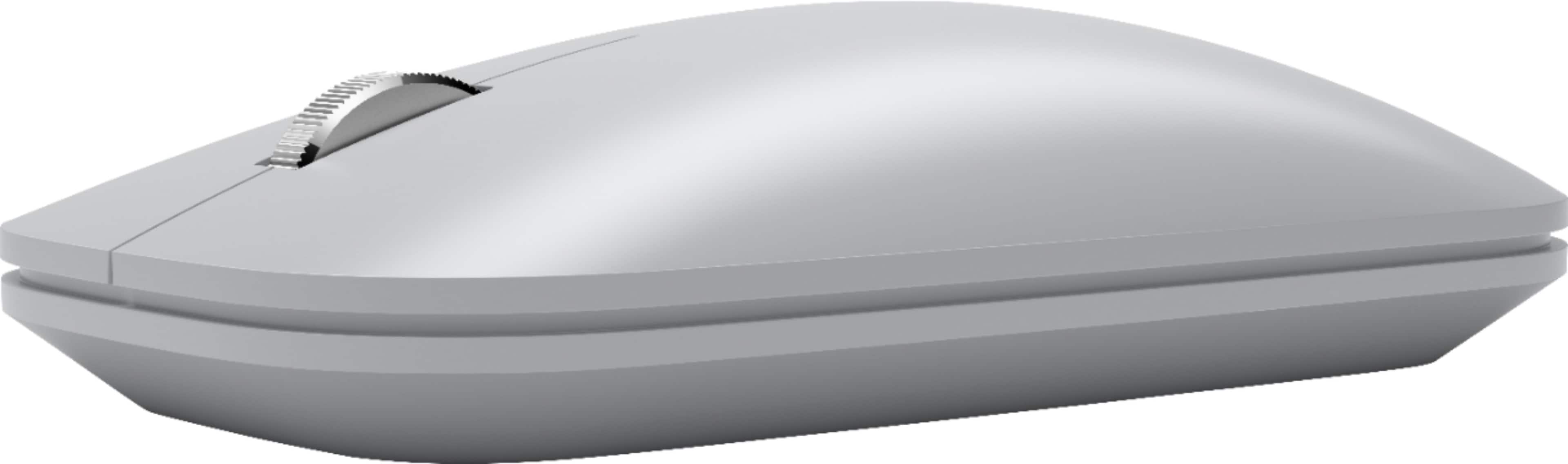
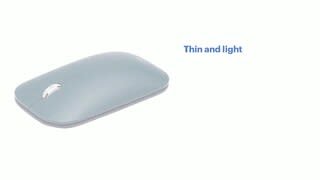
A:AnswerSurface Mobile Mouse was specifically optimized to pair with Surface devices, however, if your personal desktop runs Windows 10, you should be able to pair Surface Mobile Mouse. We highly recommend reaching out to our support team to assist your further: https://support.microsoft.com/en-us/contactus/.
A:AnswerSystem requirements of Surface Mobile Mouse are: Windows 10, Windows 8.1. As long as your device meets these requirements, you should be able to use successfully.
A:AnswerYes it will work with a chromebook, also laptops microsoft surface and even some desktops if they have Bluetooth. I cant guarantee it would work with anything 10 years or older. Compatability might be an issue in that case.
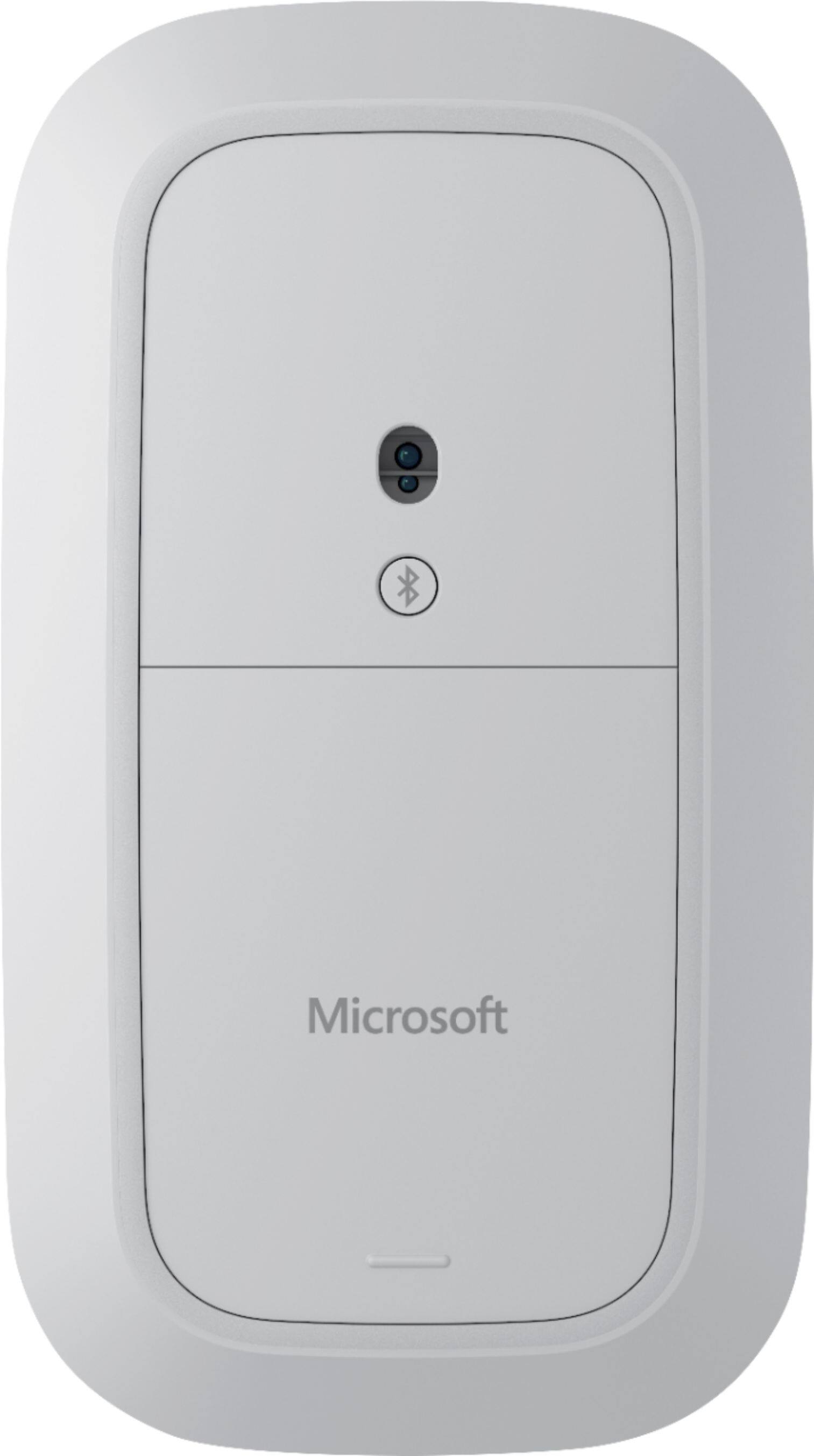
A:AnswerIt doesn’t have a built in battery but does run on replaceable AAA batteries (two of them). They’re behind a magnetic enclosure on the bottom of the mouse itself. Opening is east by just pressing on the cover - lifting the opposite end - and removing. Hope this helps!
A:AnswerYes, absolutely, you can normally connect up to 7 Bluetooth devices if your source do not specify something different, new Laptops, phones and more with newer version of Bluetooth can even connect up to 2 simultaneously devices with up to 28 devices paired.