A:AnswerTry setting up the graphics card to be your default graphics card in the MSI Control Panel. You can also try going to settings and manually choosing which graphics card the specific applications will run with.
A:AnswerHello Myahan123. Thank you for your question. To check on this information, we suggest you to get in contact with Best Buy's support team using the link below:
***https://www.bestbuy.com/site/electronics/customer-service/pcmcat87800050001.c?id=pcmcat87800050001***
You can also chat with a Best Buy agent by clicking the chat button that is located in the lower right corner of the retailer website.
Thank you for choosing Intel!
A:AnswerHello Joel. Thank you for your question. To check on this information, we suggest you to get in contact with Best Buy's support team using the link below:
***https://www.bestbuy.com/site/electronics/customer-service/pcmcat87800050001.c?id=pcmcat87800050001***
You can also chat with a Best Buy agent by clicking the chat button that is located in the lower right corner of the retailer website.
Thank you for choosing Intel!
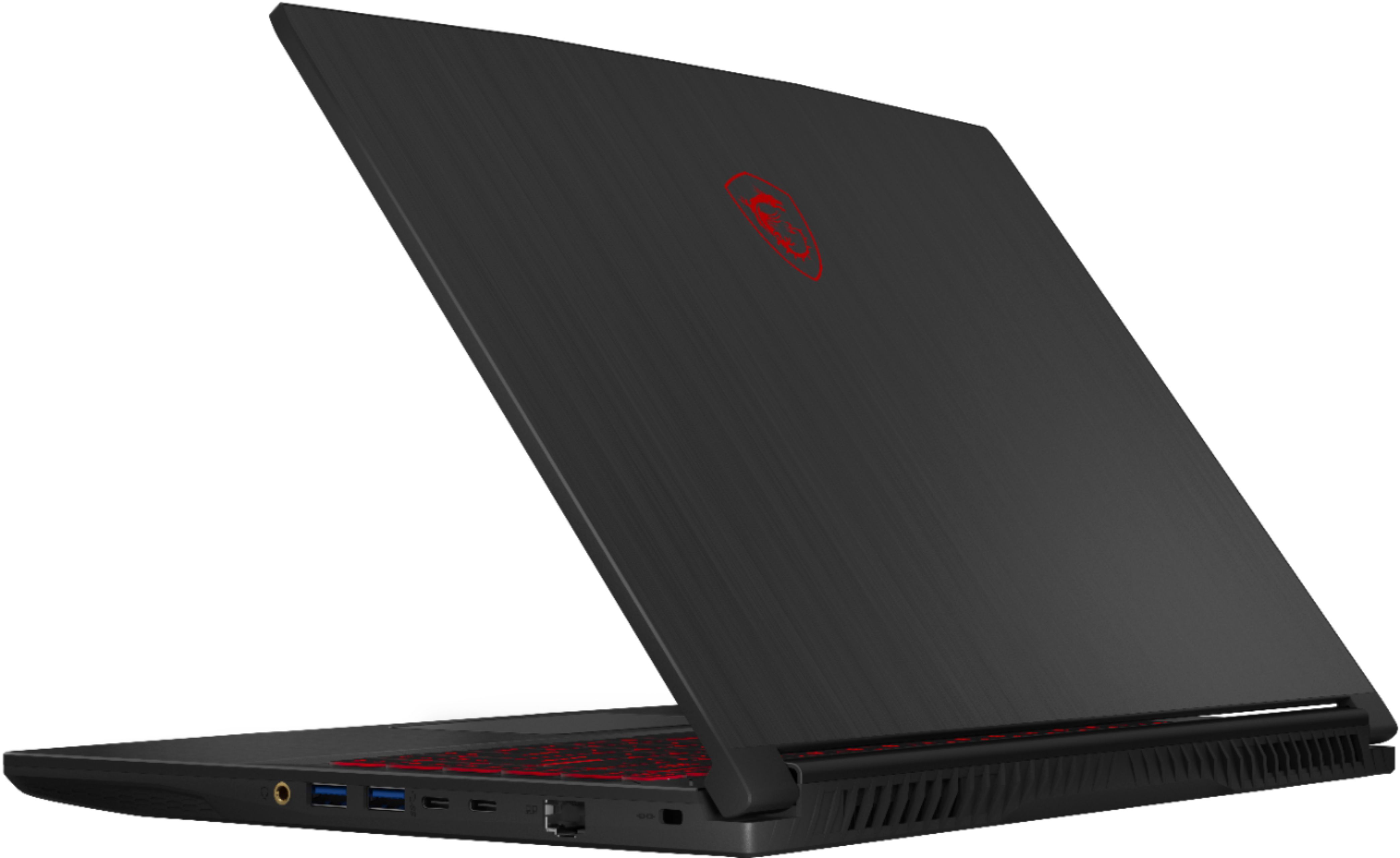
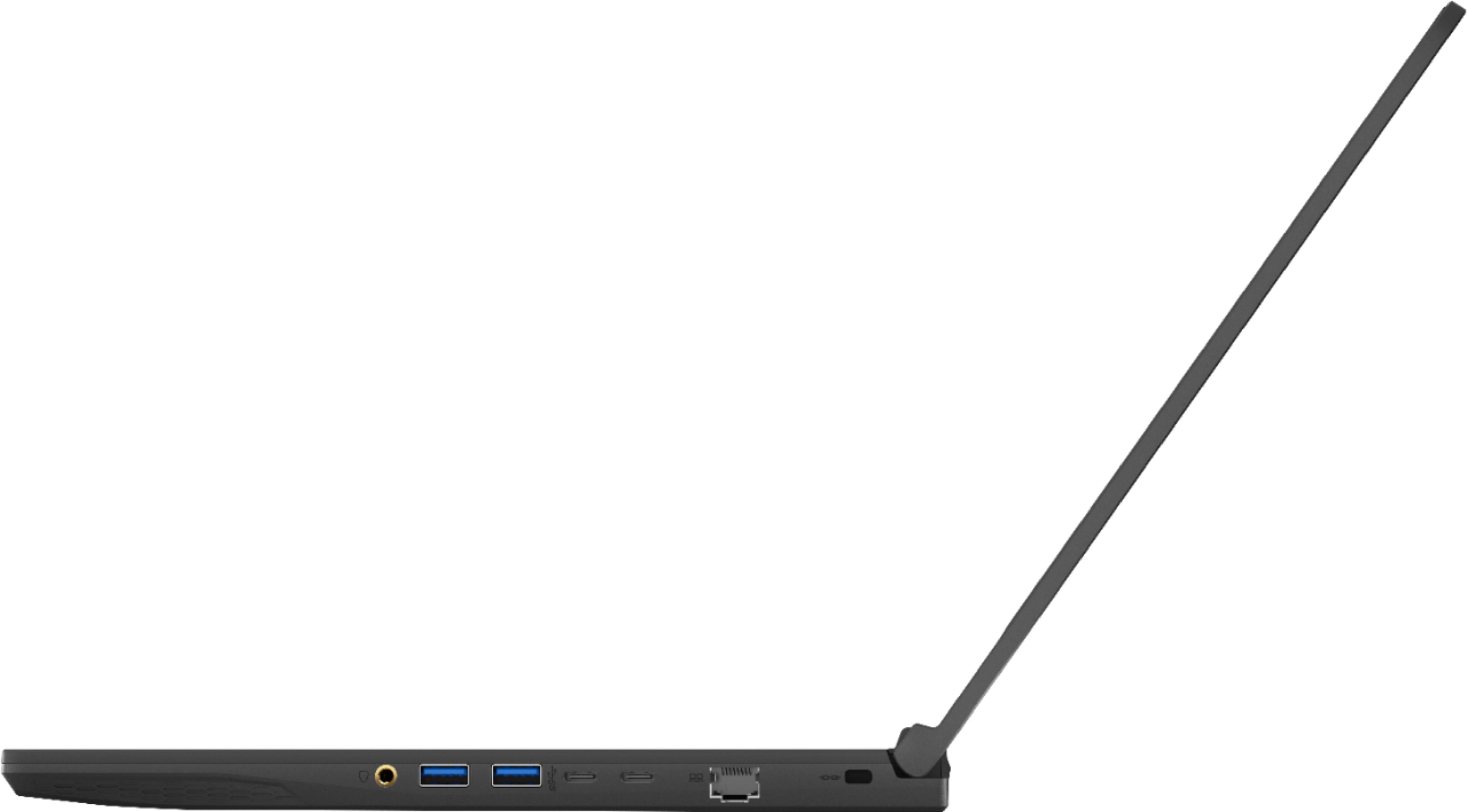
A:AnswerThe Quest 2 can work on USB-C without a video out. It could even work on USB-A. If you still want to use Air Link, then yes, it will work with Air Link too, as long as you have fast enough internet.
A:AnswerIt's probably going to vary from laptop to laptop, but mine had samsung m471a1k43eb1-cwe
You can get the RAM model number by downloading and running CPU-Z and going into the "SPD" tab and copying the part number from there.
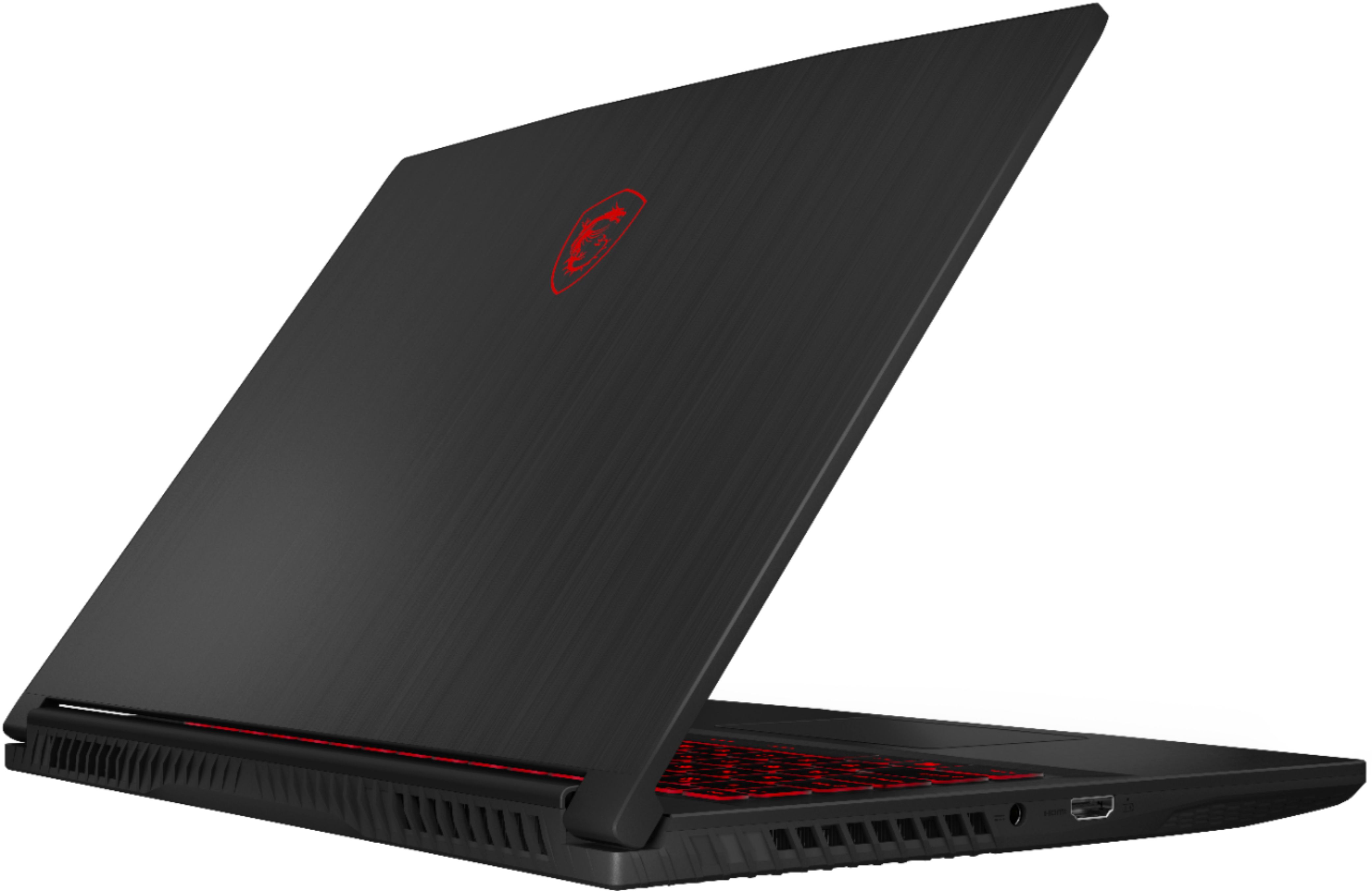
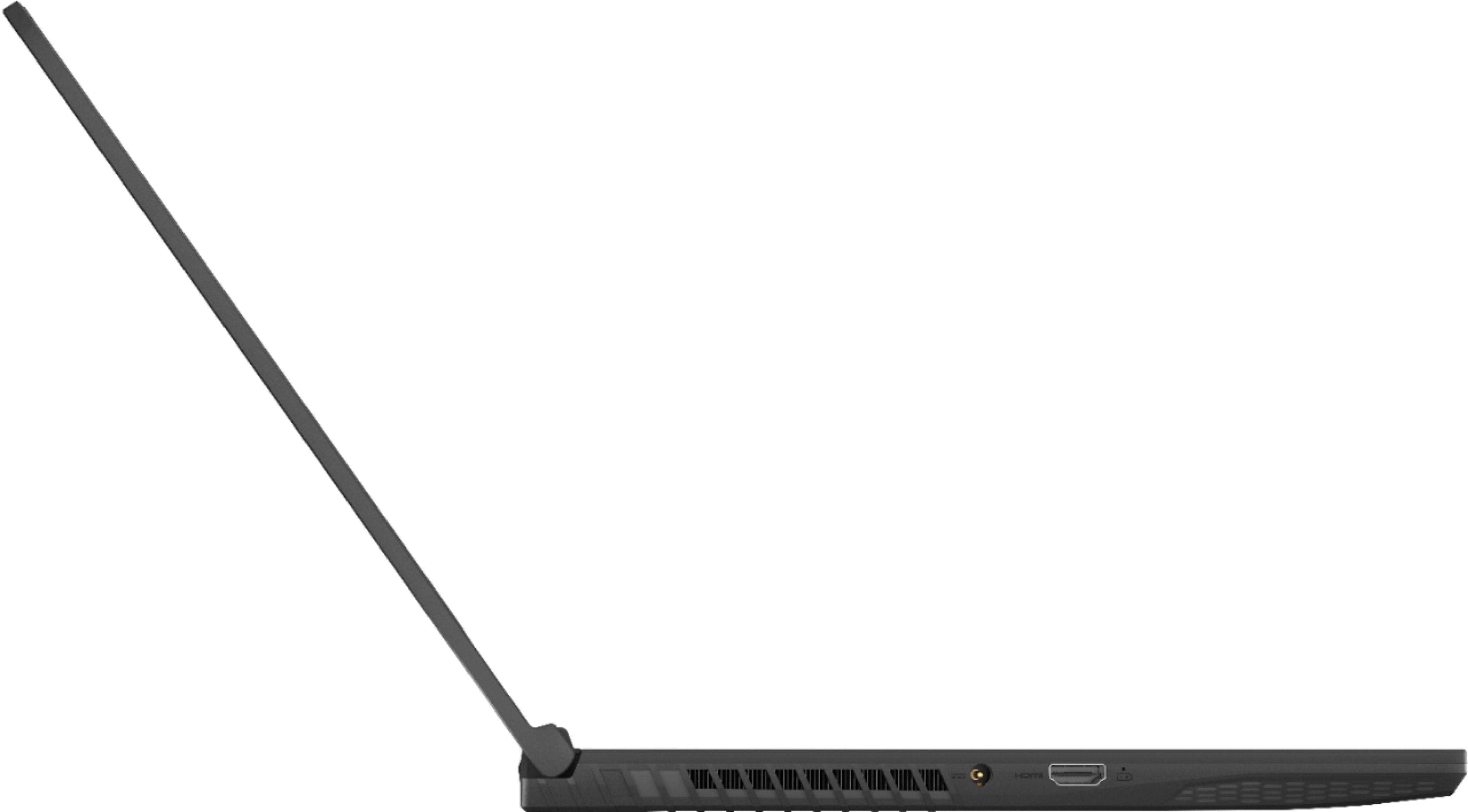
A:AnswerSo per the MSI website, the GF65213(the laptop listed and the one I bought), the HDMI can do 4k @60Hz or 60fps... HDMI 2.0 and above support that function while 1.4 doesn't. Therefore it should be labeled 2.0, but I haven't hooked mine up to the 4K TV yet to verify if that is indeed the case.
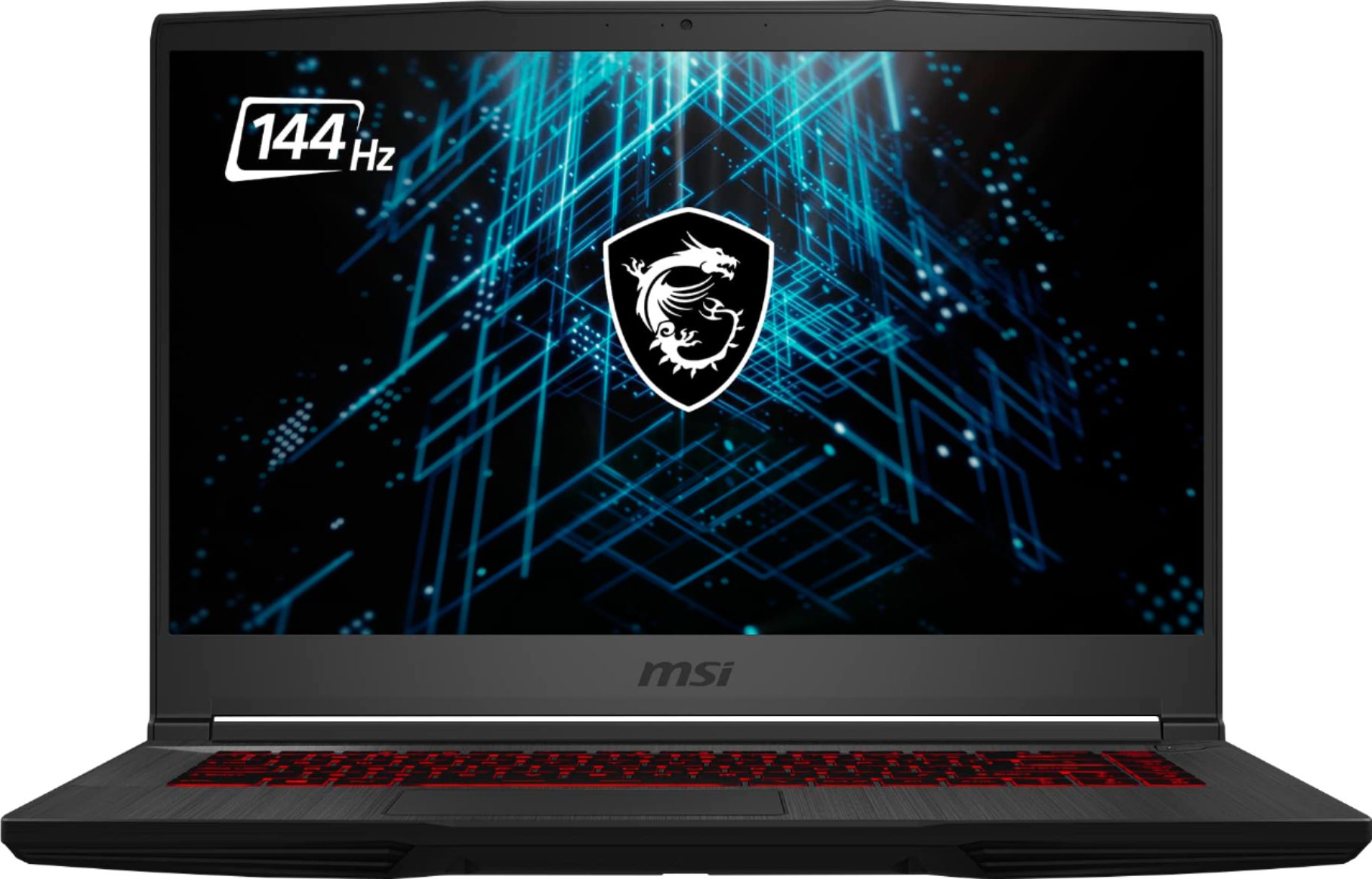
A:AnswerIf your monitor is 144 Hz and your graphics can run more than 144 fps, I don't see why it won't work, but if the game only achieves 100 fps so, I don't see the point of having a 144Hz monitor.