A:AnswerFor any specific game, check the website of the game for recommended specs, hardware and software. This is always your best indicator, especially since games are constantly evolving (usually getting more demanding in all the above).
A:AnswerFor any specific game, check the website of the game for recommended specs, hardware and software. This is always your best indicator, especially since games are constantly evolving (usually getting more demanding in all the above).
Don't spend hundreds of dollars just going by the opinion of one or a few complete strangers you know nothing about. Take some responsibility for how you spend your hard earned money (or your parents!).
A:AnswerTake some responsibility: check the website of the game for recommended specs, hardware and software yourself. This is always your best indicator, especially since games are constantly evolving (usually getting more demanding in all the above).
A:AnswerBet Buy typically offers "extras" on laptops. In this case (early March 2025), they are including Norton 360 (3 Device) with LifeLock Identity Advisor (1 Adult) Internet Security Software + VPN (6 Month Subscription) for Android, Apple iOS, Mac OS, Windows, as well as Discord- 1-Month of Discord Nitro free (New and Returning Subscribers Only) with 1-month of Discord Nitro, and, finally, Microsoft - Xbox Game Pass Ultimate 1 Month Membership - Activation Required.
A:AnswerIt’s 6gb and ignore the last answer because it’s not garbage. It runs all my games at ultra and over 100fps with ease. Does great on Cod Warzone, Cyber Punk, Hog Warts and so fourth. I’m guessing the other guy didn’t have DLLS 3 and Frame Generation on applicable games
A:AnswerCan't pair it to a cell phone service however If you're on Windows 10 or 11, select the Wi-Fi icon in the taskbar to access the list of available Wi-Fi networks. Locate your mobile hotspot (or your cellphone acting as a hotspot, if it has that ability) in the list and select it (if you're unsure what its SSID is, check your phone's hotspot menu). Then select Connect.
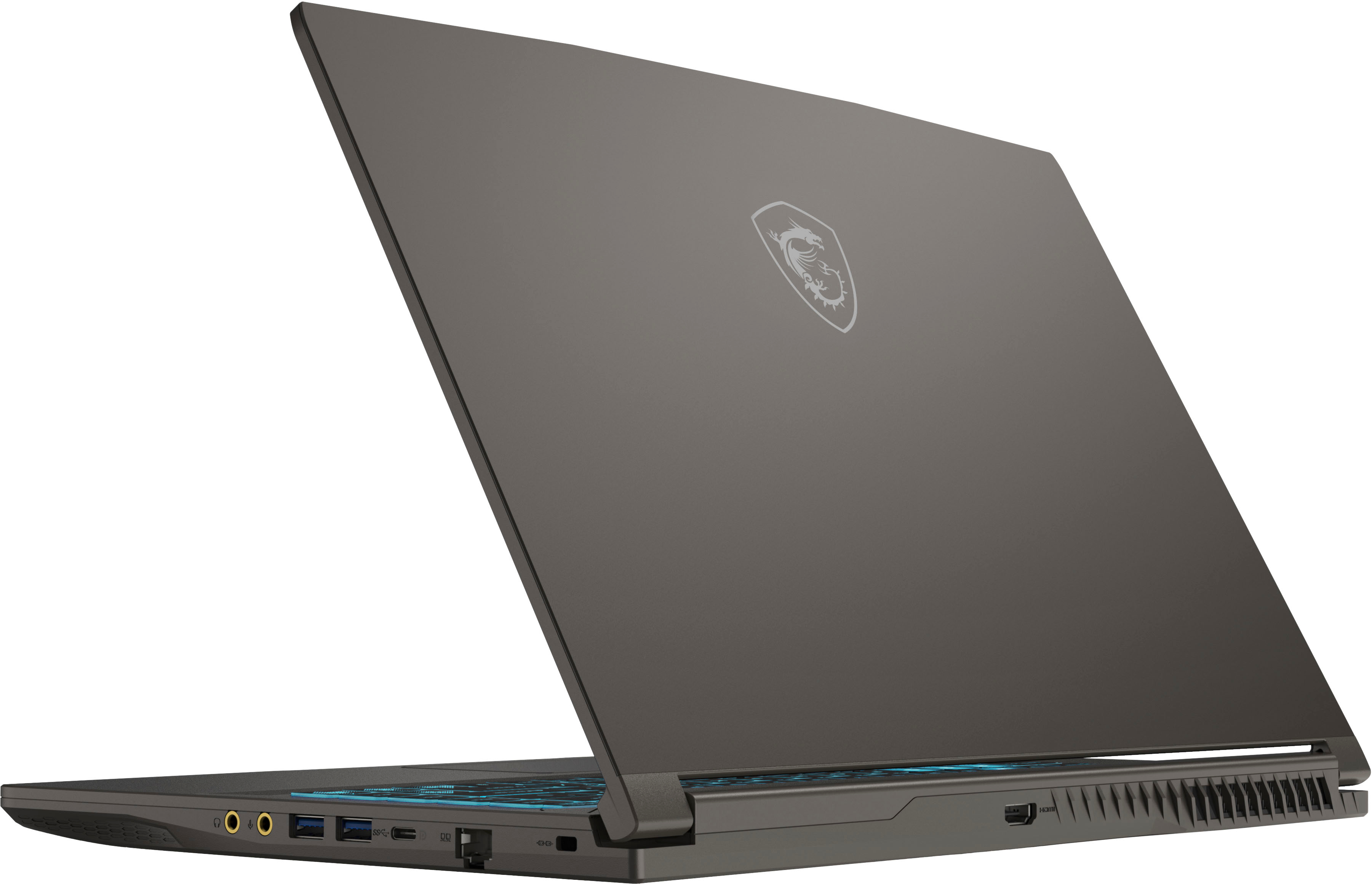
A:AnswerHate to disagree with my esteemed colleagues, but if you look at the artwork, you will se the "PD" symbol next to the USB-C port. To the best of my knowledge, that is an indication that the port supports bidirectional power delivery--you can charge the computer through it, or you can use the computer to send power to an outside device (e.g., charge a cellphone).