A:AnswerNo, DDR4 and DDR5 ram have different pins, the two are not physically compatible. You can't insert DDR5 ram into a slot made for DDR4 ram without physically damaging the RAM, slot, or both.
You might be able to find some desktop motherboards with slots for both, but they will run only one type at a time. That's how they did it when DDR 3 first came out, and DDR4.
I highly doubt you will ever find a laptop that accepts ddr4 and ddr5
A:AnswerThe Vector GP66 meets the minimum requirements for most VR games at this time. We would advise that you confirm the minimum requirements set by the developers of the game to confirm compatibility.
A:AnswerI don't think they offer this laptop with 64gb.
You can buy 2x32gb DDR4 3200mhz SODIMM chips for around $150-$250. You could turn around and sell the 2x16GB chips that come with this laptop to recoup some of the cost.
I don't think you will ever need 64gb unless you're doing video editing, 3d modeling, etc. 32 gb is Overkill. But I did order a pair of 32gb chips for a 64gb upgrade for myself, because why not? :)
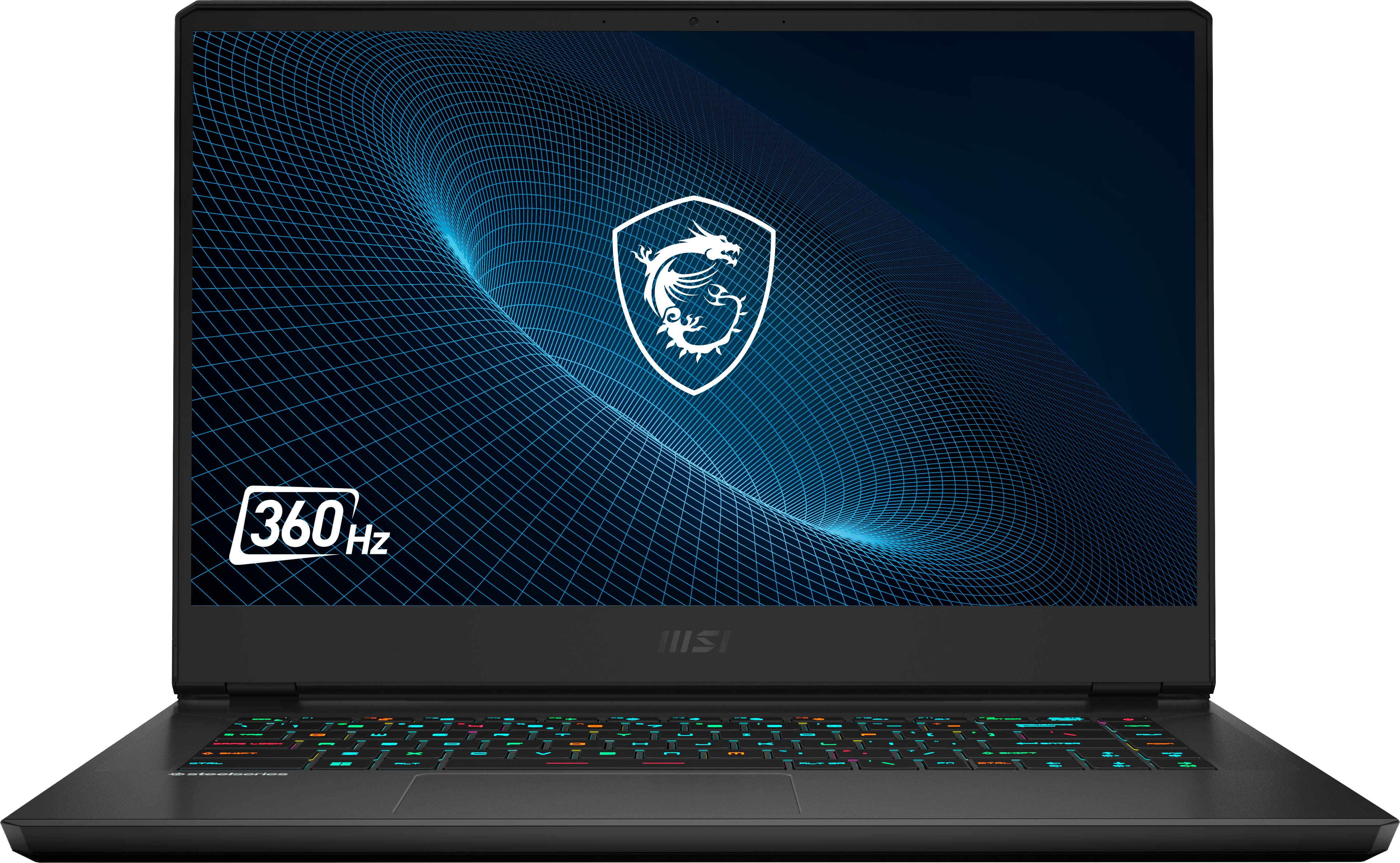
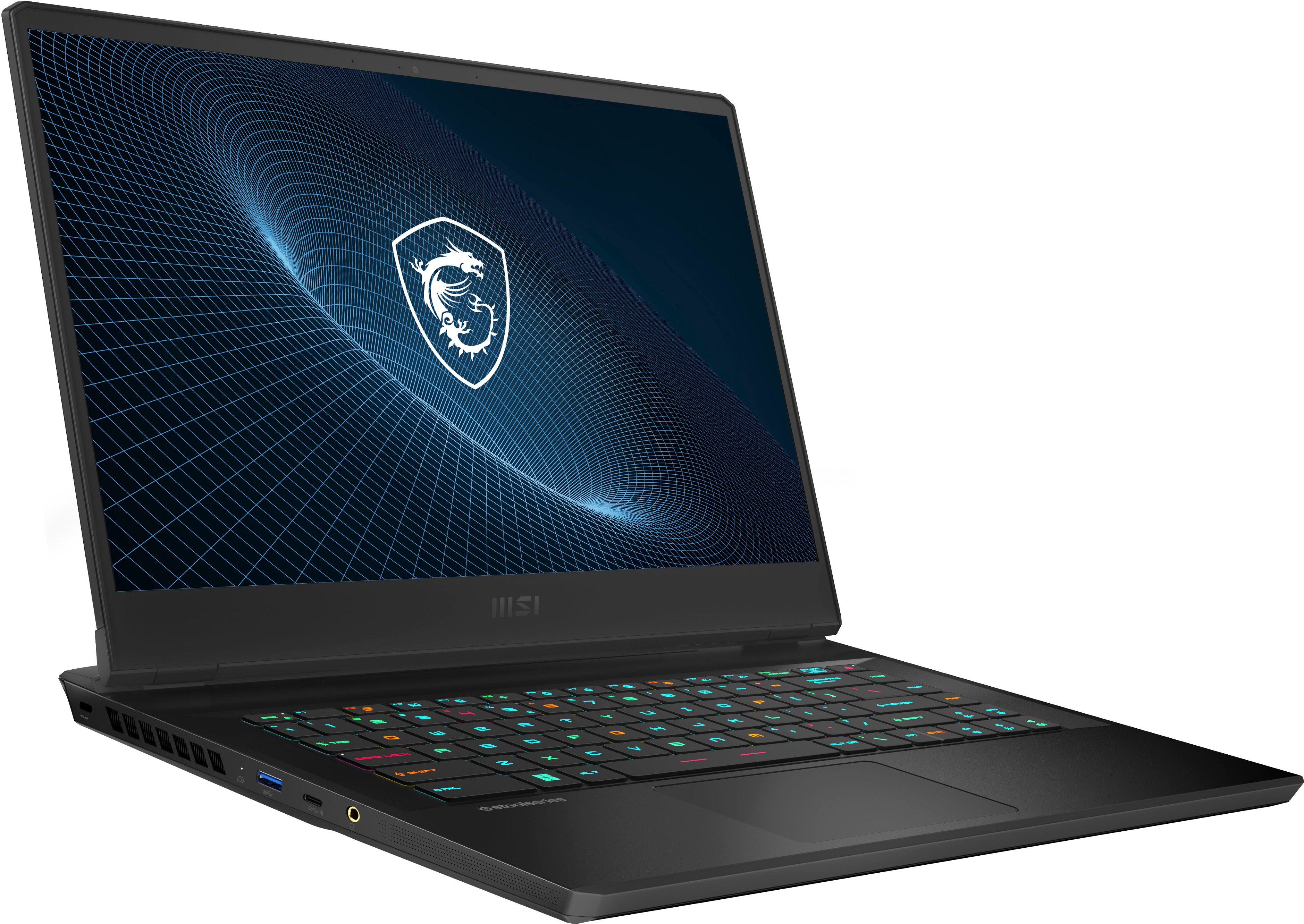
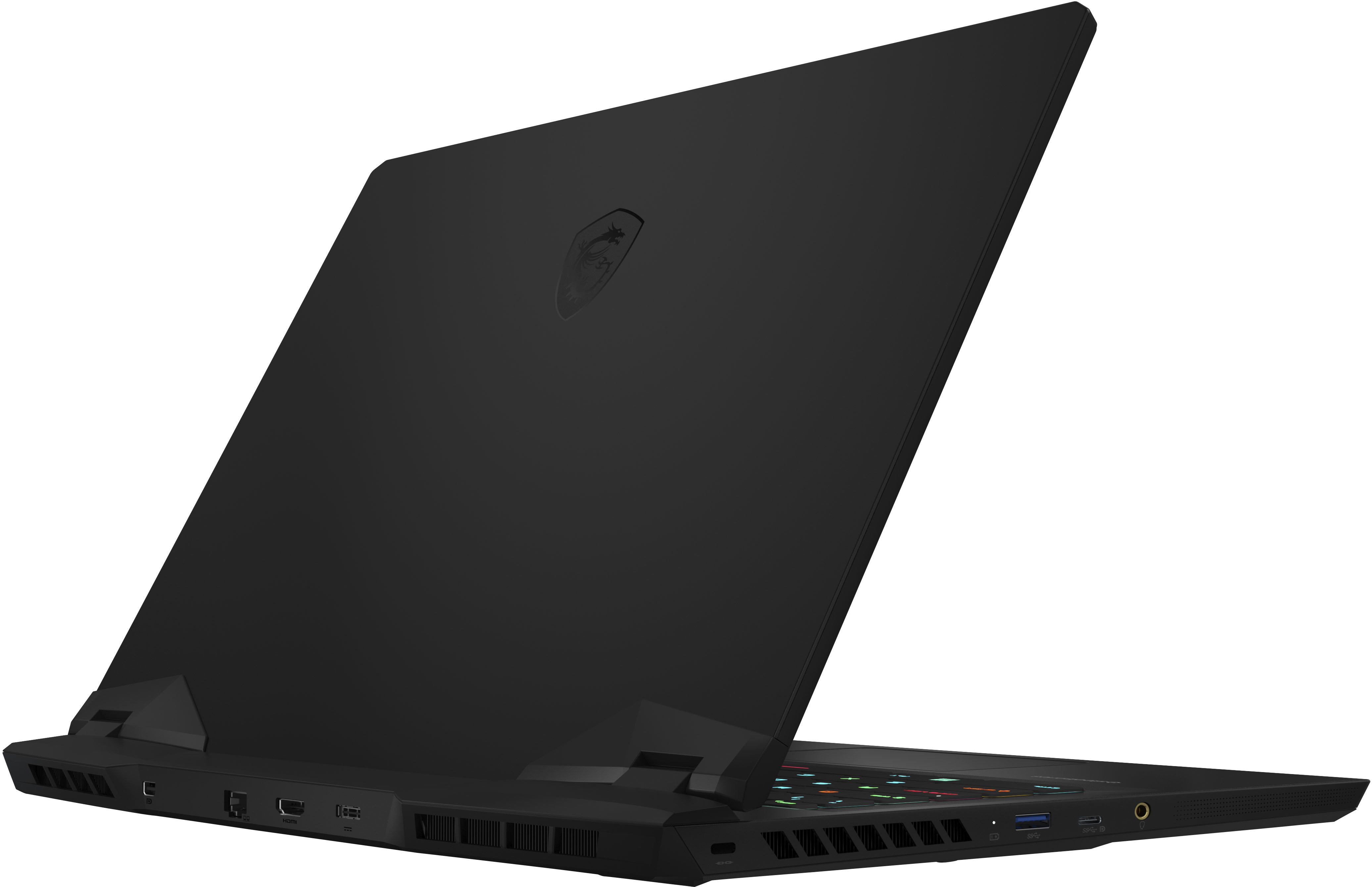
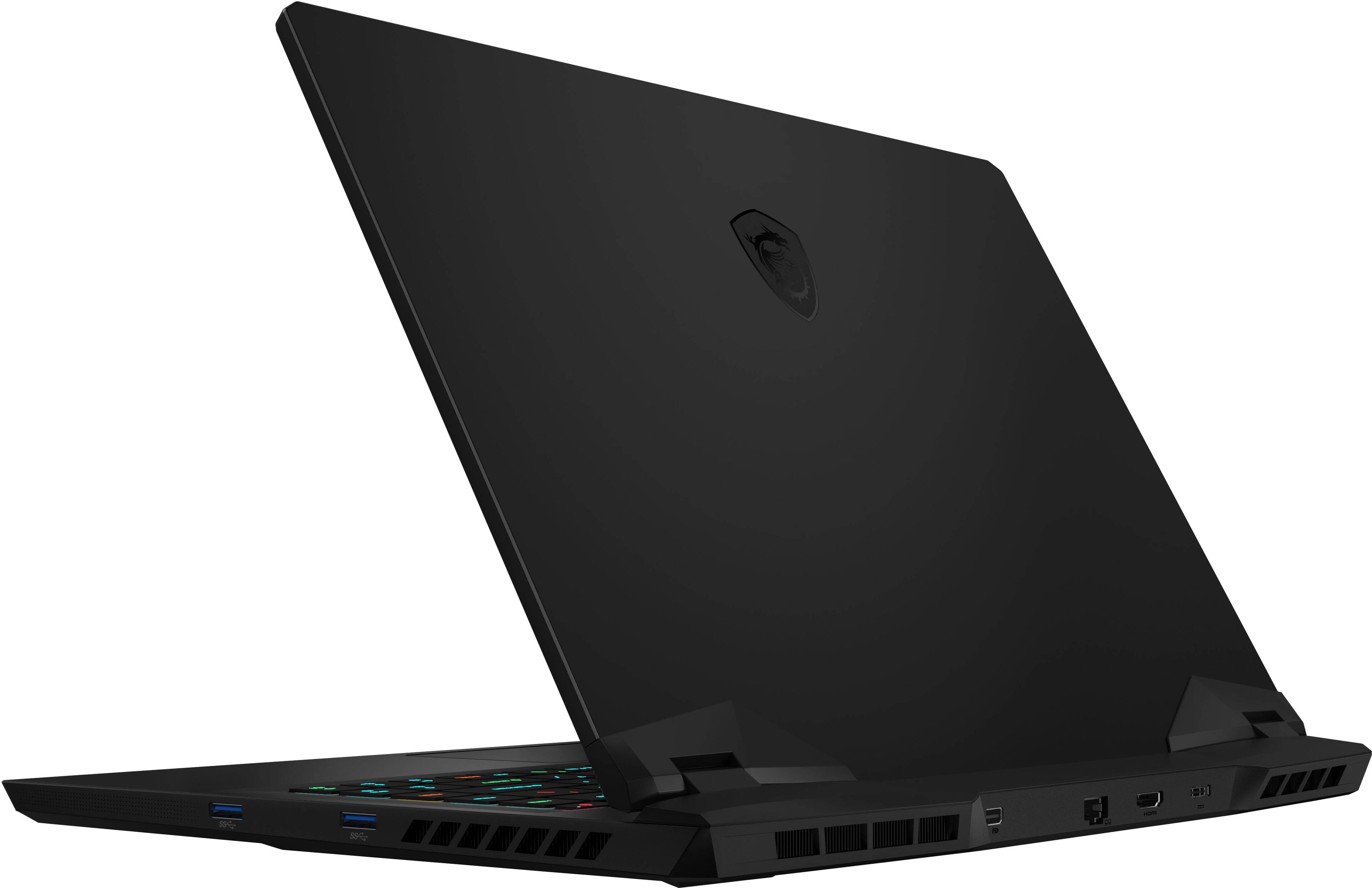
A:AnswerJust cables. I have one monitor connected to the mini Display Port (D-Port) on the back and another to the HDMI port (also on the back). I think you could also connect one to the USB-C/D-Port on the left side. I run a 5120x1440 display along with a 1920x1200 display along with the 1920x1080 built in display with windows 11 configured for my desktop to extended (rather than duplicate) across all displays. External displays refresh at 60Hz (limited by the display), internal refreshes at 360Hz. Some displays can cascade the D-Port to a secondary display which saves a connection.