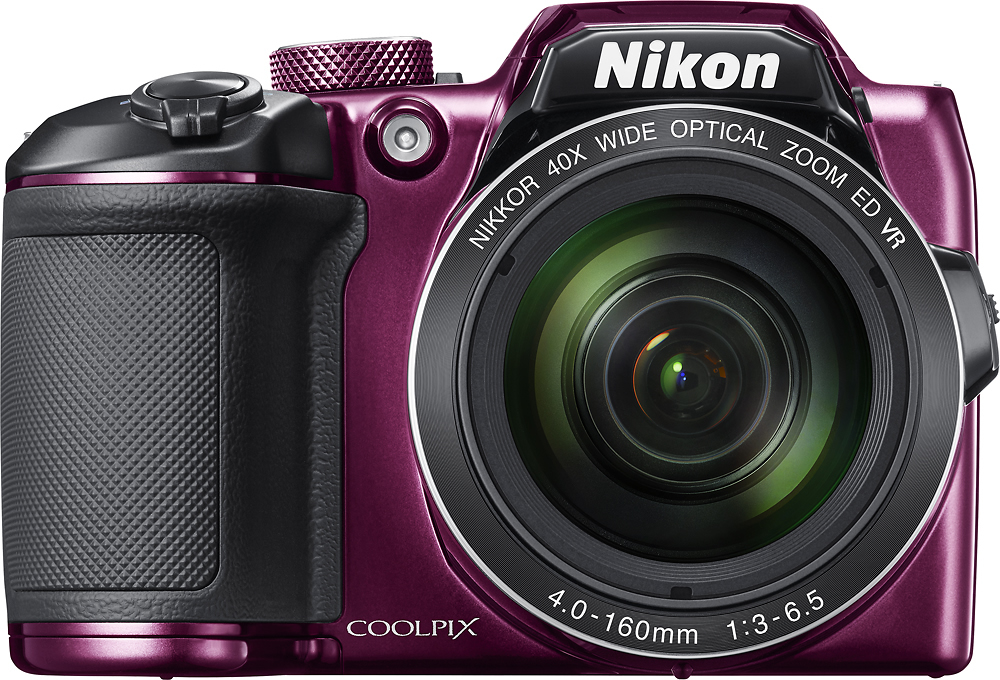
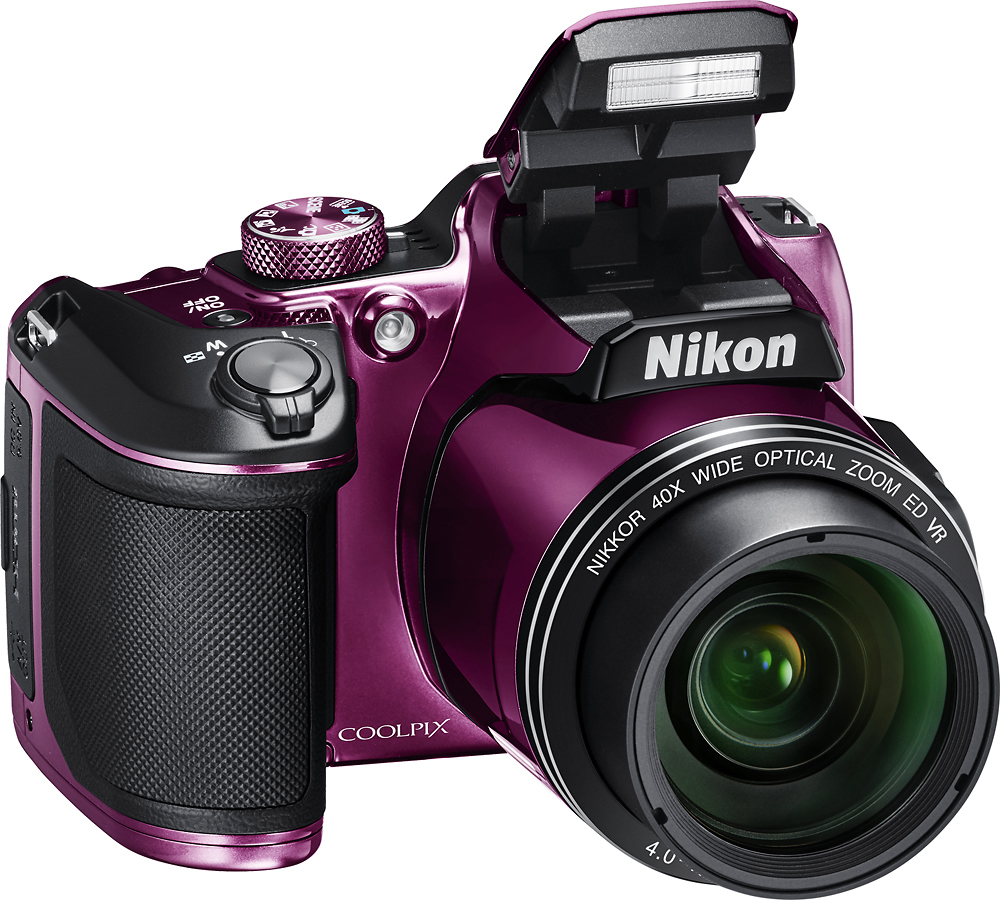
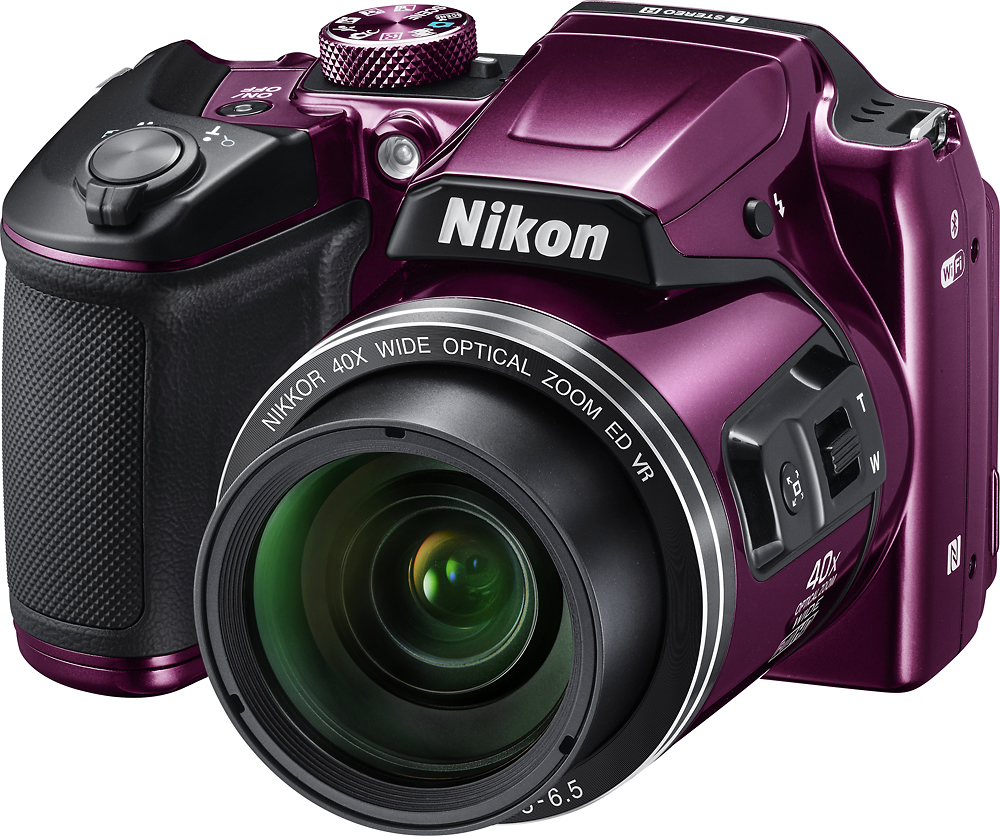
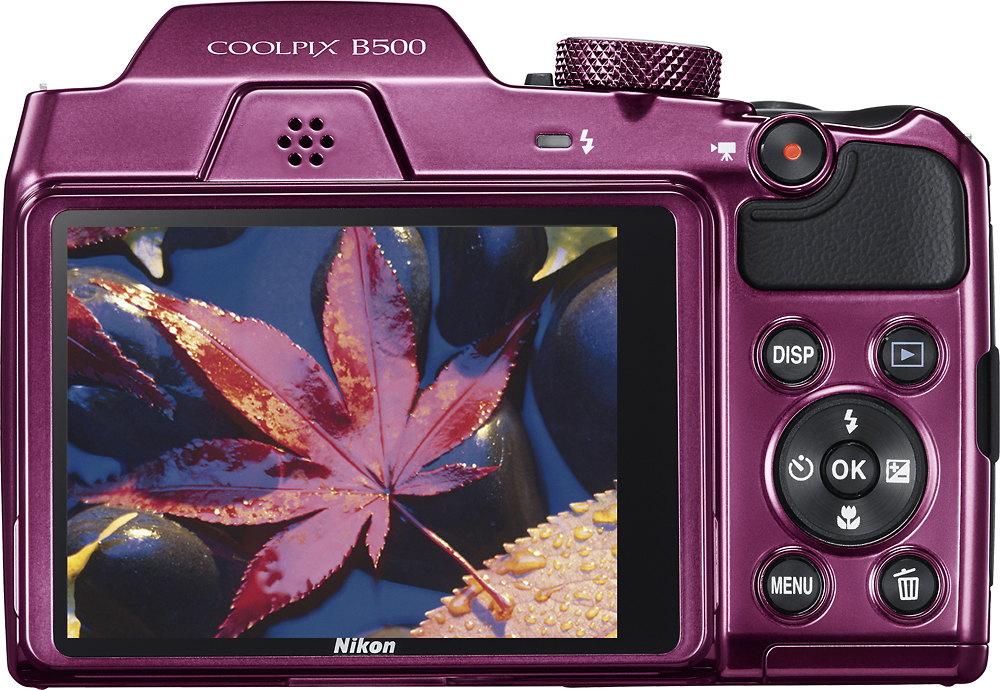
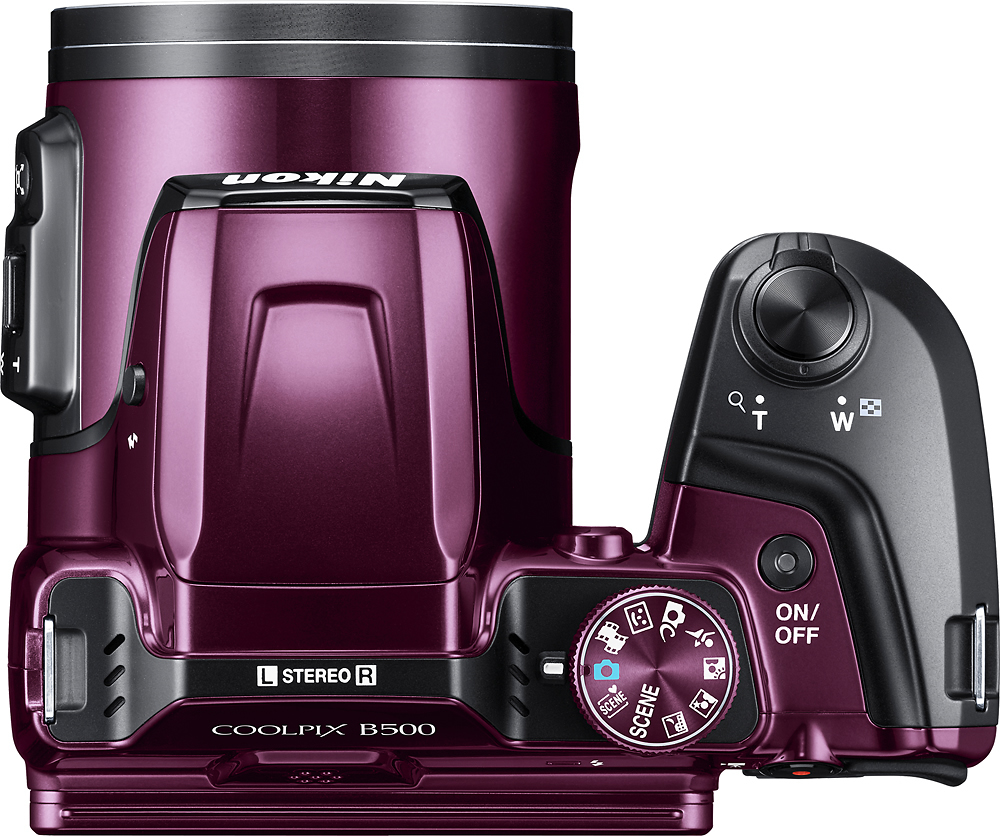
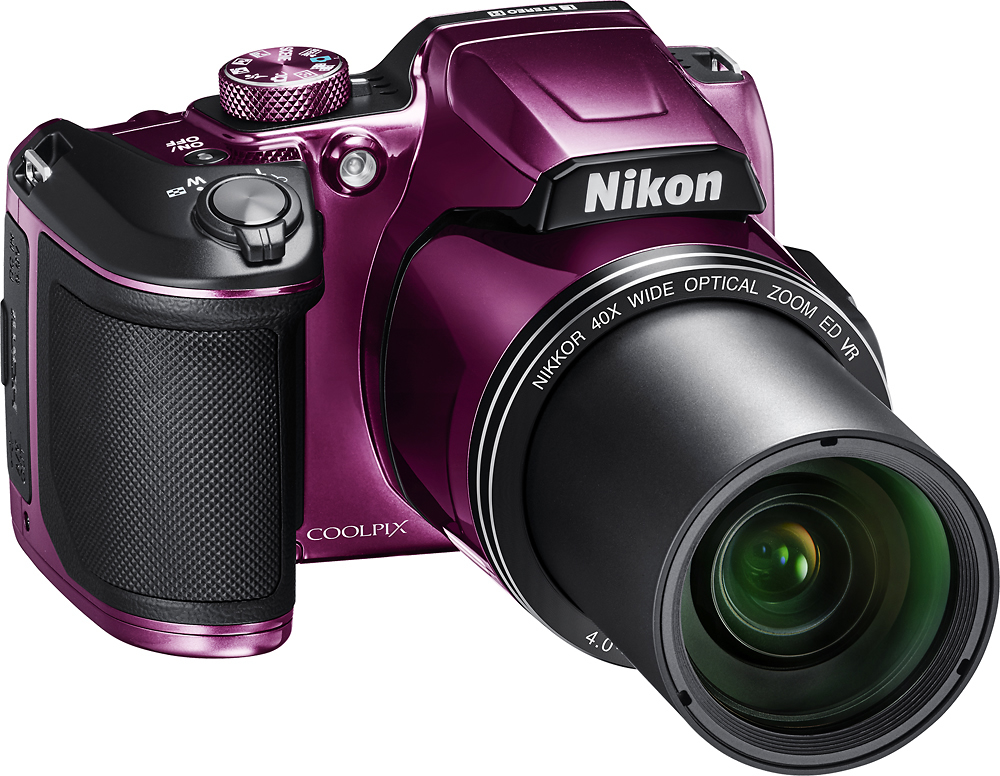
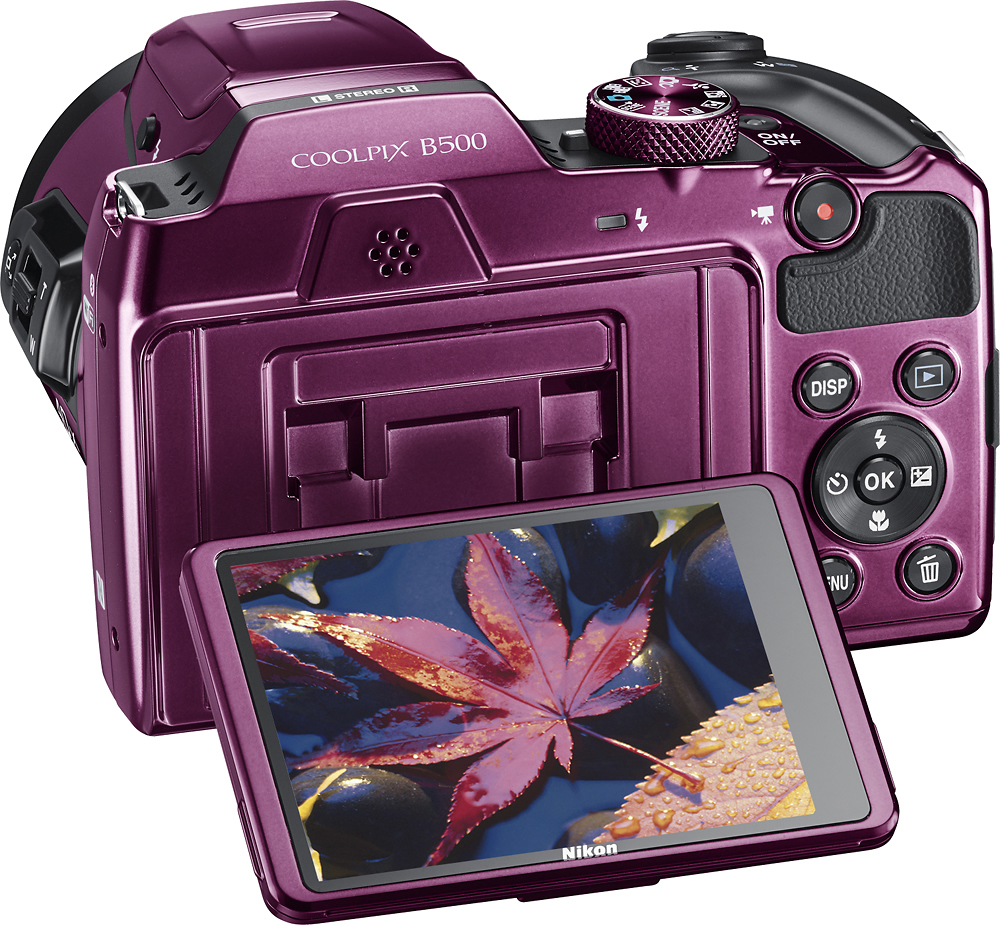
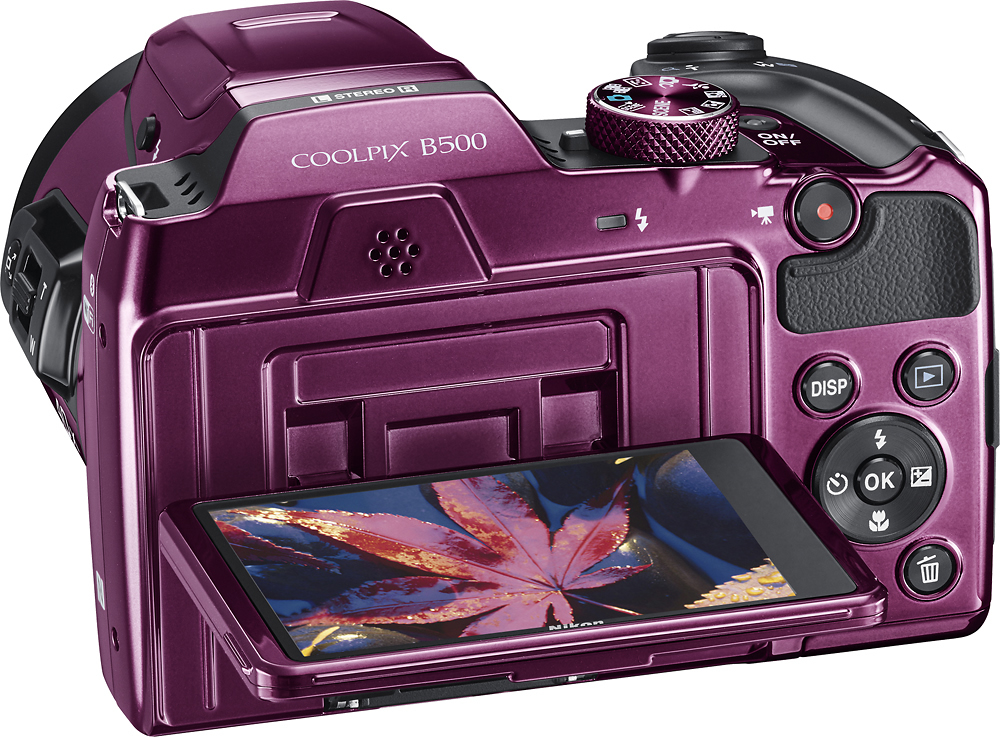
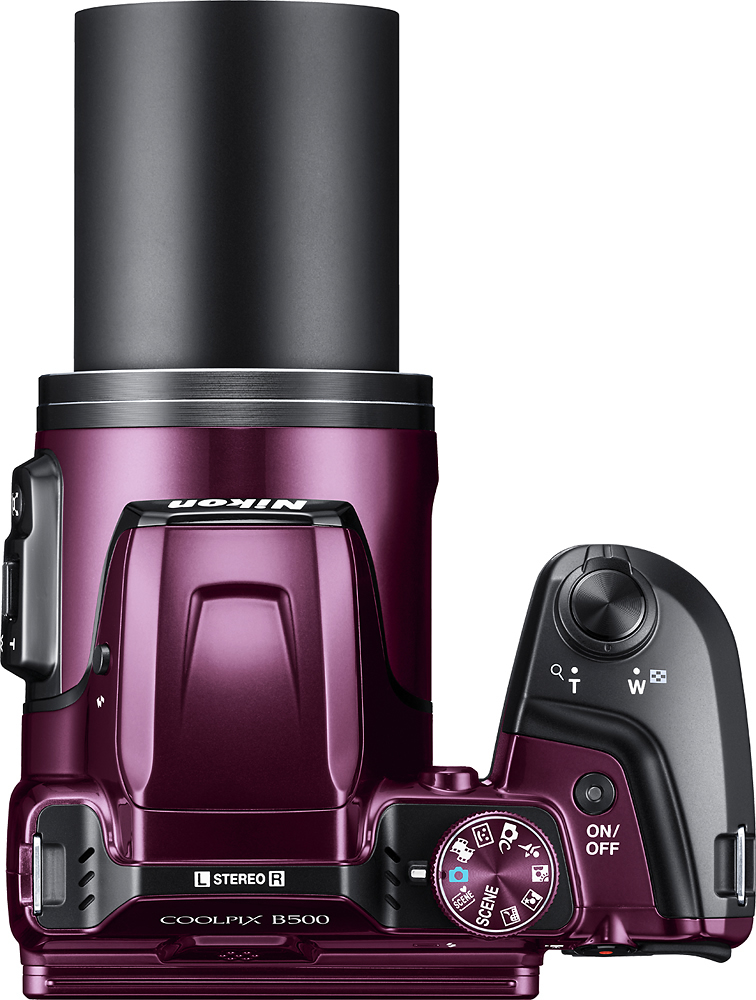
A:AnswerThe Nikon Coolpix B500 offers the following Scene Modes: Portrait, Landscape, Multiple Exposure Mode. Party/Indoor, Beach, Snow, Sunset, Dusk/Dawn, Close Up, Food, Fireworks, Easy Panorama Mode, Pet Portrait, Moon Mode, and Bird-watching.
A:AnswerThe Nikon COOLPIX B500 can be connected to a compatible iPhone or iPad via the SnapBridge app. The SnapBridge app allows you to download your pictures from your camera to your smart device and take pictures remotely. To send your pictures via email, you would first have to download your pictures either to a smart device via SnapBridge or a computer by inserting the memory card into a card slot, or connecting the camera with a USB cable. For help transferring your pictures from your camera, please contact Nikon Support.
A:AnswerYes! The Nikon COOLPIX B500 digital camera is able to record movies in Full HD 1080p quality with stereo sound. You can also get creative by using the Superlapse Movie feature, which allows you to make thrilling, fast-motion sequence videos of your favorite moments.
A:AnswerYes, it is. The Nikon COOLPIX B500 digital camera has a variety of options to help you get great action shots for both inside and outside sports. One option you can use is the Sports Mode option. Another is to place it in Auto Mode and set it to continuous shooting and a white balance option that helps adjust the camera to the lighting situation you're in. This camera can also shoot video in full HD 1080p quality with stereo sound.
A:AnswerNo there isn't. But you can purchase an adapter that will fit in the space where a lighter would go and charge the camera through that adapter.
A:AnswerThe Nikon COOLPIX B500 digital camera has a Lens-Shift Vibration Reduction (VR) system that, when set to on, counteracts the smallest movements for sharper, clearer photos. There is also a 4-Axis Hybrid VR system that is available for movie recording that offsets up/down, left/right, in/out and even tilting movements for amazingly steady videos, even when you're at your most active. To learn more about Nikon's Vibration Reduction technology please contact Nikon Support.
A:AnswerYes, the Nikon COOLPIX B500 digital camera's Smart Portrait Mode offers a self-timer feature that releases the shutter 10 seconds, 5 seconds, or 2 seconds after the shutter-release button is pressed. This is helpful when getting group shots. In addition, this mode also offers the features "Self-Collage", "Smile Timer" and "Blink Proof".
A:AnswerIn short - No. all the settings are automatic. So the low light options just bump up the ISO so high that you have nothing but grain and usually it's not focused well because of the slower shutter. If there was a way to set it manually and you put it on a tripod maybe, but manual operation isn't possible and the flash is pretty lacking also.
A:AnswerThe Nikon COOLPIX B500 digital camera has 16 megapixels to capture every image in stunning detail, even at telephoto distances. This camera has Snapbridge technology so all your images can be shared the instant you take them to any compatible smart device running the Snapbridge app. To learn more, please contact Nikon Support.
A:AnswerThe Nikon COOLPIX B500 digital camera uses Snapbridge to connect to a compatible smartphone through Bluetooth technology. SnapBridge opens a constant connection between your Nikon camera and a compatible smart device, so each shot you take automatically appears on your smart device. Currently, the Snapbridge application is only available with compatible Android devices. To learn more about Snapbridge connection please contact Nikon Support.