A:AnswerYes, the COOLPIX S3700 features a Date Stamp feature which can stamp either the Date or the Date/Time to images. This stamp forms a permanent part of the image which cannot be deleted. Date Stamp is not available with Panorama Assist Mode or when shooting movies.
A:AnswerThe means the camera is compatible with Windows Image Acquisition. You would be able to use windows to download pictures directly from the camera when connected via USB. The camera, in addition, has Nikon View NX-i software with Nikon Transfer. If you download Nikon View NX-i, it will load Nikon Transfer as well. Either way, the COOLPIX S3700 is WIA compatible.
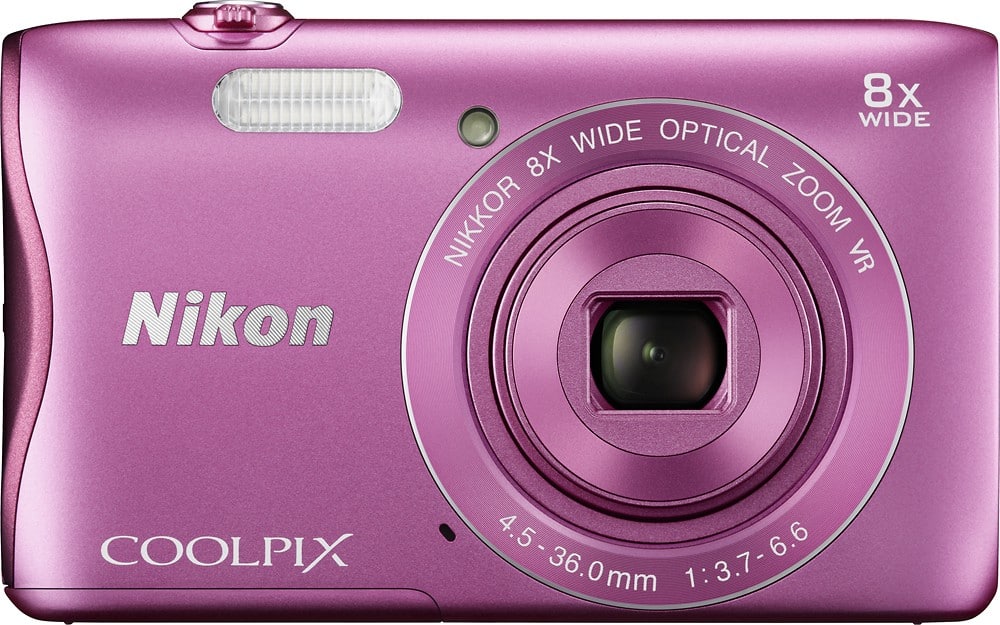
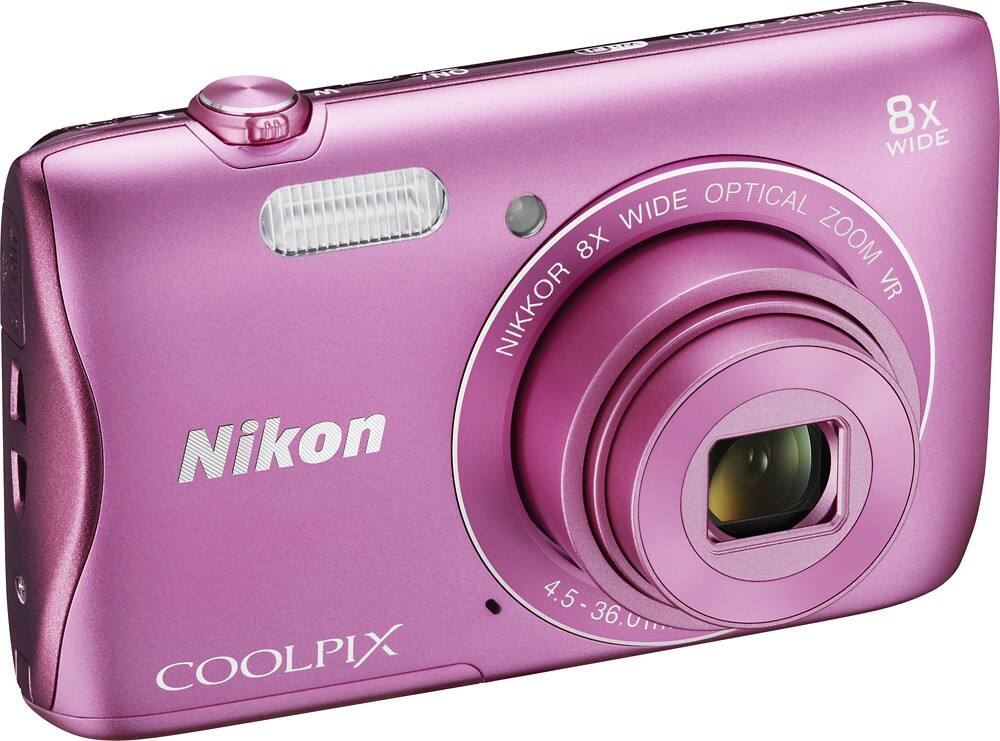
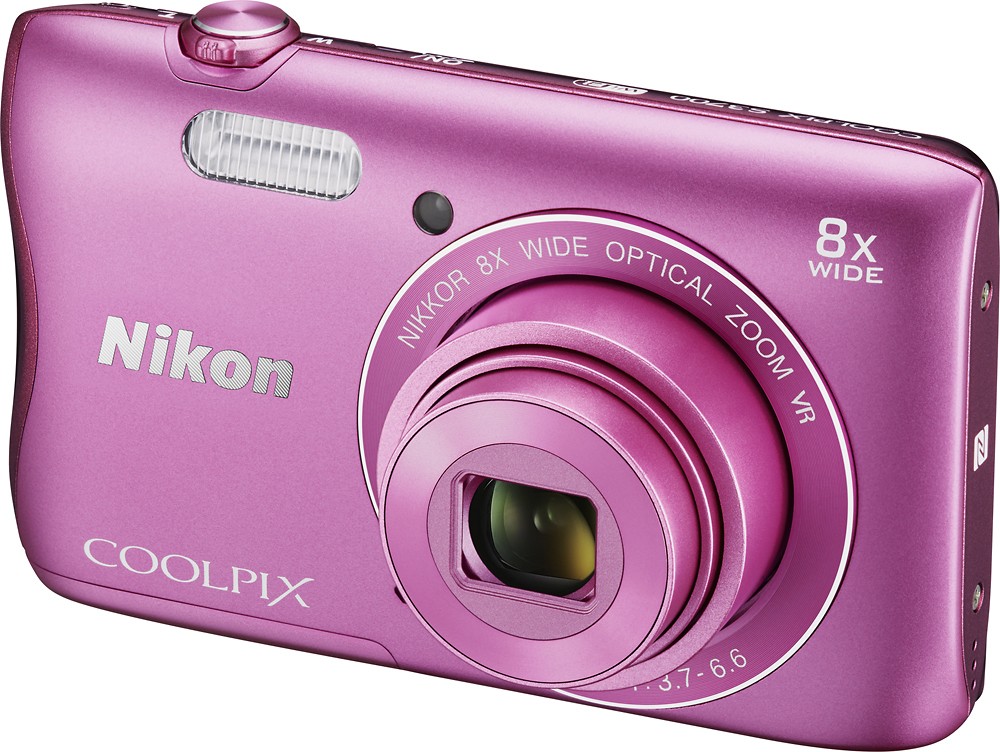
A:AnswerThe Nikon COOLPIX S3700 digital camera is ideal for getting quality images of subjects both big and small. To take close-ups just set the camera to Macro Mode. You can then get as close as 2 cm (0.8 in.) from the lens to take a fully focused close-up, however, flash may be unable to light the entire subject at this distance, as it is limited to a distance of 50 cm (1 ft. 8 in.) or more to be effective in this mode. To learn more about Macro Mode check out page 39 of the COOLPIX S3700 Reference Manual. A free manual can be downloaded by using the following link: http://downloadcenter.nikonimglib.com/en/products/191/COOLPIX_S3700.html
A:AnswerMicrosoft Windows XP does not have support anymore, however, you should be able to upload your images from the camera to your Microsoft XP operating system by connected the camera to the PC with the included UC-E6 USB cable. Images can also be uploaded by taking the memory card out of the camera and placing it in an available SD card reader that is on, or connected to, the PC. To receive more help with your questions please contact Nikon Support by using the following link: http://www.nikonusa.com/en/about-nikon/contact-us.page
A:AnswerNo, but you can upload images to your computer and then post them on social media sites. Information on how to transfer video can be found on pages 111-112 of the Nikon COOLPIX S3700 reference manual. A free manual can be downloaded from the following link: http://downloadcenter.nikonimglib.com/en/products/191/COOLPIX_S3700.html
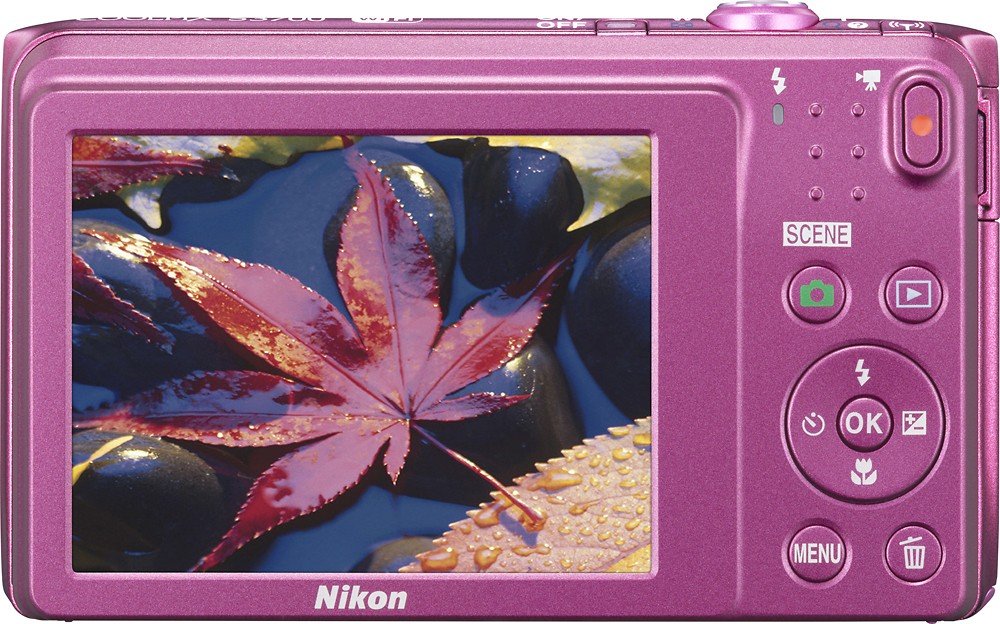
A:AnswerThere are some modes that restrict the use of the flash on the Nikon COOLPIX S3700 digital camera. Try resetting the camera with the Reset All option found in the Setup Menu (wrench-shaped icon). This will bring everything back to default factory settings. Place the camera in Auto (green camera icon) mode. This will allow you to control the flash by using the flash option above the OK button. Make sure the flash option of your choice is highlighted before pressing the OK button so that is applied. For further assistance please contact Nikon Support.
A:AnswerThe Nikon COOLPIX S3700 digital camera has a wide-angle range of approximately 50 cm (1 foot 8 inches) when focusing at infinity. In addition, it has a wide-angle position range of about 2 cm (0.8 inches) when focusing at infinity in Macro mode. These distances are measured from the center of the front surface of the lens.
A:AnswerThe COOLPIX S3700 can record HD 720p video in widescreen format and features a built-in microphone for video audio recording. Movies can be played back in camera and the camera’s zoom control is used to control the volume of audio in Movie Playback.
A:AnswerThe monitor of the Nikon COOLPIX S3700 digital camera is about 2.7 inches diagonally and has 5 levels for adjusting brightness and anti-reflection coating.
A:AnswerThe Nikon COOLPIX S3700 digital camera offers two Scene Mode options for taking pictures at night. One is Night Portrait, which allows you to take images of one or more subjects when shooting at night, and the other is Night Landscape, which allows you to take images of landscape outside at night. Another third scene option, "Fireworks Show" helps you get amazingly sharp images of fireworks against the dark open sky.
A:AnswerThe Nikon COOLPIX S3700 digital camera is perfect for beginning photographers. This camera has Scene Modes and Special Effects; making it very easy to use. It also has editing features to help enhance every image, which can then be then be shared via the camera's WiFi with a compatible smart device. Want more features for the serious hobbyist? Try out the new Nikon COOLPIX A900, which offers a tilting LCD, WiFi with SnapBridge connection and a PSAM mode dial for full photographic control.