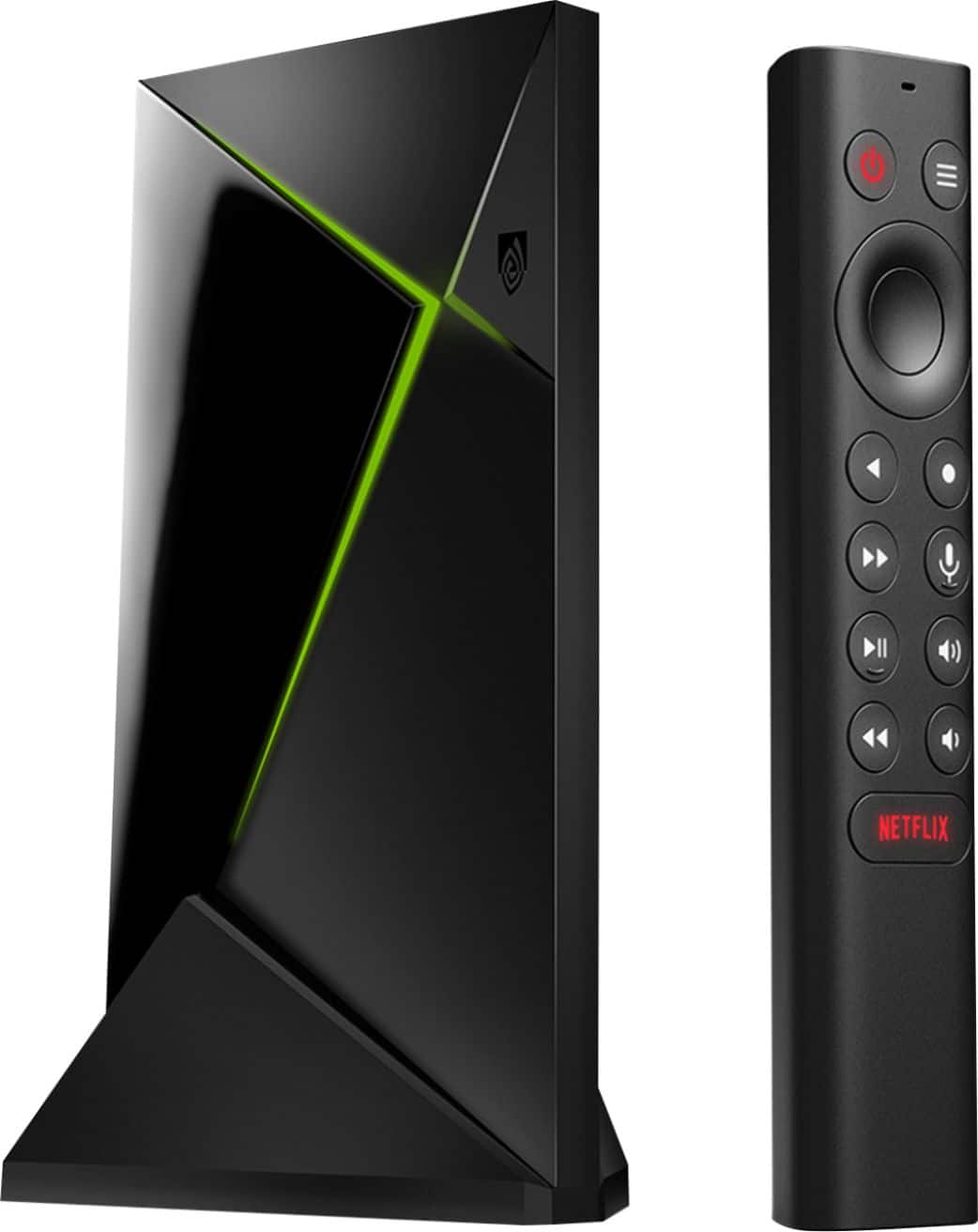
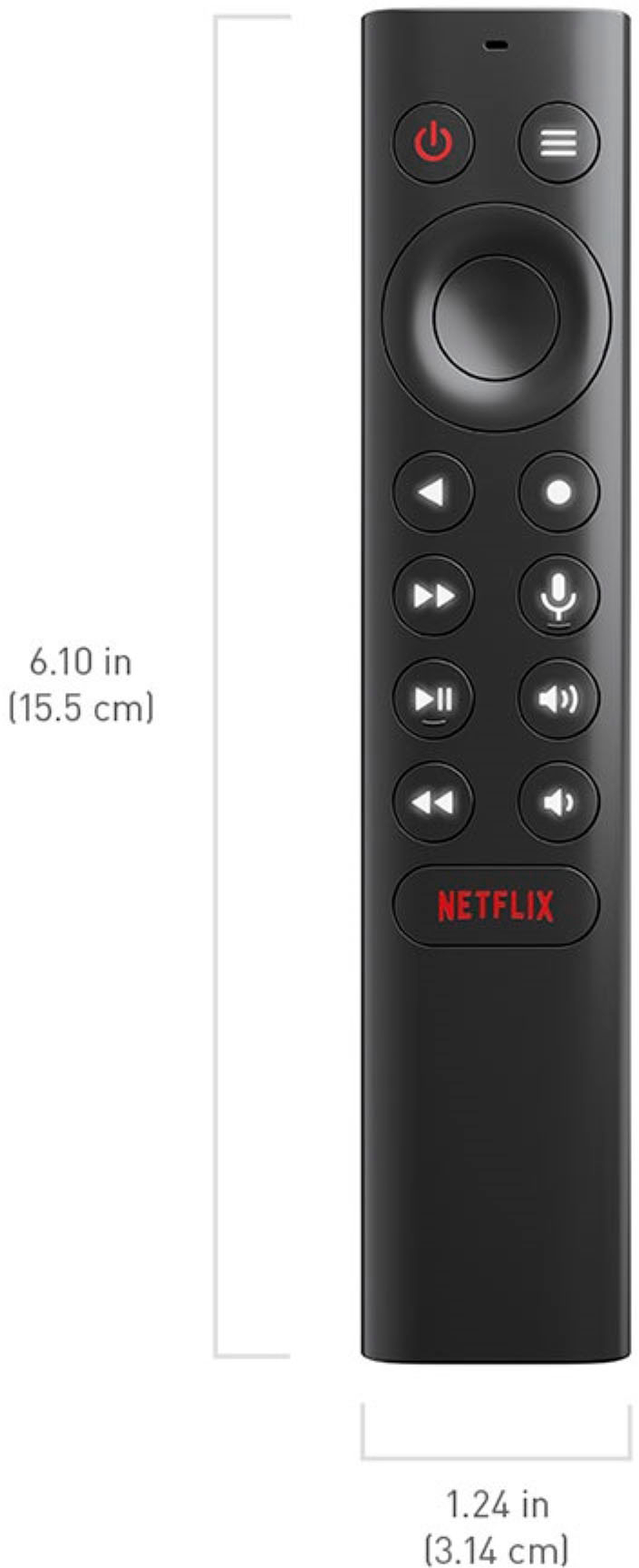
A:AnswerYou can use any wired usb/Bluetooth controller With the shield on any retro emulator only thing you would not have is rumble support. Native rumble support only works using Nvidia controller
A:AnswerI would think you certainly can. You would need to install Kodi on the box, then Kodi addons. YouTube has awesome videos on how to do this. But YouTube videos can be frustrating because some videos are better than others. Good Luck!
A:AnswerNot officially. It's not available from any official source, but if you extract the game pass apk from a phone, you can side load it. It's a little finicky to set up, but once it's up it works fine. Keyboard and mouse recommended for setup, controller required to use it. I recommend any of the official Xbox One controllers that support bluetooth.
One special note about compatibility is that the Xbox button on the controller immediately dumps you out to the home screen.
A:AnswerPro runs PLEX Media server, ‘tube’ does not
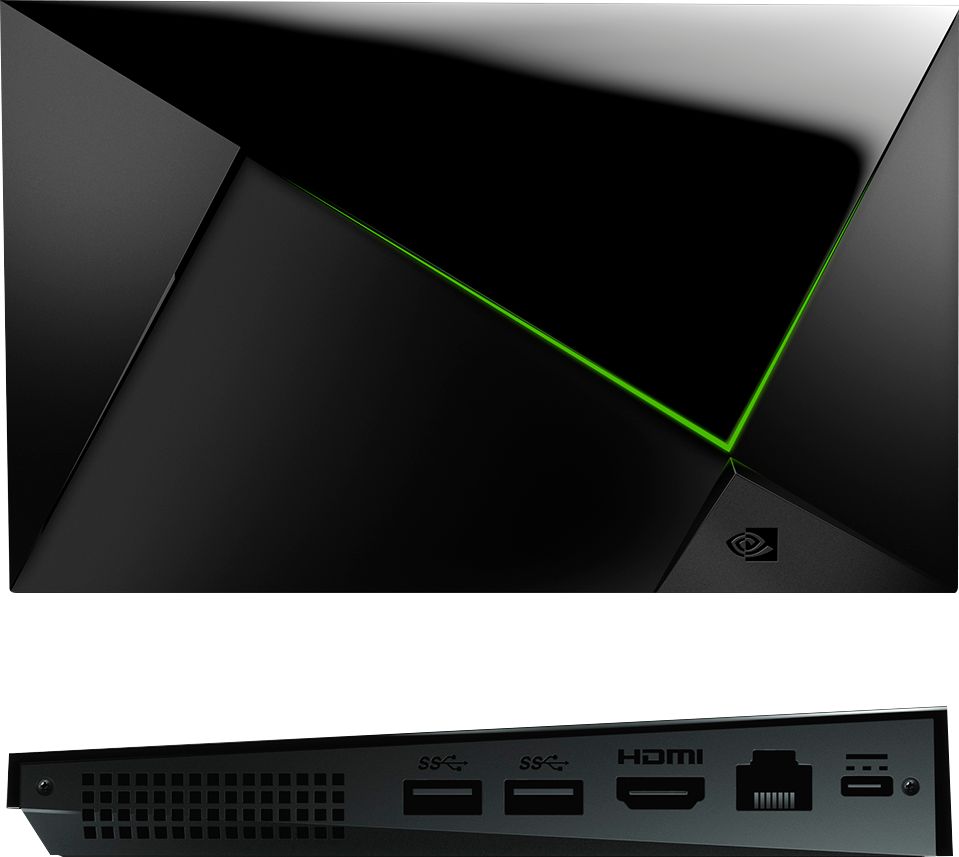
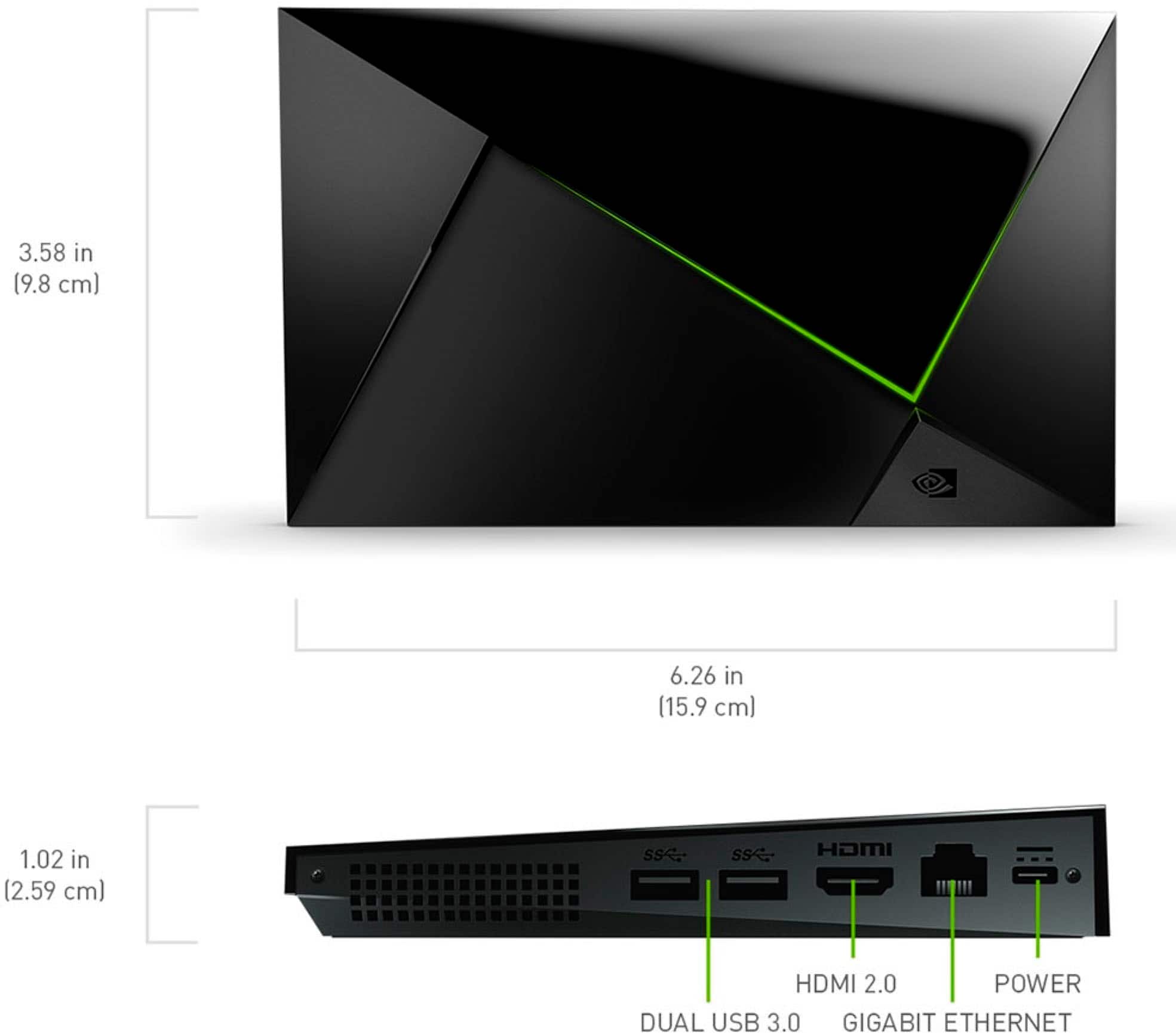
Pro has 2 USB ports, ‘tube’ has none, but you get 1 microSD slot for storage
A media server can present videos you own to phone, tablets, computers and other TV’s. You can even setup remote streaming if you take a trip.
Both have Ethernet for smooth network streaming, but the ‘tube’ won’t serve up your media to other devices.
A:AnswerThe problem unit is backordered which means they are actually being held up in China or US ports until they figure out how to test for covid. The tube shaped unit is the same processor and if you want one to use for IPTV it works great.
A:AnswerOld TVs benefit a lot from a streaming box like this!
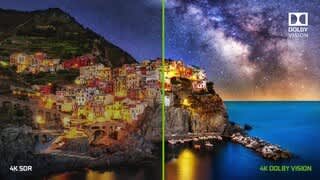
The older HDMI on your VISIO TV may not support newer specs like 4K video or Dolby Vision HDR, but the Shield will still be great for connecting the TV to a lot of content!
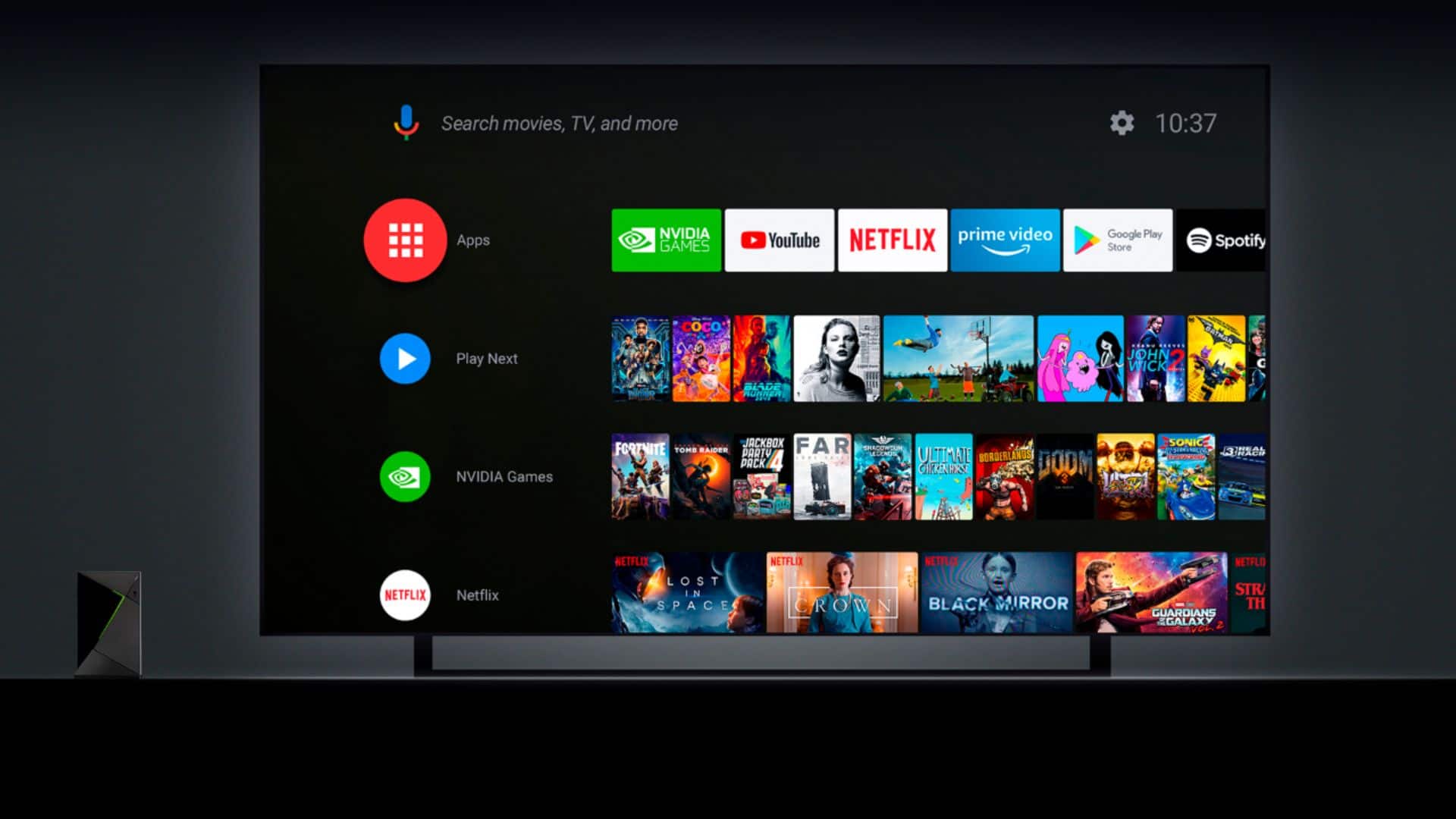
•Streaming services like Netflix and Hulu
•Digital media such as music and movies that you can put on an external harddrive connected to the Shield’s USB ports (or access from your home’s WiFi/Ethernet network).
•Playing Android games (and retro emulators)
•Wireless output connected to your home PC or mobile devices
•NVIDIA’s powerful cloud computing gaming service GeForce Now which is like having a powerful desktop PC.