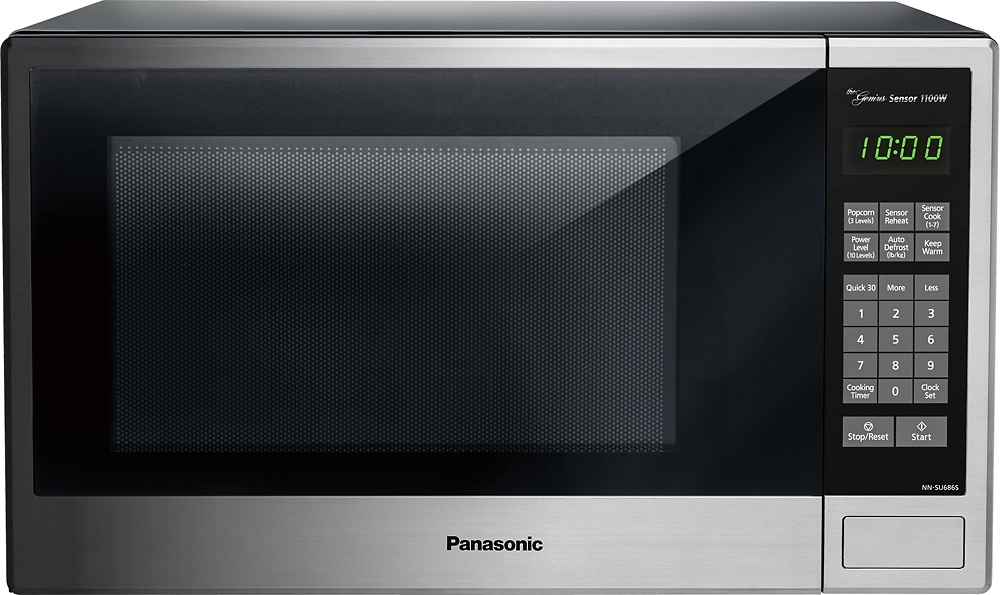
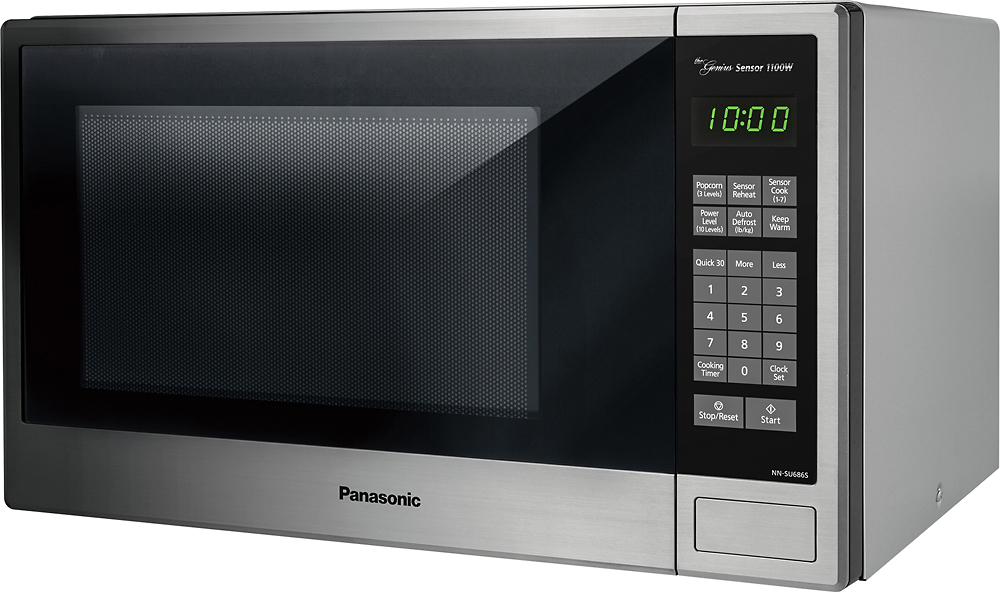
A:AnswerIt is very easy. Only option I miss from my previous microwave, is the light inside does not turn on when door is opened, it turns on when it is being used.
A:AnswerYes, can use without sensor. Sensor seems to pick up in steam or something, I dont know. Maybe it's an IR thermometer. All I know is it works. Push "reheat" for any canned food or left-overs from fridge, and walk away. The last 30 to 90 seconds or so will read as a countdown timer (exact countdown time varies depending on how long it takes to reheat the item).
A:AnswerThis unit has Genius Sensor, with it you can Cook/Reheat. Panasonic takes the guesswork out of creating great meals by automatically setting power levels and adjusting cooking or defrosting time. The Genius sensor does the thinking for you, measuring the amount of steam produced during cooking and signaling the oven's microprocessor to precisely calculate the remaining cooking time at any power level.
A:AnswerNo the light doesn’t come on unless it is running in which I am glad because when I heat up water for rice or pasta the moisture is very damp in the microwave an I like to leave the door open to let it air dry after I wipe it out!
A:AnswerOutside dimensions are 20 7/16 W x 12 3/8 H x 16 1/8 D in inches.
Inside dimensions are 13 13/16 W x 9 13/16 H x 15 3/16 D in inches
Outside dimensions are 519 mm W x 315 mm H x 410 mm D
Inside dimensions are 351 mm W x 249 mm H x 386 mm D
This microwave is compact on the outside and roomy on the inside. It works very well.
A:AnswerPush the numbers on the keypad for your desired time: for example: for 5 minutes, press 5, then press 0, then press 0, then press start - it’s really easy!