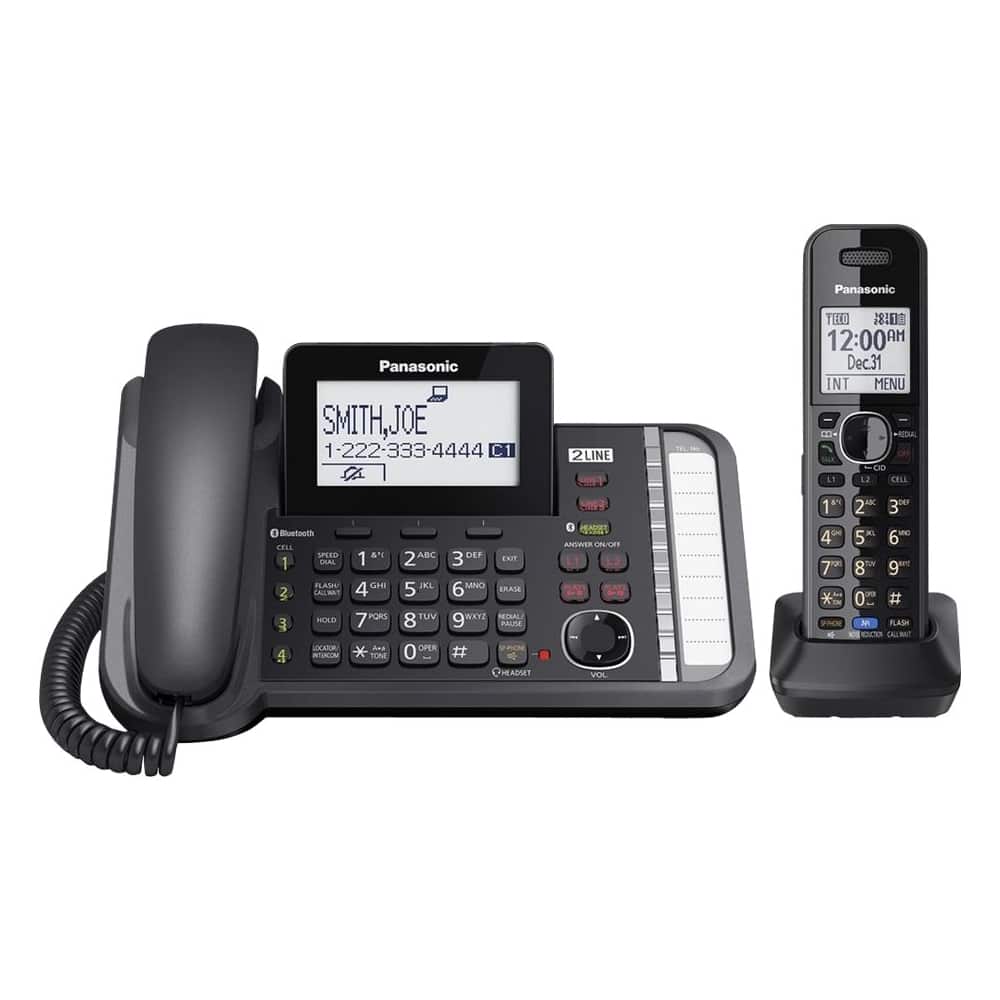
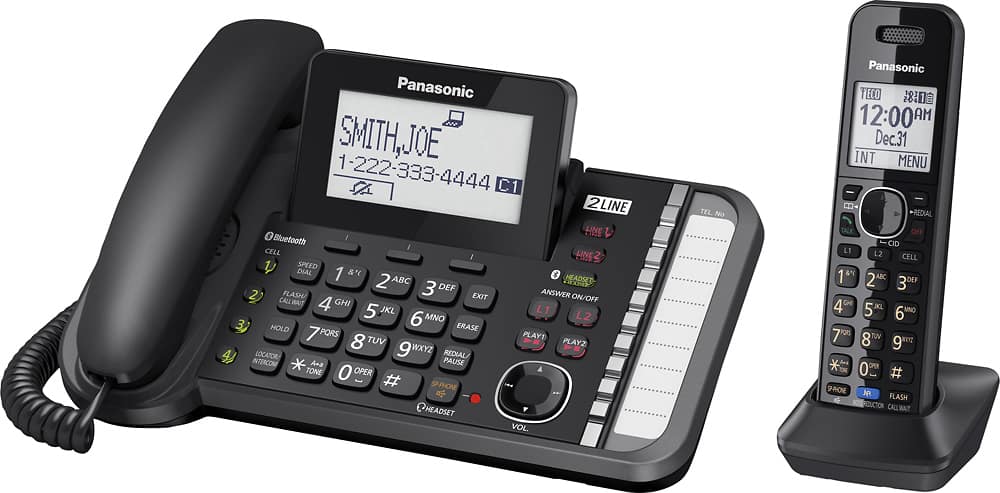
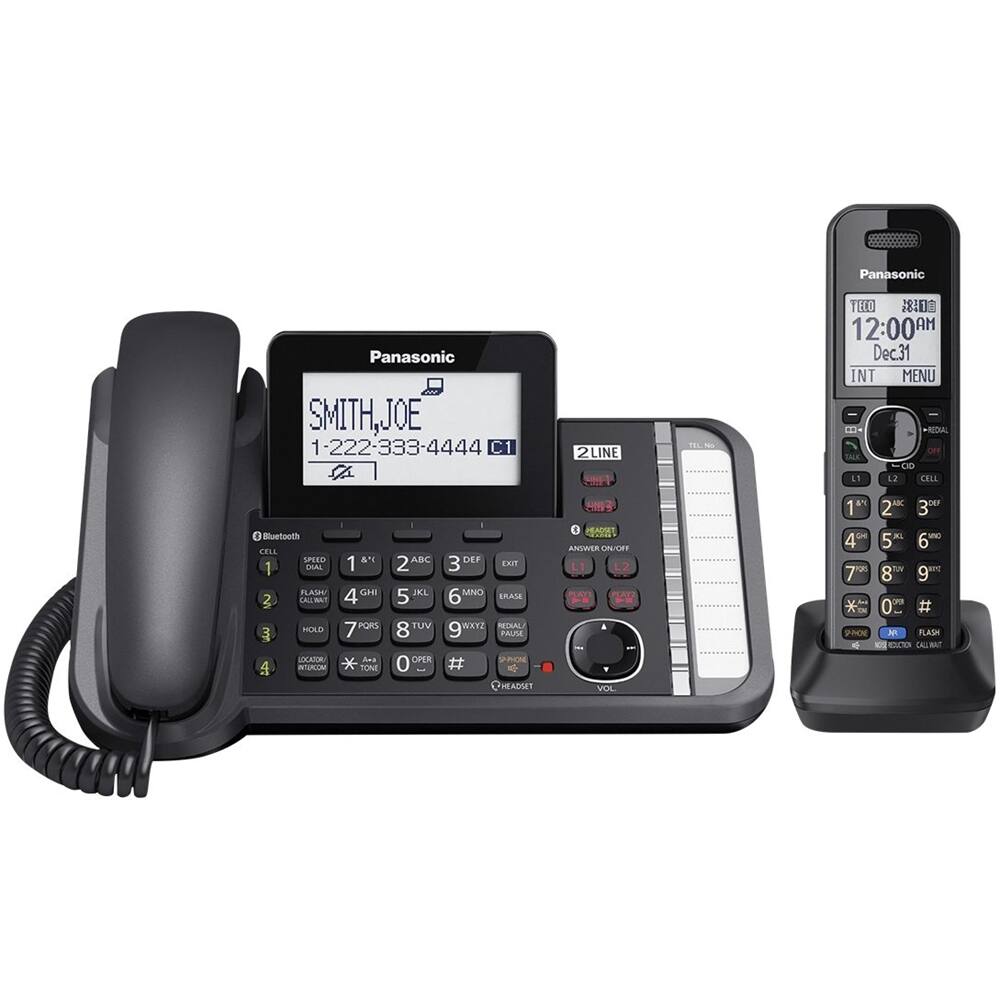
A:AnswerHi! Yes, if you do not use the answering machine on the phone but you use the voicemail from your provider, the phone will still let you know that you have a message waiting to be checked. -A
A:AnswerYes. If answering from a handset, put caller on hold, go to Menu, scroll down to Intercom, select which handset you want (we bought additional ones) to talk to person in another office. You can either go back to the call yourself or they can pick up the line that's on hold and talk. Remember, all handsets have to be set up before the intercom will work. It's a really simple system to get going. It's a couple of steps less if you're on the main phone.
I've never seen a light indicating you have a message. Just comes on the screen that you have a voice mail. We've only been using a little while, so it might have one I just don't know about yet. Hope this helps!
A:AnswerHello! VOIP systems are designed to simulate a home telephone line, however if the VOIP unit does not meet the specifications of a home line, the telephone may not operate properly. Contact the provider of the VOIP service for any updating or VOIP Service support.
A:AnswerThe Bluetooth Headphones must have the HSP Profile in order to be compatible with the unit. You can also use the following Panasonic Headsets: KX-TCA60, KX-TCA93, KX-TCA400, KX-TCA430
A:AnswerThank you for your question. Please access this link for your answer: http://help.panasonic.ca/viewing/ALL/KX-TG9581/OI/TG9581_PNQX6371YA/TG9581_PNQX6371YA.pdf#page=61
A:AnswerThank you for your inquiry. We regret to inform you that the receiving/working range has much to do with the environment; therefore we are unable to answer.