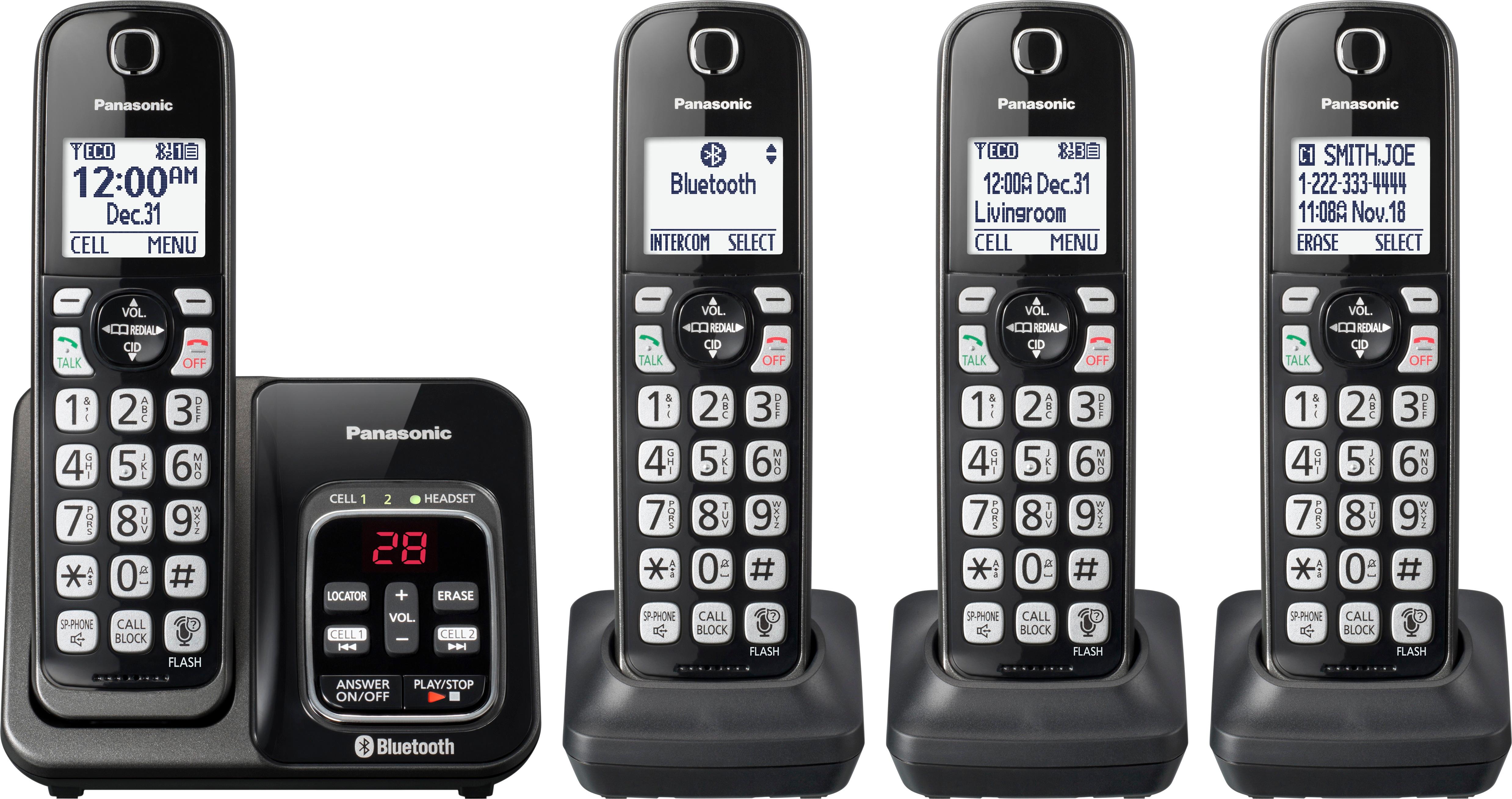
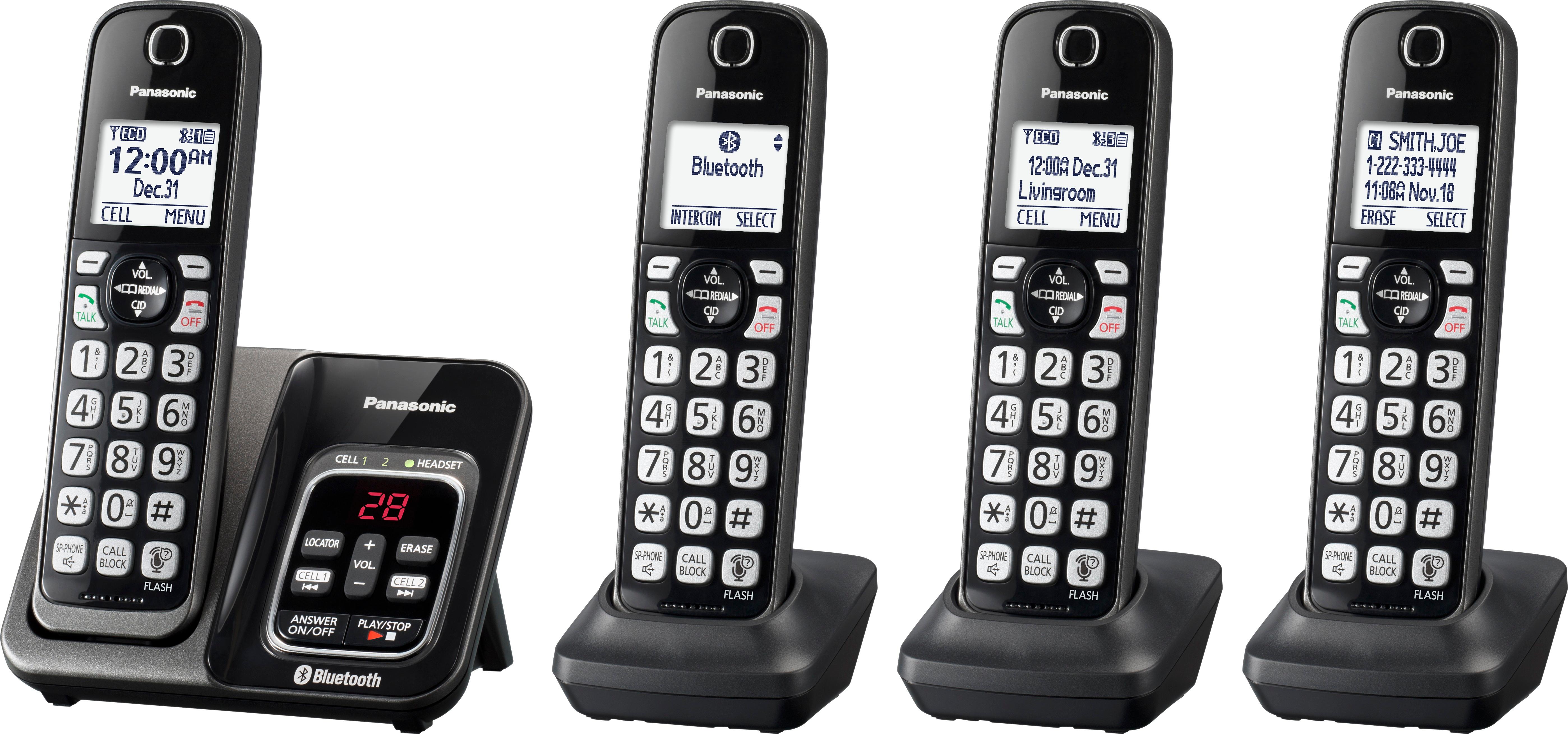
A:AnswerYou can connect your base unit and cellular
phone using Bluetooth wireless technology, so
that you can make or answer cellular calls
using your phone system.
A:AnswerIf your landline has has the call forwarding feature, all you do is activate that feature. It will forward the calls from the landline # to the cell #. So when anyone calls your landline it will ring on your cell phone.
A:AnswerThank you for your question. We always strive to provide high quality products to our customers and we would recommend you the Panasonic KX-TGM450S Amplified Cordless Phone with Answering Machine. This will give you much more flexibility to adjust the volume.
A:AnswerDear customer - thanks for reaching out to us.
The maximum distance is 1000 ft line of sight, however it can be shortened when there are obstacles such as walls, etc.
A:AnswerThank you for reaching out to us. We would appreciate it if you would contact our Support Team via Live Chat on the Panasonic Website, Contact Us option, Mon-Fri, 9am-5pm EST to speak with a customer care representative about your recent experience in order to determine how we can provide you some Troubleshooting support.
A:AnswerThank you for your question. This is a one line Phone System.
We suggest you the 2 -Line Corded/Cordless Expandable Link2Cell Telephone System with 1 Cordless Handset- KX-TG9581.
A:AnswerYes you can mount to a wall. I keep my base unit on a table but some of the other phones I mount on a wall. I think the base unit does comes with a part to mount the base to the wall.
A:AnswerHi - a cellphone does not have to be paired with this, you will just not get your cellphone calls sent through the remotes. And that is something that you paid to do! But it will work as a regular landline phone with answering machine and remote handsets.
A:AnswerIf the Phone System is the same model, yes. If not, we recommend you to contact us for assistance via Live Chat on the Panasonic Website, Contact Us option, Mon-Fri, 9am-5pm EST.
A:AnswerPage 27.....easy to read
1. Press “call block” on phone
2press” select” ....block a single number
3 scroll up/down list for number
4 press “erase”
That’s it.