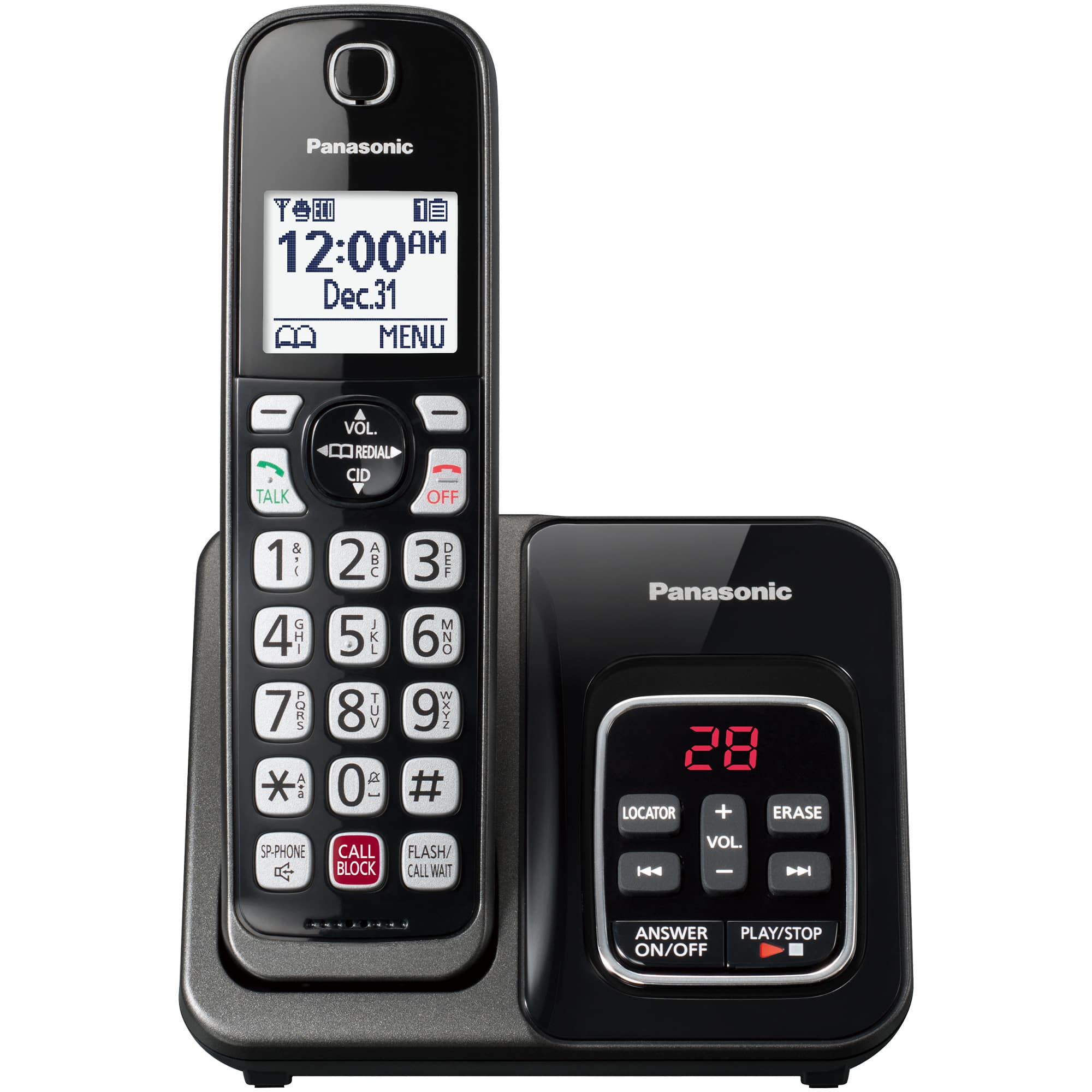
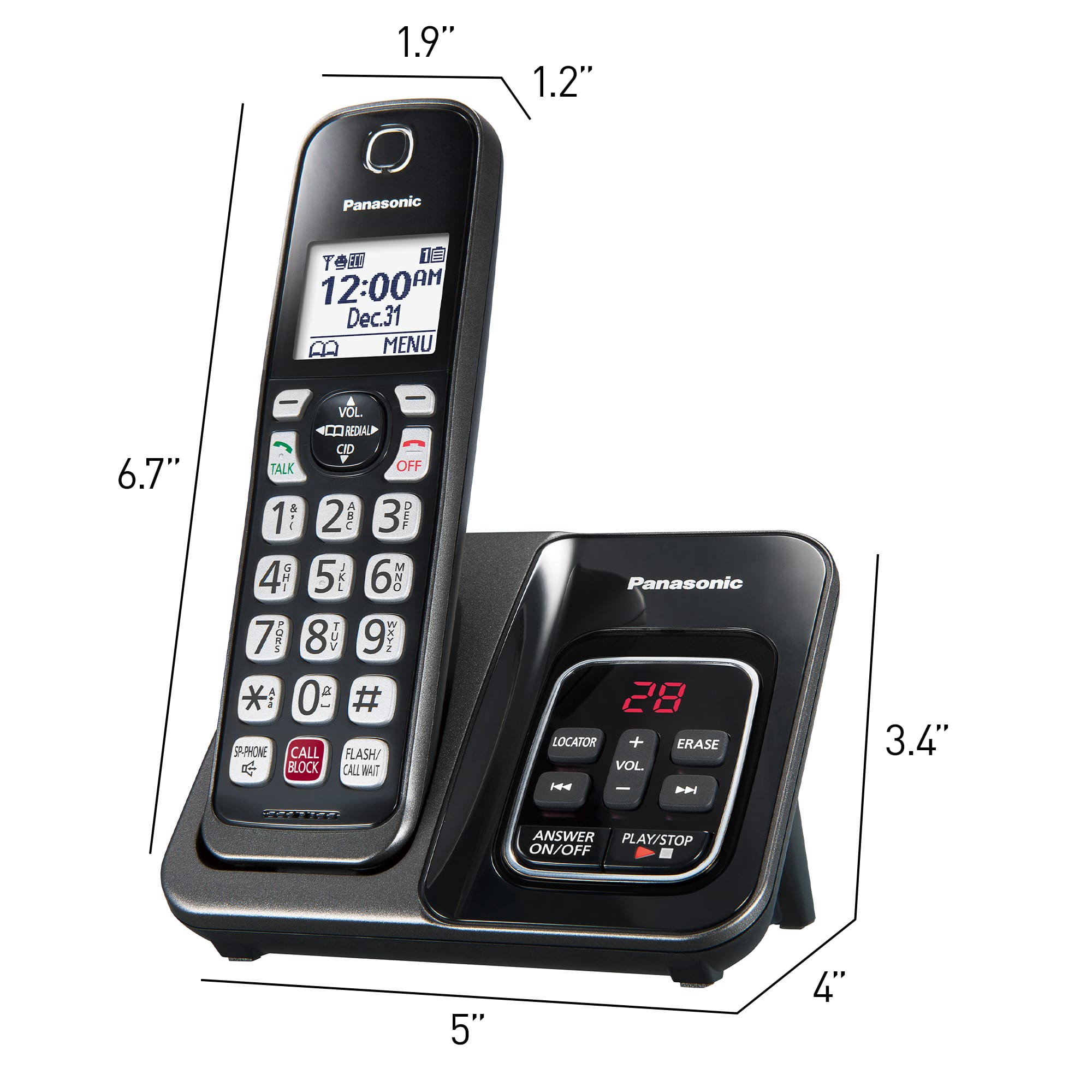
A:AnswerHi, Sarah! If she uses the built-in answering machine, make sure that it is on. Press ANSWER ON on the base and the indicator should light up. If she uses voicemail, we would recommend checking with her phone company to see if it works properly. -M
A:AnswerHello! You cannot transfer phonebook entries from one base unit to another. This option is only available on models that have the Link2Cell feature, which allows you to copy phonebook entries from your cellphone. -M
A:AnswerHello! We would need more details to have a better understanding of your question. Please reach out to our Support Team via Live Chat on the Panasonic Website, Contact Us option, Mon-Fri, 9 am-5 pm EST. -C
A:AnswerI believe you can program into the Panasonic phones that we use, a different ring, yes. It comes with several options. One of them is even a Christmas song ("Jingle Bells?")!
A:AnswerHi! In order to put a call on Hold, press MENU during an outside call, choose Hold and then press SELECT. To release Hold, you need to press the Talk button. If you require further assistance, please contact the Support Team via Live Chat on the Panasonic Website, Contact Us option, Mon-Fri, 9am-5pm EST. -C