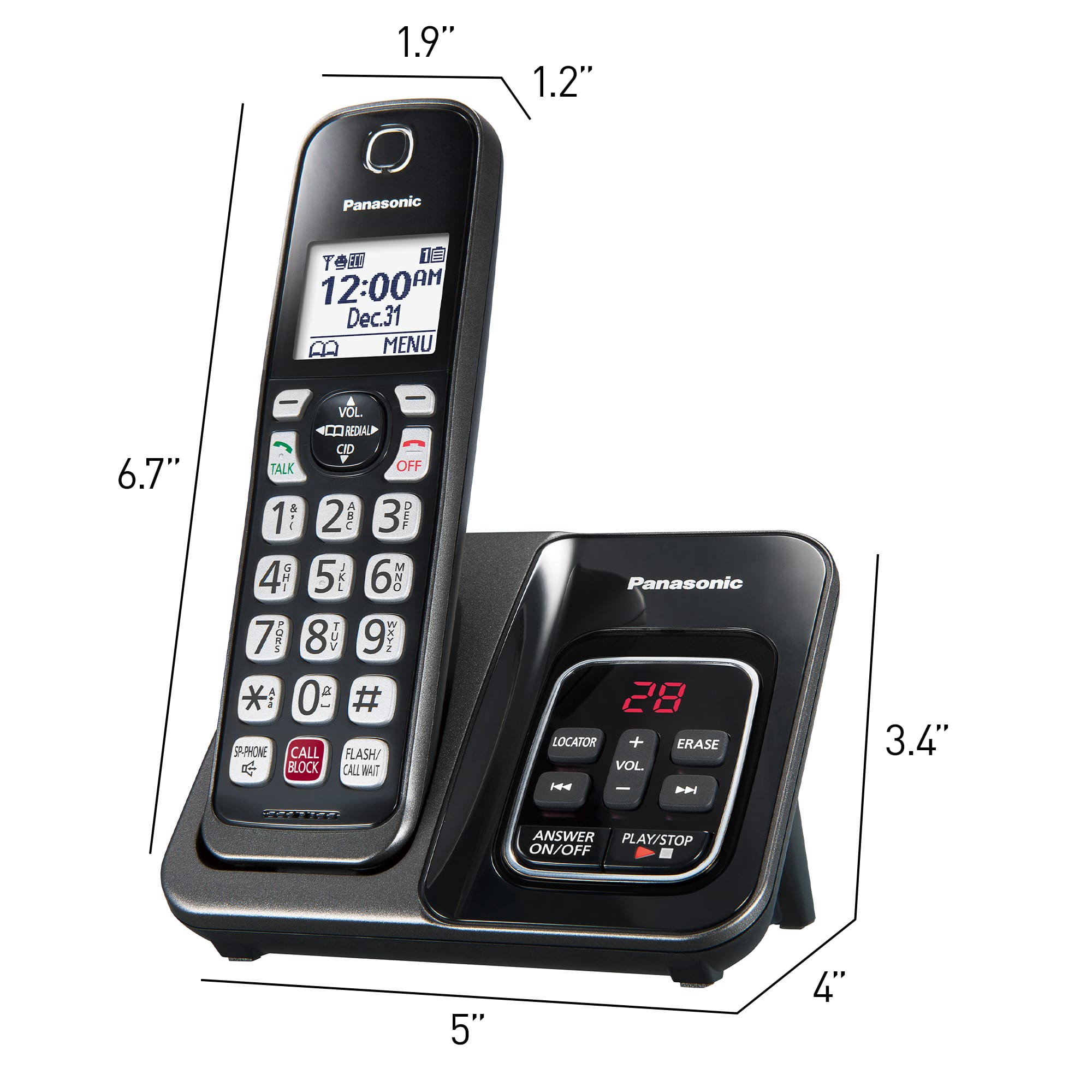
A:AnswerHi! The unit cannot be used to make or receive calls during a power failure. We do have other models that have batteries in the base unit that can be placed, to work in case of a power failure. -A
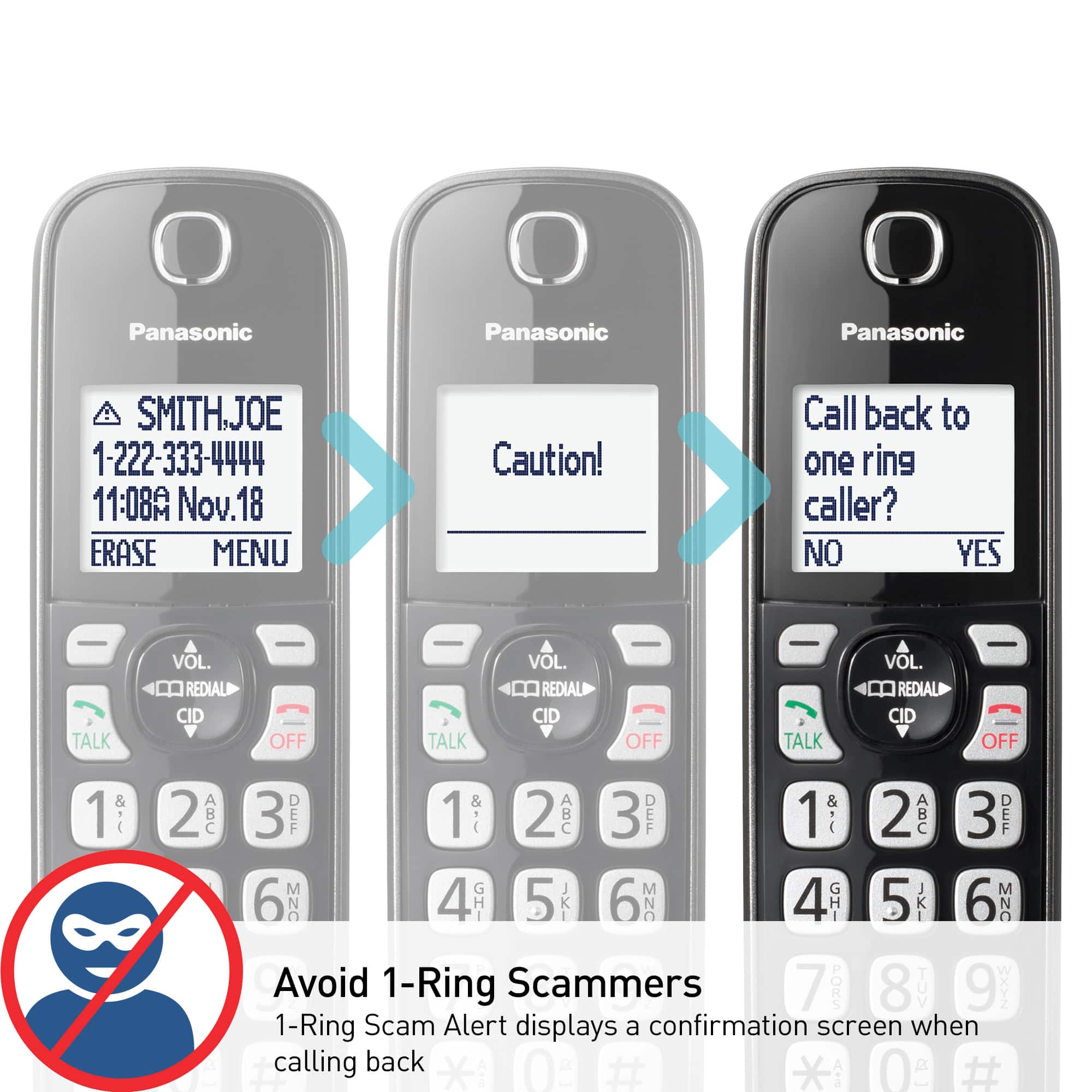
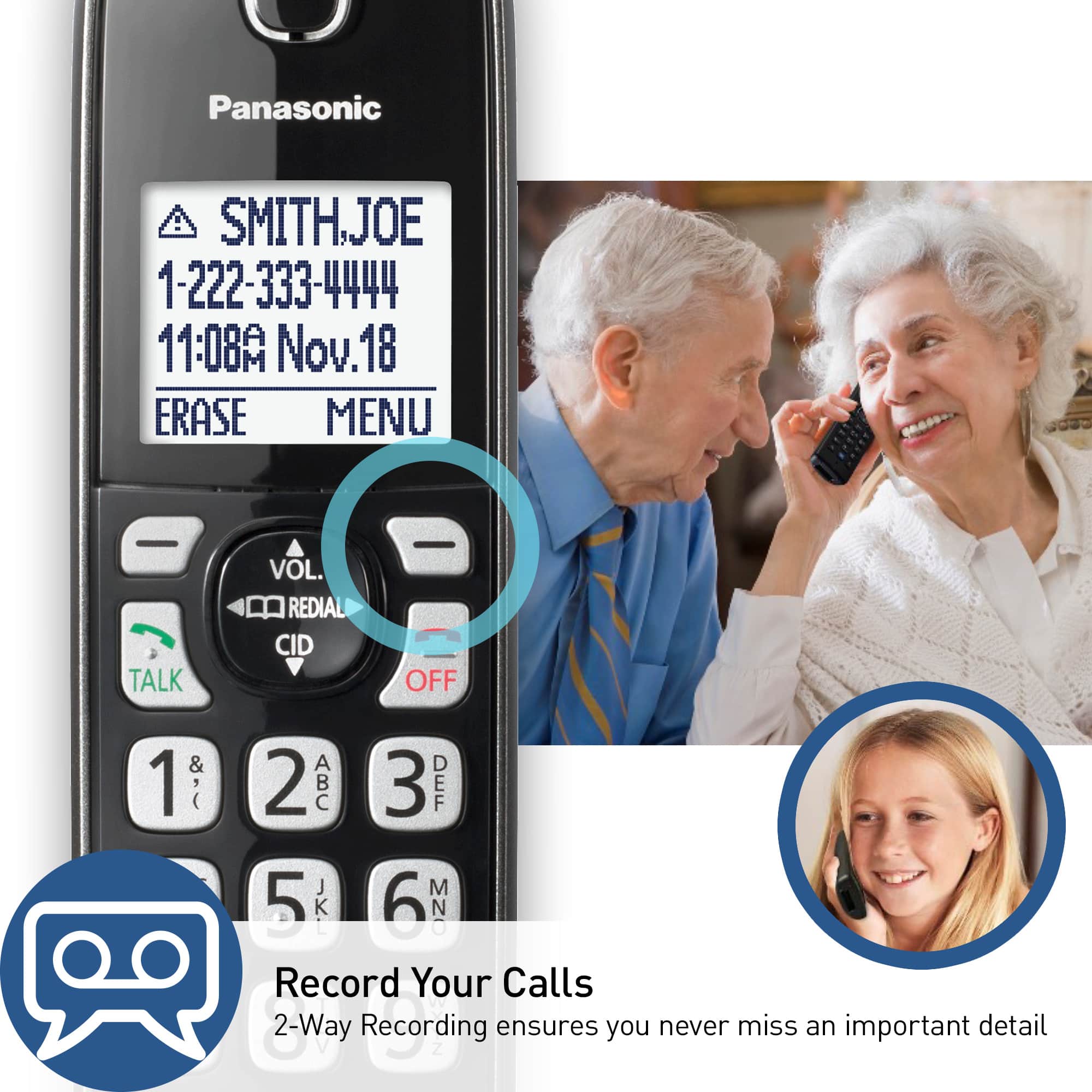
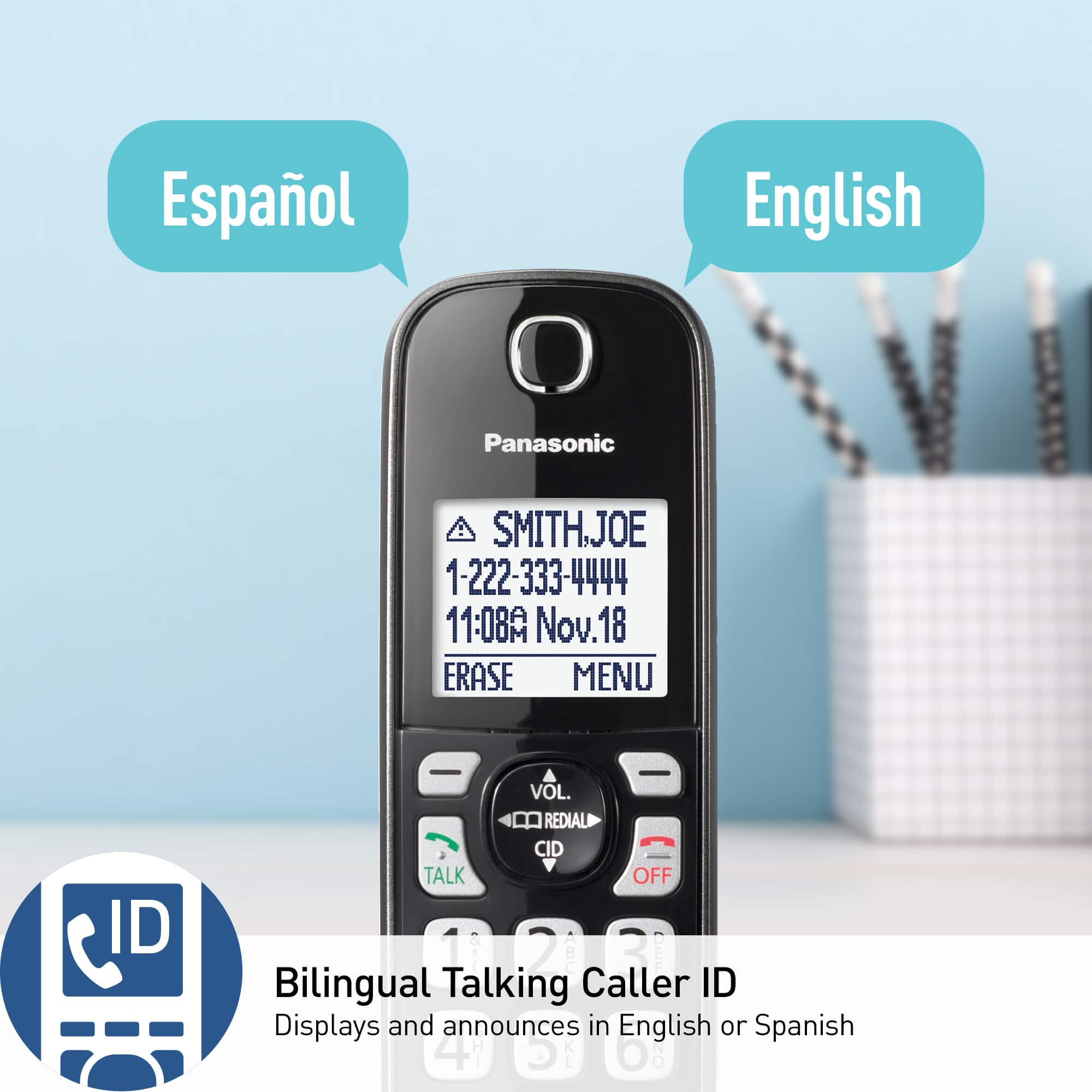
A:AnswerHi! The model is compatible with talking caller ID, you just have to make sure you have your caller ID enabled from your provider. You can turn the talking caller ID option on and off from the phone itself. -A
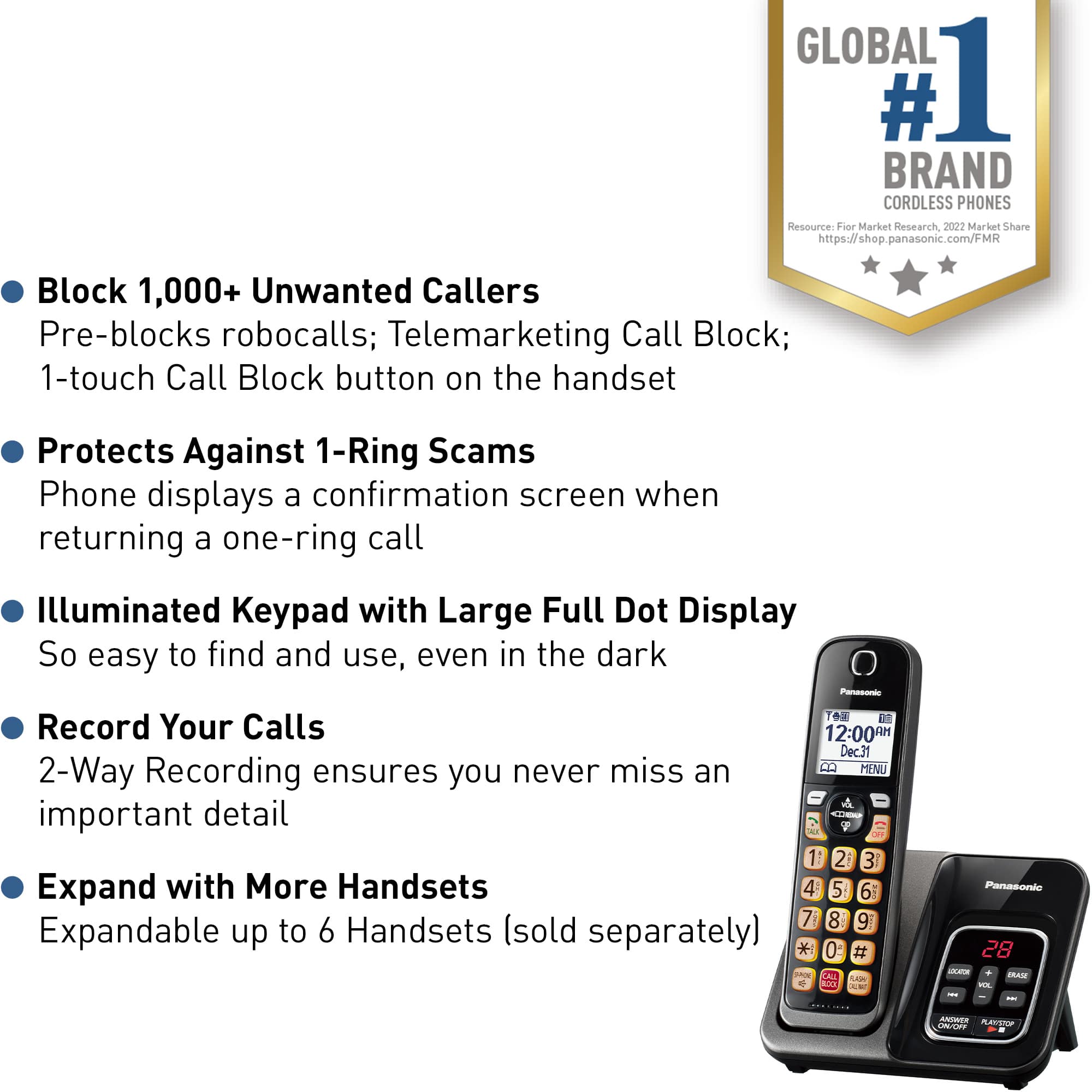
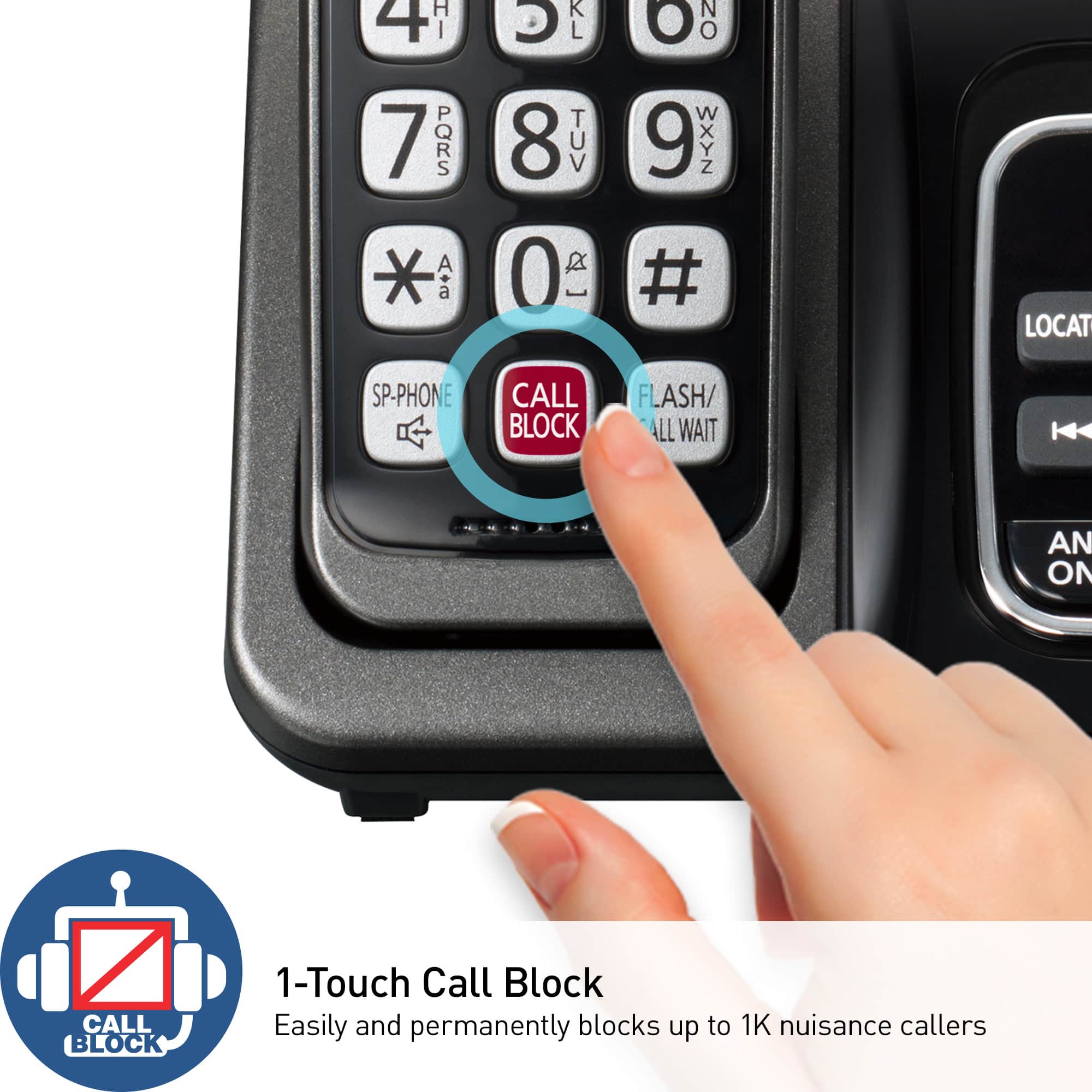
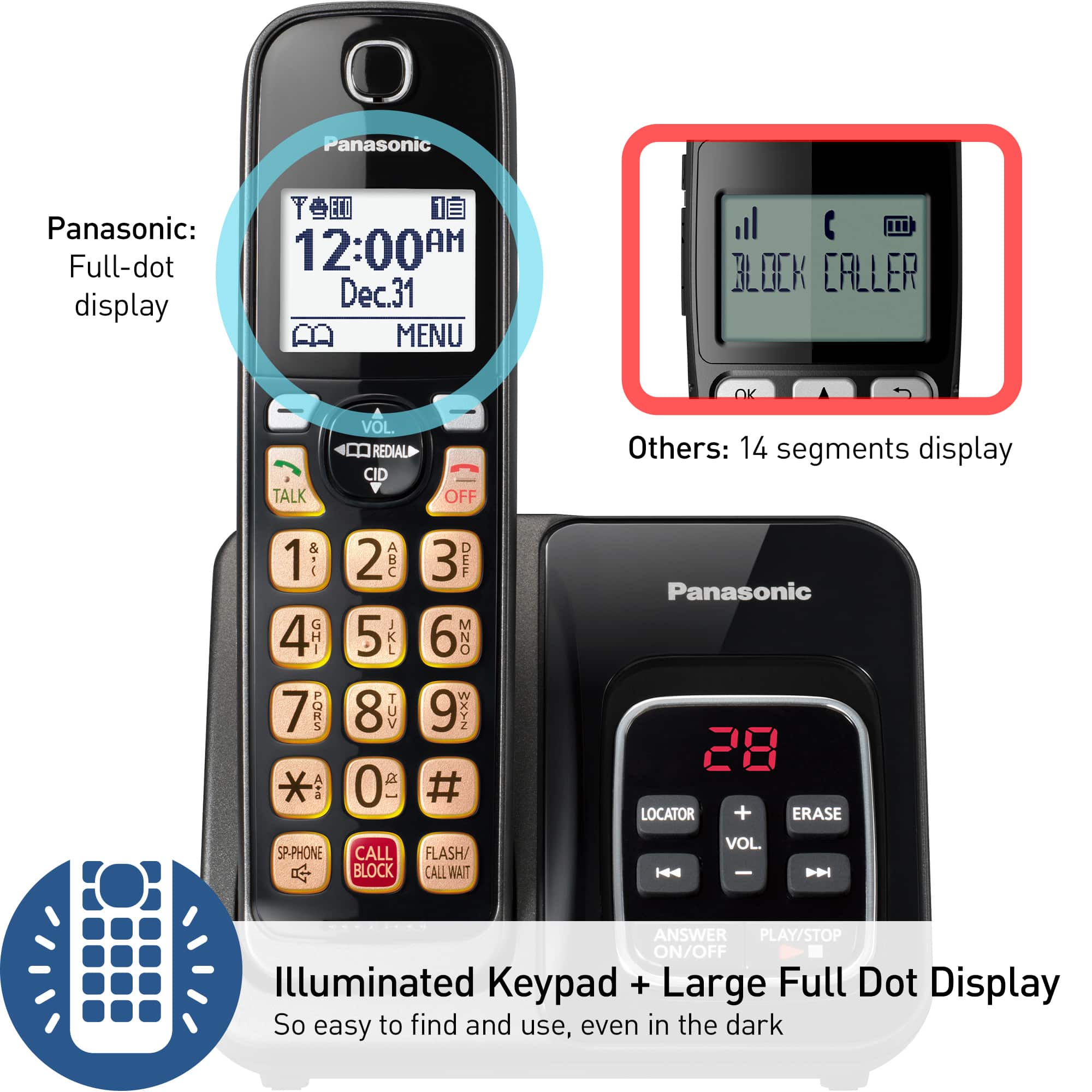
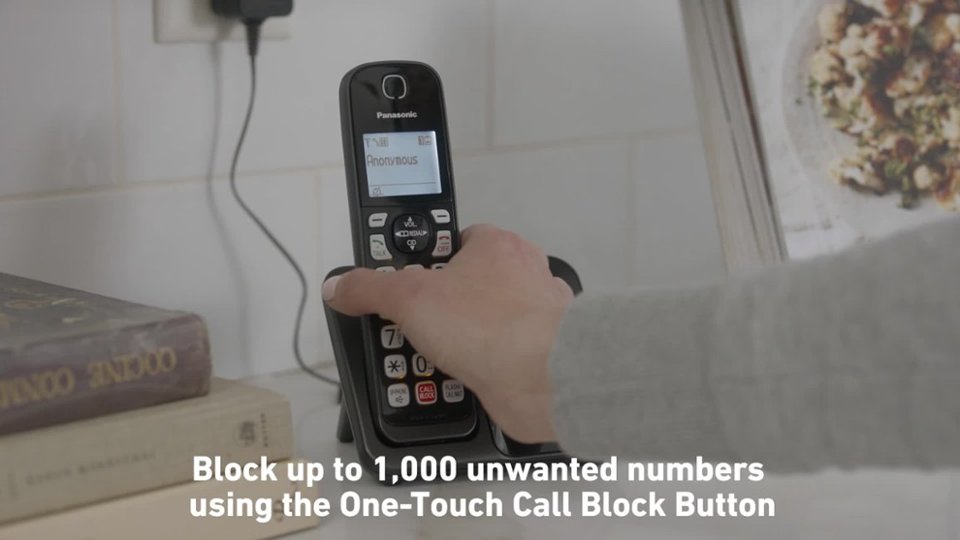
A:AnswerHi! Yes, this model has the option called ''automated call block'', and when enabled, it will screen all calls and allow only those to ring that are on your phonebook(or the allowed call list if you set one up). Otherwise, if the numbers are not in the phonebook, the callers will be asked to press a number, 1 usually but you can change it to another one. If they do not press it or do not know it, the calls are rejected. -A
A:AnswerThis is what I’m certain about, that I’ve tried phoning from my cell phone to the landline phone purchase from Best Buy. I even left a message on the landline phone, and it worked perfectly fine.
Hope this helps,
Angela Rotondo
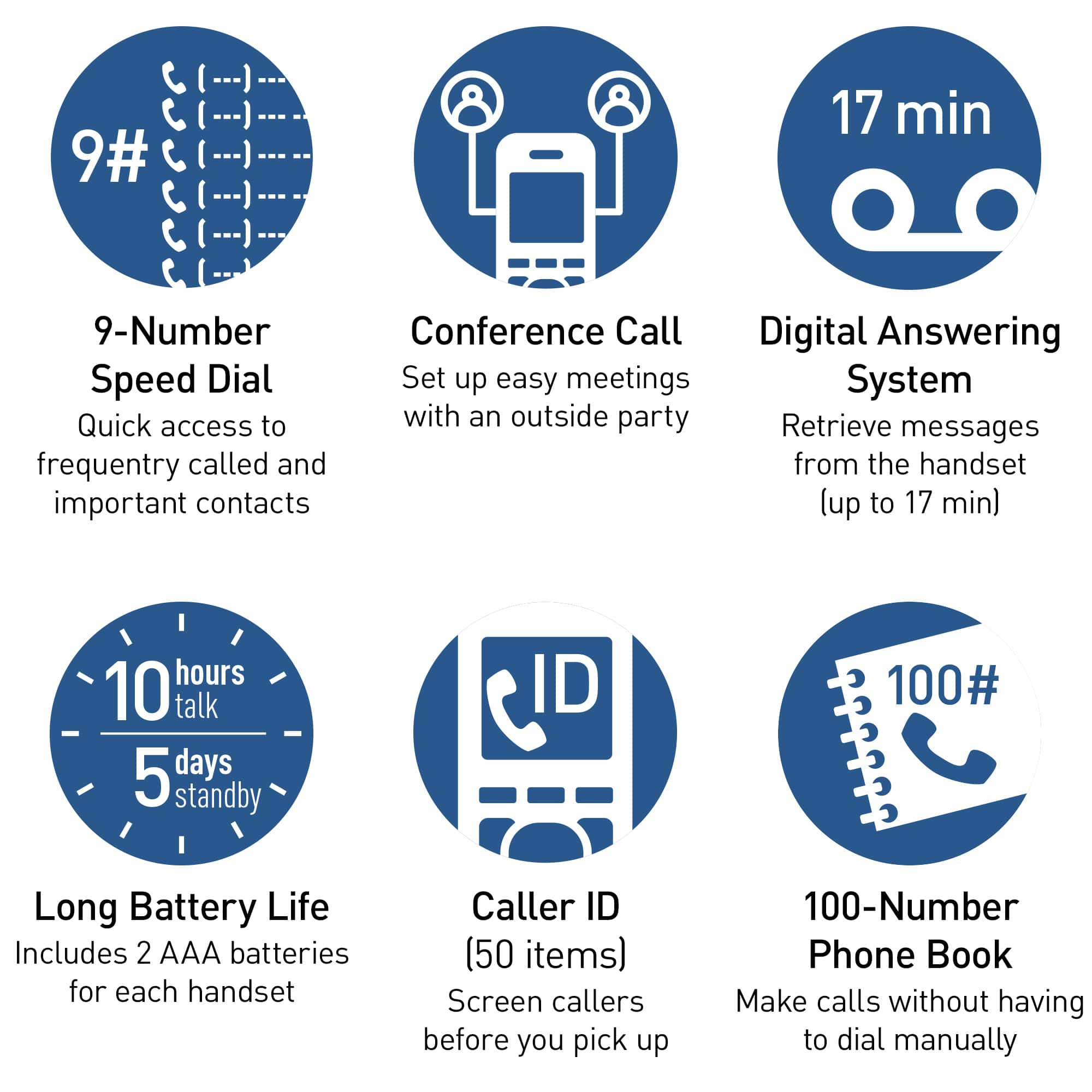
A:AnswerHi! You can change the maximum message recording time allowed for each caller. The default setting is “3 min”. The total recording capacity is about 17 minutes. A maximum of 64 messages can be recorded. -A
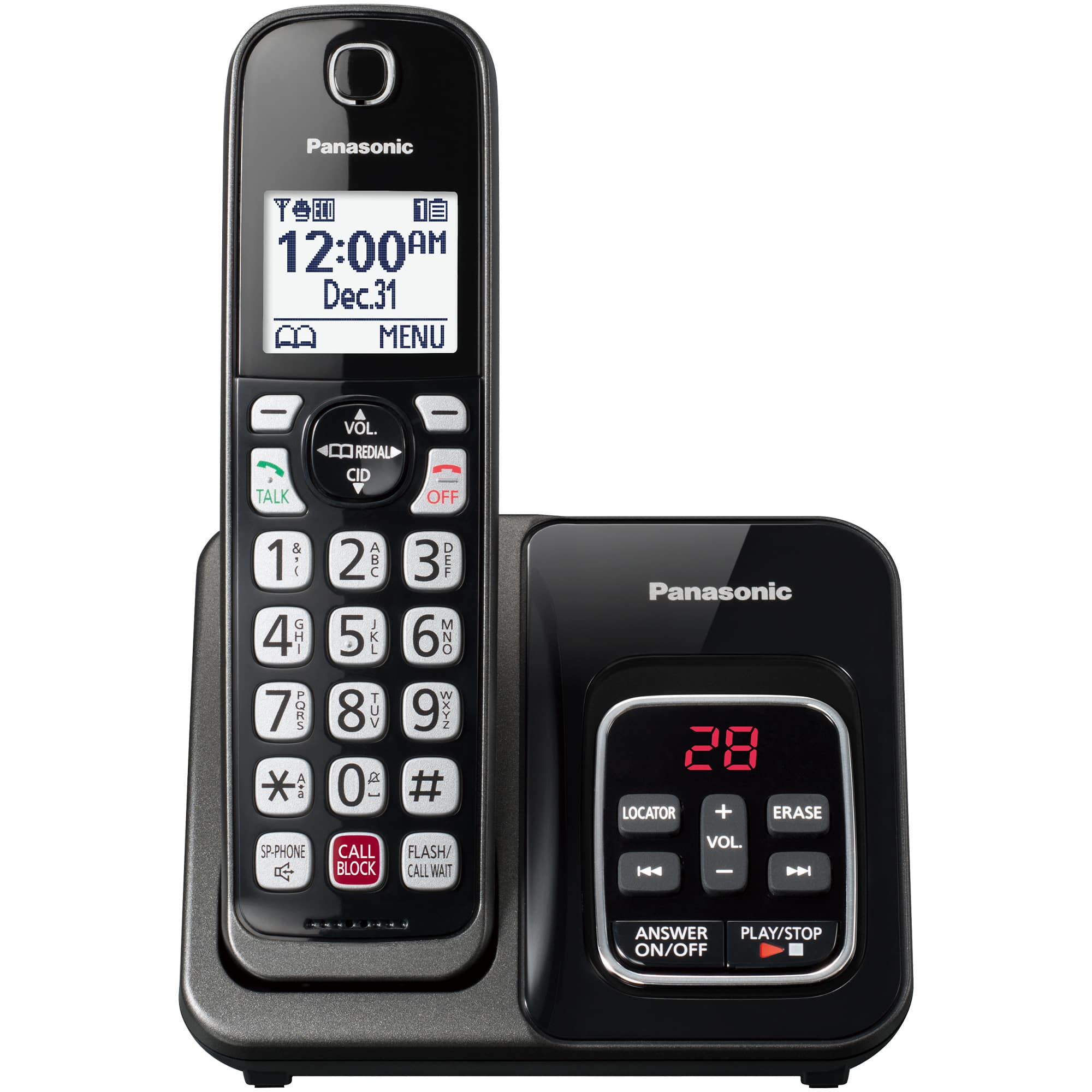
A:AnswerHi, Jessica! The telephone line is connected to the base only. The handset is cordless, however it comes with a separate charging cradle that needs to be connected to a power source so it can charge the handset. -M