A:AnswerHi! It can be multiple reasons for this, and because you have already done the reset, we recommend calling your landline to see what you hear exactly. If your landline sounds busy or not available, please contact your landline to check any issues with your line. If you would like to discuss this with the support team, after checking with your provider, please contact them at shop.panasonic.com/support
-A
A:AnswerHi! Yes, our models come with operating instructions and also rechargeable NiMh batteries for the number of handsets mentioned in the description. -A
A:AnswerHi! No, models without Bluetooth are not compatible with hearing aids, as they cannot connect to them. Only models that have Bluetooth installed can work with hearing aids(all our models that have Bluetooth basically). -A
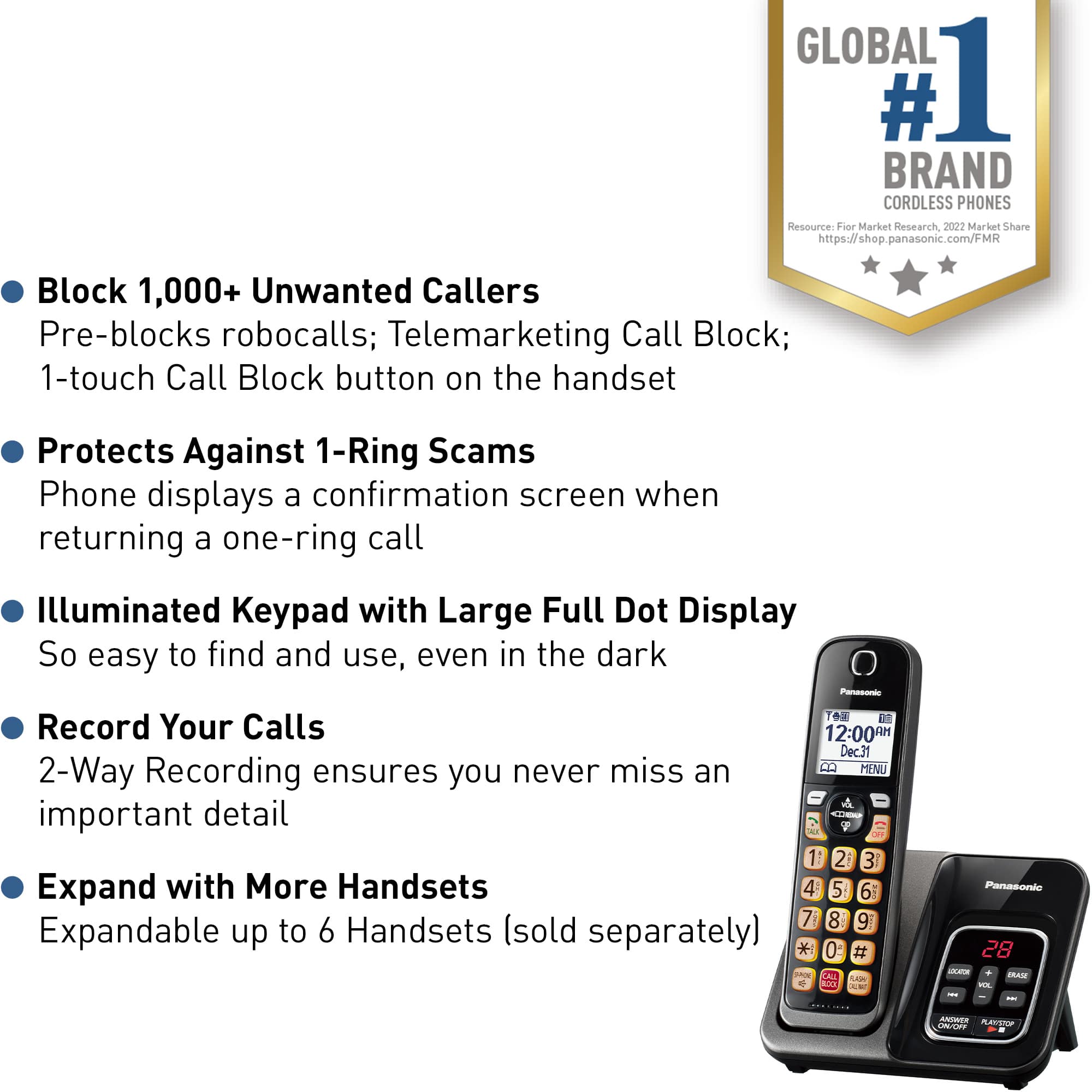
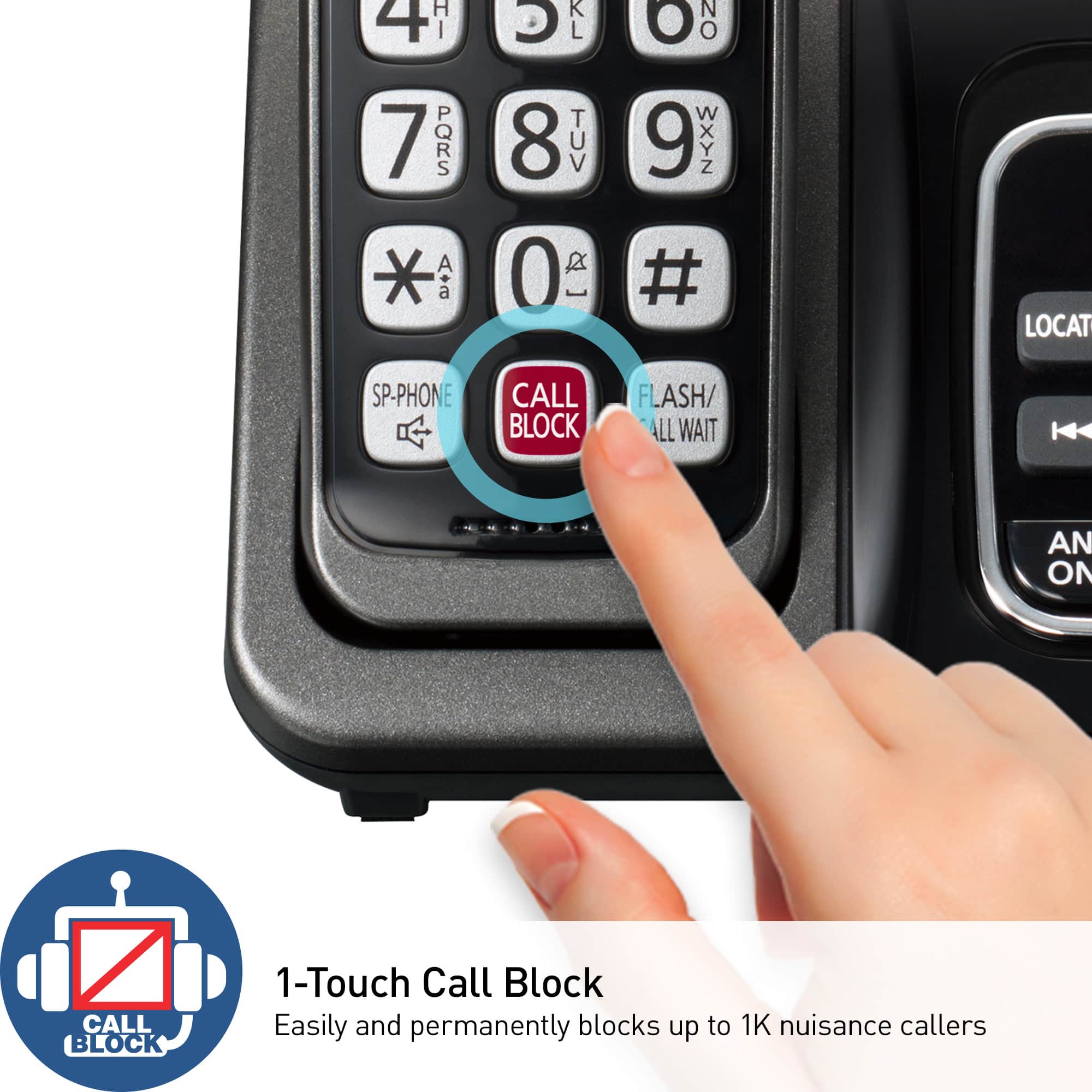
A:AnswerYes, it does have automated call block which blocks robocalls, telemarketing calls, or other unwanted calls provided you subscribe to Caller ID through your provider. It also has Noise Reduction.