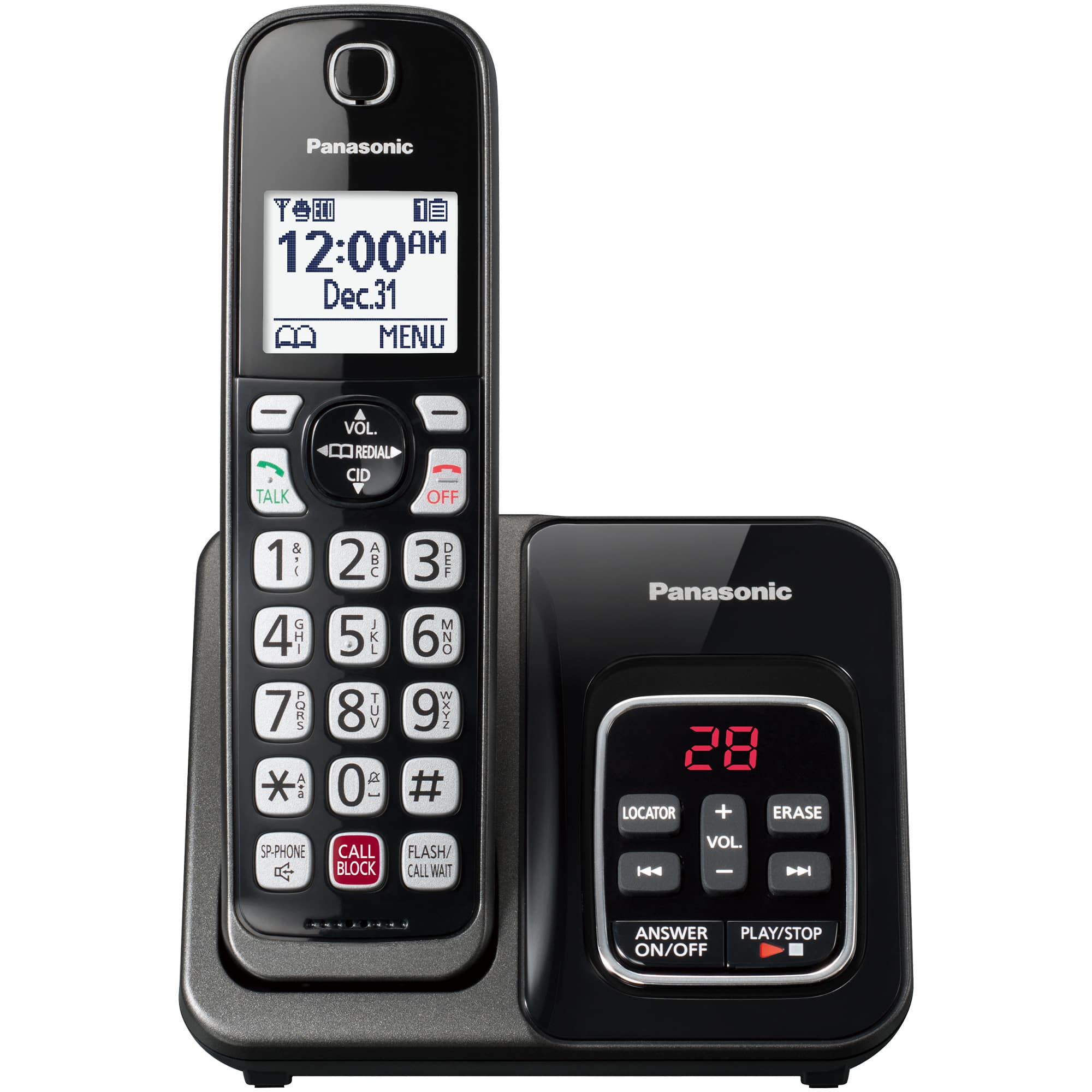
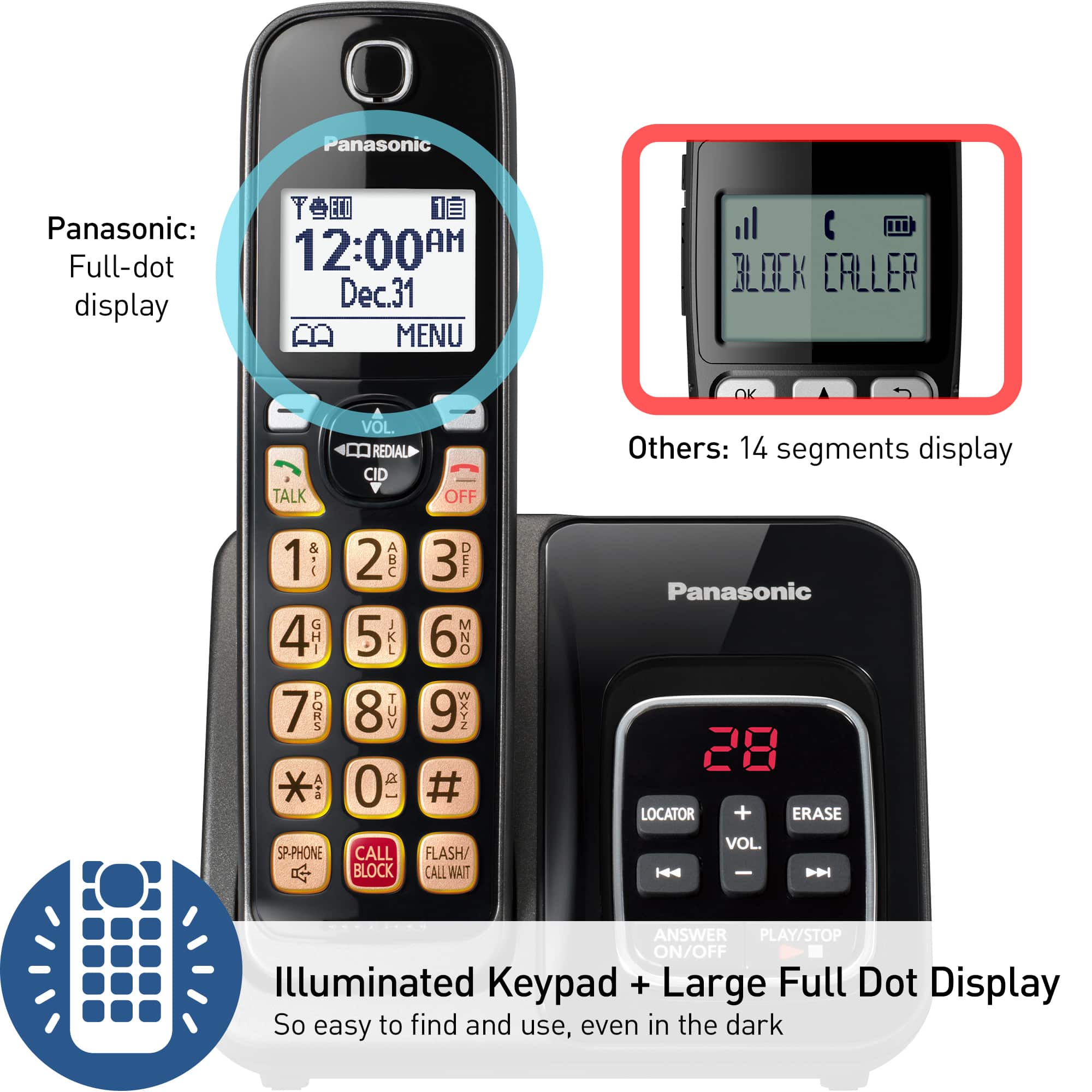
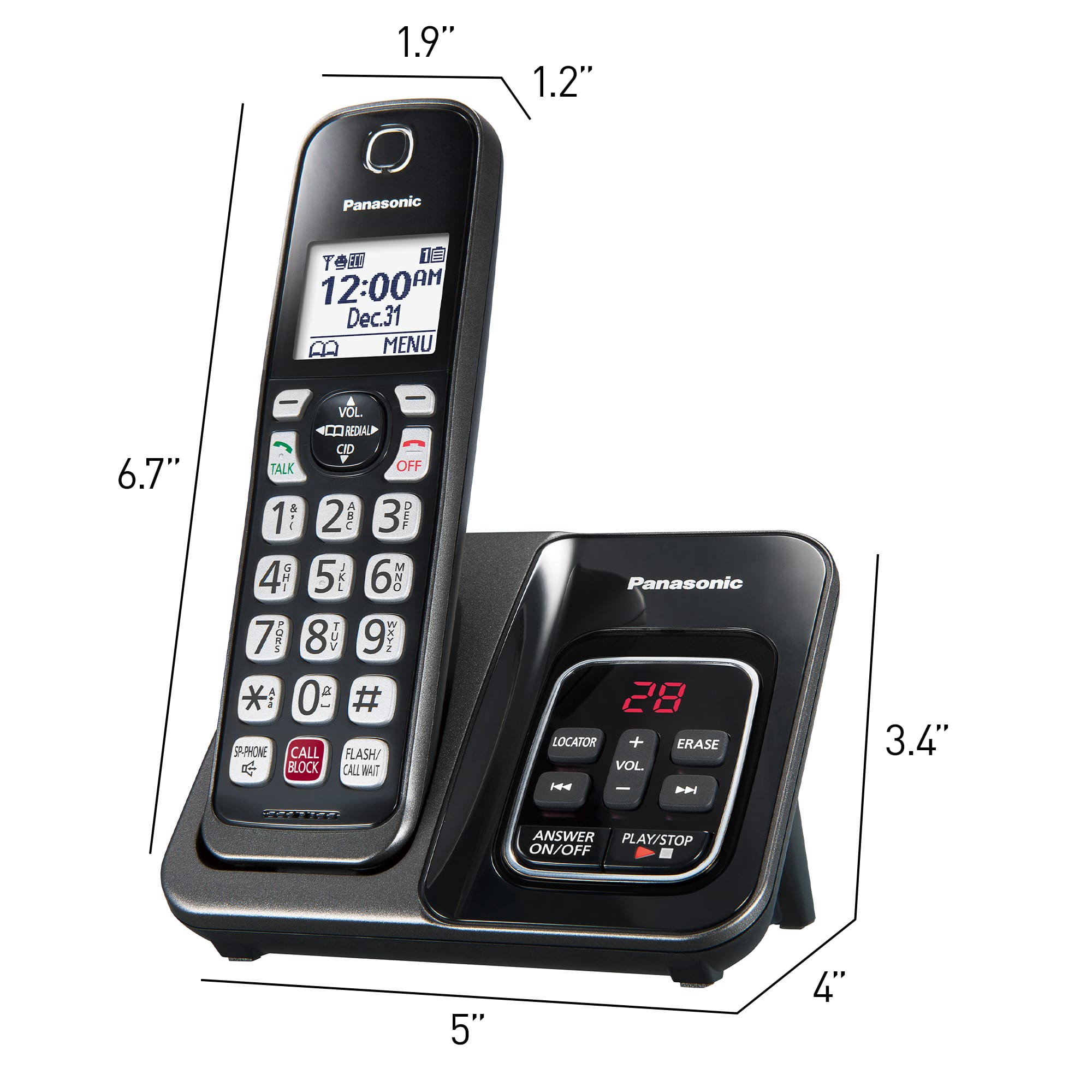
A:AnswerThis is a cordless phone.
Panasonic will sell you an additional handset and charger online. It'll run you in the ballpark of $100 but if you think it's worth it, go for it.
A:AnswerHi! No, they will not flash but you can see the number of messages by the red light on the main base, or on the handsets it will say ''new message''. -A
A:AnswerIt does come with a standard phone cable I plugget from phone base to Verizon wall receptacle I don't know what Xfinity' router is if the opening accepts standard clip on the cable I imagine it would work with what you have
A:AnswerHi Brenda! Yes, this model has a call screening option that can be enabled. You can screen the calls and answer them if you want to! You just have to enable it by pressing MENU#310. -A
A:AnswerHi! The phone will connect via a telephone cable to any device that provides phone service(landline connection, modem, etc), it cannot connect wirelessly to a unit via Wi-Fi. We would recommend discussing with the manufacturer of the service and ask them what type of connection they have. If you want to discuss with the support team from our side, please visit shop.panasonic.com/support
-A
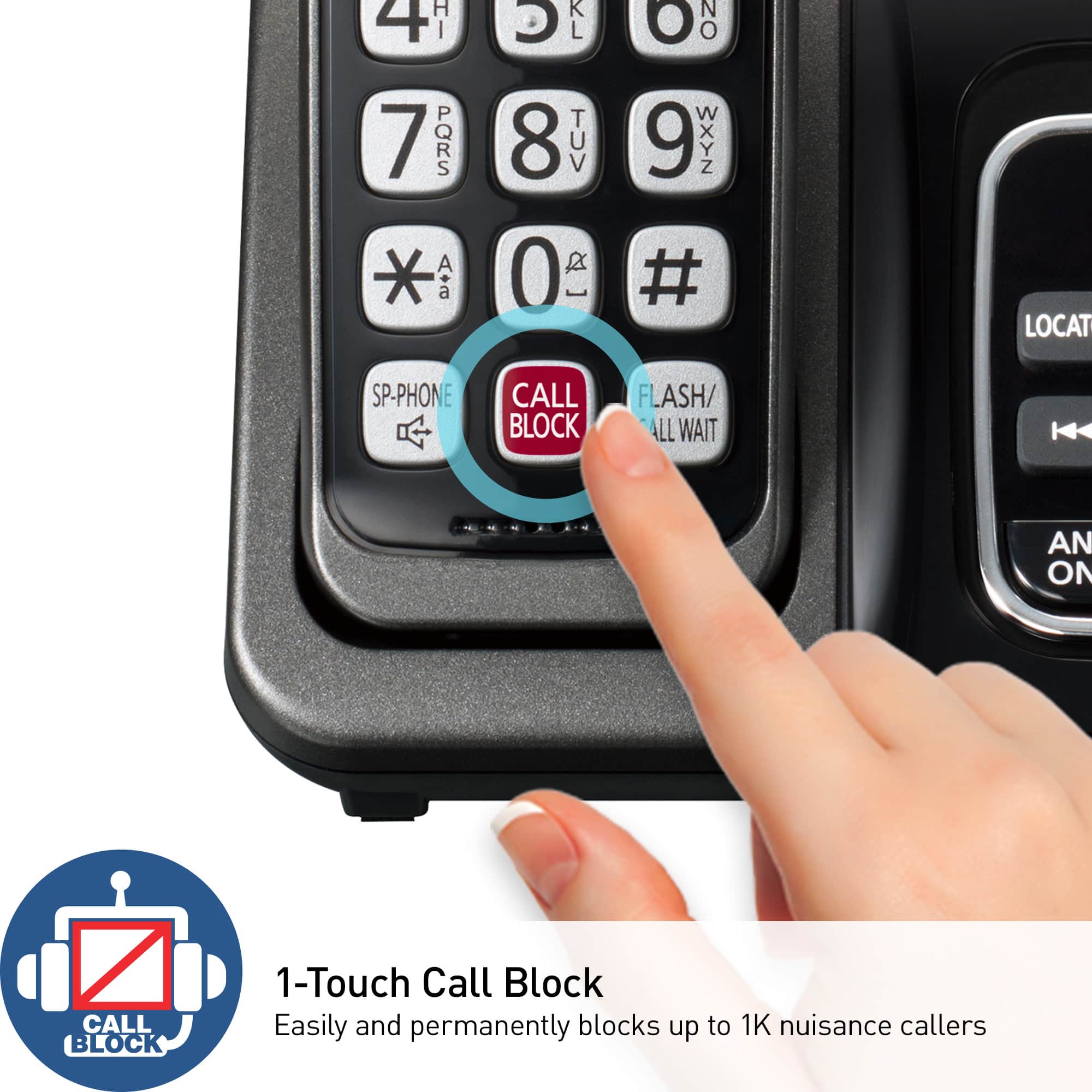
A:AnswerI'm way too technically challenged. I don't even know what you're talking about. Wish I could help. I'm not even sure how to pick /program the block call option.
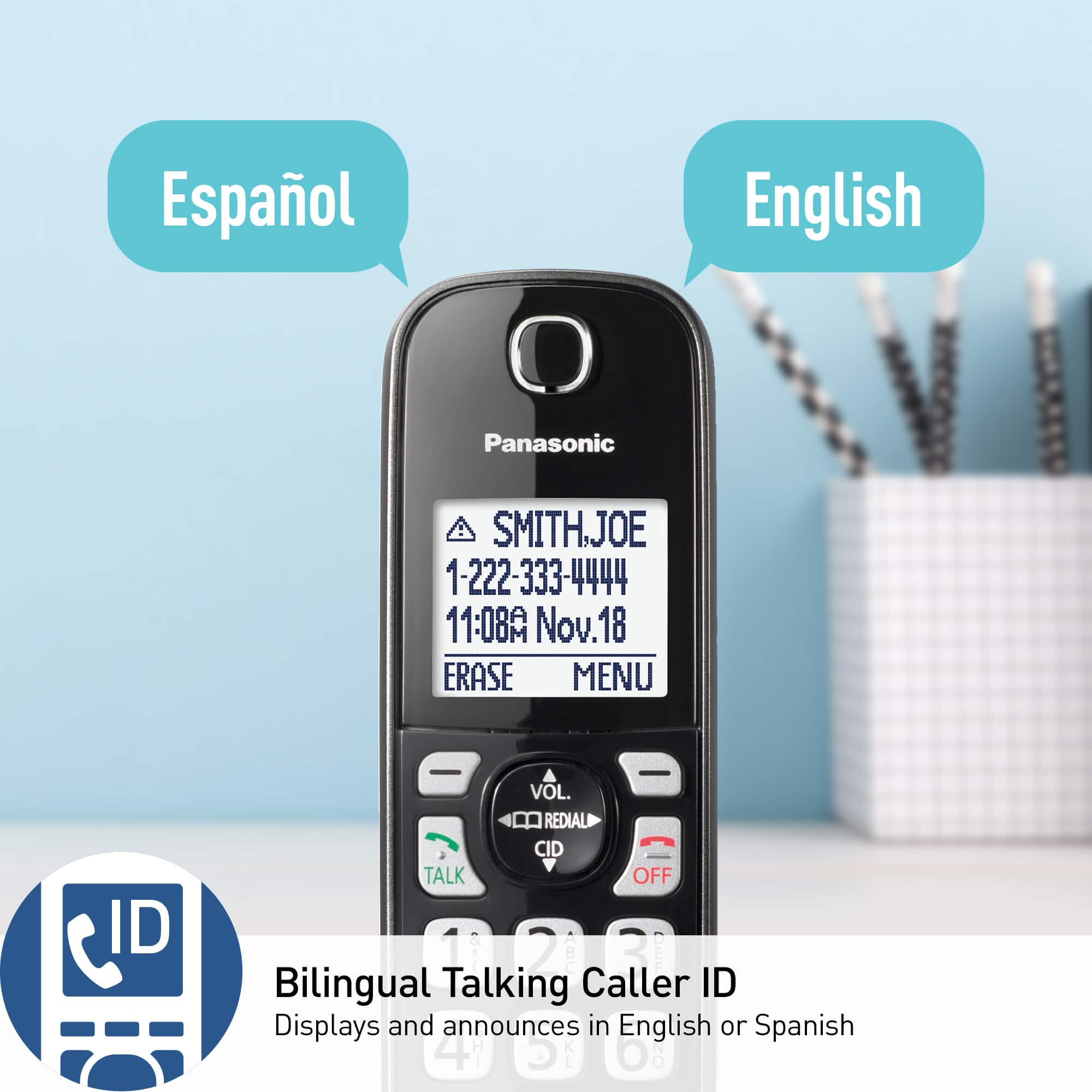
A:AnswerHi Nancy! The voice caller ID can be turned off both for the handset and for the base unit. For the handset, you must press MENU, pound key, then numbers 162, go to OFF and press SAVE. To turn it off for the base, press MENU, pound, star key, then numbers 162. -A