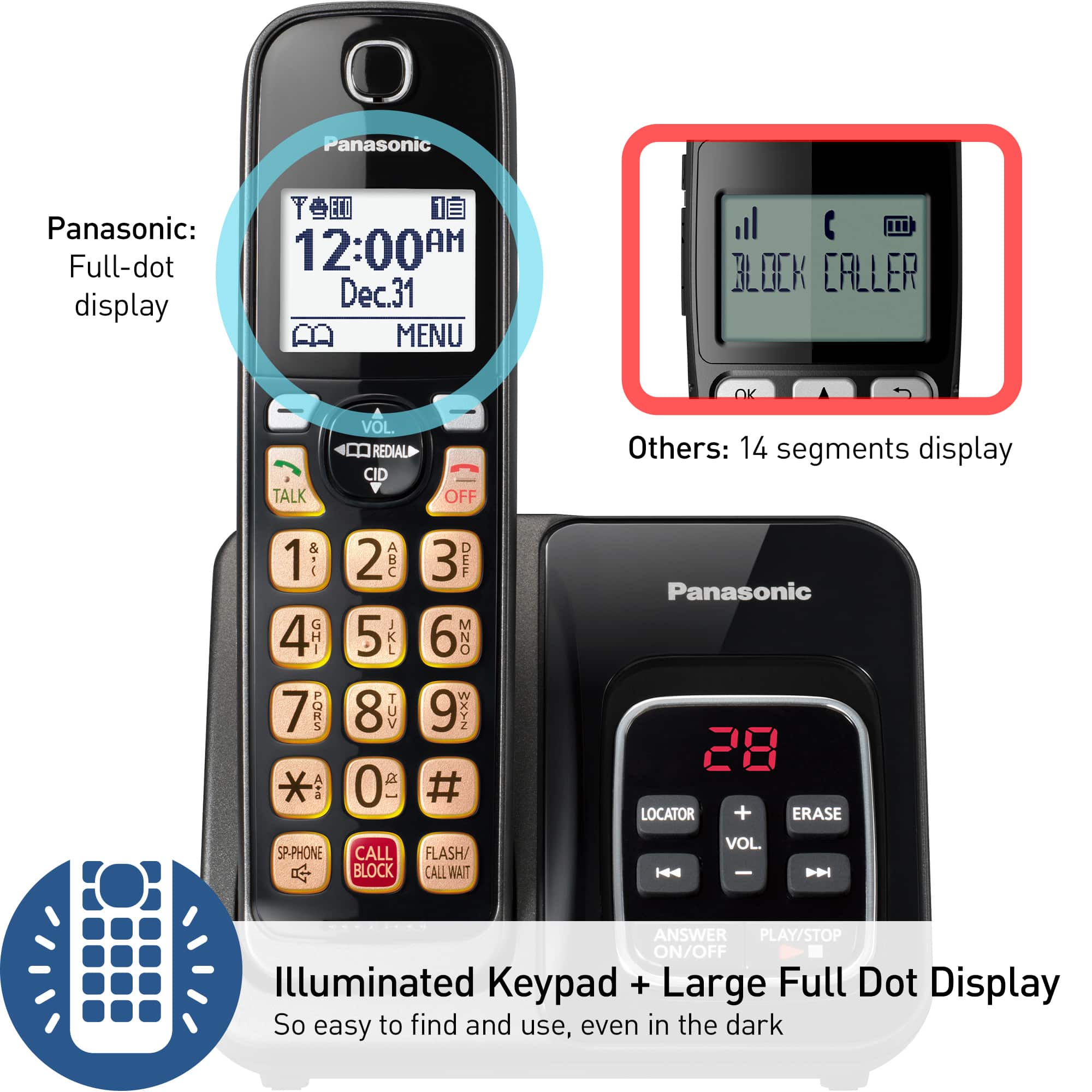
A:AnswerHello, Fred, and thank you for your question! The LCD display goes dark after a call is ended to conserve battery life. Regrettably, there is not a setting to keep the display permanently lit. Hope this helps! -C
A:AnswerHello and thank you for reaching out! If you are subscribed to Caller ID from your phone company, the unit's date and time setting will be automatically adjusted when caller information is received. If you do not wish for this feature to work, we have a setting for this, and we would kindly advise you to perform it. Using a handset, please press MENU, then the key "#" and enter code 2 2 6, then press the arrow down to select "Manual", then press SAVE. Hope this helps! -C
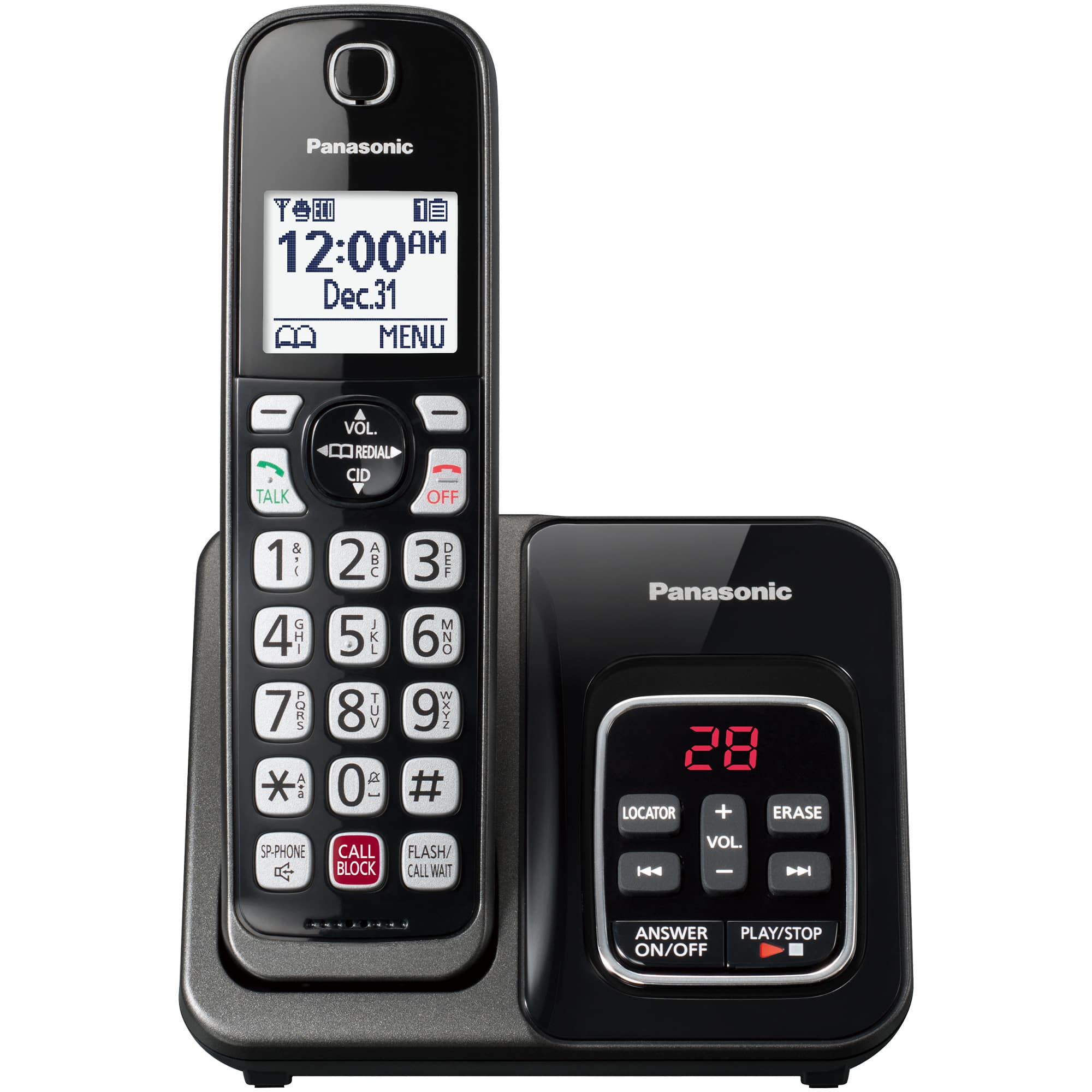
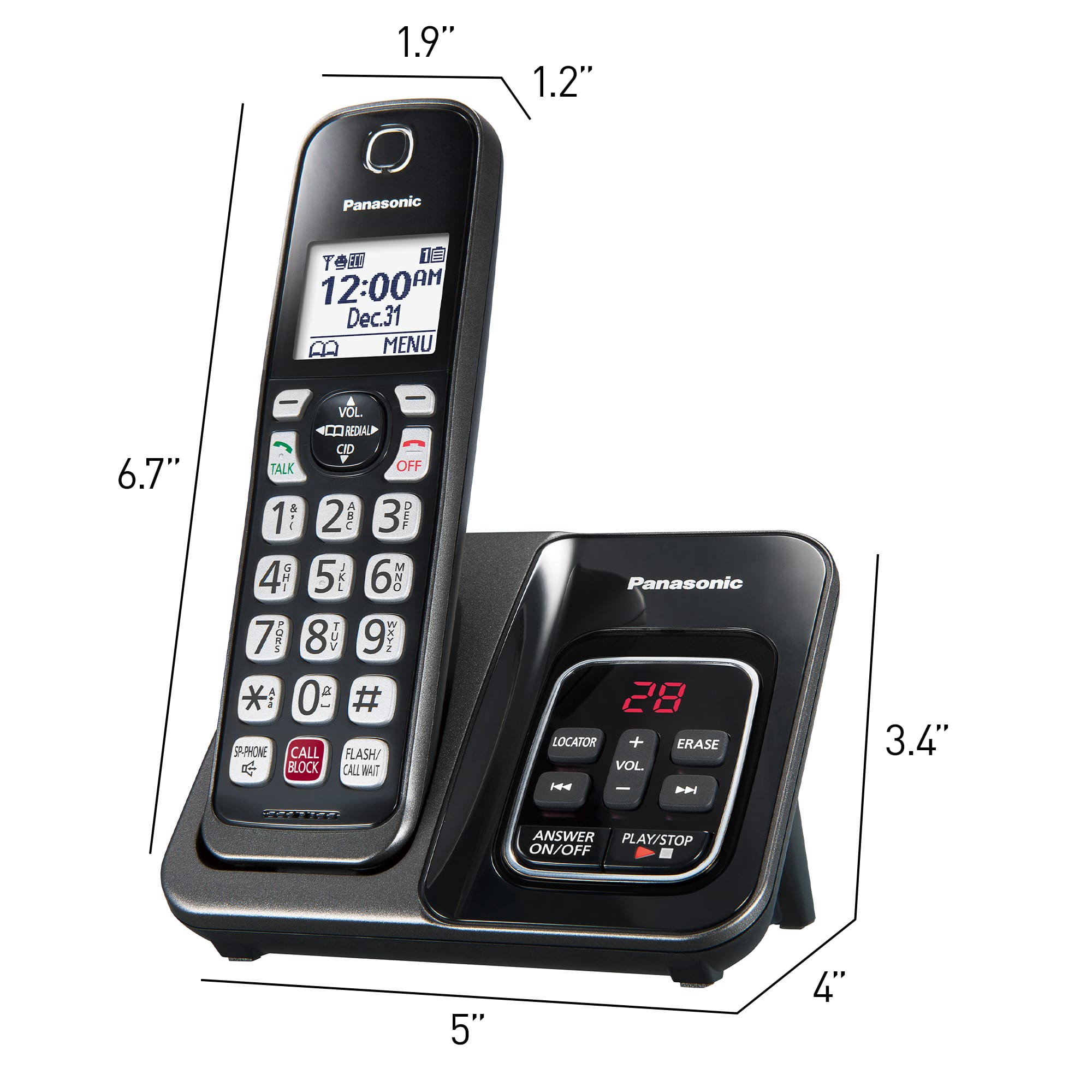
A:AnswerHello and thank you for your question about the Panasonic KX-TGD833W. The electrical cord for this model is a standard AC adapter, specifically the PNLV226. This adapter connects the phone base to a regular electrical outlet. If you need a visual reference, you can find it in the product manual on our website or through other product images available online. - S
A:AnswerHello and thank you for your question! The KX-TGD832W cannot make calls using voice command. You can answer incoming calls by voice commands but you cannot make outgoing calls. Hope this helps! - S
A:AnswerHello! The phone system uses DECT 6.0 technology, which encrypts the communication between the base unit and the cordless handsets. The encryption prevents unauthorized listening or eavesdropping on your calls. -C
A:AnswerHello. The base units of two systems that have the same model will be compatible. However, we do not recommend using them on the same line, due to issues caused by interference between the two units. -C
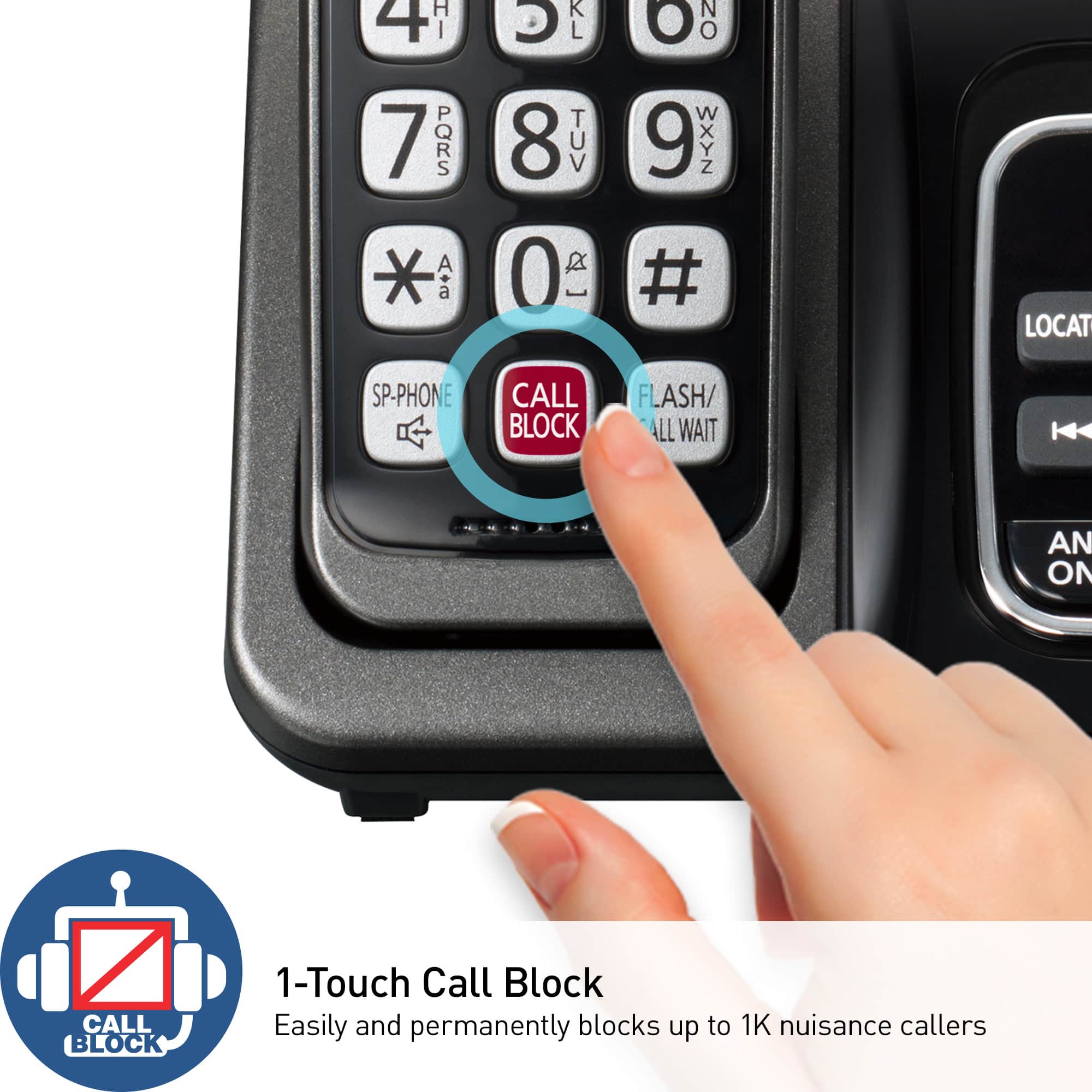
A:AnswerHello Eileen! The manual is available online, on our official Panasonic Website where you can look it up based on the model number of the phone system. Incoming calls can be blocked by pressing Call Block while the phone rings or you can add them manually to the call block list. Please note that the call block list might be full and the phone cannot block any more number. In that case we would recommend emptying the list and blocking the new spam calls. - S
A:AnswerHello Bob! The telephone comes with a supplied telephone line cord which needs to be connected to a single-line telephone jack. As the phone system was not tested with this service, only with a landline connection, we encourage you to check directly with the telephone service provider for information. - S
A:AnswerHello! This phone system does not have a call forwarding feature built-in. It is compatible with the forwarding service which can be set up by your service provider. Hope this helps! - B