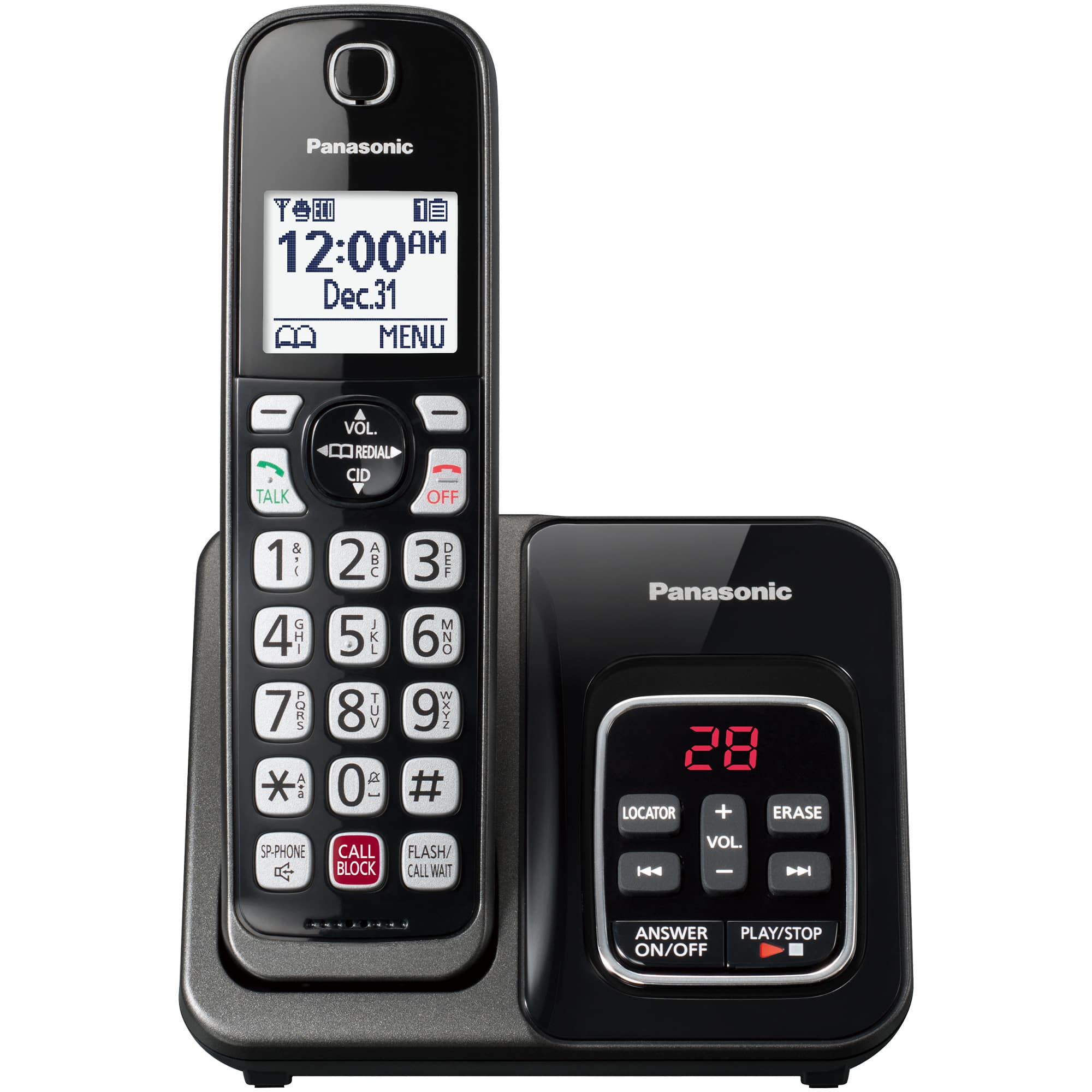
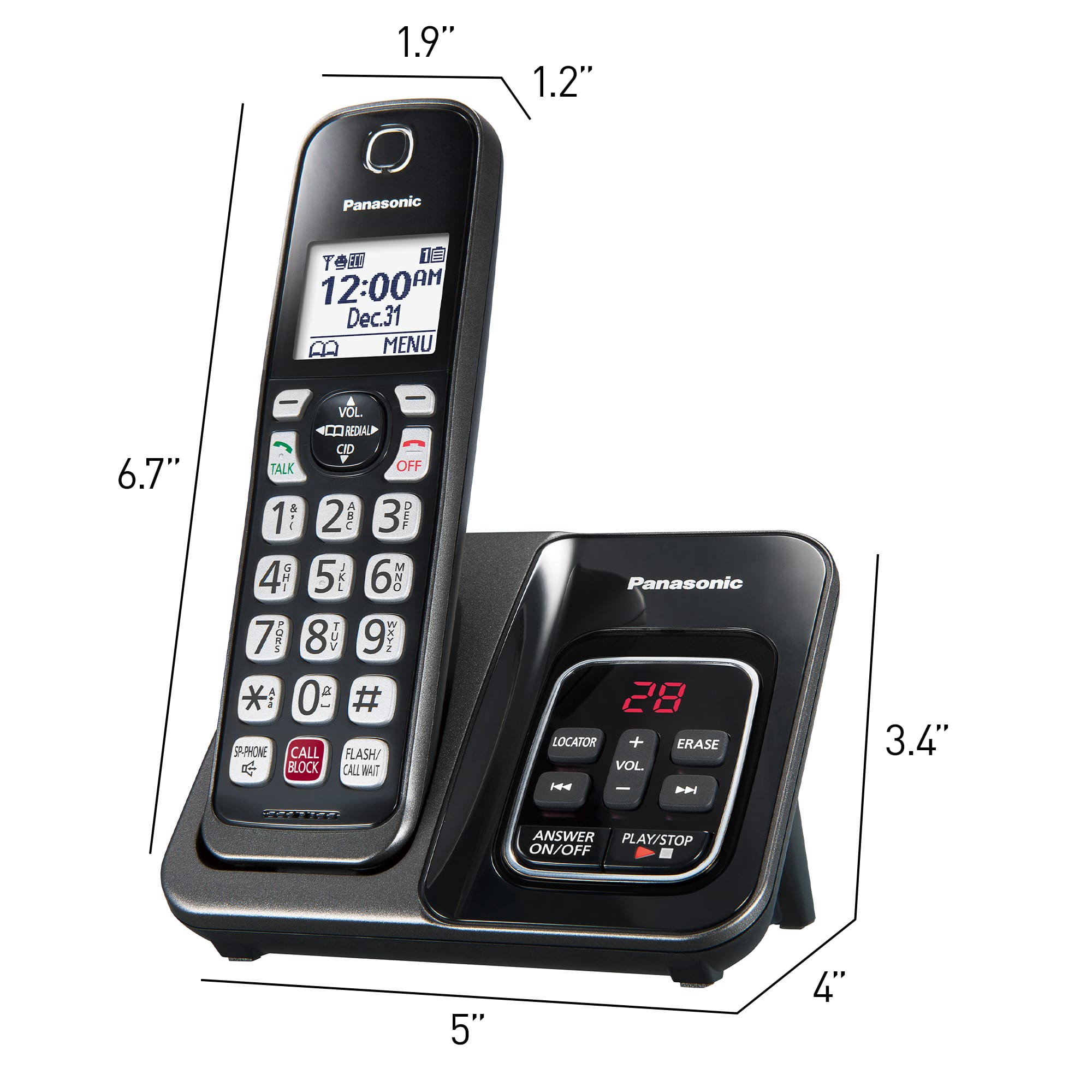
A:AnswerHello there! Yes, you can turn off the answering machine system by pressing on the ANSWER ON/OFF button on the main base unit. We hope this helps! - F
A:AnswerHello there! his unit cannot be added to an existing system, as two systems cannot be connected. To replace the lost phone, we recommend purchasing a compatible standalone handset for your current setup. - S
A:AnswerHi there! We recommend keeping the base unit and the handsets away from electronic or radio emitting devices since they can create audio interference during calls. We hope this helps! - F
A:AnswerHi there! Your handset may have been disconnected from the main base unit. We recommend to register again the handset to the main base unit to re-establish the connection. To do that, on the handset, please press MENU, then the [#] button and then type 130. On the base unit, press and hold the LOCATOR/INTERCOM button for 5 seconds, then on the handset, please press OK. We hope this helps! - F
A:AnswerHello there! The telephone should work with telephone service from Comcast. We recommend reaching out to Comcast for more information. We hope this helps! - F
A:AnswerHi! As the phone system was not tested with this service, only with a landline connection, we encourage you to check directly with the telephone service provider for information. Please note that if you encounter issues with the sound or related to Caller ID services when using VoIP, the phone may require a DSL/ADSL filter to be installed on the line by your telephone service provider. - S
A:AnswerHi there! Yes, this system is compatible with Hearing Aid T-Coil, ensuring it works seamlessly for users with hearing aids. We’re committed to making our products accessible and convenient for everyone! - S