A:AnswerHello George! The ECO feature on this phone cannot be manually disabled, as it is designed to turn on and off automatically based on usage to help reduce power consumption. - S
A:AnswerHi Tim! To customize ring tones for different callers, the phone requires Caller ID service to identify incoming numbers. Without Caller ID, the phone cannot distinguish who is calling. Also, the system allows setting different ring tones only for groups of numbers, not for individual callers. This way, your mom can recognize calls from important groups by their unique ring tone. - S
A:AnswerHello there! The phone is designed to work with a telephone wall jack connection. A VoIP connection could work as long as the provider sets up the connection correctly, we recommend contacting your provider to make sure your current setup can work. We hope this helps! - F
A:AnswerHello Bob! In regards to the KX-TGE633M model specifically, these are some compatible handsets that can work with it: KX-TGDA83, KX-TGDA86, KX-TGFA85, KX-TGFA88, KX-TGFA97. We hope this helps! - F
A:AnswerHi there! The phone numbers saved in the phonebook remain there even after you change your phone number. If the phonebook was deleted as a result of a factory reset or similar, the phone numbers cannot be retrieved. We hope this helps! - F
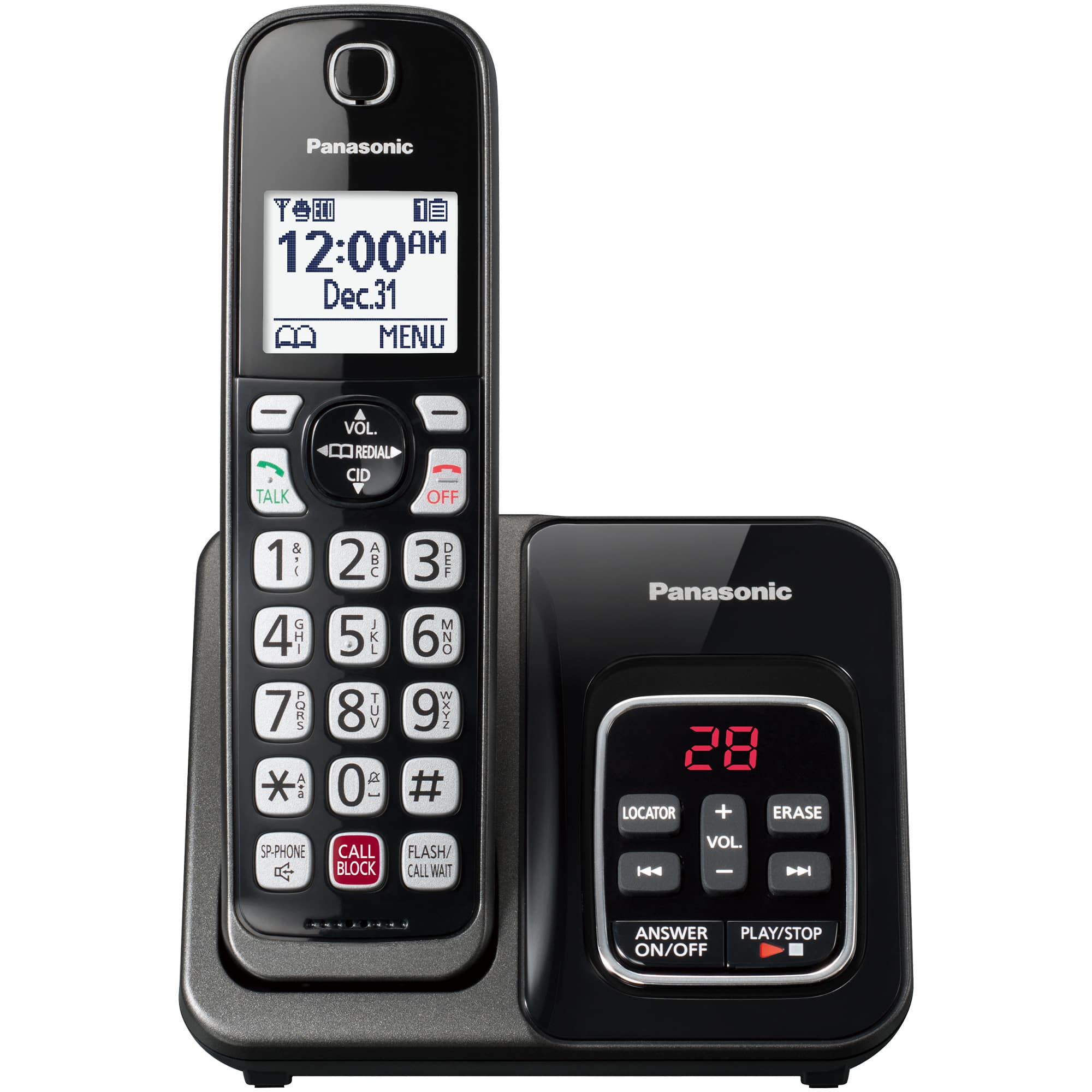
A:AnswerHello Alex! You can turn off the ringer on the base unit by pressing and holding the minus ( - ) until the base unit beeps. If you wish to turn the ringer off on a handset you would need to press Menu, followed by the # key and enter 160. Then make sure to select the option that says OFF and press Save. Please note that the ringer on each handset needs to be turned off separately. - S
A:AnswerHello there! The phone system cannot receive text message, only voice messages left on the answering machine if you cannot answer an incoming call. Hope this helps! - S
A:AnswerHello! The Silent mode will not mute the incoming message from being played aloud. If you do not wish to hear the messages, we recommend turning the Call screening feature Off so incoming/outgoing messages will not be played. We hope this helps! - S
A:AnswerHi there! Silent model will be automatically activated at the set hour, every day until you turn the feature off. The silent mode will silence the ringer for incoming calls, message alerts and the screen will not light up for calls or notifications. Please note that the silent mode, will not silence any alarms if they are set up to ring. Hope this helps! - S