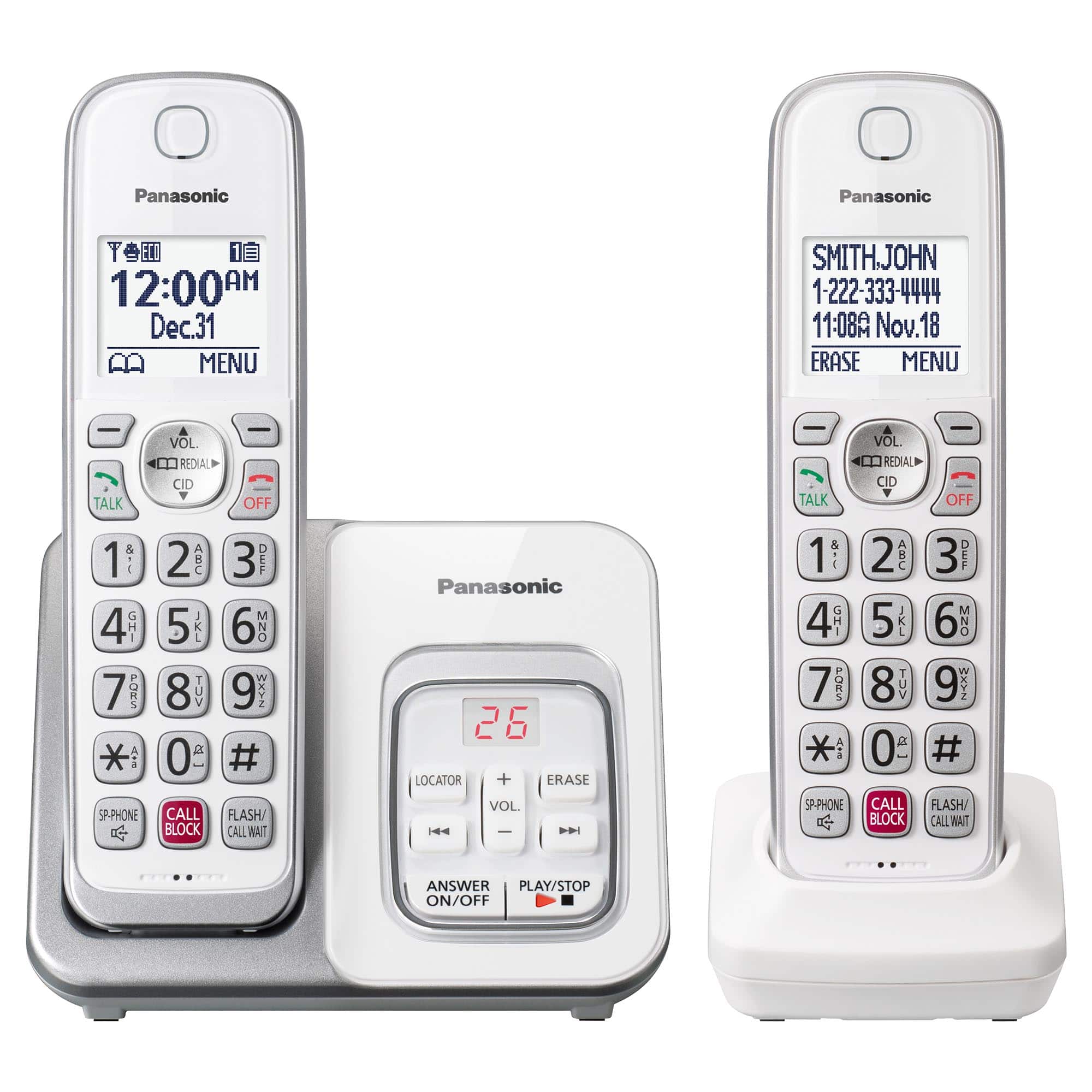
A:AnswerHi there! The batteries of the phone are rechargeable by placing the handsets on their charging stand. You only need to replace their batteries only after the batteries stop holding a charge. We hope this helps! - F
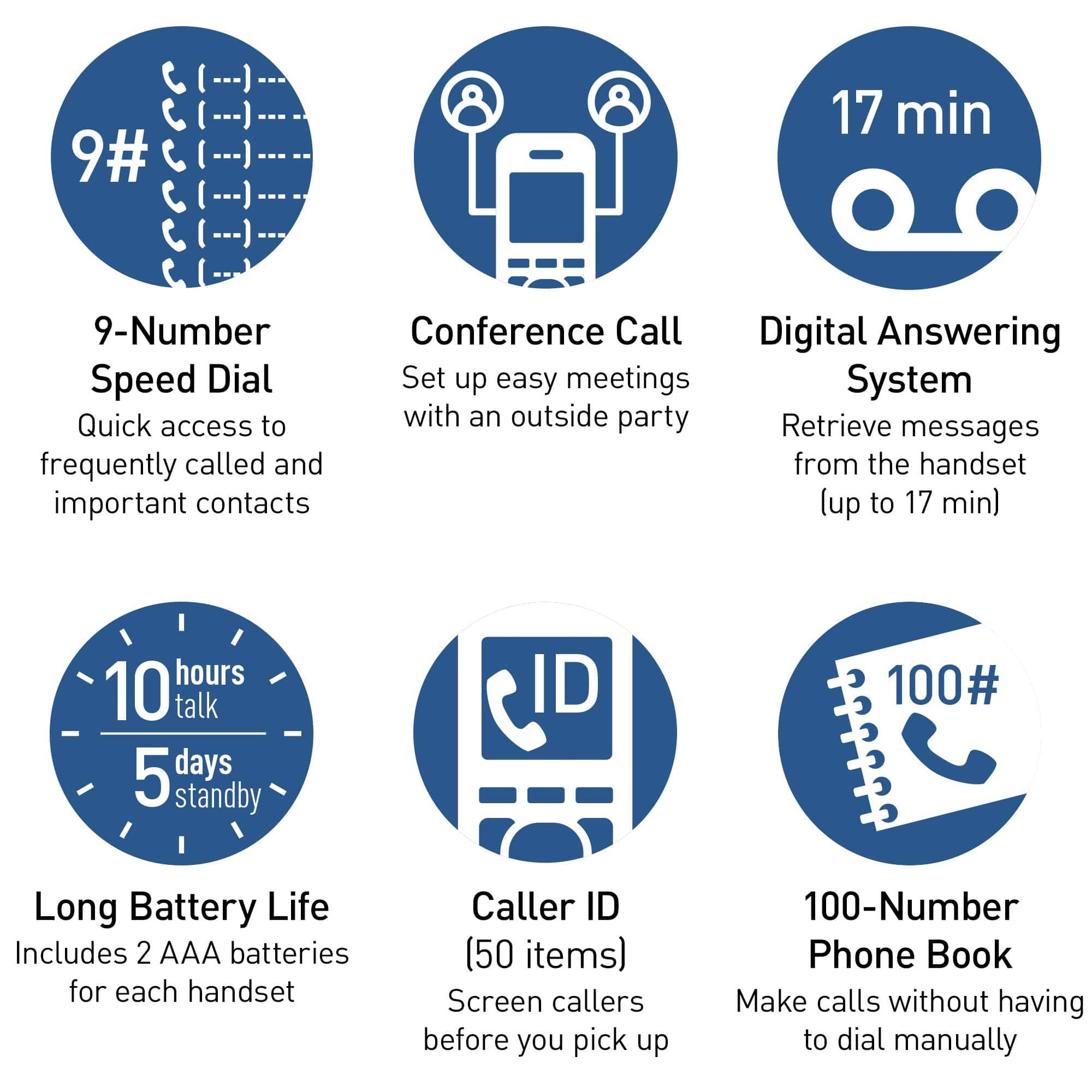
A:AnswerHi there! The operating time of the batteries, after a full charge, is 10 hours approx. in continuous use and 5 days max. in stand-by mode. As the phone uses Ni-MH rechargeable batteries, they should last for a few years if maintained properly. - S
A:AnswerHi Erika! Our telephone systems do not have a built-in call forwarding feature. We encourage you to check with your telephone service provider directly for more details, as call forwarding is a service offered on the line. - S
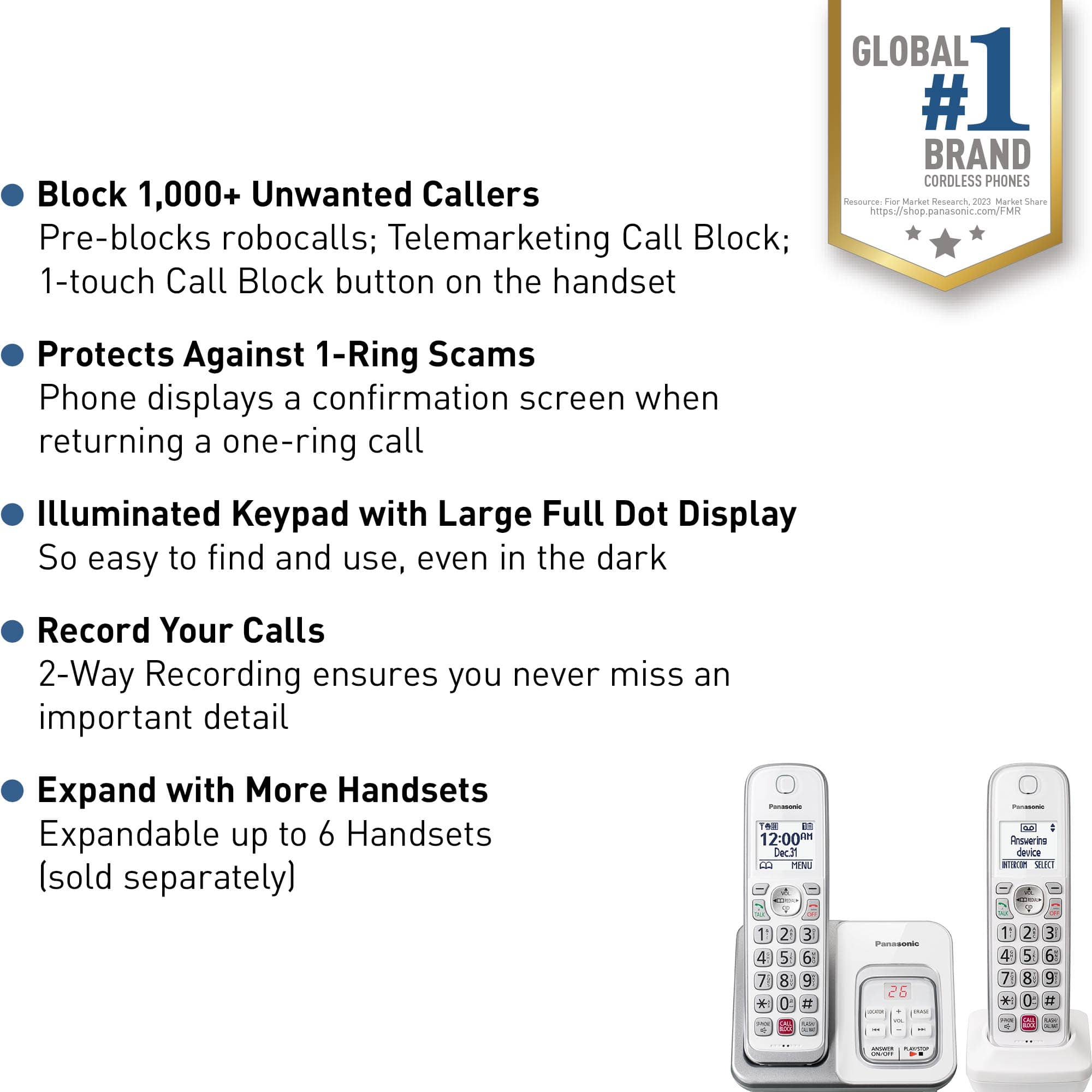
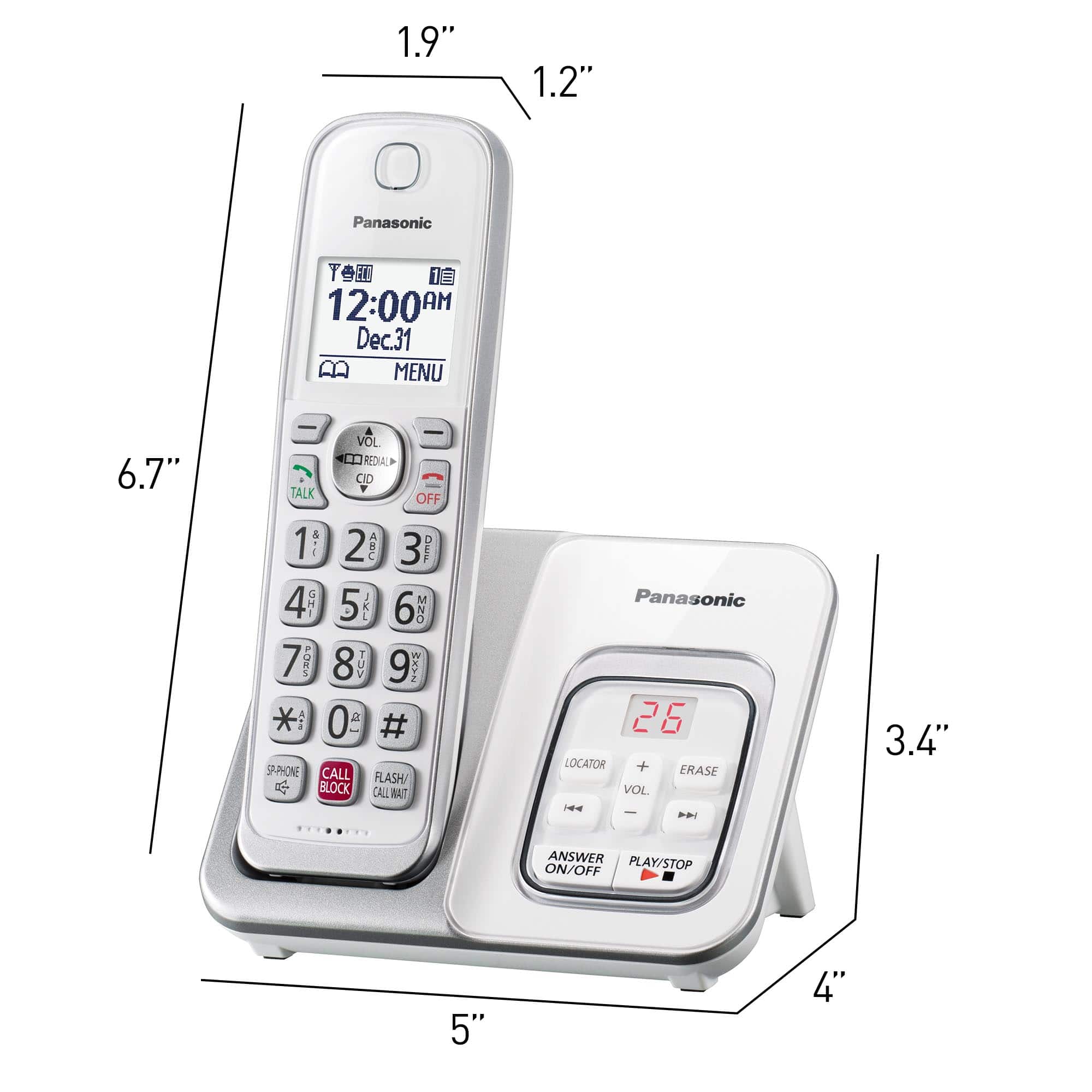
A:AnswerHi there! The handsets of the KX-TGD830 main base unit can work with another KX-TGD830 main base unit. Keep in mind that the two main base units can not be used at the same time and you can only have up to 6 handsets connected at once to one main base unit! - F
A:AnswerIt has a white list , you put your friends and family on it , no one else get"s through . The phone does not light up, does not ring and does not record a message . No more unwanted phone calls , just peace a quiet .
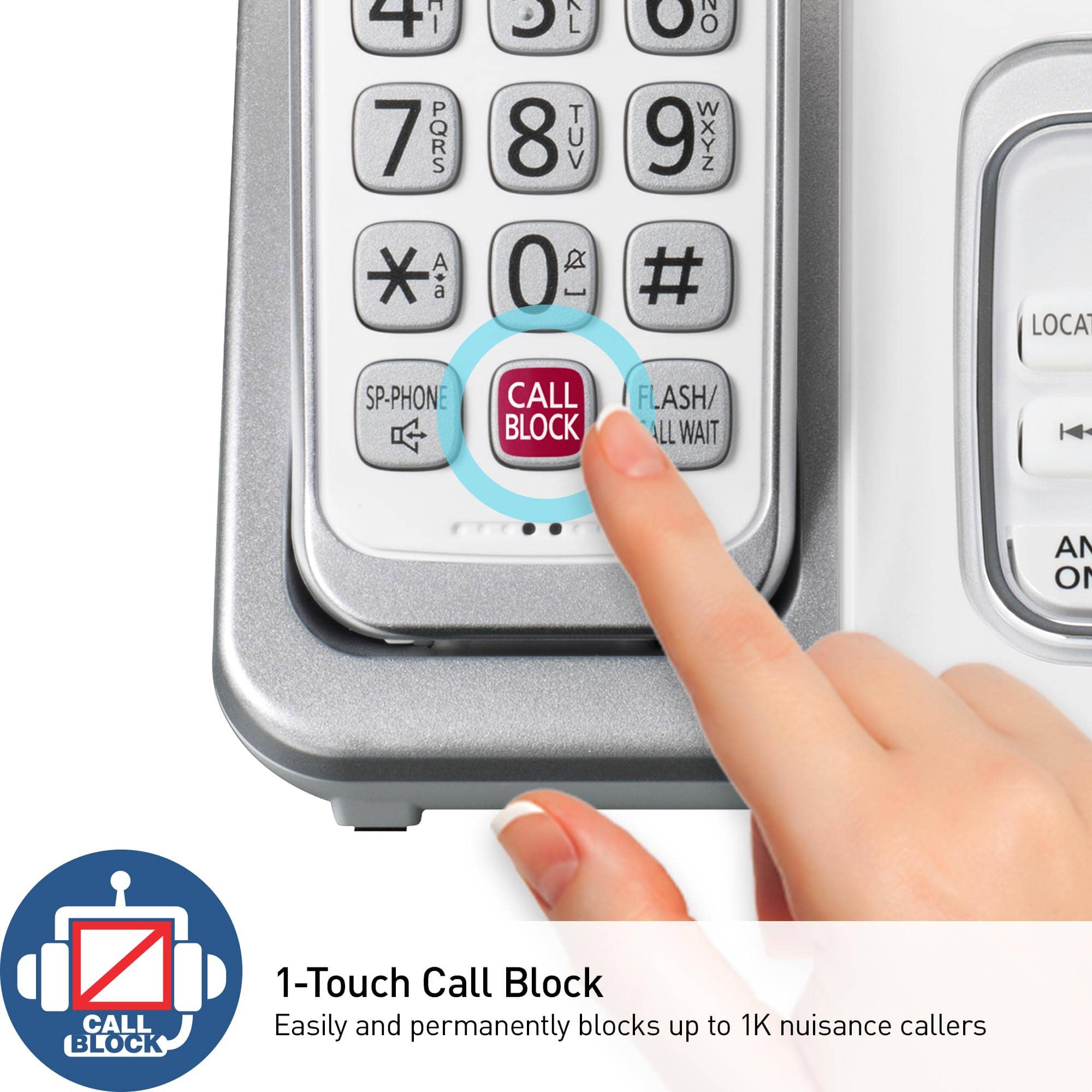
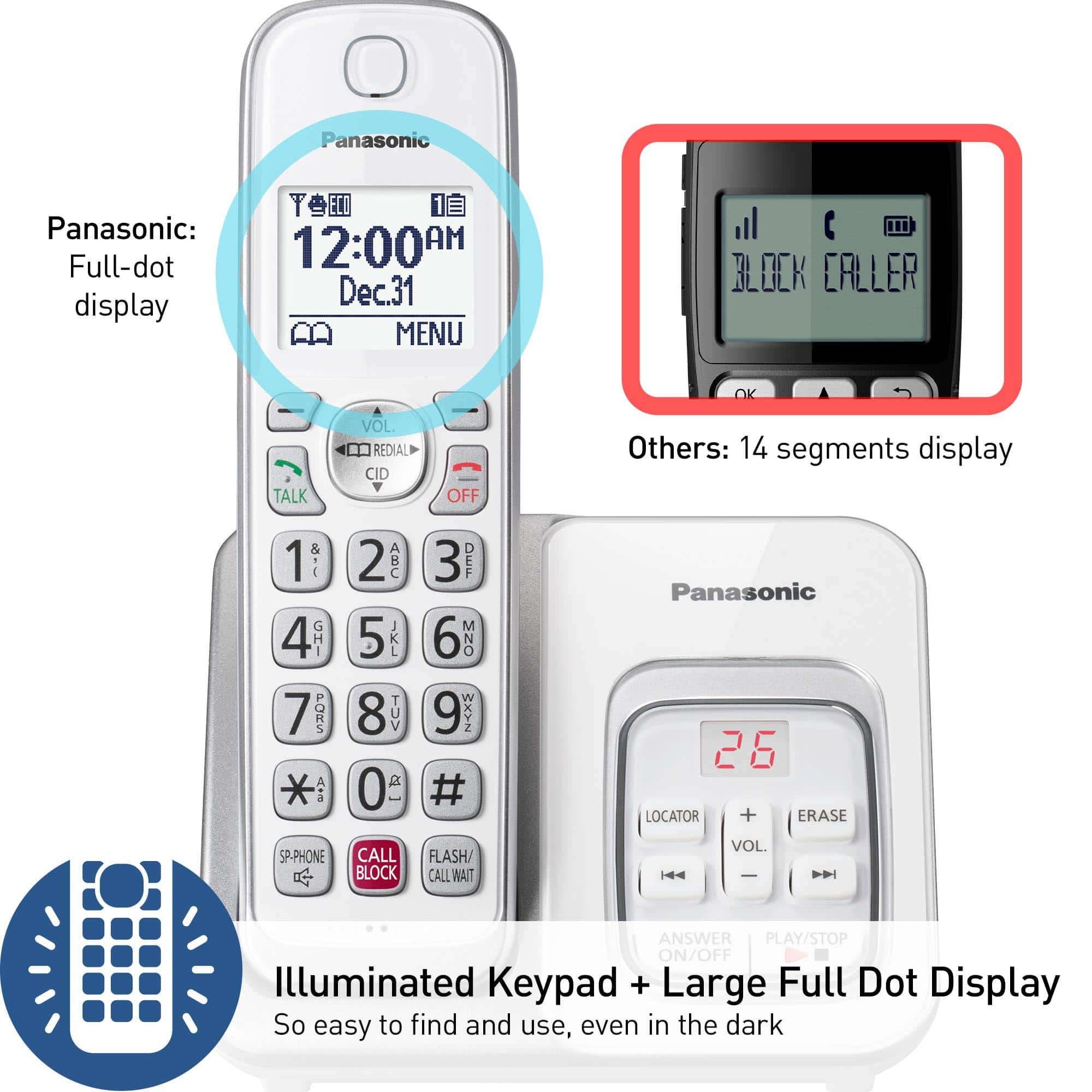
A:AnswerHello there! The KX-TGD832W phone system has a simple Call block feature to which you can add numbers you want blocked over time, as well as a Automated Call Block feature which is turned off by default. You can keep the Automated Call Block feature turned off if you do not intend to use it. We hope this information will be of help! - F
A:AnswerHello there! Please note that you cannot transfer phone contacts from one phone system to another. We recommend manually adding your contacts to your new landline system. Hope this helps! - F
A:AnswerHello there! Thank you for your interest in our telephone system. As the phone system was not tested with this service, only with a landline connection, we encourage you to check directly with the telephone service provider for information. Please note that if you encounter issues with the sound or related to Caller ID services when using VoIP, the phone may require a DSL/ADSL filter to be installed on the line by your telephone service provider. Hope this helps! -C