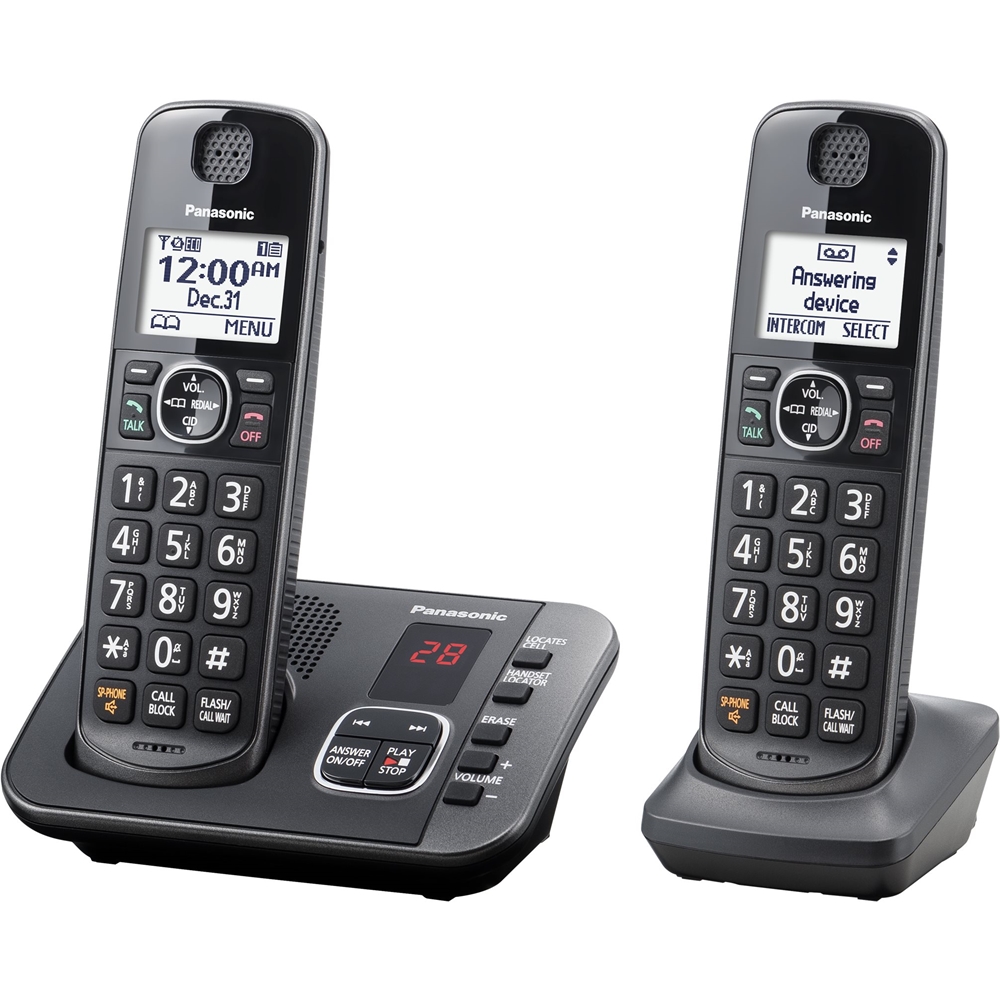
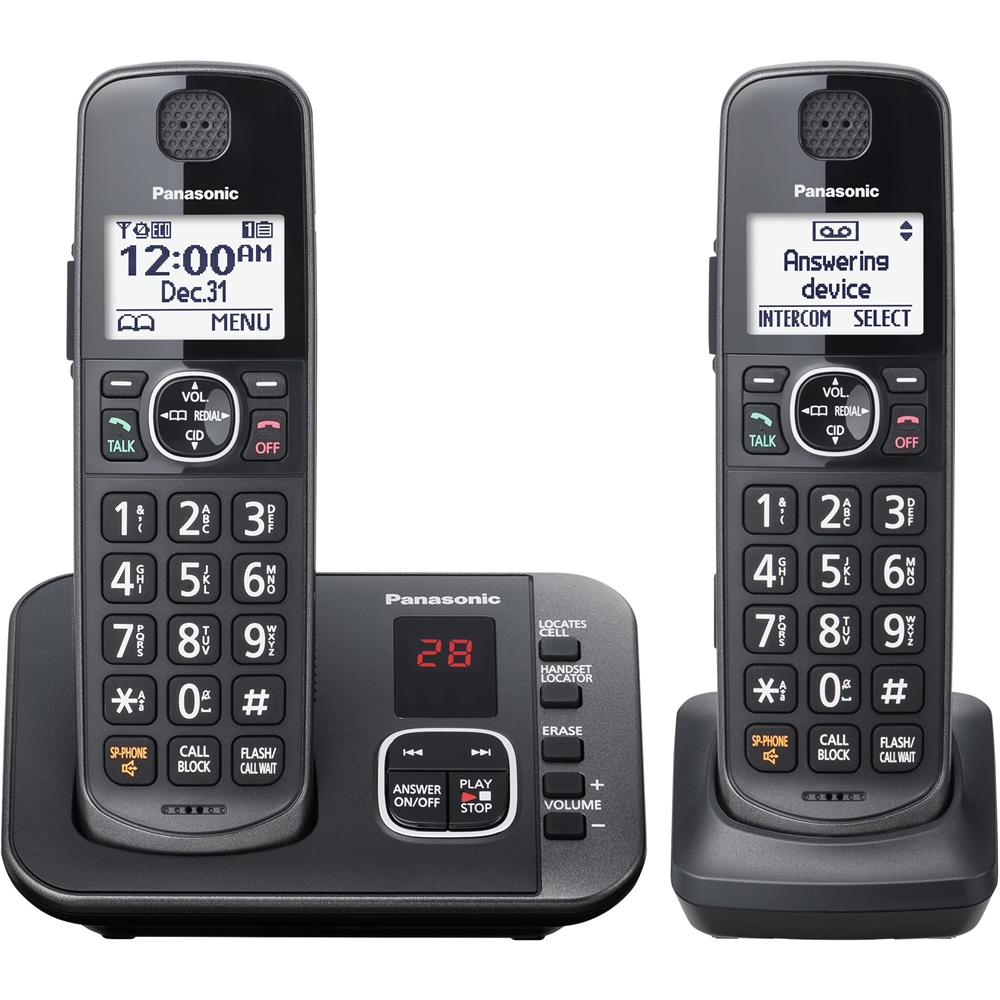
A:AnswerA total of 3 separate alarm times can be programmed for each handset. You can set one of 3 different alarm options (once, daily, or weekly) for each alarm time.
A:AnswerWe would be more than happy to look into it further. Please contact our Customer Service Team via Live Chat on the Panasonic Website, Contact Us option, Mon-Fri, 9am-5pm EST.
A:Answeryes. It announces the number, or the name if you have that entered in your directory (phonebook).
You can also customize the ring tones to help quickly distinguish calls from folks you really want to talk to.
A:AnswerWe would need more information in order to have a better understanding of your inquiry. If you’re open to discussing it further, please contact Support Team via Live Chat on the Panasonic Website, Contact Us option, Mon-Fri, 9am-5pm EST.
A:AnswerJust wait a minute or two and then look at the display on the phone. If it shows "missed call", they are gone. If they leave a message, you will hear it. Even if you don't have caller ID, you can fill up your directory on the phone with the hundred most frequent people who call you; and then the phone will announce their names when they call.
A:AnswerHello, Joanne! If you are using the answering machine, you can just press PLAY on the base. However, based on your description, you are using the voicemail service, which is provided by your phone company. For more information about this service, we would kindly recommend you to check with your landline provider directly.
A:AnswerHi! Kindly be informed that the speaker on this model is standard. If you would like a telephone with volume boost, we would recommend you to check out our amplified systems as well.
A:AnswerKindly be informed that the phone has the capacity to use Caller ID, however please take note that this service needs to be provided by your phone company.