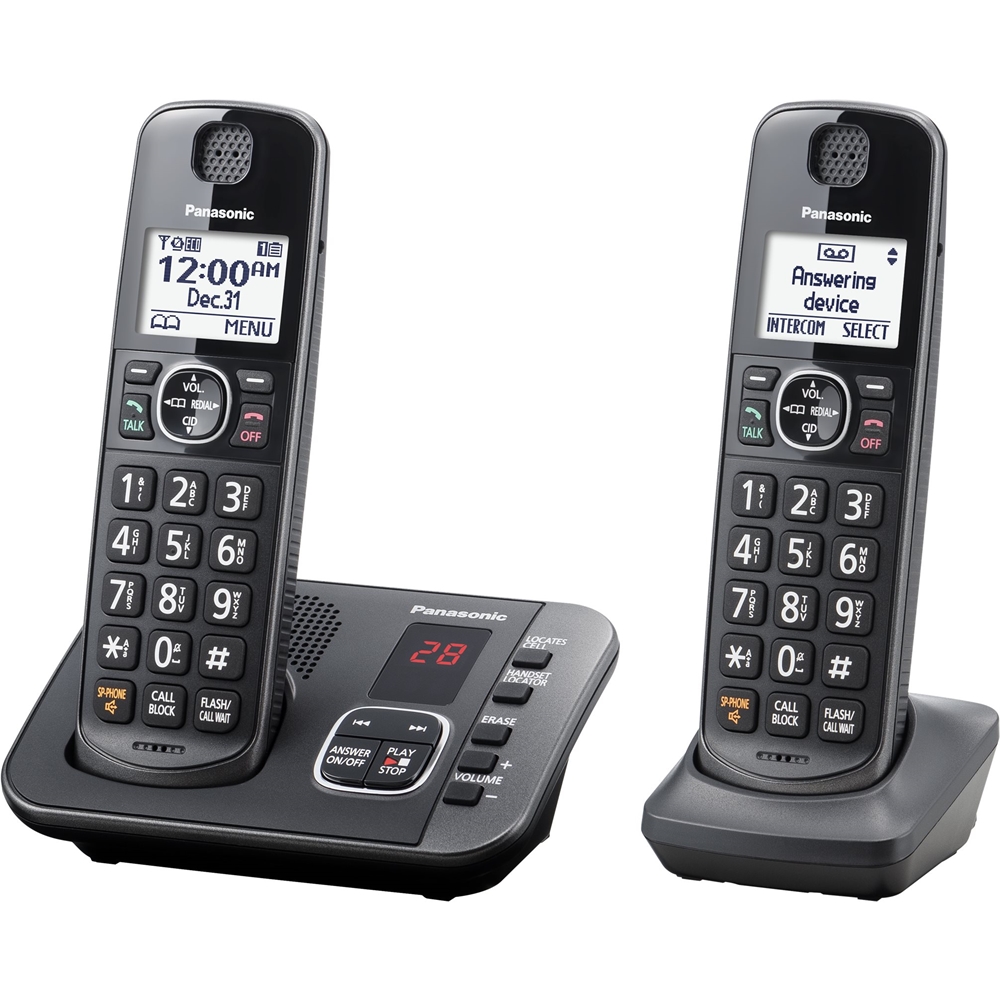
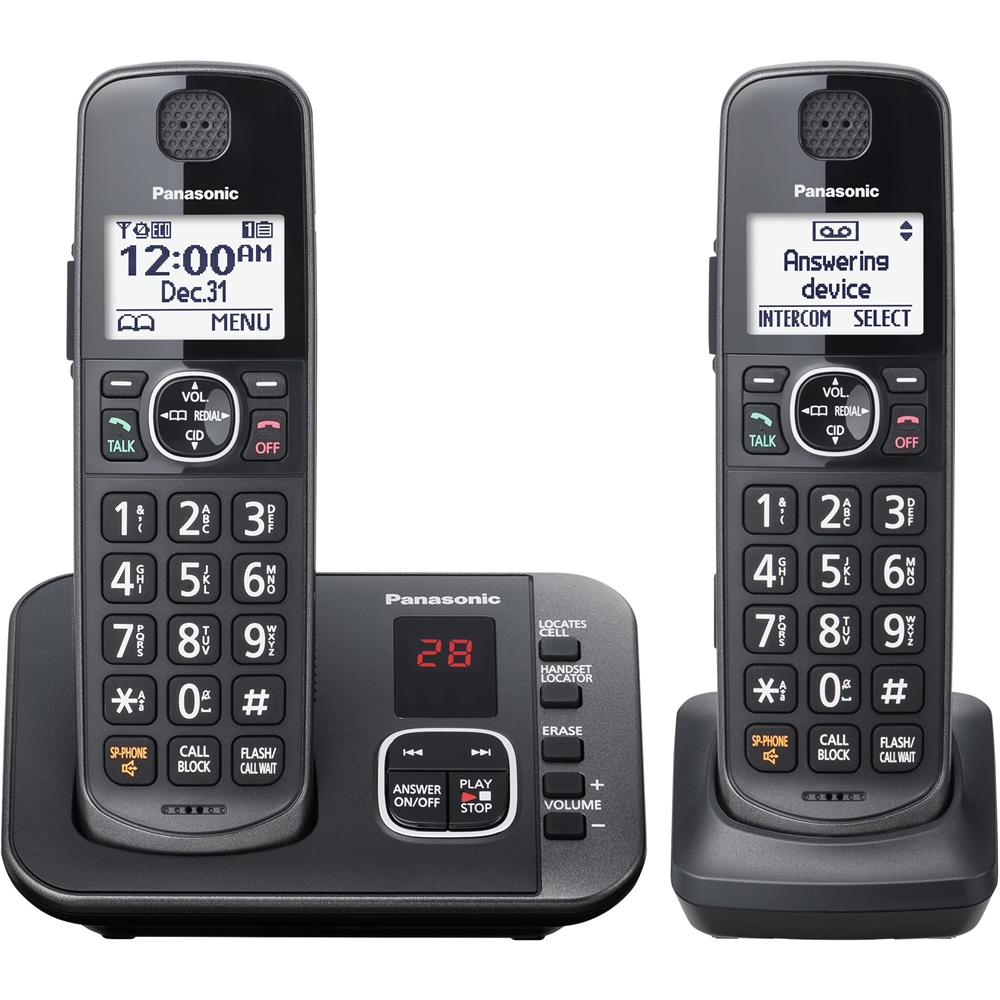
A:AnswerThere is a 'phonebook' feature that this system has. You enter legit phone numbers and store them in this 'phonebook'. Any numbers or allowed names that are not stored in your 'phonebook' list will be recognized by the phone and will require the caller to enter an access code. Automatic and robo-calls are not able to enter the access code so the call is disconnected and the phone will not ring.
A:AnswerHello there! The telephone does not work with internet, that being said, the phone may be able to work with a VoIP modem connection as long as it simulates a home landline connection. We hope this helps! - F
A:AnswerHello there! The telephone does not work with internet, that being said, the phone may be able to work with a VoIP modem connection as long as it simulates a home landline connection. We hope this helps! - F
A:AnswerHello there! The telephone system should come packaged with an operating manual! We also recommend checking the digital version of the manual on our Official Panasonic help page! We hope this helps! - F
A:AnswerHi Chris! The intercom feature allows one handset to call another handset directly. To use it, go to the menu on a handset, select Intercom, and then choose the handset you want to call. For example, you can use the handset in the bedroom to call the one in the kitchen. - S