A:AnswerI don't know. But it happened to us as well. We found a fudge workaround. Every time it happens, we hit the numbers, which tweet loudly and seem to reset the system, allowing voice again.
A:AnswerHi! To turn off Talking Caller ID on the handsets, press MENU # 162 > go to OFF > press SAVE. To turn it off on the base unit, press MENU #* 162 > go to OFF > press SAVE. -M
A:AnswerFrom the center, push the left arrow and it will give you a * sign. Then push the letter of the name you want to call, and it will put you in that letter's section. Then you must scroll down. Faster than scrolling from the top!
A:AnswerHello! The compatible batteries for the phones are HHR-4DPA. Also, the recommended battery type is Nickel metal hydride (Ni-MH) and 2 x AAA (R03) size for each handset. Hope this helps! -C
A:AnswerHello! You do not have to pay a monthly fee for our services. However, if you want to subscribe to services from your service provider, we encourage you to check with them for more information regarding this. -C
A:AnswerHello! No, you do not need individual phone jacks, as the handsets can be registered to the main base unit. For the base unit, you need to connect the AC adaptor to the unit by pressing the plug firmly, then fasten the cord by hooking it and connect the AC adaptor to the power outlet. Then, connect the telephone line cord to the unit, then to the single-line telephone jack (RJ11C) until you hear a click. A DSL/ADSL filter (not supplied) is required if you have a DSL/ADSL service. -C
A:AnswerThe poser adapter is marked 60 Hz 120V. This means a transformer to go from 50Hz to 60hz won't work. The unit I have is sold in the US. heck your local stores to see if there is a 220V model where you are. You might get a power adapter which would work since its DC to the main unit. However the handset power adapters are hard wired to those bases.
A:AnswerWe would need more information in order to have a better understanding of your inquiry. If you’re open to discussing it further, please contact Support Team via Live Chat on the Panasonic Website, Contact Us option, Mon-Fri, 9am-5pm EST: https://shop.panasonic.com/contactus . -M
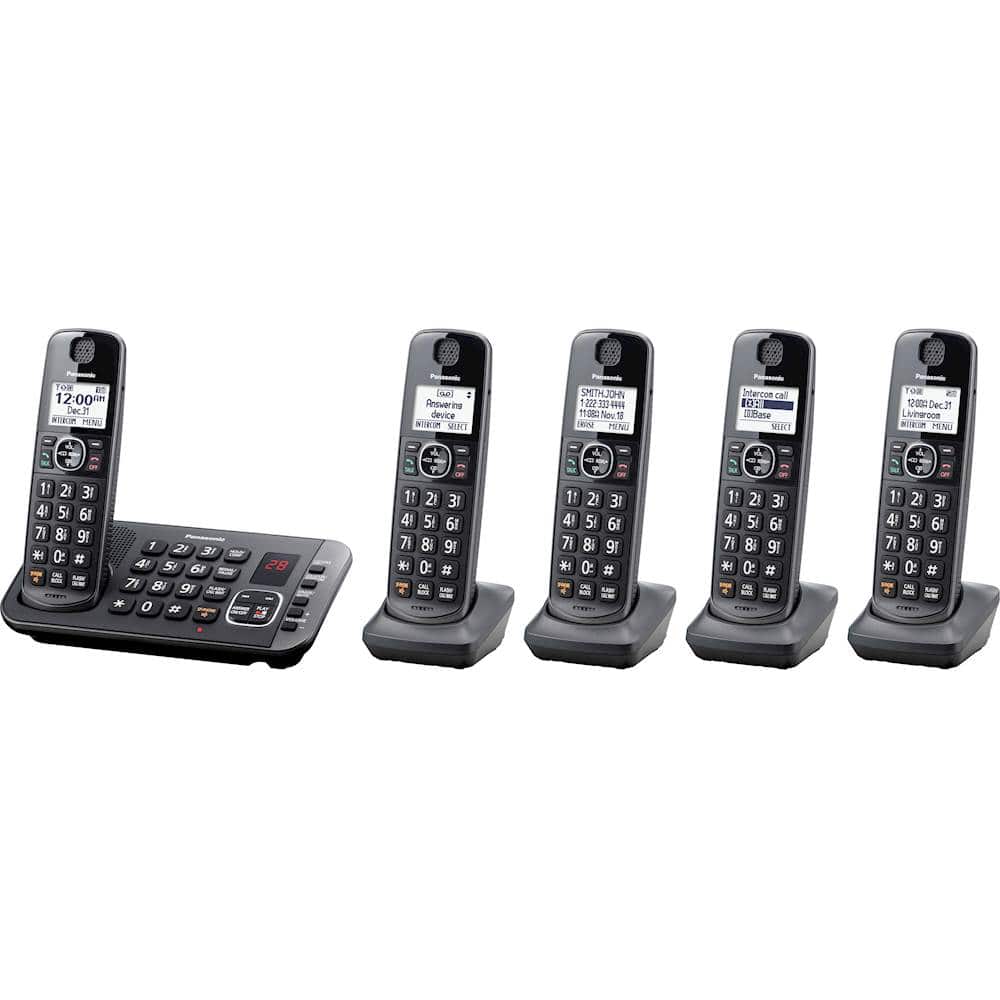
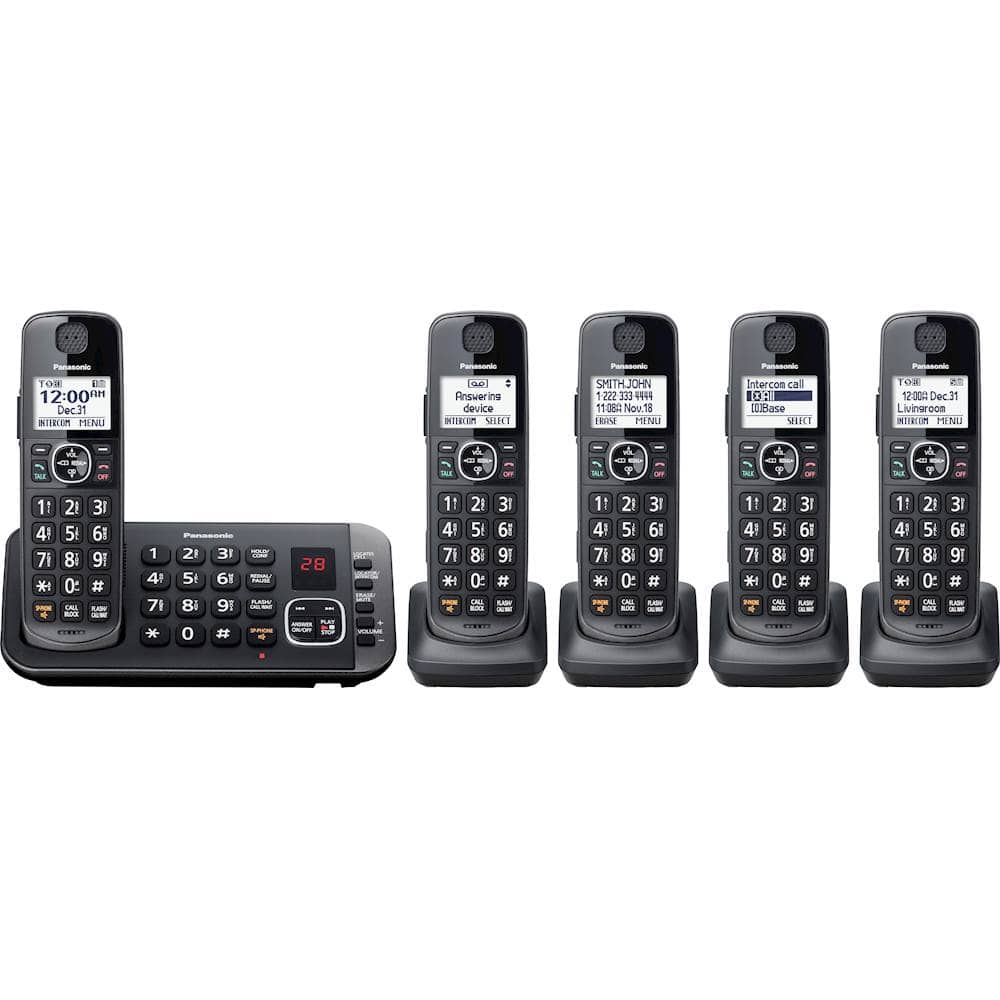
A:Answerthere may be a terminology problem!! there are 5 phones that you can talk on...5!! Some call one of the 5 phones a "base station" and the other 4 they call a hand set. Point is, if you want to talk, you have 5 portable phones to use, regardless of whether you count them as 4 + 1 or 5.
A:AnswerYes, however you will need to de-register from the original base and do the registration on the new base. Please check the operating manual: https://help.panasonic.ca/viewing/ALL/KX-TGE632/OI/TGE632_PNQX8639ZA/TGE632_PNQX8639ZA.pdf#page=41 . Hope this helps! -M