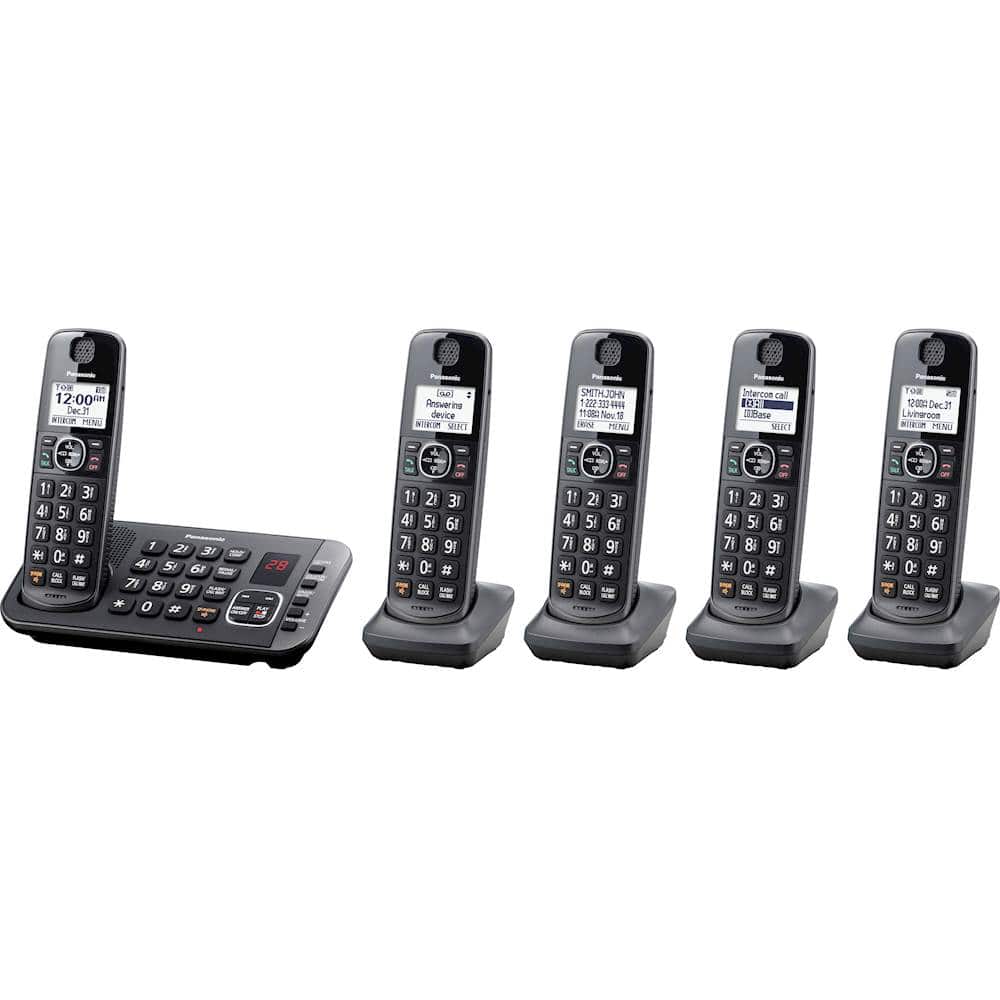
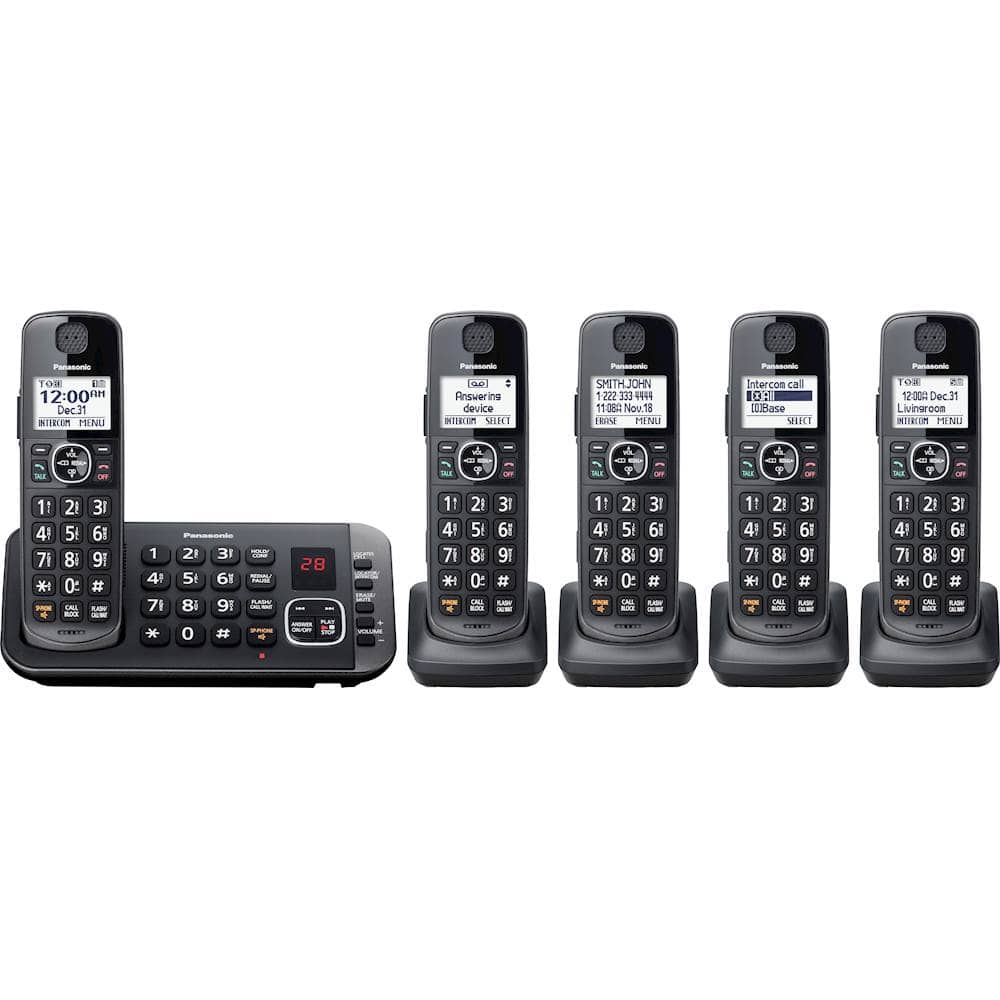
A:AnswerHit menu and then Scroll down to settings, and hit select and then scroll to Ring adjustments and scroll down to ring tone, incoming and then you will have your lists. Note: you can have different tones for each handset (but I find that irritating).
A:AnswerHello. As in the end, this would be a matter of personal preference, we're afraid that an exact answer to this cannot be provided. We recommend you review the specifications of the two models to determine which would fit your needs best. -C
A:AnswerThank you for your question! Kindly be informed that the range from the base to the handsets is not exact, as it mainly depends on the environment in which you are using the product. -M
A:AnswerHi! You can expand your phone system by registering optional handsets (6 max.) to a single base unit. As this phone system has 5 phones already, you can 1 additional handset. -C
A:AnswerKindly be informed that we do not make this specific model without Call Block. We can investigate the situation further to see if the issue is indeed caused by this feature. We can be contacted via Live Chat on the Panasonic Website, Contact Us option, Mon-Fri, 9am-5pm EST.
A:AnswerMany thanks for your speedy reply. I have done each of your suggestions but the Voicemail msg. keeps coming back so I repeat the process. BTW, these new phones replace old phones of the same brand. Very happy with my purchase.
A:AnswerThe compatible expendable handsets with your Phone System are the following: KX-TGEA60/KX-TGEA61. For availability, please check with your local dealers.