A:AnswerThis phone system has Using a touch-tone phone, you can call your phone number from outside and access the unit to listen to messages or change answering system settings. The unit’s voice guidance prompts you to press certain dial keys to perform different operations.Please check this link for instructions: help.panasonic.ca/viewing/ALL/KX-TGE632/OI/TGE632_PNQX8639ZA/TGE632_PNQX8639ZA.pdf#page=47
A:AnswerThis notification is displayed when your phone service provider’s voicemail service (not the unit’s answering system) has recorded a message for you. Typically you can remove this notification from the display by listening to the message. To listen to the message, dial the voicemail number provided by your phone service provider (for most cases, this will be your own phone number), and follow the voice instructions. Depending on your phone service provider, you may need to remove all messages from your voice mailbox to remove the notification. You can also remove this notification by pressing and holding # until the unit beeps.
A:AnswerThank you for your question. The KX-TGD564 was released in 2017, it has Link2Cell, you can check this link for further details: http://help.panasonic.ca/viewing/ALL/KX-TGD562/OI/TGD562_PNQX8351ZA/TGD562_PNQX8351ZA.pdf#page=17 , this Phone System also comes with 4 cordless handsets. The KX-TGD564 has Call Block, Caller ID and Talking Caller ID, Phonebook entries up to 3000, Voice Assistant( You can use the handset to operate the voice recognition feature of a paired cellular phone (Siri®, Google Now™, or S Voice). For example, you can speak into the handset and command your cellular phone to make a call). The KX-TGE633 comes with 3 cordless handsets, has Call Block and Automated Call Block, Caller ID and Talking Caller ID, doesn't have Link2Cell and Voice Assistant, Phonebook entries up to 100, both of them have Answering Machine.
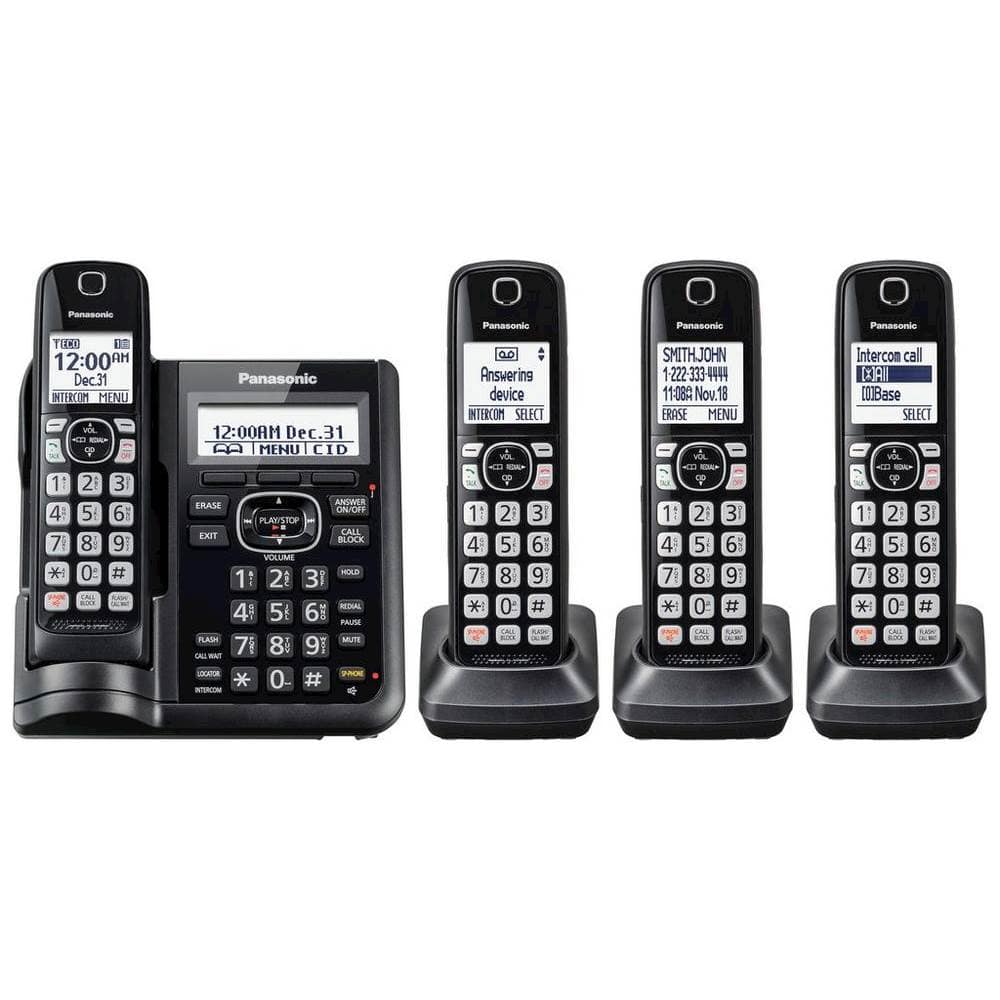
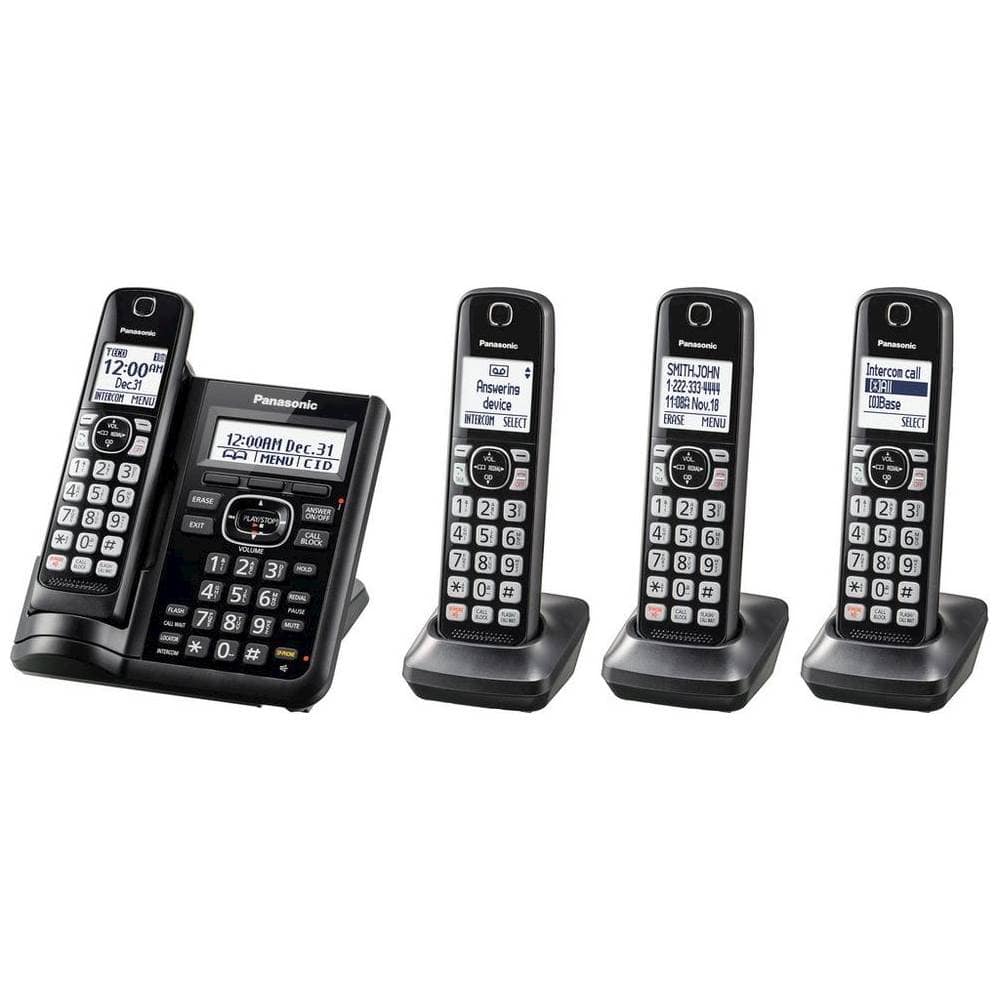
A:AnswerThe KX-TGF544B can easily block up to 250 telemarketers, robocallers and other unwanted numbers with one-touch dedicated call block buttons on base unit and handsets.
A:AnswerThank you for contacting us regarding your phone. We will recommend that you contact our tech support team for further assistance at shop.panasonic.com/contactus. They will need to confirm the compatibility of the range extender with your phone system.