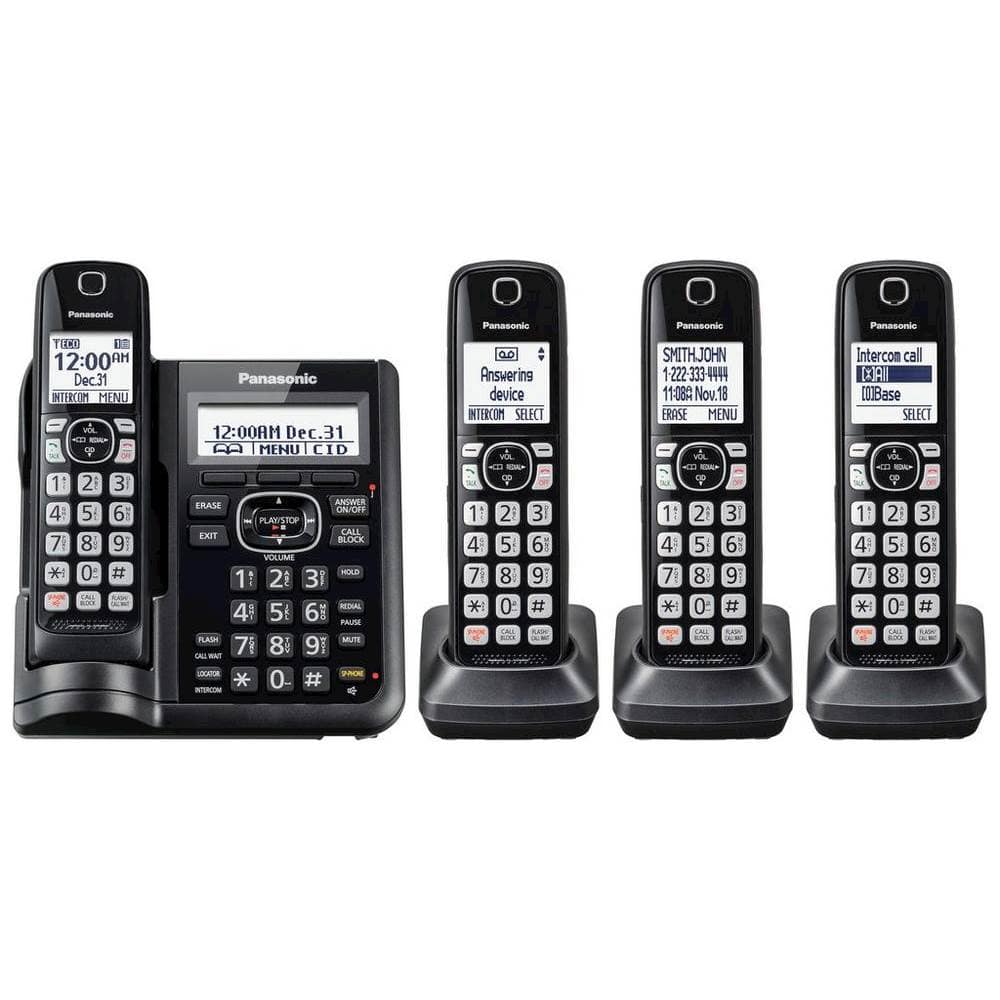
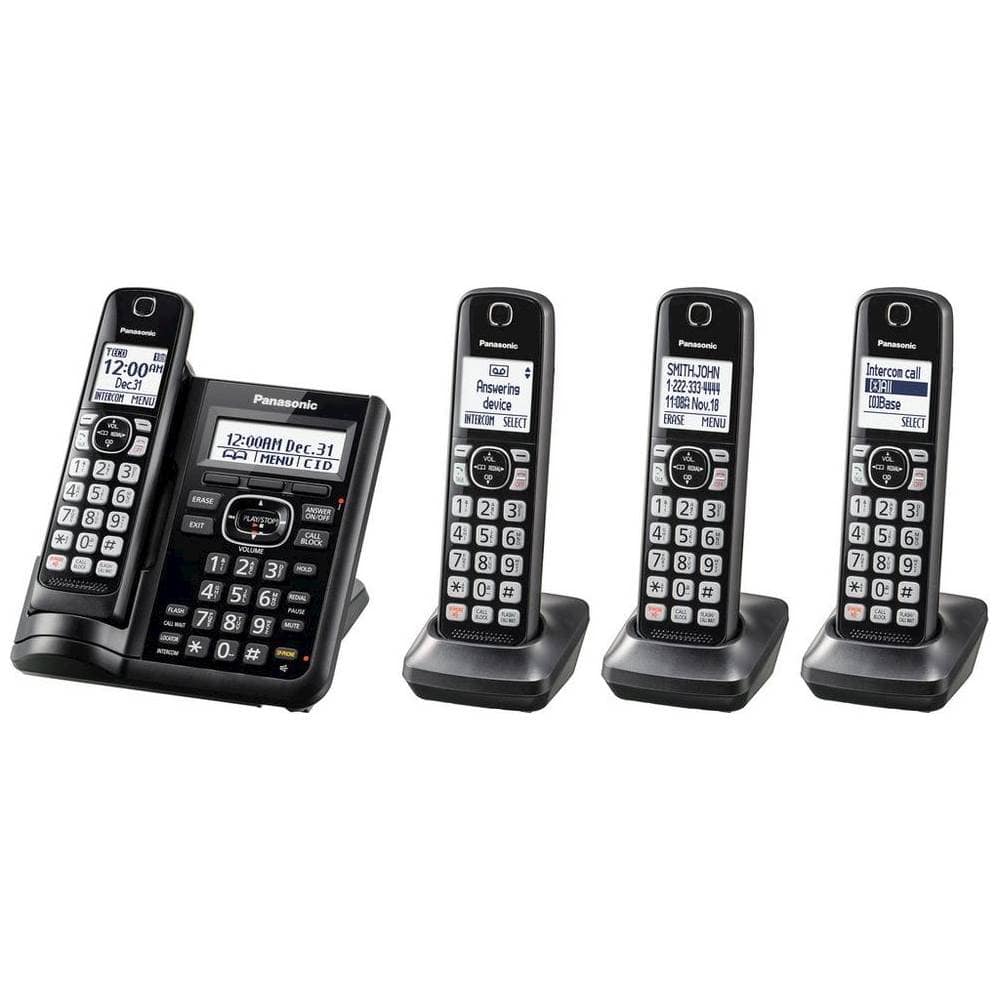
A:AnswerThere is a 'phonebook' feature that this system has. You enter legit phone numbers and store them in this 'phonebook'. Any numbers or allowed names that are not stored in your 'phonebook' list will be recognized by the phone and will require the caller to enter an access code. Automatic and robo-calls are not able to enter the access code so the call is disconnected and the phone will not ring.
A:AnswerHello there! To change the number of rings, we recommend the following steps:
- on a handset, please press MENU then the button [#] and type 211
- then please choose an option between 2 and 7 and press [SAVE]
- at the end, please press [OFF]
We hope this helps! - F
A:AnswerHello there! Yes the phone has a feature called Remote Operation. Using a touch-tone phone, you can call your phone number from outside and access the unit to listen to messages or change answering system settings. We hope this helps! - F
A:AnswerHello there! Yes, these phone have a feature called Silent Mode which will make the phones not ring or light up when calls are coming in. We hope this helps! - F
A:AnswerHello there! This phone is designed to be plugged into a telephone wall jack, that being said, the phone may work with a VoIP if the provider simulates a home landline connection, please reach out to them for more details. We hope this helps! - F
A:AnswerHello. As the phone system was not tested with this service, only with a landline connection, we encourage you to check directly with the telephone service provider for information. Please note that if you encounter issues with the sound or related to Caller ID services when using VoIP, the phone may require a DSL/ADSL filter to be installed on the line by your telephone service provider. - S
A:AnswerHi there! Most current cordless handsets are not compatible with systems from around 10 years ago, and a new base unit cannot be connected to an existing base since two bases cannot operate together. We recommend checking the handset compatibility FAQ page to see which handset models, if any, will work with your system. - S
A:AnswerHello there! The phonebook cannot be automatically transferred from one phone system to another, the only option is to manually transfer the stored phone numbers. We hope this helps! - F