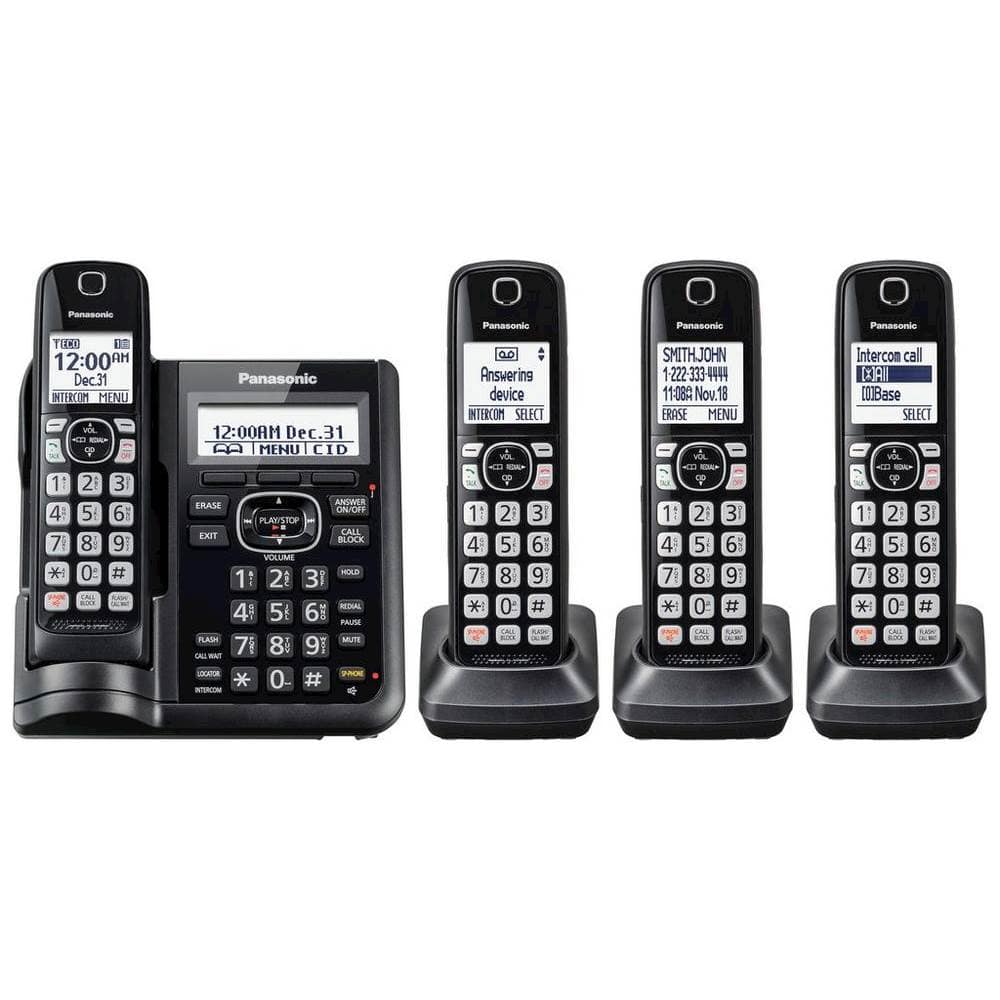
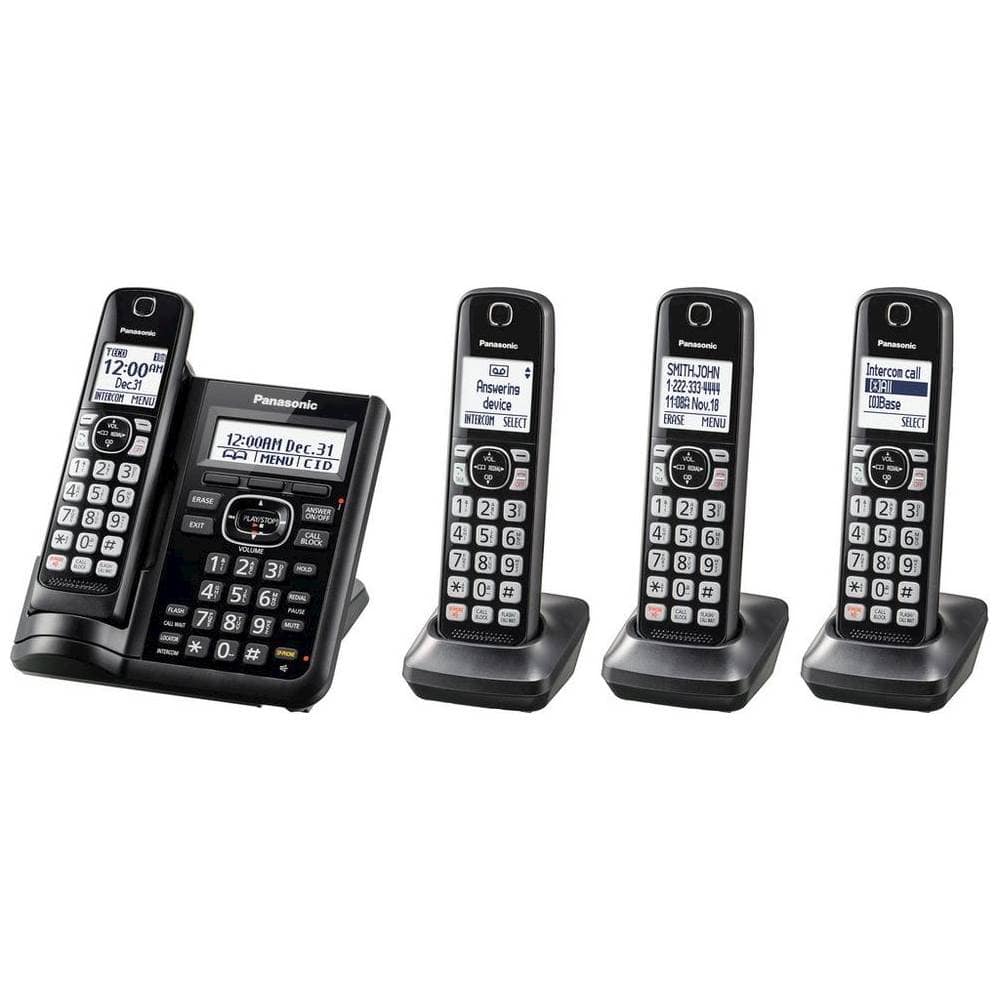
A:AnswerHello! The phone system has the Baby monitor function that allows you to listen in on a room when another handset is located, allowing you to easily monitor from different areas of the house or even while away from home. -C
A:AnswerHello! The range of all our handsets is approximately 33 feet from the base unit. The range will also be influenced by the environment in which the phone system is placed, and if there are any electronics around that would weaken the signal (such as microwave ovens, Wi-Fi routers, and radios). Some of the similar phone systems are KX-TGF575 and KX-TGE475. Hope this helps! -C
A:AnswerI don't know if it's the same model I purchased but the pound sign usually does not delete messages. It skips them for later. I just go to the answering machine base and click "Erase".
A:AnswerHello! Thank you for bringing this matter to our attention. To add phonebook entries, you need to press the left arrow (Phonebook) on the handset, then press the MENU button. Then, press the up and down arrows to select "Add new entry". Enter the party's name, press OK, and enter the party's phone number and press OK again. The next step is to select the desired group and press SELECT 2 times and then the OFF button. Hope this helps! -C
A:AnswerHello! The KX-TGE633M phone system has the Talking Caller ID feature available. The phone system was not tested with VoIP service, only with a landline connection, we encourage you to check directly with the telephone service provider for information. Please note that if you encounter issues with the sound or related to Caller ID services when using VoIP, the phone may require a DSL/ADSL filter to be installed on the line by your telephone service provider. - S
A:AnswerHello! Using a touch-tone phone, you can call your phone number from outside and access the unit to listen to messages or change answering system settings. The unit's voice guidance prompts you to press certain dial keys to perform different operations, such as "Erase currently playing message" or "Erase all messages". Hope this helps! -C
A:AnswerHello and thank you for your question! We encourage you to check directly with the retailer on product availability and stocks, as they would be able to better assist you. - S
A:AnswerNo! This model has LOCATE my cell phon--NOT Bluetooth linked like certain other models from panasonic. They DO make other models that connect to your cell phones directory/phonebook and BOOST your cell phones signal reception--handy feature if your in low signal area/region.
A:AnswerHello! Thank you for contacting us. In order to erase a number that has been blocked, please press the CALL BLOCK button, then choose "Call Block", and select "Block a single number". After that, please select the phone number you wish to unblock, press ERASE then select YES. Hope this helps! -C
A:AnswerHello and thank you for your question. The range of the connection between the base unit and the handsets is approximately 33 feet. Please note that the range may be influenced by other electrical devices that are close to the main base or thick walls. - S
A:AnswerHi! Thank you for your question. The Flash function allows you to use the special features of your host PBX such as transferring an extension call, or accessing optional telephone services. -C
A:AnswerHi! If you're experiencing issues such as static, reception interruptions, or background humming noise while using your cordless phone, it could be due to transmission or electric interference. Noise may also originate from the phone lines themselves. To pinpoint the source of interference, start by checking if static is present on other sets of phones apart from the Panasonic model. Consider relocating the Panasonic phone to an area with less interference. If you subscribe to DSL/ADSL service, it's advisable to use a DSL filter. These filters are often provided by DSL/ADSL service providers, and you can also find them at local electronic stores. -M