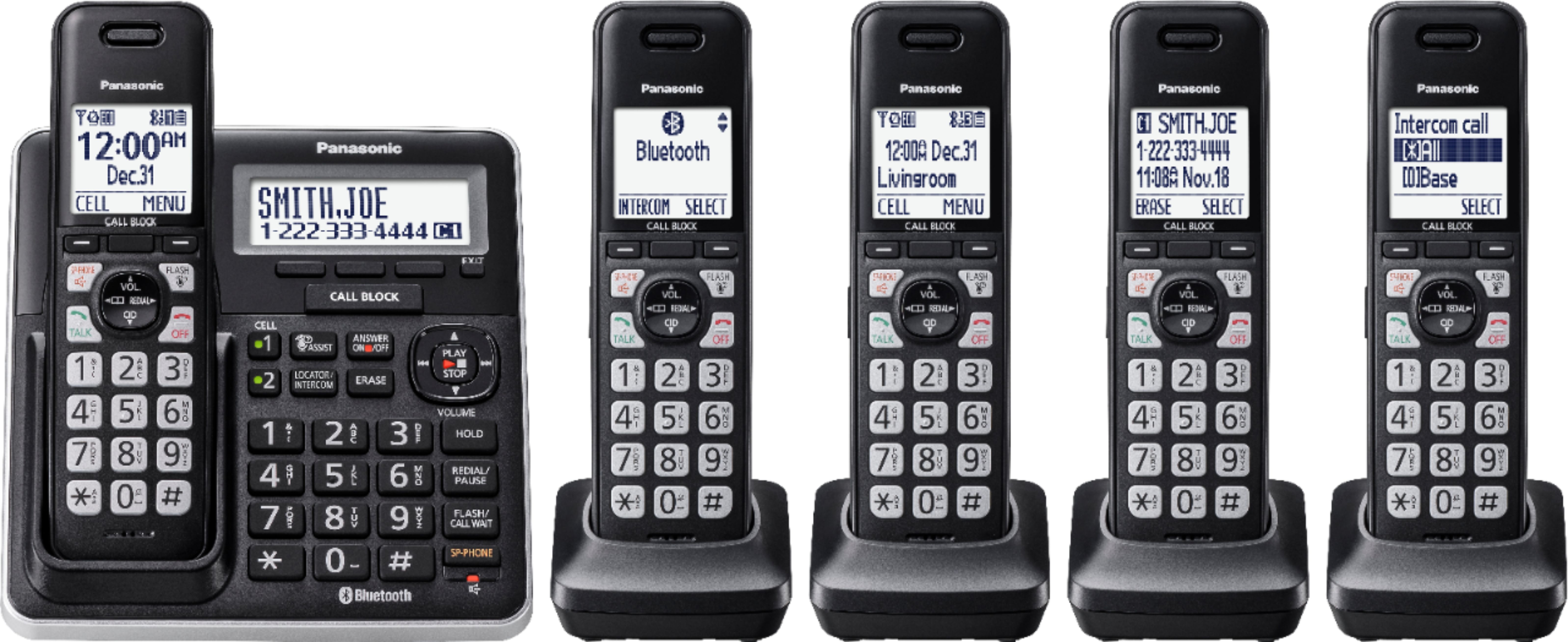
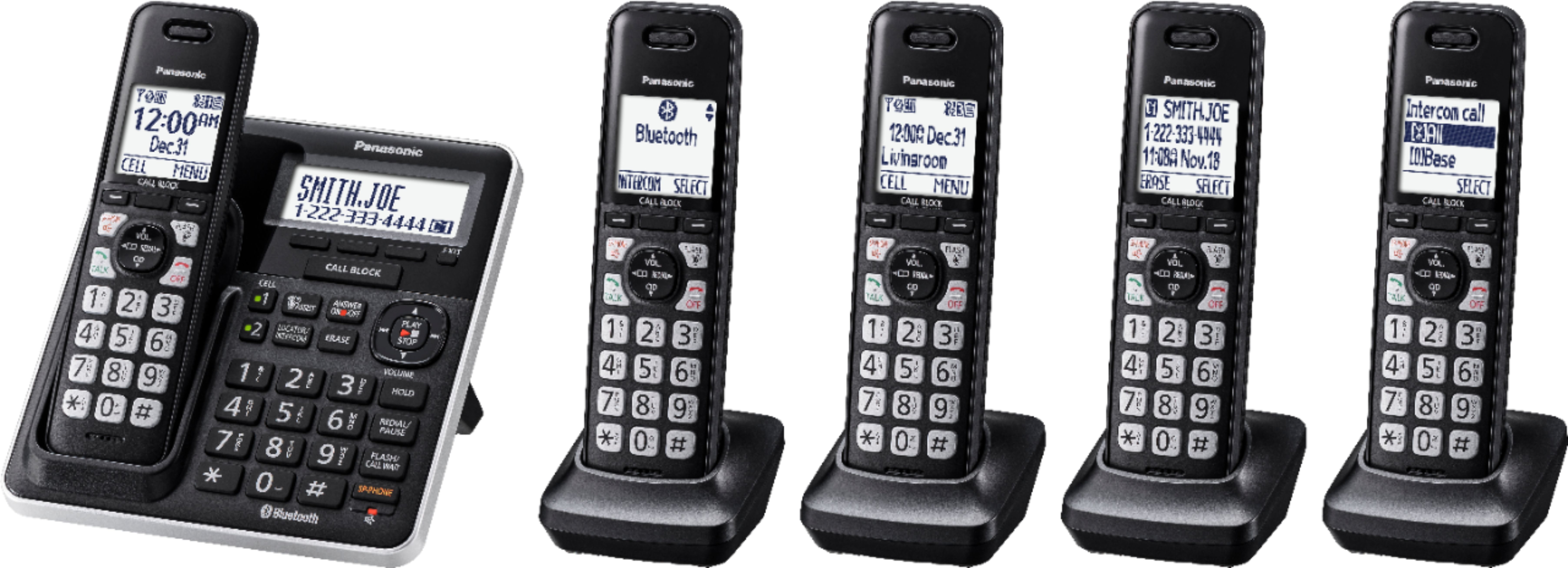
A:AnswerThe range distance that a phone will go is 50 to 100 ft, please note that the range of the device depends on different factors, thick walls, radiators, metal shelving, etc, avoid positioning the unit close to objects that will interfere with reception.
A:AnswerDear customer, thank you for your question. You can connect the base unit to a headset. Please refer to the link below for more information: http://help.panasonic.ca/PCS/OperatingInstructions/KXTGF773_Operating_manual.pdf#page=71
A:AnswerThank you for your question. You can have a maximum of 6 handsets to one base unit. You will need one of the following models: TGFA60, TGFA71, TGFA61, TGEA60, TGEA61. You can find below a Panasonic Authorized Consumer Electronics Retailers list: https://shop.panasonic.com/view-all-home-authorized-retailers.html
A:AnswerDear customer, this depends on the other handset. There is nothing wrong with your unit. The proper settings must be done on the other part's unit.
A:AnswerI have wondered the same thing but I don't know.
I don't think you can unless it was somehow formatted to be compatible.
I would ask Panasonic.
A:AnswerI find it easier and faster to just yell! To use the intercom, first go to MENU, then to SETTINGS, then to HANDSET NAME, and assign unique names to each extension phone so that it is easier to distinguish one extension from another. This must be done from each extension once, otherwise it is necessary to remember the number of each individual phone. After doing this to each phone, the Intercom feature can be used by again going to MENU, then to INTERCOM, THEN select the desired extension or ALL phone's.