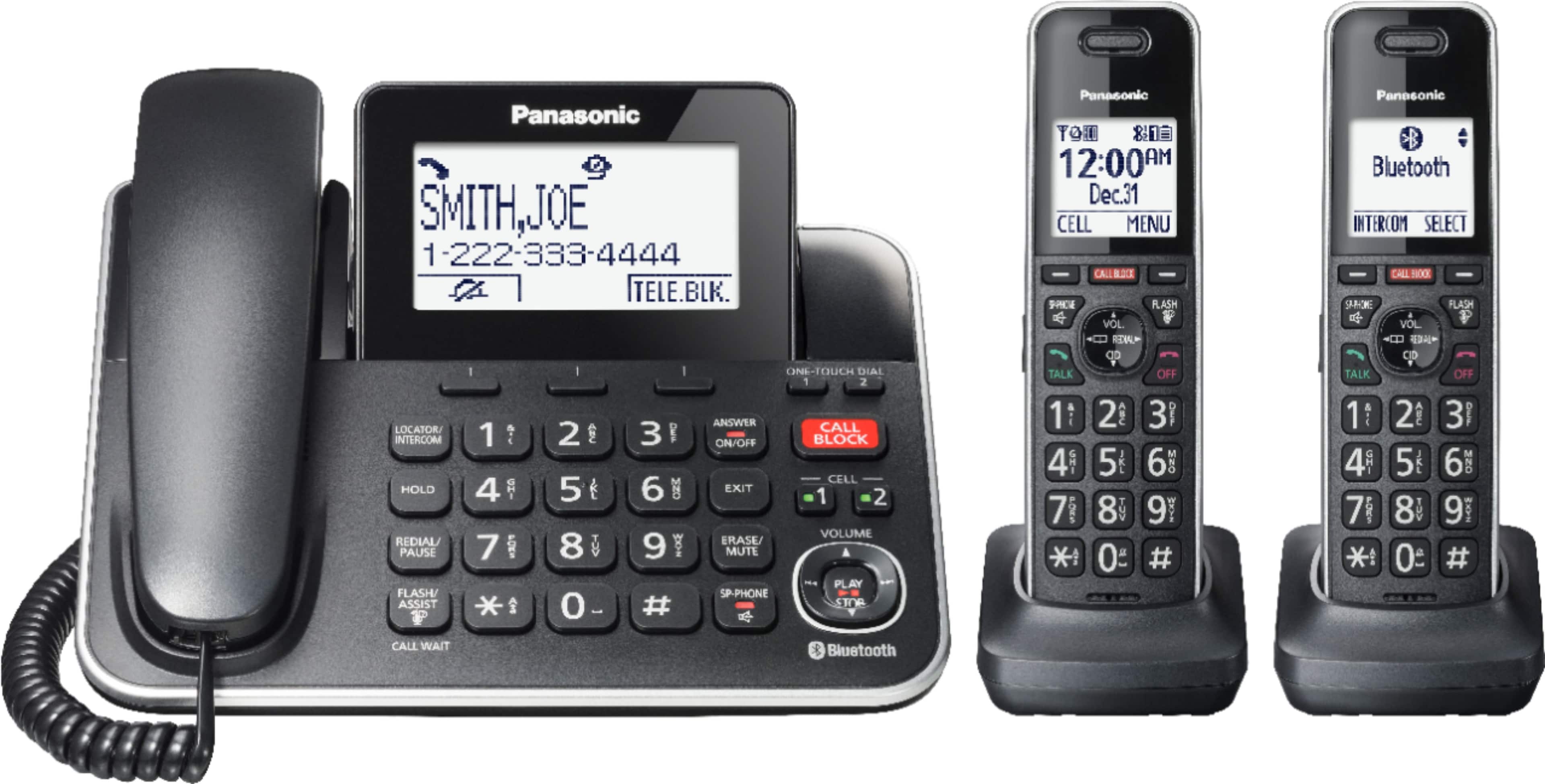
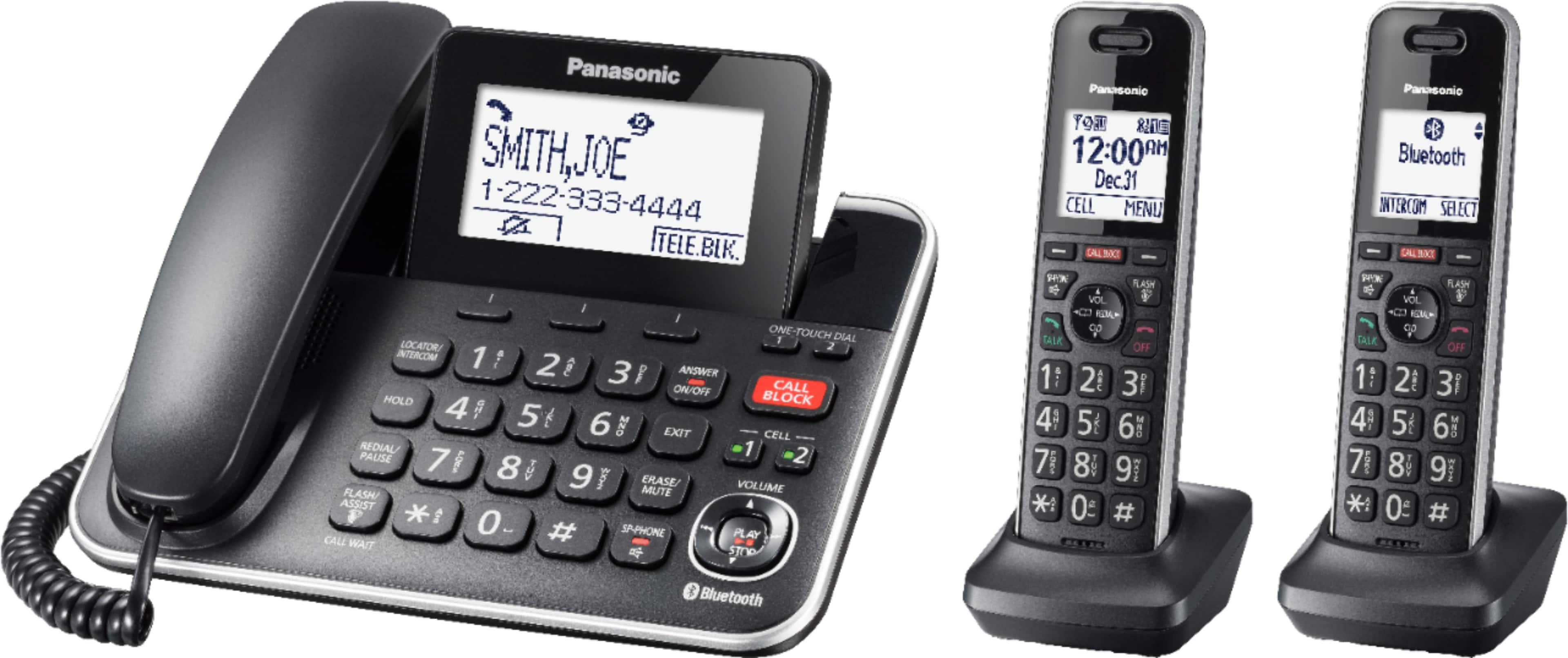
A:AnswerHello there! Yes, the number of rings can be adjusted from 2 rings up to 7 rings before the answering machine picks up the call. To set the number of rings, we recommend pressing the MENU button, then the pound key [#], and then type 211. Then you can choose the number of rings and confirm the change by pressing SAVE. We hope this information will be of help! - F
A:AnswerHi Bill! The option handsets for the KX-TGF853S2 can be purchased directly from our official webstore or from our authorized retailers. Some compatible handsets are KX-TGDA83, KX-TGDA86, KX-TGFA97 and KX-TGTA61. We hope this information will be useful! - S
A:AnswerHi Rich! Thank you for your question. If you are using the built-in answering system, you can listen to new messages using the handset by pressing MENU, then the key # and enter code 323 to listen to new messages, and MENU #324 to listen to all messages. If you are using the Voicemail service from your telephone company, you will need to dial an access number given to you by your provider, followrd by a security code or PIN number. Hope this helps! -C
A:AnswerHi John! Thank you for your interest in our phone system. To set it up, you need to connect the AC adaptor to the unit by pressing the plug firmly. Then, fasten the cord by hooking it and connect the AC adaptor to the power outlet. The next step is to connect the telephone line cord to the unit and then to the single-line telephone jack until you hear a click. A DSL/ADSL filter, which is not supplied, is required if you have a DSL/ADSL service. Please ensure you use only the supplied Panasonic AC adaptor PNLV226. Hope this helps! -C
A:AnswerHello! Thank you for reaching out to us. The KX-TGF882 phone system supports the Auto talk feature and you can answer calls simply by lifting the handset. To activate it, press MENU on a handset, then when you see Phonebook, press the # key and enter code 200. Select ON, press the SAVE option and then the OFF button. -C
A:AnswerHello and thank you for your patience! When putting a call on hold, the caller will hear a music/melody. The hold music can be changed by your telephone service provider. Hope this helps! - S
A:AnswerHello! It is possible to answer an incoming call on your phone system and transfer it to another handset within your system. Kindly note that the transferring or conference calls can be made between handsets or between a handset and the base unit. -C