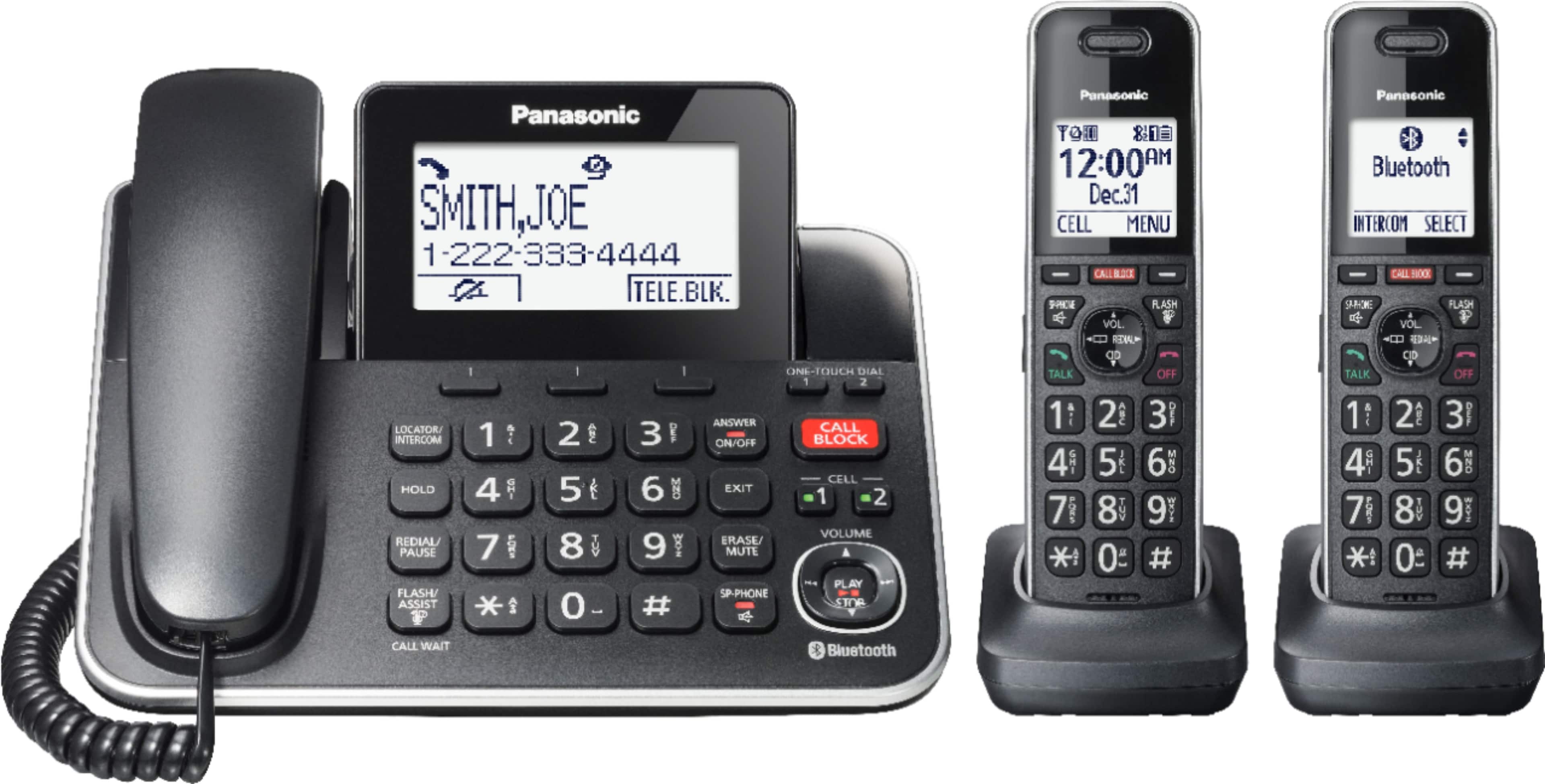
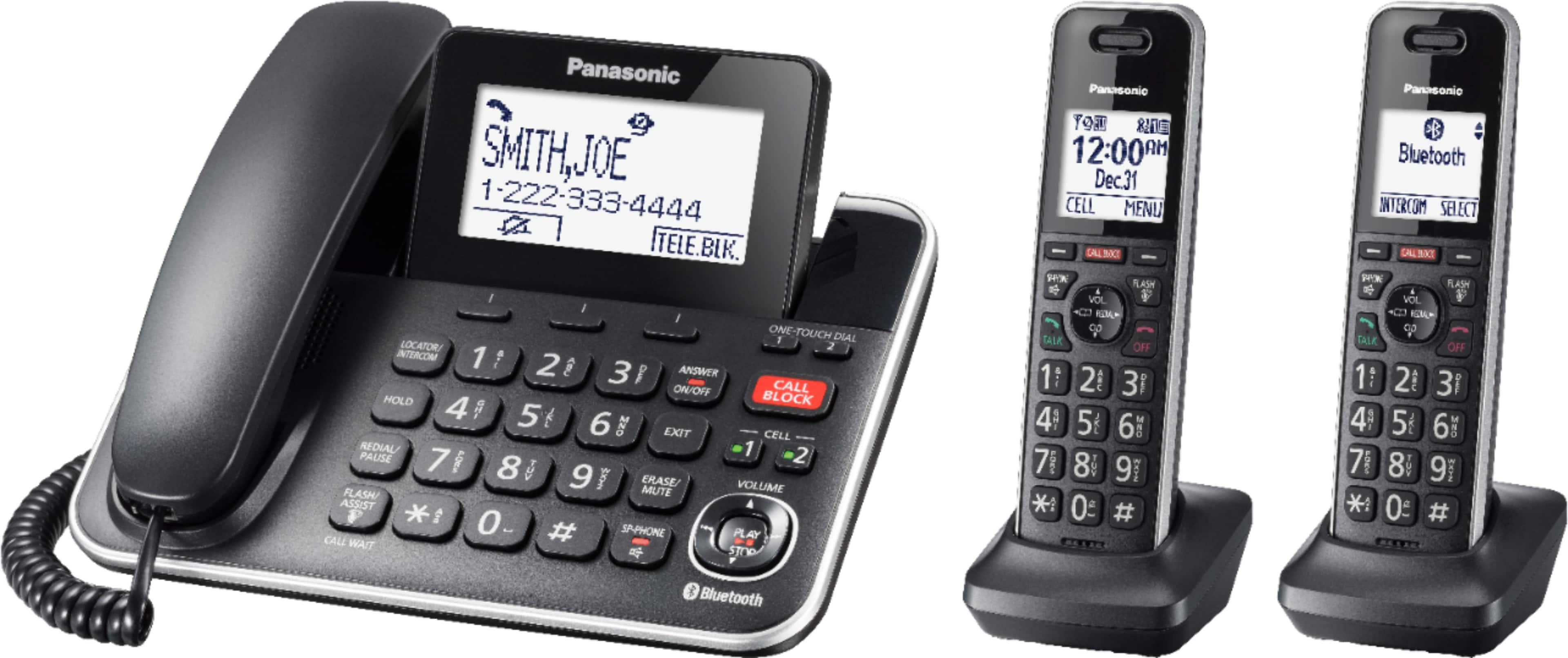
A:AnswerI checked the back of my unit. The piece that makes it stand looks to be removable. That being said I believe it is possible but you would need a bracket adapter for the wall unit. That was not sold with mine. I'd look online to see if a bracket is available.
A:AnswerYou simply hold the receiver down for a second and then your waiting call will be on the line. When you’re done with that call just hang up and listen for the person you put on hold.
A:AnswerHi! These handsets are incompatible with the phone system. The recommended compatible handset is KX-TGFA97. Please refer to our website for a list of other compatible handsets: https://help.na.panasonic.com/answers/parts-and-accessories-cordless-telephone-handset-guide-use-this-guide-to-look-up-handsets-compatible-to-your-telephone-and-where-to-purchase . Hope this helps! -C
A:AnswerHi! Thank you for providing us with the details. In order to set a ringer tone for a group, please press the Phonebook button, then select Menu. After this, press the up and down arrows until you see ''Group'' and select it. Please select the desired group and the next step is to change the group name. Select the option ''Group name'' and then you will need to edit the name using 10 characters max. After this, it will be possible to set the group ringer tone. Press the up and down arrows to select the current setting of the ringer tone, press SELECT and then using the up and down arrows again, select the desired ringer tone and make sure to press the SAVE button and then the OFF button to exit the programming mode. Please note that if you selected Home, Cell 1 or Cell 2 as the desired group, you can scroll using the up and down arrows until you see the group ringer tone option, without choosing to edit the name of the group. Hope this information is useful! -C
A:AnswerWhen the phone rings you push the top right hash mark and a voice asks: Please say your name. Then you can decide whether to take or block the call.
A:AnswerIt flashes and goes to voicemail. I do have a problem with my chargers not charging on brand new phones after only a few weeks. Have taken one back already and about to do the same for
another one. Very discouraging. Never had a problem with Panasonic before.
A:AnswerHello! You can turn off the Talking CID by pressing MENU # 162 > go to OFF > press SAVE. You can also turn off call screening by pressing MENU # 310 > go to OFF > press SAVE. -M
A:AnswerIf you require further guidance in regards to this model, please do not hesitate to contact us directly and we will be more than happy to answer your questions: https://shop.panasonic.com/contactus . -M