A:AnswerHello! The phone system was designed to work with a landline connection. Kindly be informed that the speaker on this model is standard, however it does have good-quality sound and volume. We do have other models available that are specifically designed with amplified features. These amplified models provide enhanced volume and clarity to cater to specific hearing needs. If you require amplified functionality, we recommend considering one of our specialized amplified telephone models, such as KX-TGM430 or KX-TGM420. Hope this helps -C’
A:AnswerHello! Both models share a similar design, with the primary difference being that the KXTGM450 is an amplified model that includes a volume boost feature. -M
A:AnswerHello! You can check the available ringer tones by changing the ringer tone for groups. You will need to enter the Phonebook > press MENU > use the up and down arrows to go to Group > press SELECT > go to the desired group > press SELECT again > Select the current setting of the group ringer tone > press SELECT > use the up and down arrows to browse through available ringer tones > press SAVE. -M
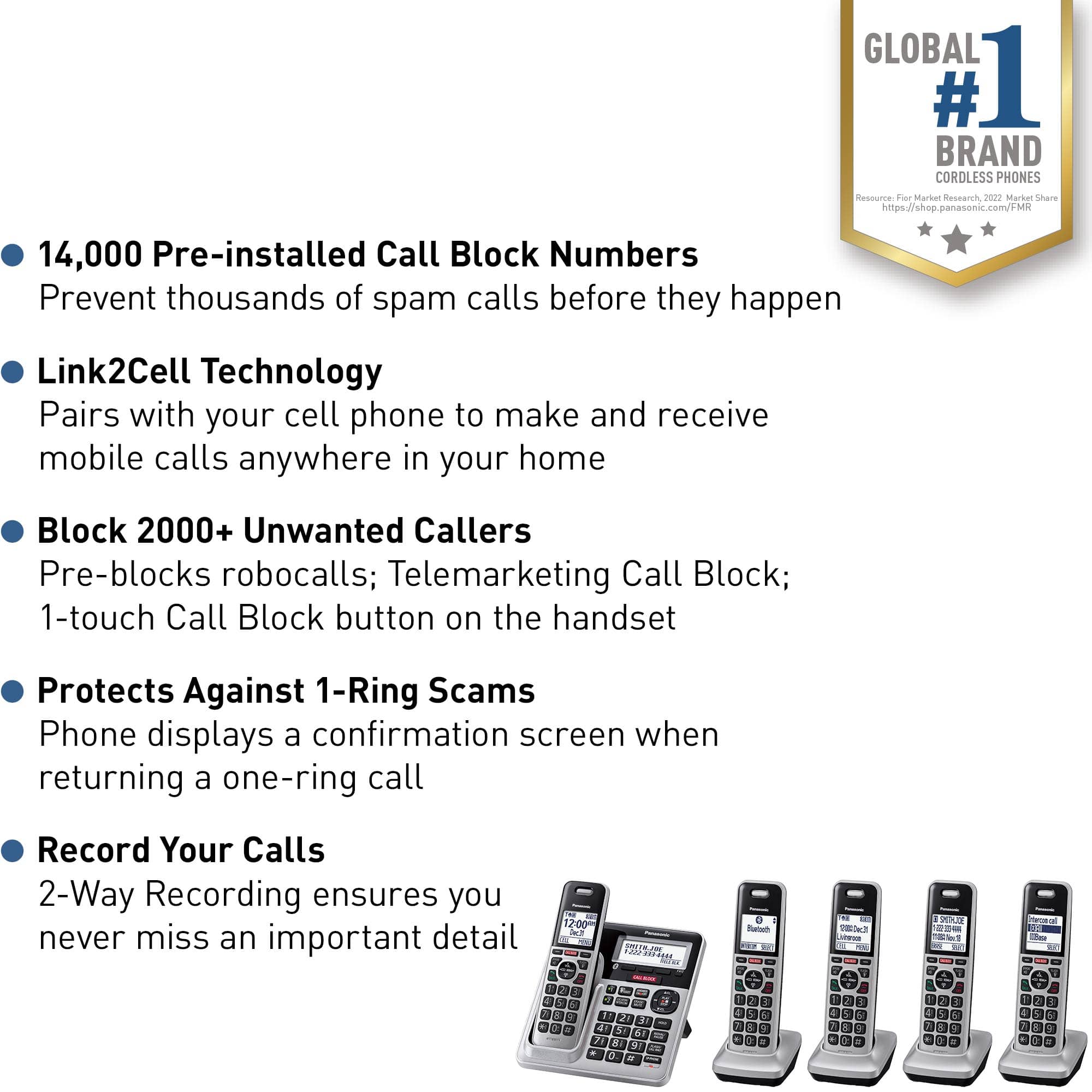
A:AnswerHello! Yes, KX-TGF975 comes with an AC adaptor and a telephone line cord. The other accessories include 1 desk stand/wall mounting adaptor, 10 rechargeable batteries, 5 handset covers, 5 belt clips and 4 chargers. -C
A:AnswerHi, Annabelle! This phone does not have the Talking Keypad feature. The models that have this feature are the amplified ones, such as KX-TGM420W. You can turn it on by pressing MENU on a handset, then the key "#" and enter code 750. For the base unit, you need to use the handset as well, press MENU, then the key "#" and enter code *750. Select High/Low/Off, press SAVE and then the OFF button. Hope this helps! -C
A:AnswerYou can have up to 6 handsets in total. The compatible handsets are:
KX-TGDA99
KX-TGEA60
KX-TGEA61
KX-TGFA61B
KX-TGFA71
KX-TGFA85B
KX-TGFA88B
KX-TGFA97
KX-TGFA97B
KX-TGTA61
A:AnswerHello! To change the name of the handset, press MENU # 104 on that specific handset > enter the desired name > press SAVE. To display the name in standby mode, press MENU # 105 > go to ON > press SAVE. -M
A:AnswerHello! No, it is designed for use with a single phone line. If you need a phone system that supports multiple lines, you might want to look into models specifically designed for small businesses or home offices that offer multi-line capabilities, such as KX-TG9542B or KX-TGW420. Hope this helps! -C
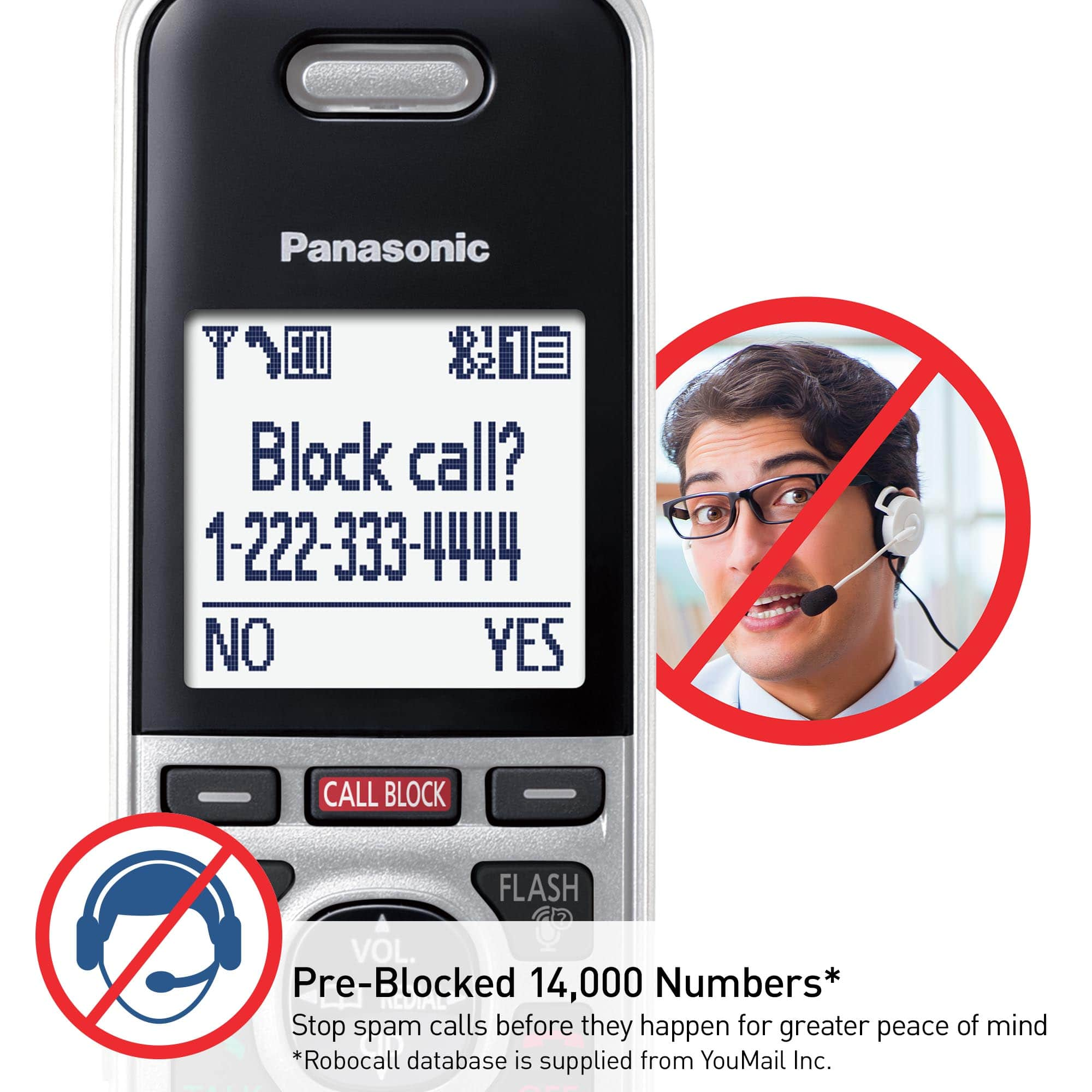
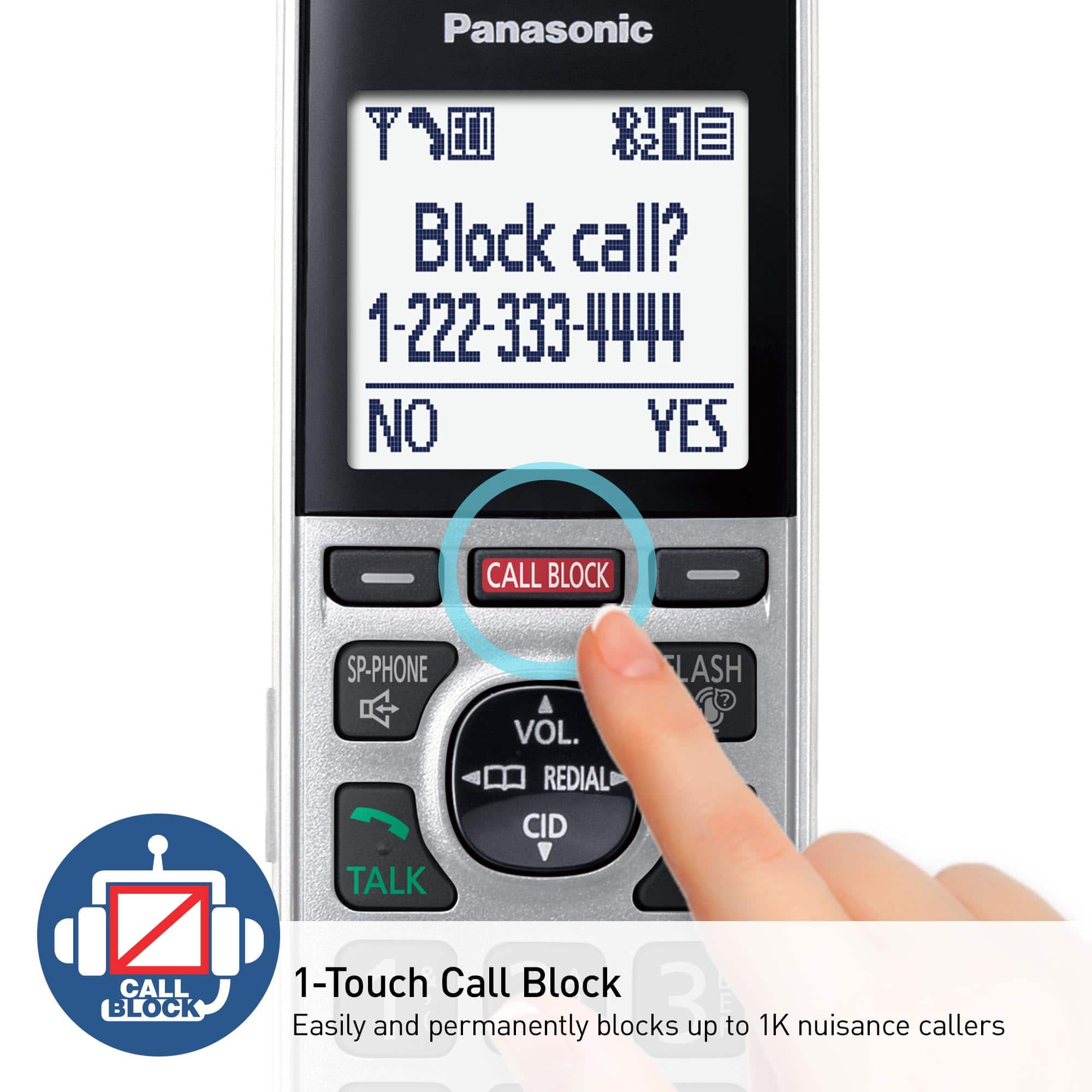
A:AnswerHi, Joe! We're not entirely clear on what you mean by mentioning that your number is a cellphone number. It would be helpful to know if this number was set up through porting or if you're using call forwarding. The automated call block feature may not function properly if call forwarding is active. We suggest trying to disable and then re-enable this feature. To do this, press MENU, enter #787, navigate to Unblock, and press SELECT. Additionally, we need to understand if this issue occurs with specific numbers. If it does, it might be beneficial to add those numbers to the "allowed numbers database." This will prevent them from encountering the automated greeting when they try to contact you. -M
A:AnswerThis model is a landline phone, not a cellphone. Charges for calls are determined by your phone company and are not related to the phone itself. -M
A:AnswerOnly guessing but it would seem like if you buy the same model, maybe the phone would work. Hopefully someone at the company or Best Buy could give you better help. Also, maybe they make a phone set with 4 phones. We like this phone and love the call block feature. It makes a great noise when it blocks a call.
![Panasonic Panasonic Panasonic Panasonic Bluetooth INTERCOM SELECT T 83 12:00A Dec.31 Livingroom CELL MENU C1 SMITH.JOE 1-222-333-4444 11:08A Nov 18 ERASE SELECT Intercom call [*]ALL [O]Base SELECT CALL BLOCK CALL BLOCK I CALL BLOCK FLASH POE FLASH w VOL COML 4 REDU CD OFF TALK OFF Panasonic AFC 3 i 1 2 E 3 I TD 820 12:00AM AM Panasonic Dec.31 SMITH.JOE CELL MENU 1-222-333-4444 TELE.BLK. CALL BLOCK OE FLASH DE VOL RCAL OD TALK OFF 1 2 3 4 5 6 7 8 9 0: # OE FLASH VOL. SO CD TALK OFF 1 2 3 - 4 5 6 D 7i 8 9 N *: 0t SAPHONE FLASH VOL. REDIAL CID TALK OFF 1 2 3 - 4 5 6 D 7i 8 9 N *: 0t SAPHONE FLASH VOL. REDIAL CID TALK OFF 1 2 3 - 4 5 6 D 7i 8 9 N *: 0t SAPHONE FLASH VOL. REDIAL CID TALK OFF 1 2 3 - 4 5 6 D 7i 8 9 N *: 0t SAPHONE FLASH VOL. REDIAL CID TALK OFF 1 2 3 - 4 5 6 D 7i 8 9 N *: 0t SAPHONE FLASH VOL. REDIAL CID TALK OFF 1 2 3 - 4 5 6 D](https://pisces.bbystatic.com/image2/BestBuy_US/images/products/2d118562-e82a-4042-8cd0-3582f37dba3f.jpg)