A:AnswerThis phone system was returned was returned after troubleshooting our old phone. Turned out we didn't need a new one afterall. Sorry we can not help :(
A:AnswerHi Tony! To get a phone number, you’ll need to contact a telephone service provider such as AT&T, Comcast, or Verizon. They can help set up service and associate a number with the phone. - S
A:AnswerHi Brian! The answering system provides the day of the week and the hour the message was left, but it does not include a full date and time stamp. - S
A:AnswerHi Mike! Yes, the system supports call waiting. Please note that call waiting service must be activated through your telephone service provider for the feature to function properly. - S
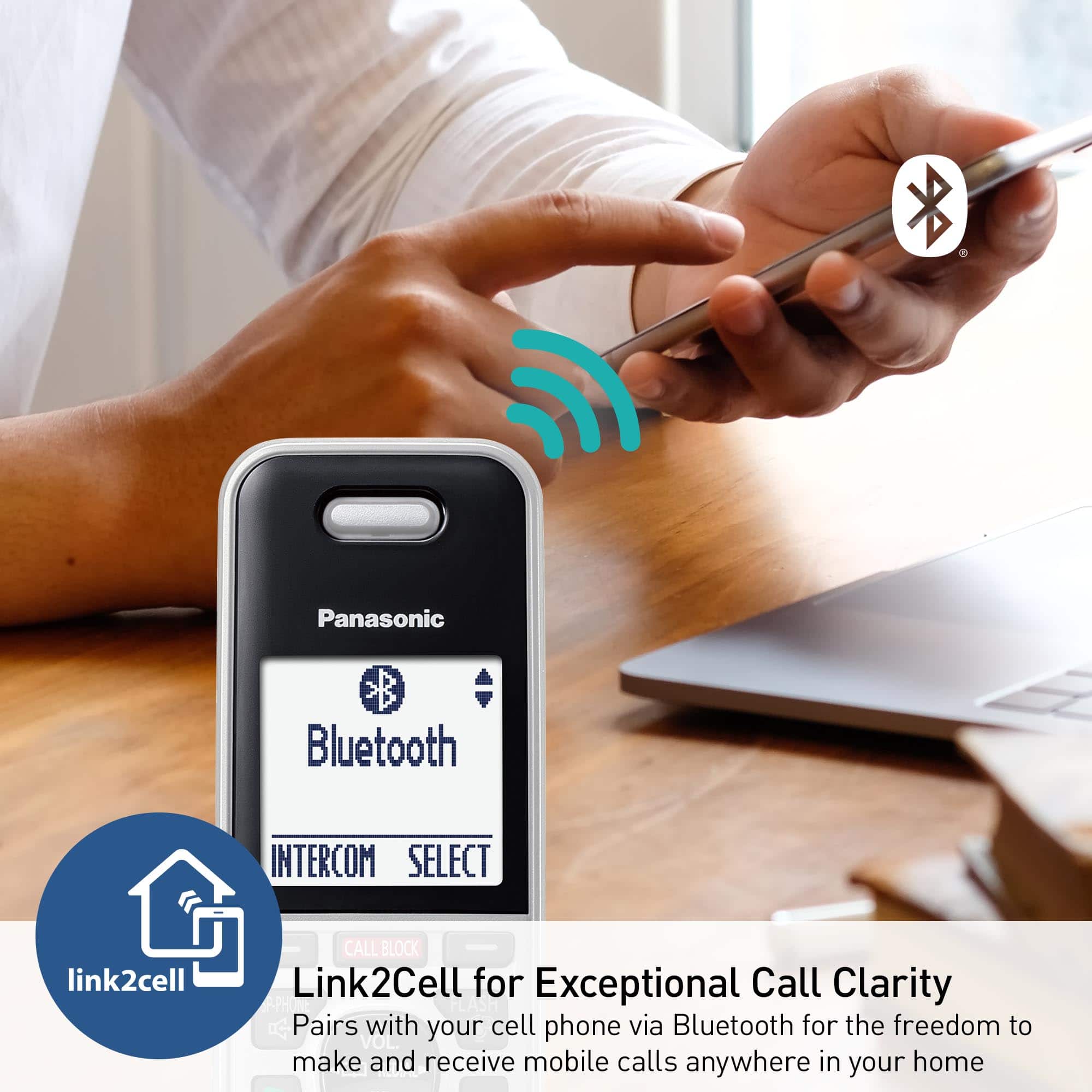
A:AnswerHello Janet! Yes, the handset has headset capability. It includes a headset jack for wired use and also supports Bluetooth for wireless headsets, however, only select compatible Bluetooth models are supported. - S
A:AnswerHello there! We recommend reaching out to OOMA if their service can be compatible with landline phones. Older Panasonic phones may not be compatible with this unit. Please note you can only have 6 handsets connected at the same time to one base unit! We hope this helps! - F
A:AnswerHello there! Compatible additional handsets for the KX-TGF975 phone system are available for purchase at any authorized retailer. We hope this helps! - F
A:AnswerHello there! This phone is designed to be connected to a telephone wall jack connection. This phone may be able to work on modems (VoIP systems) if the service provider can set up the connection as to simulate a home landline connection. We recommend reaching out to your service provider for more details in regards to this. We hope this helps! - F
A:AnswerHello there! Yes, callers can still leave a voicemail while the phone is in silent mode. In silent mode the phone will not light up or ring, but calls will still come in. We hope this helps! - F
A:AnswerHello there! This telephone system is able to connect with HFP Bluetooth headsets, that being said, we cannot guarantee that your specific model of hearing aids will be able to connect with success. We hope this helps! - F
A:AnswerHi there! Yes, this phone has a feature called "Talking Caller ID" which announces the caller and the phone number whenever a incoming call comes in. This feature can be turned on or off for each handset independently. We hope this helps! - F
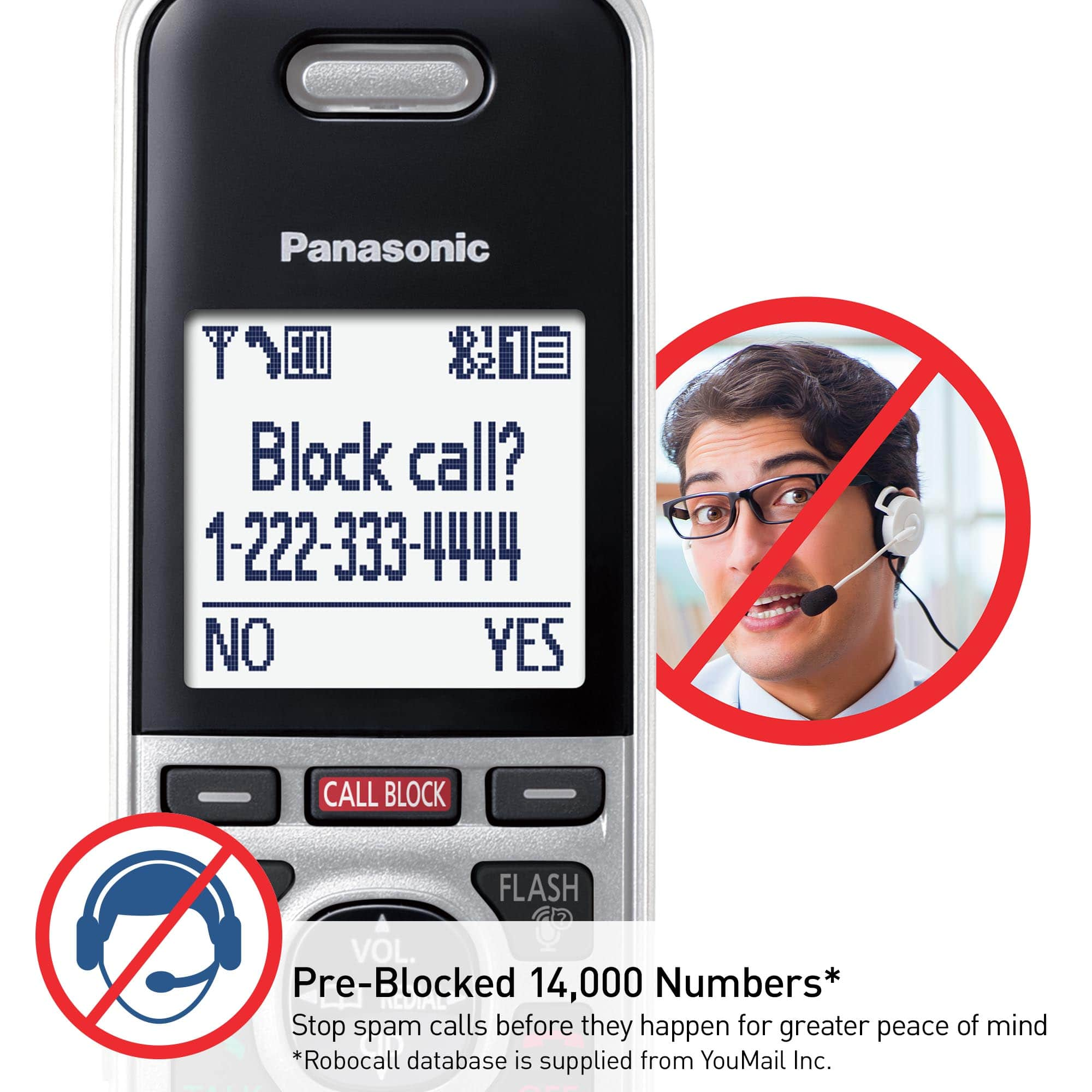
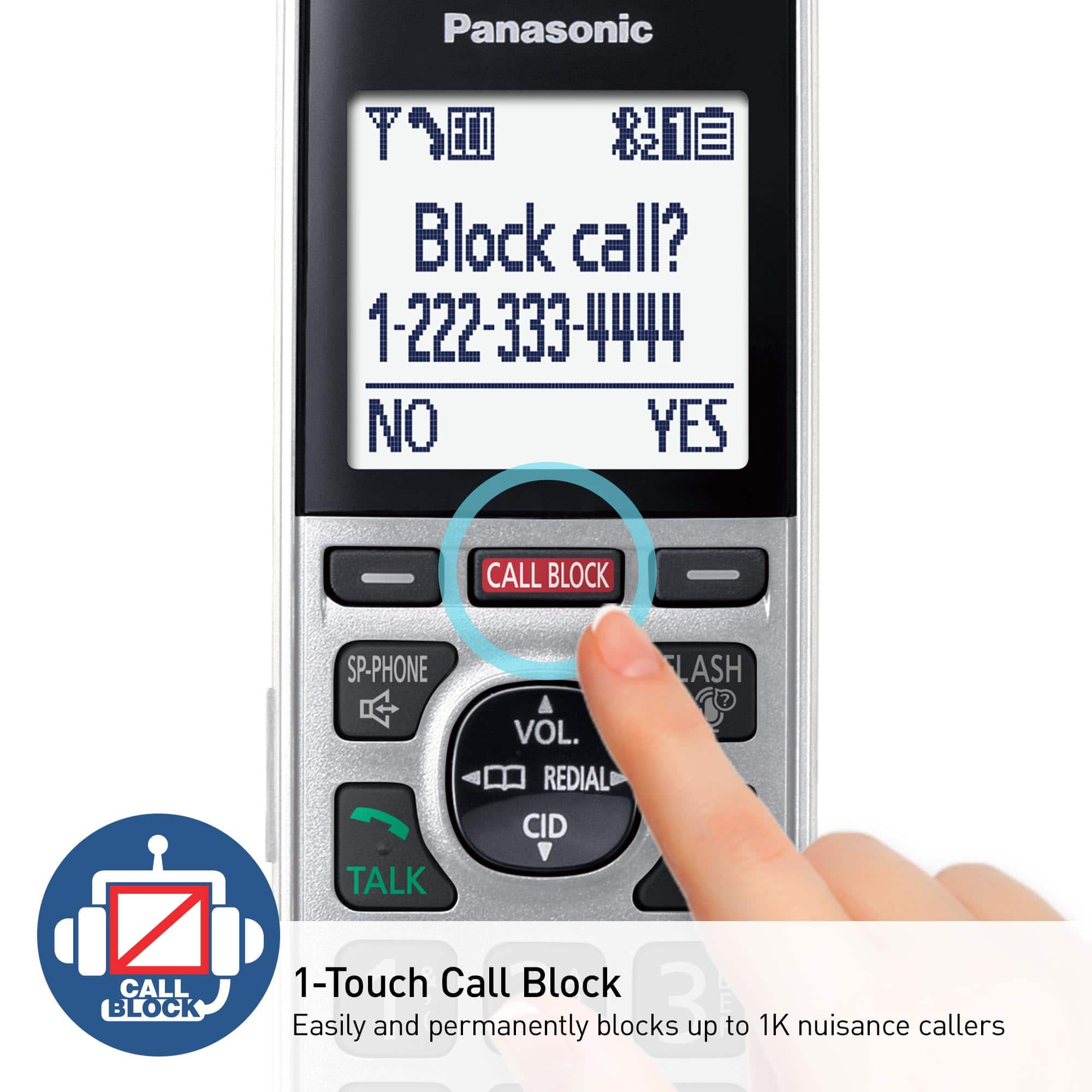
A:AnswerHello there! To access the call block list, you need the press the CALL BLOCK button on the handset and then choose the option "Single number". If you have erased the entire list already, you can not bring the erased numbers back into the call block list. When checking an entry in the call block list, highlight it, press UNBLOCK and choose option "Yes" to remove that entry specifically from the call block list. We hope this helps! - F
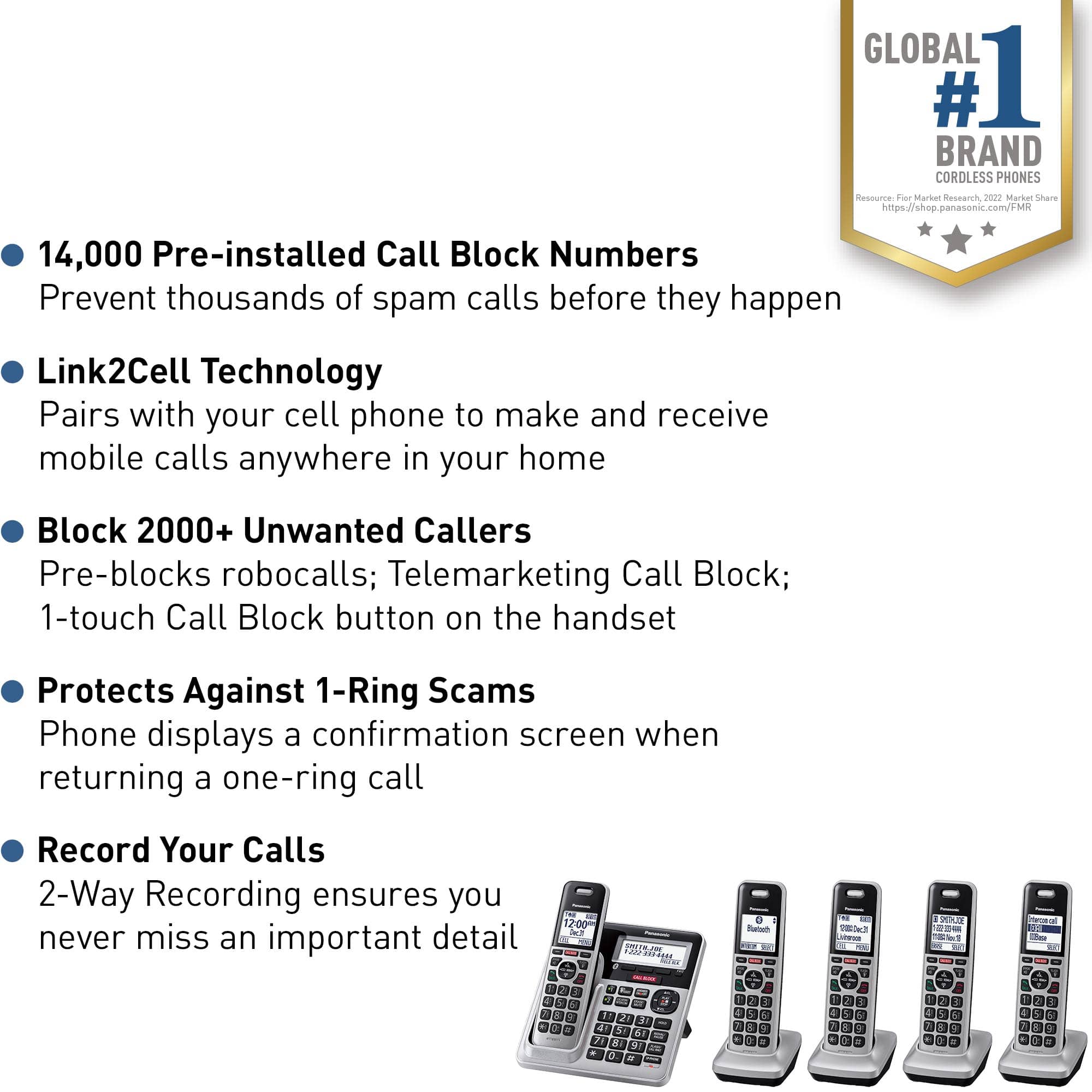
![Panasonic Panasonic Panasonic Panasonic Bluetooth INTERCOM SELECT T 83 12:00A Dec.31 Livingroom CELL MENU C1 SMITH.JOE 1-222-333-4444 11:08A Nov 18 ERASE SELECT Intercom call [*]ALL [O]Base SELECT CALL BLOCK CALL BLOCK I CALL BLOCK FLASH POE FLASH w VOL COML 4 REDU CD OFF TALK OFF Panasonic AFC 3 i 1 2 E 3 I TD 820 12:00AM AM Panasonic Dec.31 SMITH.JOE CELL MENU 1-222-333-4444 TELE.BLK. CALL BLOCK OE FLASH DE VOL RCAL OD TALK OFF 1 2 3 4 5 6 7 8 9 0: # OE FLASH VOL. SO CD TALK OFF 1 2 3 - 4 5 6 D 7i 8 9 N *: 0t SAPHONE FLASH VOL. REDIAL CID TALK OFF 1 2 3 - 4 5 6 D 7i 8 9 N *: 0t SAPHONE FLASH VOL. REDIAL CID TALK OFF 1 2 3 - 4 5 6 D 7i 8 9 N *: 0t SAPHONE FLASH VOL. REDIAL CID TALK OFF 1 2 3 - 4 5 6 D 7i 8 9 N *: 0t SAPHONE FLASH VOL. REDIAL CID TALK OFF 1 2 3 - 4 5 6 D 7i 8 9 N *: 0t SAPHONE FLASH VOL. REDIAL CID TALK OFF 1 2 3 - 4 5 6 D](https://pisces.bbystatic.com/image2/BestBuy_US/images/products/2d118562-e82a-4042-8cd0-3582f37dba3f.jpg)