A:AnswerHi there! The telephone system does work with certain Bluetooth headsets and devices, that being said, we cannot guarantee that it can work with your specific Bluetooth hearing aids. We hope this helps! - F
A:AnswerHello there! This phone system works with rechargeable batteries that get recharged by placing the cordless extensions on their charging stands. The charging stands need to be plugged into a power outlet and will recharge the batteries inside the handset. We recommend only using rechargeable Ni-MH AAA batteries with these phones. We hope this helps! - F
A:AnswerHi there! The original handset is available, and its model number is KX-TGFA88. Other compatible models include KX-TGDA83, KX-TGDA86, and KX-TGFA97. - S
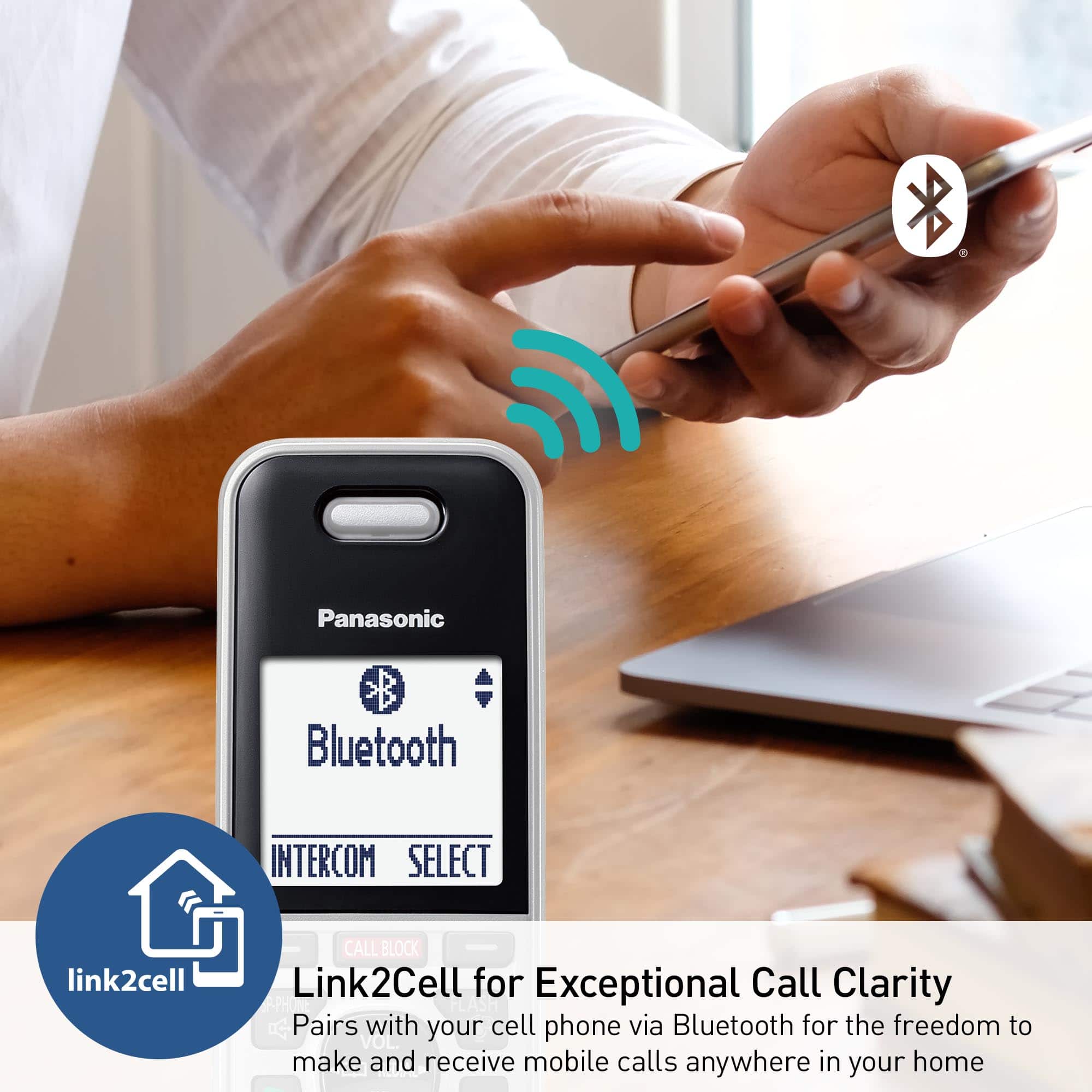
A:AnswerHi there! You can use this phone without a landline by connecting your cell phone via Bluetooth and enabling the cellular line-only mode. This allows the system to function using your cell phone instead of a landline. We hope this helps! - S
A:AnswerHi Tim! It depends on your setup. If you’re only using the cell line, your cell phone number will be used. However, if you also have a landline connection, the system will use the phone number provided by your telephone line provider. We hope this clarifies things! - S
A:AnswerHello there! The feature is called "Call screening" and it enables you to hear the voicemail message as it is being left on the answering machine. You can turn this feature off and on for each handset or for the base unit. We hope this helps! - F
A:AnswerHi there! The telephone range is about 30 feet from the main base unit usually. The range can be further impacted by wall materials and thickness. We hope this helps! - F
A:AnswerHi there! To start using the phone system for calls, you'll need to connect the main base unit to a telephone line cable provided by your telephone company or service provider. - S
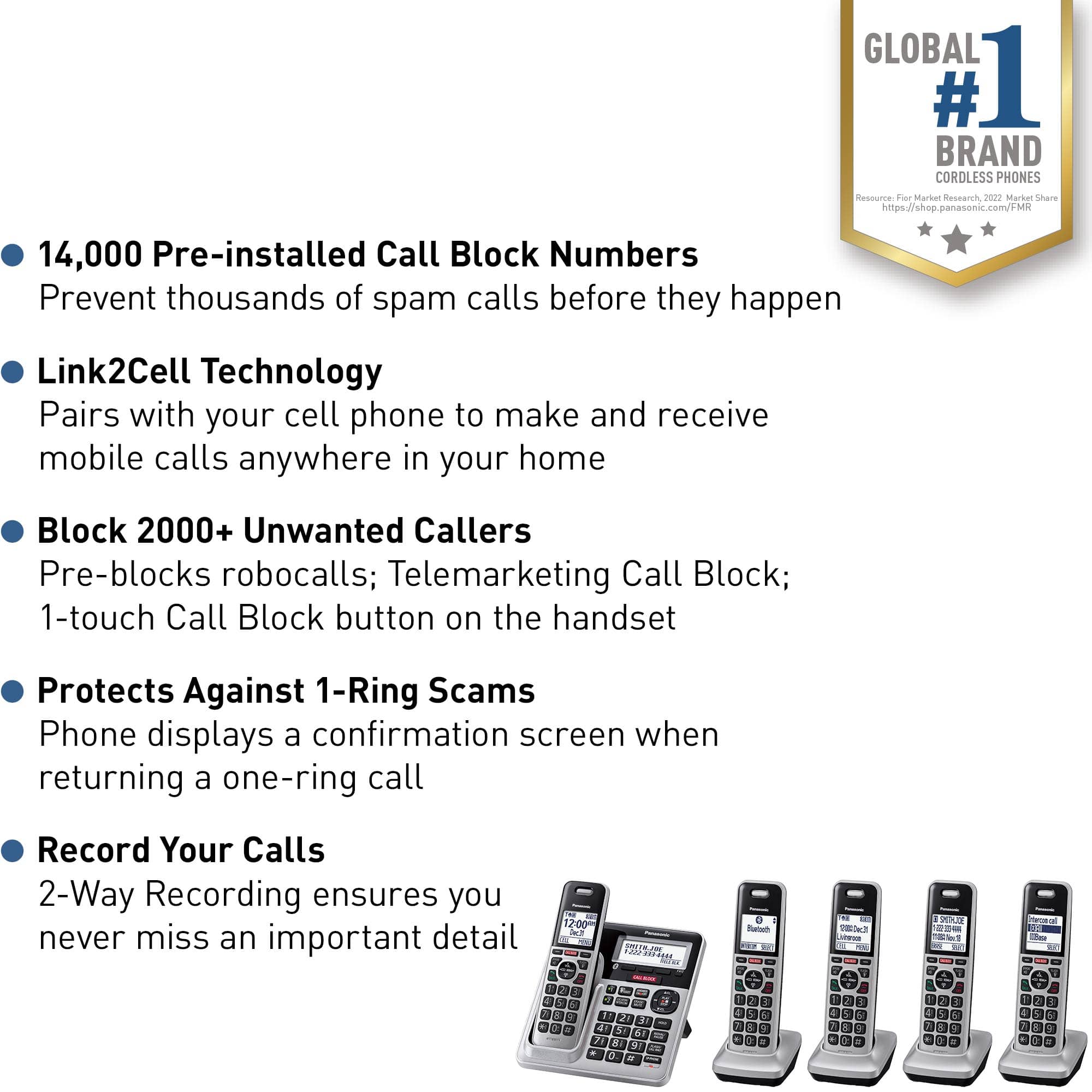
![Panasonic Panasonic Panasonic Panasonic Bluetooth INTERCOM SELECT T 83 12:00A Dec.31 Livingroom CELL MENU C1 SMITH.JOE 1-222-333-4444 11:08A Nov 18 ERASE SELECT Intercom call [*]ALL [O]Base SELECT CALL BLOCK CALL BLOCK I CALL BLOCK FLASH POE FLASH w VOL COML 4 REDU CD OFF TALK OFF Panasonic AFC 3 i 1 2 E 3 I TD 820 12:00AM AM Panasonic Dec.31 SMITH.JOE CELL MENU 1-222-333-4444 TELE.BLK. CALL BLOCK OE FLASH DE VOL RCAL OD TALK OFF 1 2 3 4 5 6 7 8 9 0: # OE FLASH VOL. SO CD TALK OFF 1 2 3 - 4 5 6 D 7i 8 9 N *: 0t SAPHONE FLASH VOL. REDIAL CID TALK OFF 1 2 3 - 4 5 6 D 7i 8 9 N *: 0t SAPHONE FLASH VOL. REDIAL CID TALK OFF 1 2 3 - 4 5 6 D 7i 8 9 N *: 0t SAPHONE FLASH VOL. REDIAL CID TALK OFF 1 2 3 - 4 5 6 D 7i 8 9 N *: 0t SAPHONE FLASH VOL. REDIAL CID TALK OFF 1 2 3 - 4 5 6 D 7i 8 9 N *: 0t SAPHONE FLASH VOL. REDIAL CID TALK OFF 1 2 3 - 4 5 6 D](https://pisces.bbystatic.com/image2/BestBuy_US/images/products/2d118562-e82a-4042-8cd0-3582f37dba3f.jpg)