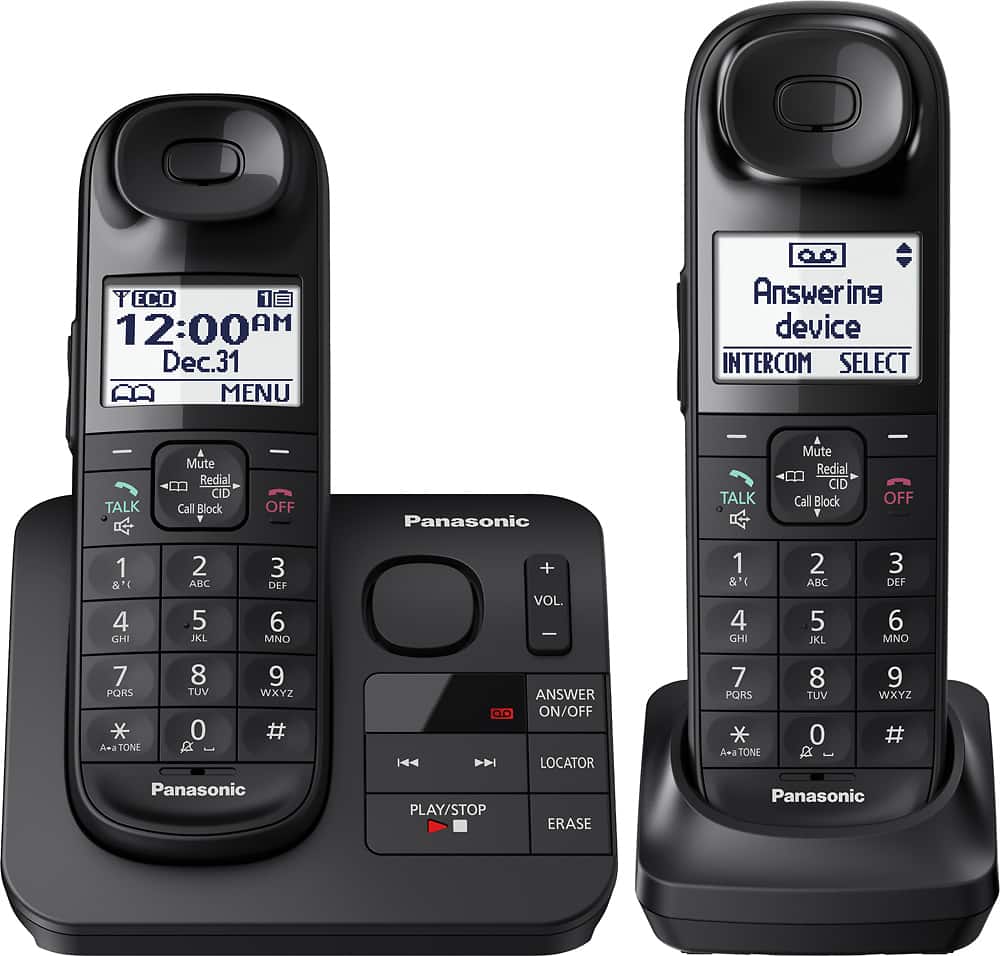
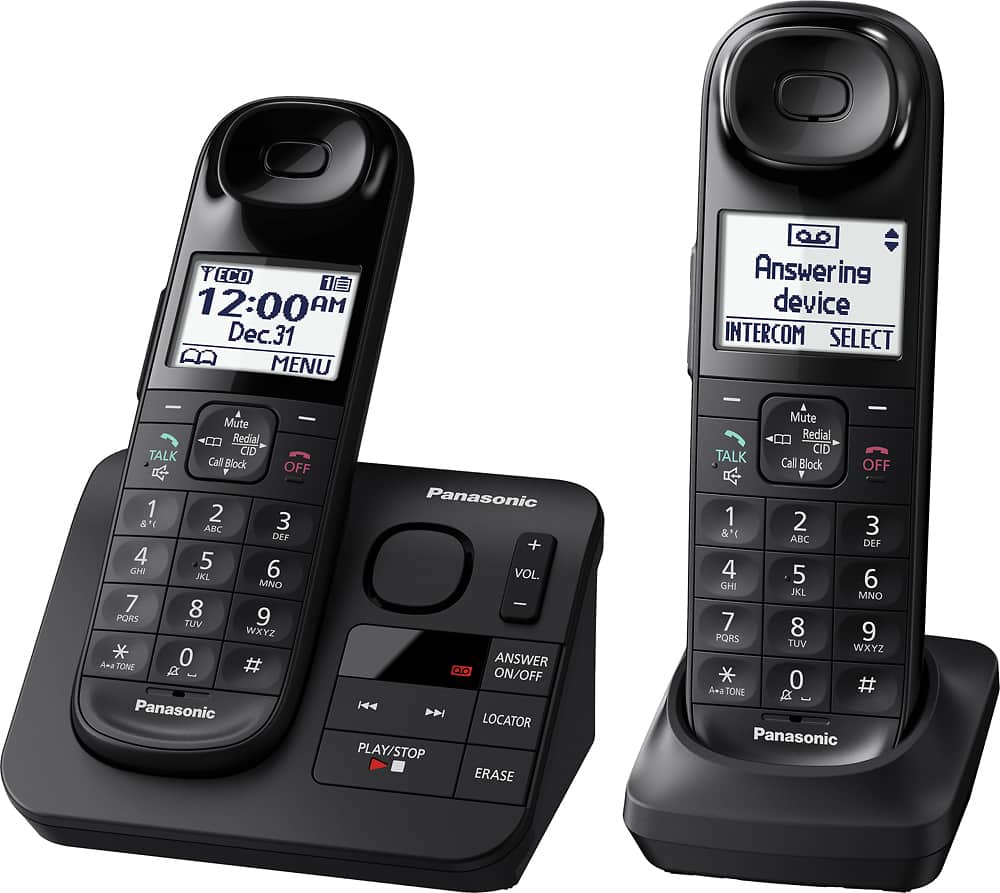
A:AnswerYes it mounts to the wall, which is where we placed it in our kitchen. We had an existing wall mounted phone, and used the old mounting plate on this
unit. Helps keep the kitchen counter less cluttered. Just snap the "wall adapter" (included) on the unit, and raise it above the mounting bolts, then push it
down onto the bolt heads.
A:AnswerThank you for your question. They are different models.
If you wish to purchase a new Phone System that will meet your needs please contact our Live Chat team: shop.panasonic.com/contactus Mon-Fri, 9am-5pm EST
A:AnswerThis phone will work either way. Direct land line. Connect the phone line (included in the package), one end into the phone jack and the other end into the phone itself.
If use your phone via your wireless internet, you need a split valve connector( 2-1 phone connector ) and another new phone line. First, set up your phone as direct land line using the split valve connector and plugged it into the phone jack. The phone line that comes with the phone is plugged into one connector of the split valve. With the new phone line, one end is plugged into the phone jack of the internet modem and the other end is connected to the second connector of the split valve connector to make it work.
A:AnswerIt doesn't, but you can turn on the Voicemail Tone Detect by pressing MENU #332.Your phone service provider sends special signals (sometimes called “voicemail tones” or “stutter tones”) to the unit to let you know you have new voicemail messages.
We can recommend you the KX-TGM420 or KX-TGM450, they have a message indicator on the handset and base unit can indicate unit status. If it flashes slowly, there are new messages on the answering system, there are new voicemails or there are missed calls.
A:AnswerThank you for your question. That's not possible as only Additional Cordless handsets can be used to expand your Phone System. This is a base unit with 2 handsets.
For a proper answer please contact our live chat support on:
shop.panasonic.com/contactus Mon-Fri, 9am-5pm EST