A:AnswerThe KX-FL511 uses a toner cartridge and not an ink film. Please specify the model number of your fax machine so we can recommend the correct part number and check availability, all 4 ink film part models: KX-FA133, KX-FA134, KX-FA135 and KX-FA136 are supported by several KXFP200 and 250 series faxes.
A:AnswerHi,
Yes you can, just make sure that the answering machine's phone cord is connected at the back the unit at the extension port to be exact. Then set the fax machine fax only mode then change the number of rings to 5. Meanwhile your answering machine's ring count should only be set to pick up at 4 rings.
Hope this helps out,
A:AnswerHi,
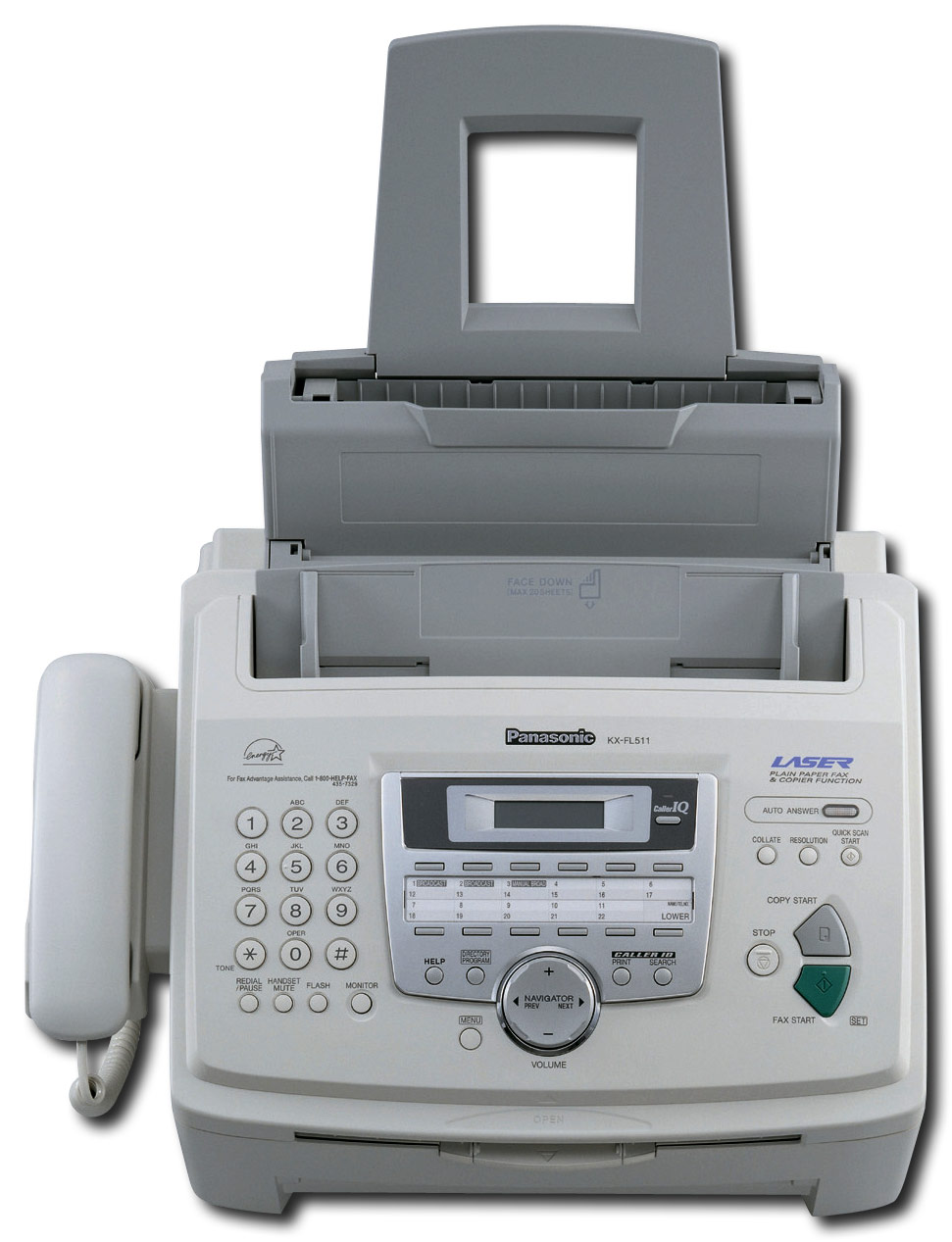
The KXFL511 does not use an ink but rather uses a drum and toner for its print outs. The drum and can print out 10,000 pages based on a 5% image area, while the toner can print out 2,500 pages based on a 5% image area.
The part number for the drum is KXFA84 and KXFA83 for the toner.
Hope this helps,
A:AnswerHi,
The Panasonic KXFL511 does not have a built in answering machine. However if you are looking for one we can recommend the Panasonic KXMB2060 & KXMB2061.
Hope this helps,
A:AnswerHi,
We suggest that you take a look at our multi function units. The KXFL511 is just a laser fax model and will not work with a computer.
Hope this helps,