A:AnswerHello there! We recommend reaching out to the retailer directly regarding their local stock of Home Audio systems as they have necessary information! We hope this helps! - F
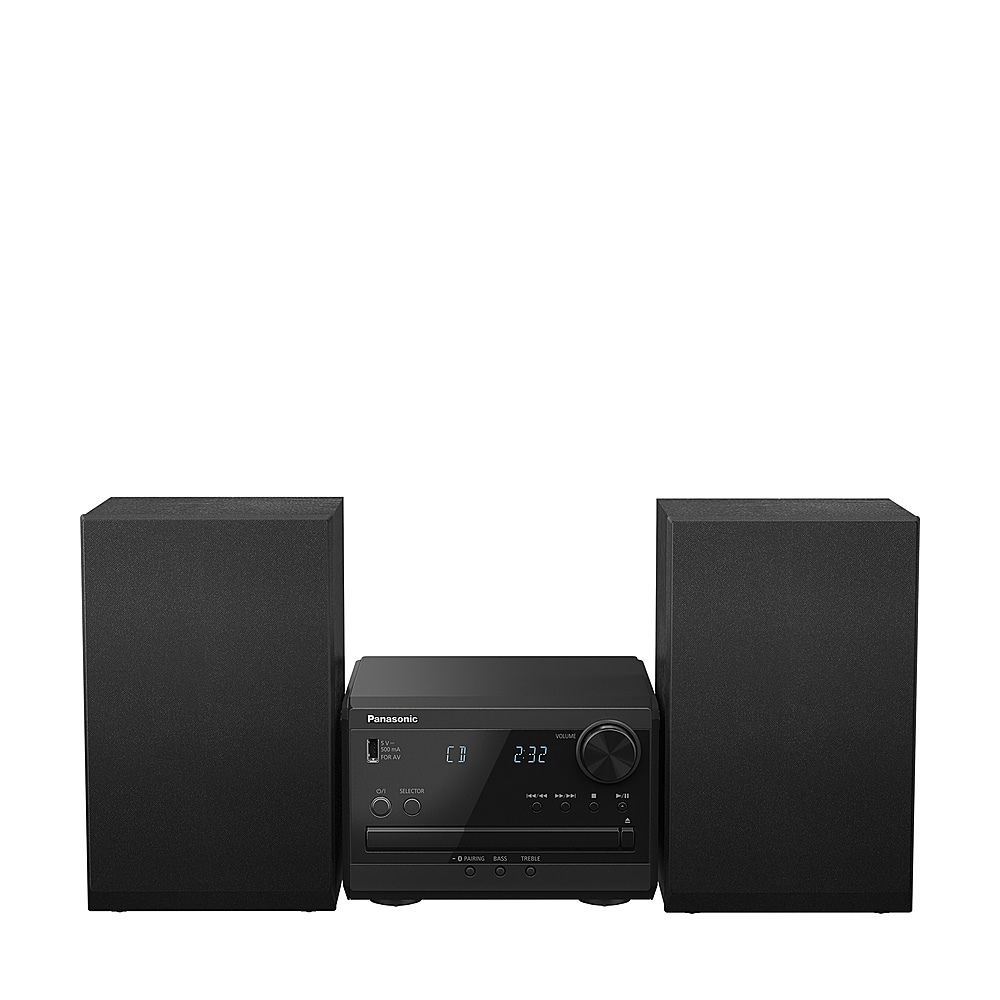
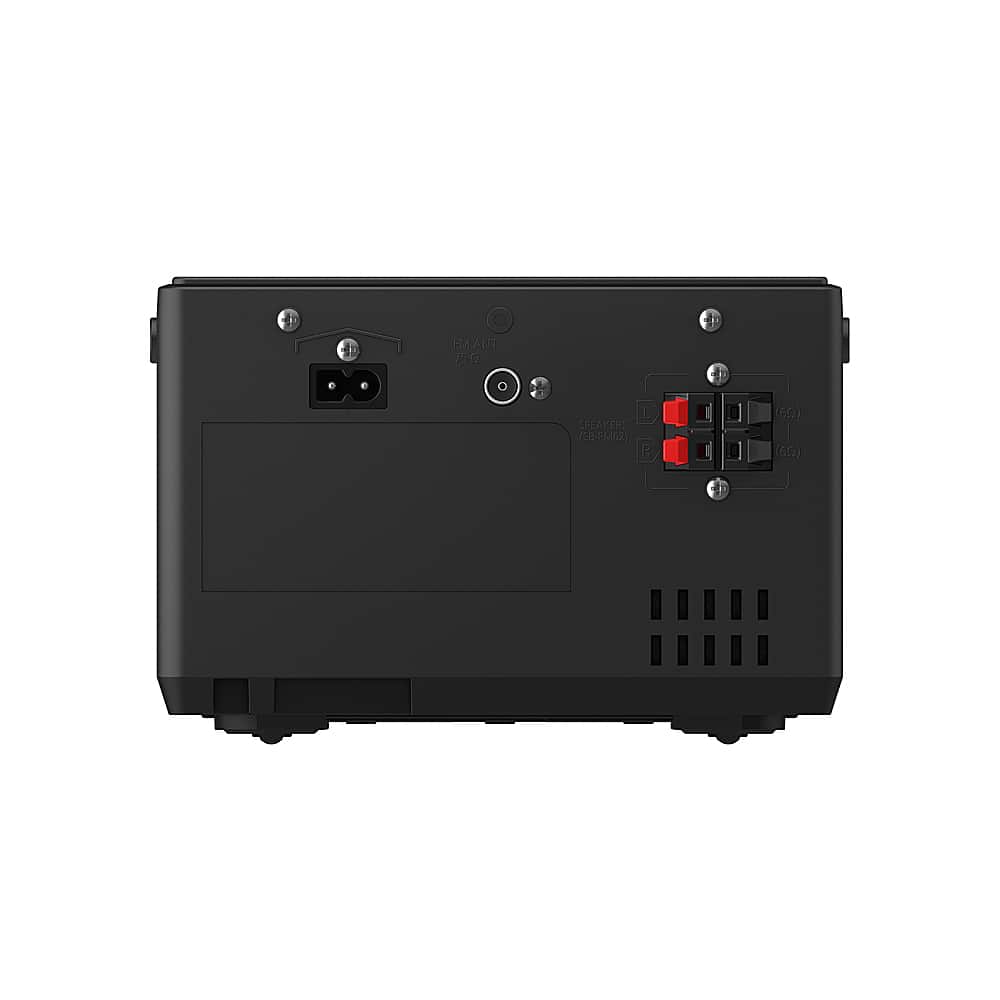
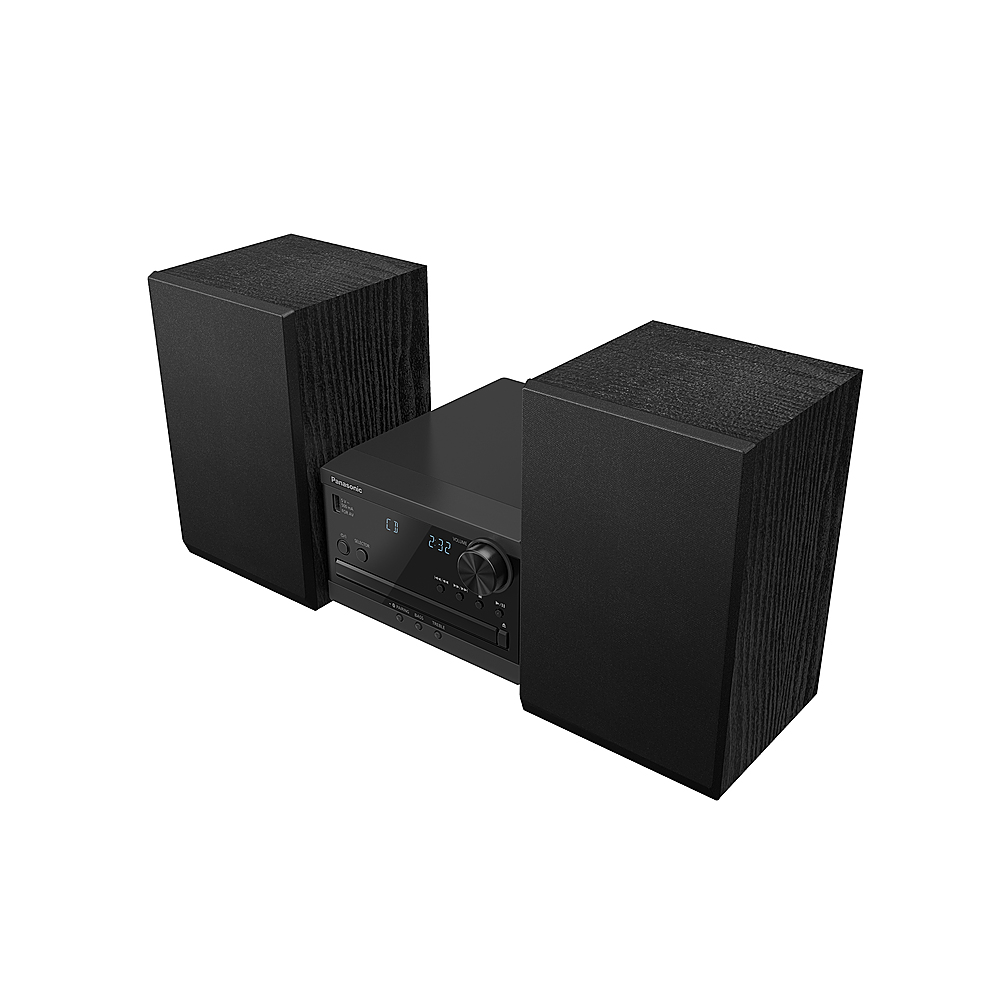
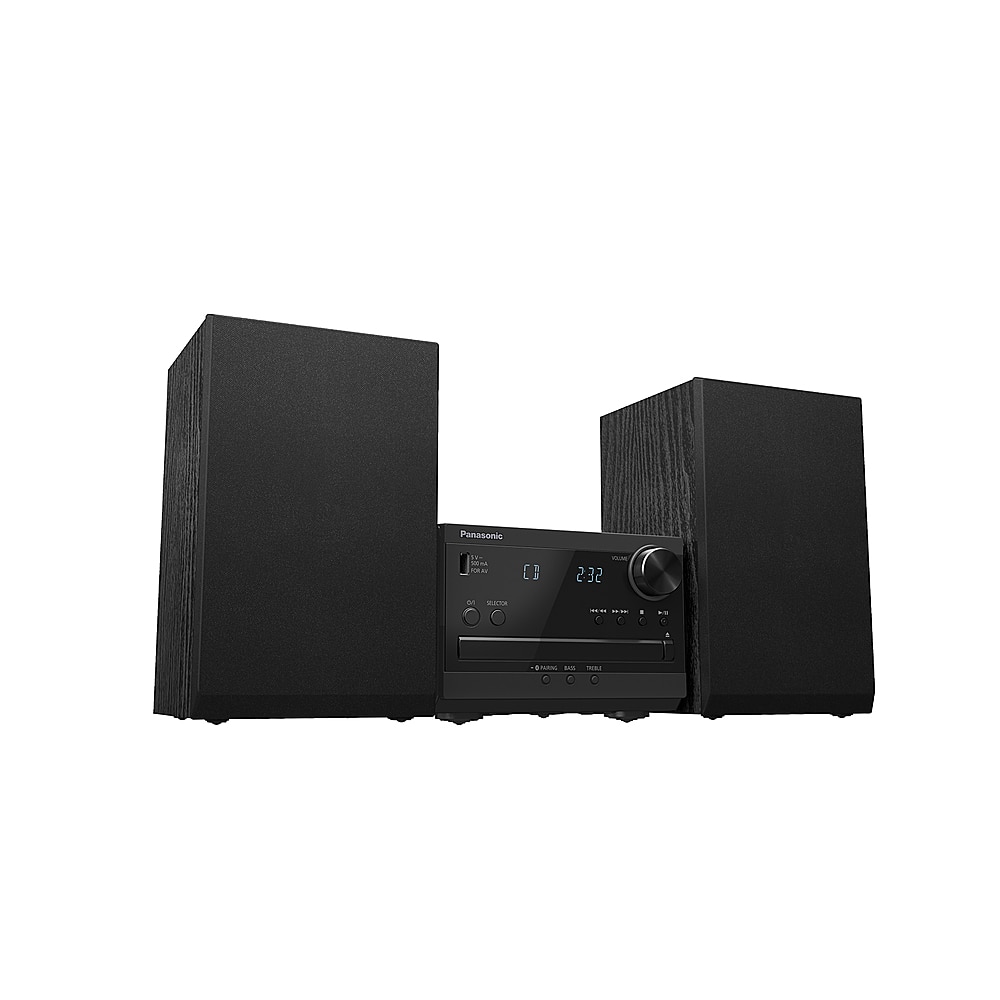
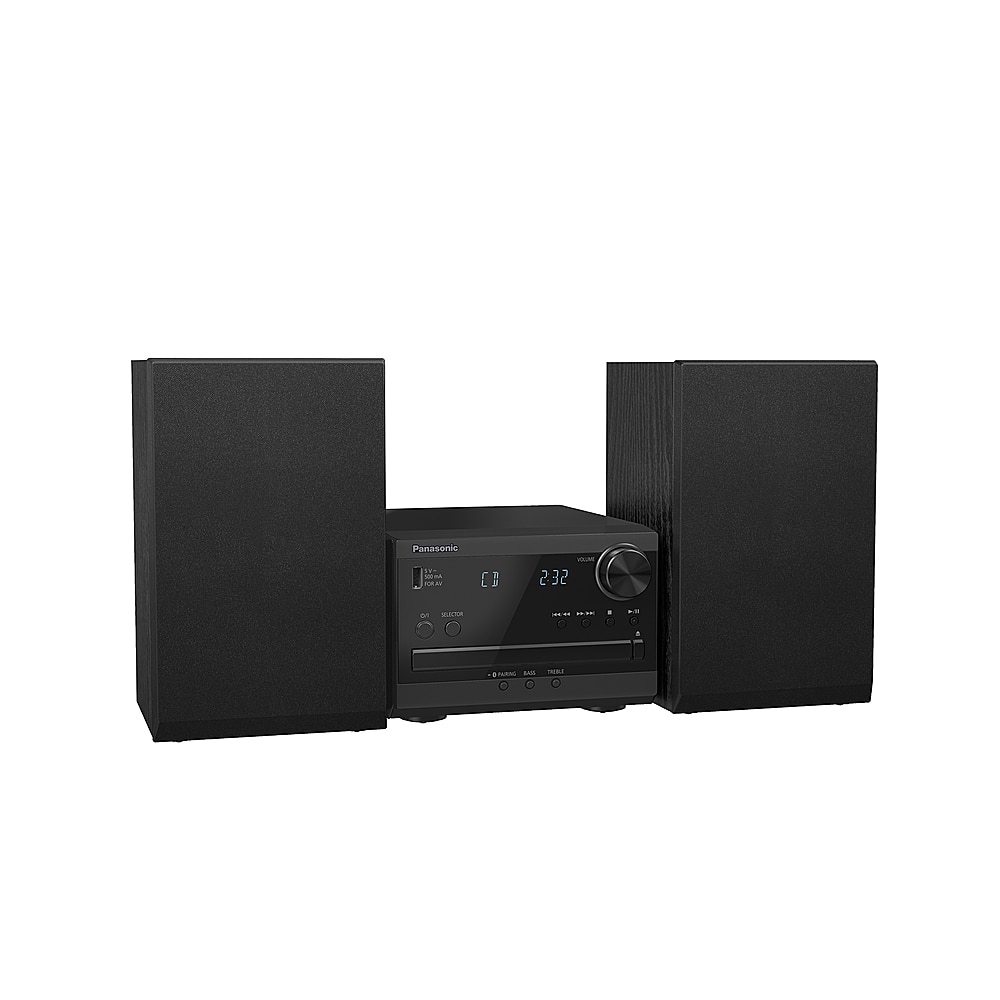
A:AnswerHi Ben! You can connect and play an audio device wirelessly through Bluetooth. The speaker units need to be connected via wires to the CD player unit. We hope this information will be useful! - S
A:AnswerHey there! Thank you for your message. Media playback is supported for CD, USB, and Bluetooth devices. For CD, it will be CD-R/RW in CD-DA format or with MP3 files. For USB, a USB device with MP3 files is required, and for Bluetooth, a compatible Bluetooth device is needed. Hope this helps! -C
A:AnswerHi there! Thank you for your interest in our stereo system. Please note that the product offers a Play Timer function that allows you to set specific times for the system to turn on and off, enabling you to wake up to your preferred music. You will first need to set the clock. A "sleep timer" is also available, which turns off the system after a set time. Hope this helps! -C
A:AnswerHello, Pete! It is possible to set a timer to come on at a certain time to wake you up. The system also has a sleep timer, which turns off the system after a set time. -C
A:AnswerHello, Matt, and thank you for your question! You can press [PLAY MENU] repeatedly to select "Playmode" or "Repeat", then press the UP or DOWN arrow to select the "On repeat" setting, and press [OK]. -C
A:AnswerHello and thank you for your question! The SC-PM270PP is a traditional audio system and does not have built-in capabilities to stream Pandora Business directly. -C