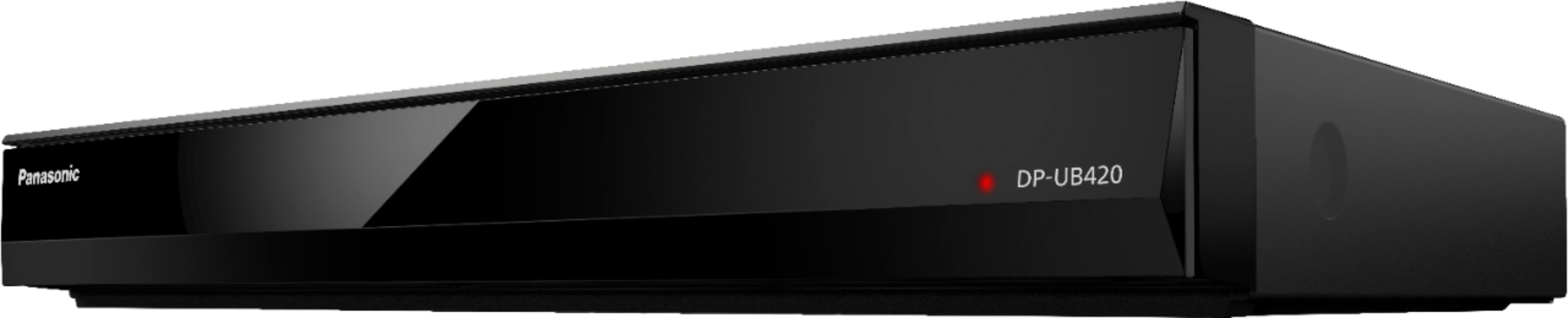
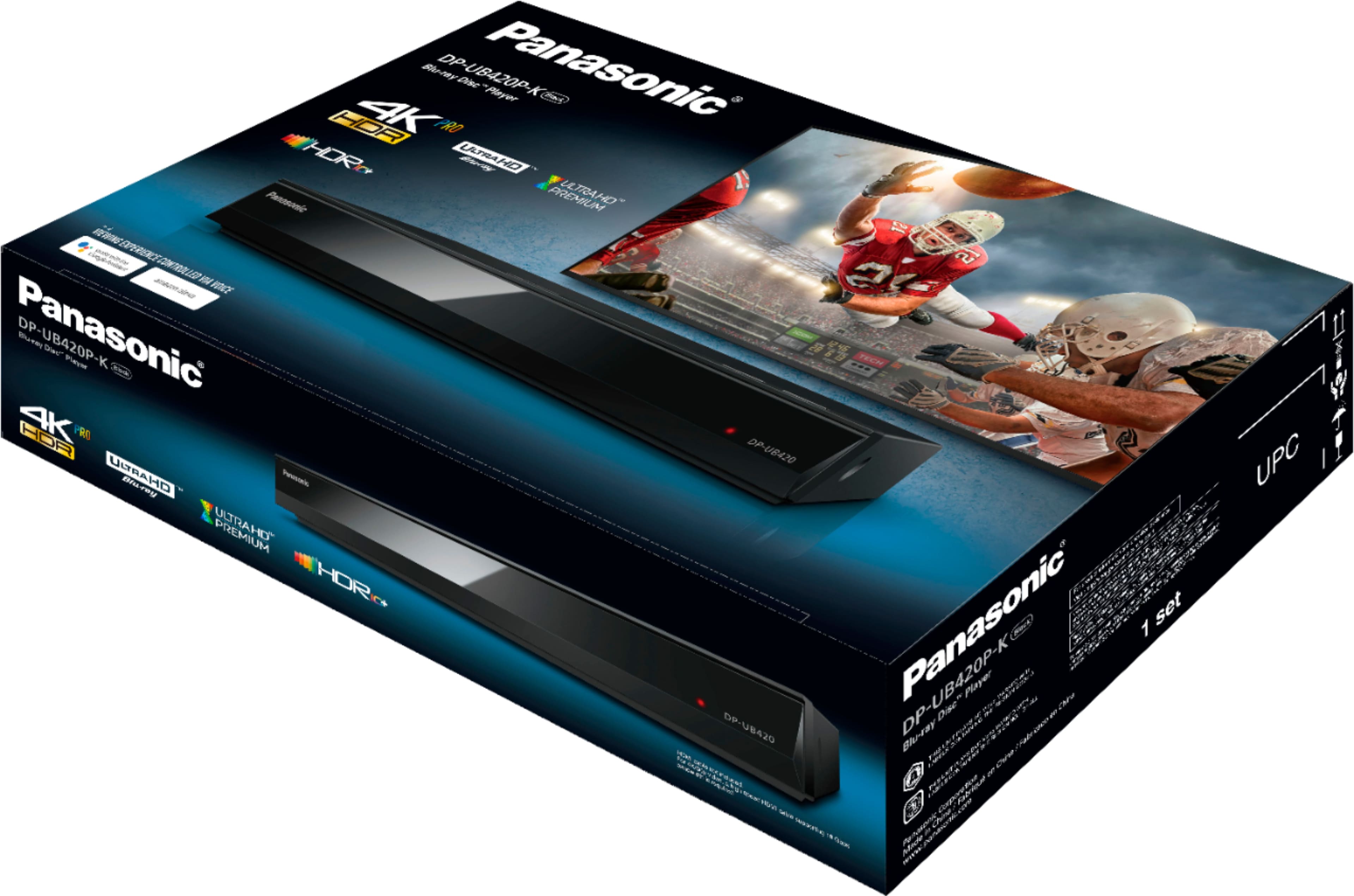
A:AnswerThank you for reaching out to us! The unit can be connected to WiFi, however the connection to other devices has to be done by using the proper cables.
A:Answeryes, if your tv is 4k capable. that's what i am using. however, if you are outside of (netflix, youtube, prime video), i don't think the app store (called "market") has good selection.
A:AnswerDLNA (Digital Living Network Alliance) on DLNA-certified devices allow you to share content between devices around your house over your home Wi-Fi network. For example, you can set up your computer as a DLNA server and access music, video, and photos on your TV.
DLNA compatible devices can be connected to a home network just like a computer or smartphone. Once the connection is established, you can browse selected folders on your media server PC right from your TV screen. You can select music to listen to, view photos, or watch videos.
A file sharing application such as Windows Media Player provides the interface between your TV and Computer...
A:AnswerOnly if your TV is capable of showing 3D. The last TV's to have 3D ability where manufactured in 2016. The projector systems being sold is the only way to see movies in 3D now days.
A:AnswerThank you for reaching out! The product cannot broadcast CD audio wirelessly to a receiver. Also, we do not produce control amplifiers for the Blu Rays.