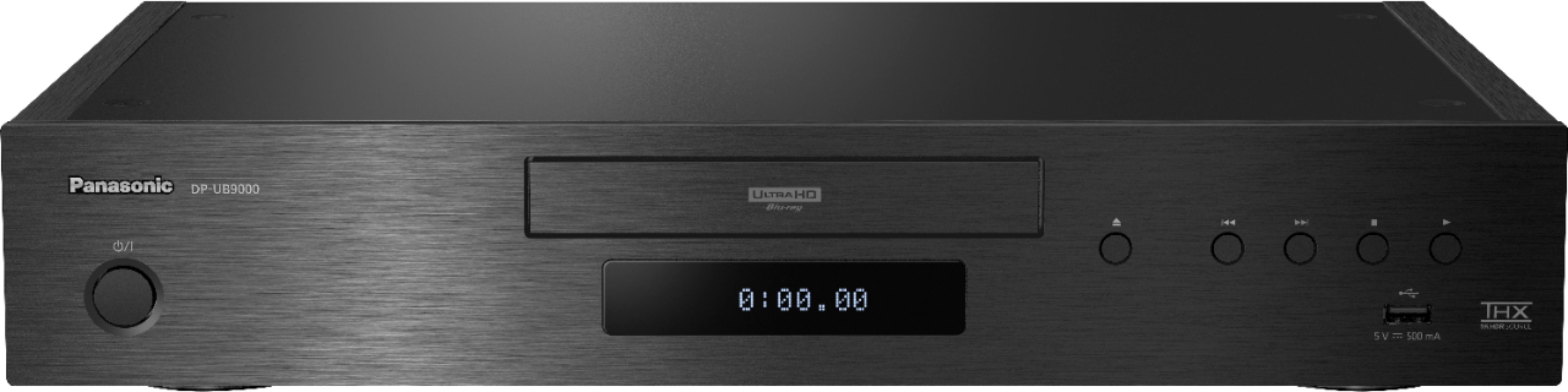
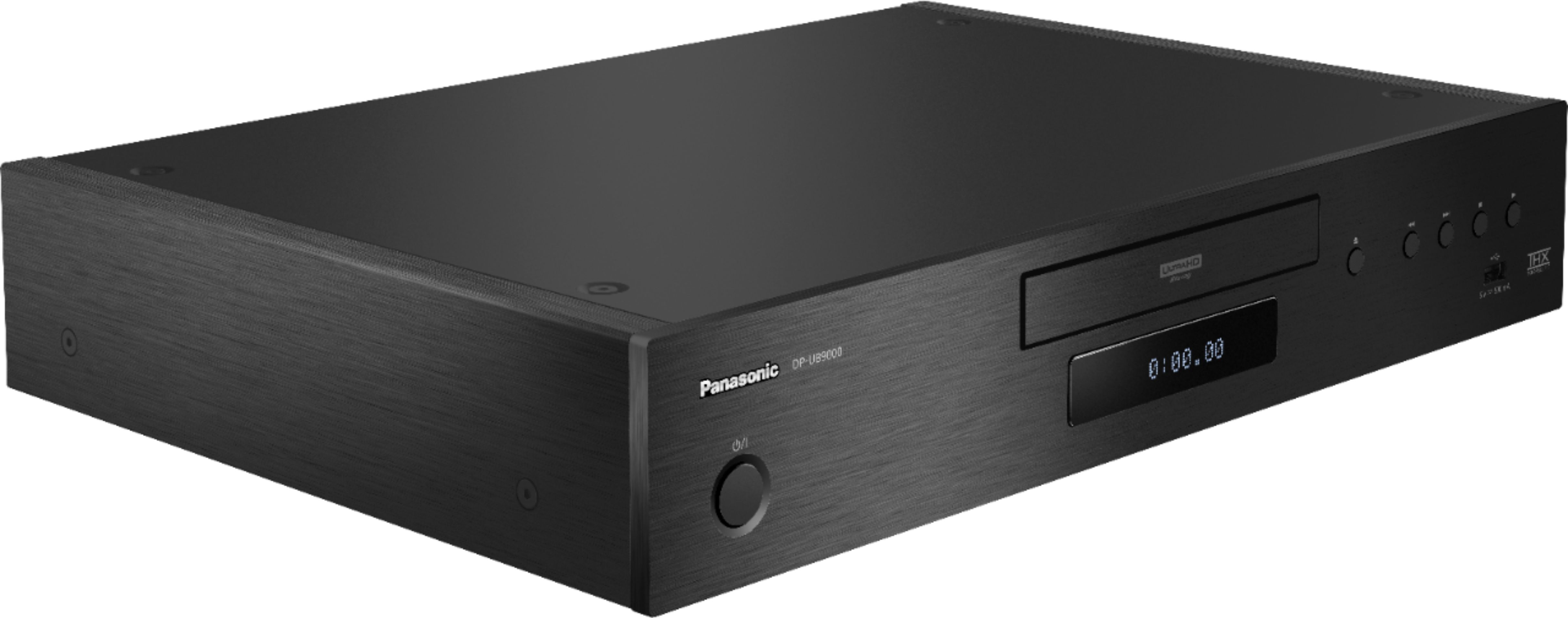
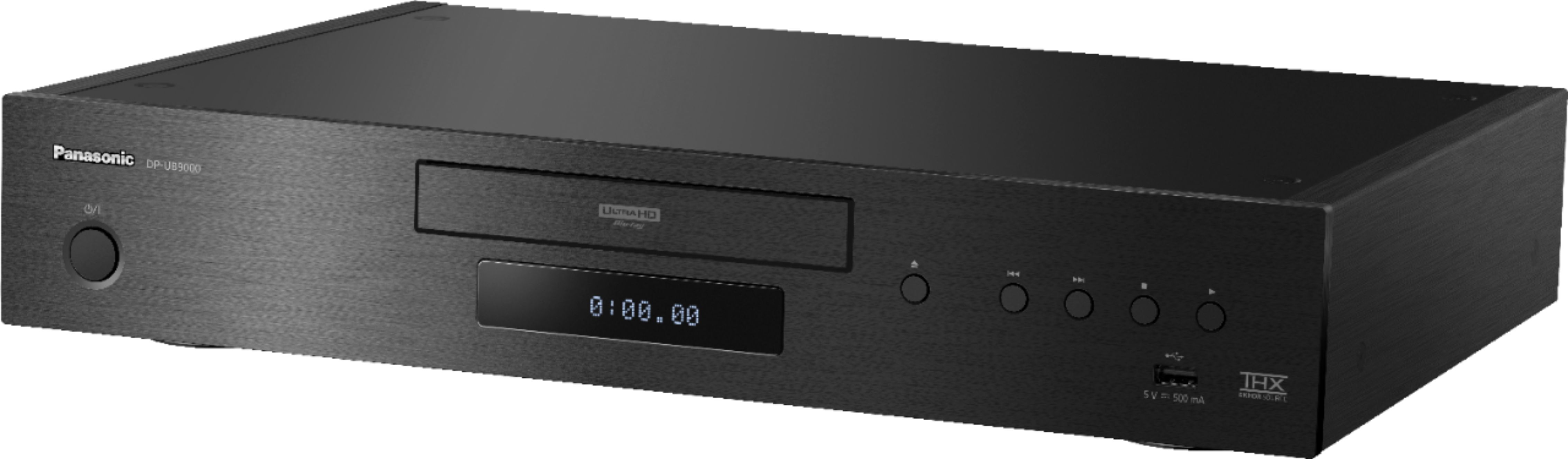
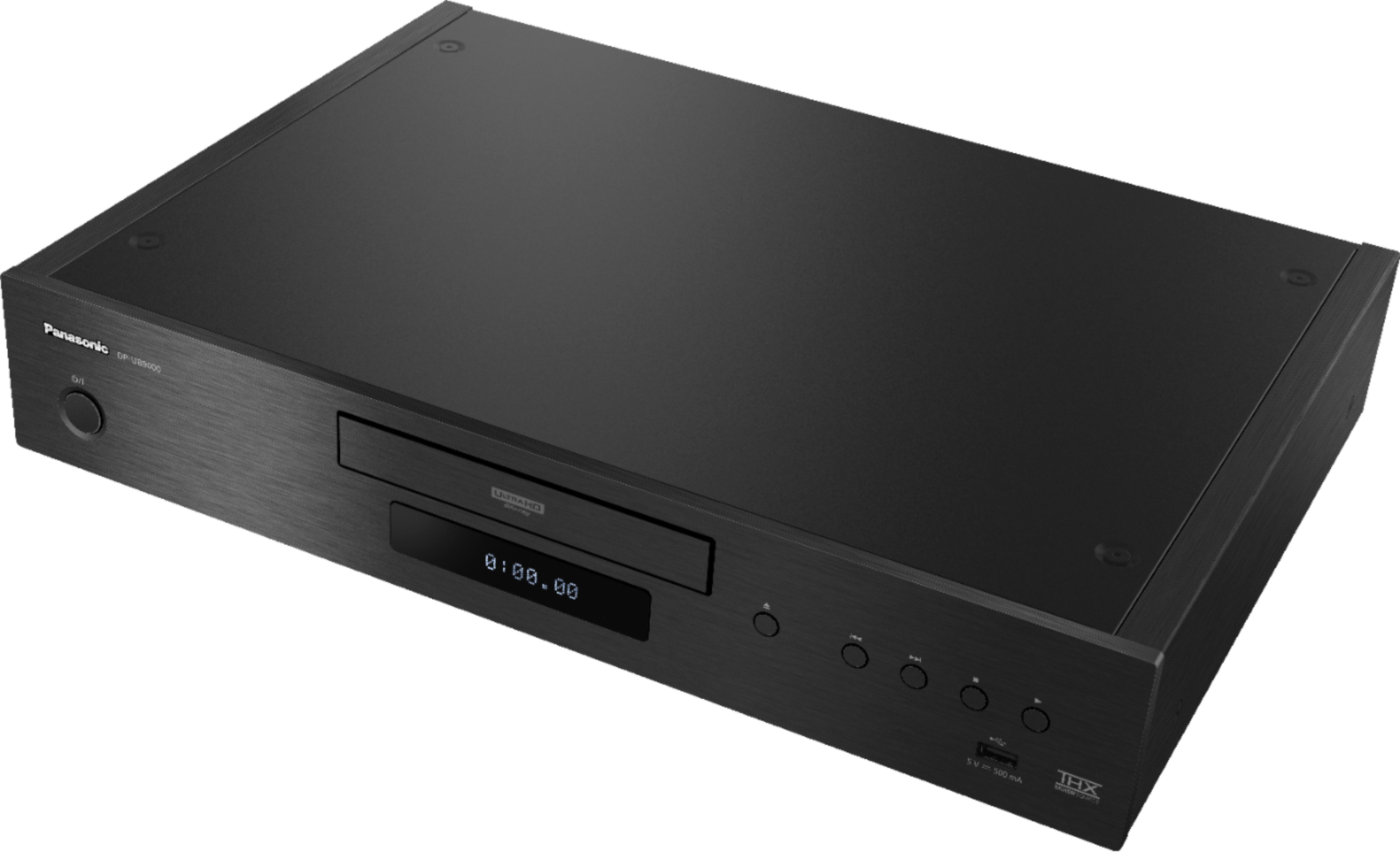
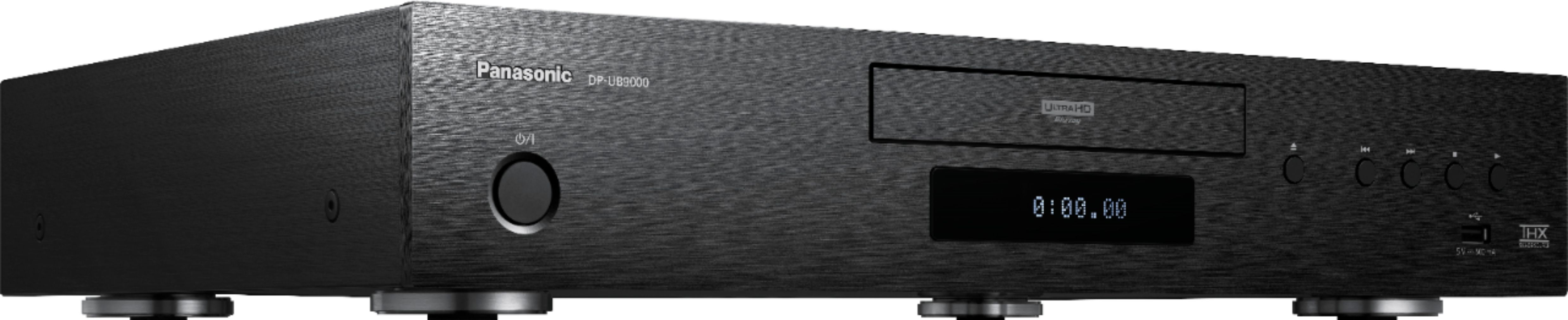
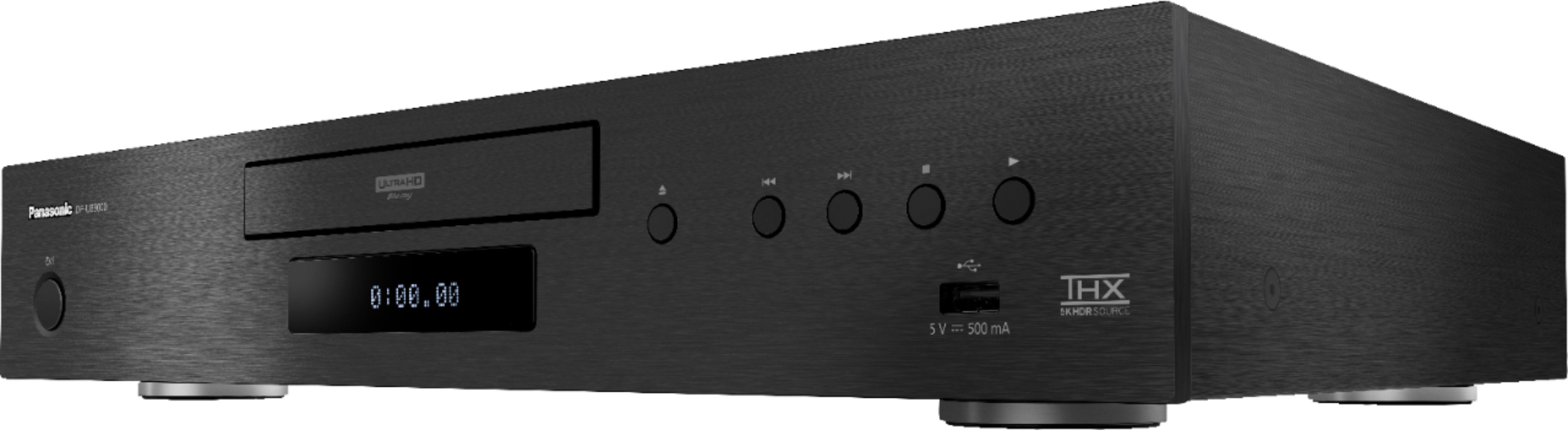
A:AnswerHello, Ana. Some of the supported apps for streaming are Amazon Prime Video, Netflix and Youtube. This unit plays DVD-RW/+R/+RW/+R DL: Video, AVCHD. You can check all the playable media by accessing this link: ftp://ftp.panasonic.com/bluray/om/dp-ub9000_mul_om_basic.pdf#page=9
A:AnswerHi there! Availability can vary, and we do not have an exact restock date at this time. We recommend checking back with Best Buy, as they may have the most up-to-date information on future availability. - S
A:AnswerHi there! Use a lens cleaner disc kit to clean the unit's lens. It's important to follow the instructions provided with the cleaning disc kit carefully to ensure proper usage. Using a cleaning disc is a simple and effective way to maintain the cleanliness of the lens in your Blu-ray or DVD player/recorder. If you're uncomfortable cleaning the lens manually, or if the cleaning process does not resolve the issue, it may be best to seek professional assistance from a Panasonic Authorized service center. Incorrect cleaning methods can potentially damage the lens or other components of the player/recorder. We hope this helps! - F
A:AnswerHello and thank you for your question! If you are not getting a picture on the TV screen the player is connected to, please make sure that the HDMI cable is connected securely to both the player and the TV, or monitor. If the issue still persists please make sure that the "High Clarity Sound" is set to Off, the "HDMI Video Output Mode" is set to Auto and the "HDMI Audio Output Mode" is set to Audio Only in the settings. Hope this helps! - S
A:AnswerHi! Thank you for reaching out to us. The unit can play back BD-Video discs of the region code A and DVD-Video discs of the region code 1, including "ALL". Also, the unit cannot playback DVD-Video discs in PAL format. -C
A:AnswerWhy not just do a quick online search? Around 2021 I think. So, no 8K. Other than that, everything is very good with loaded features. My only wish is they can keep SACD play back with 7.1 ext out like the old oppo did.
A:AnswerI don't know for sure,but, you could go into general settings and reset everything back to factory default and start all over. Otherwise,just don't use the app. Personally,I don't care for the apps on this player.They are kind of clunky, and I've got most of them on my Roku TV anyway,and they work much better. I hope I helped.C.M.
A:AnswerYou will need to look in the settings and change the aspect ratio. Keep in mind that you may lose a portion of your image to the right and left of your full screen.
A:AnswerMine Plays all disks very quietly. I recommend exchanging the Player while you can. My player will sometimes lock-up for no reason. The only way to to get it to work is to unplug it and wait 10 seconds, then plug it back in. My two week exchange time has passed, I am angry I am stuck with this $1000 player.