A:AnswerHi Pioneer,
It currently does not have a picture-in-picture feature, though it is possible that it will be added in a future update.
Shai | Pioneer Support
https://www.bestbuy.com/pioneer
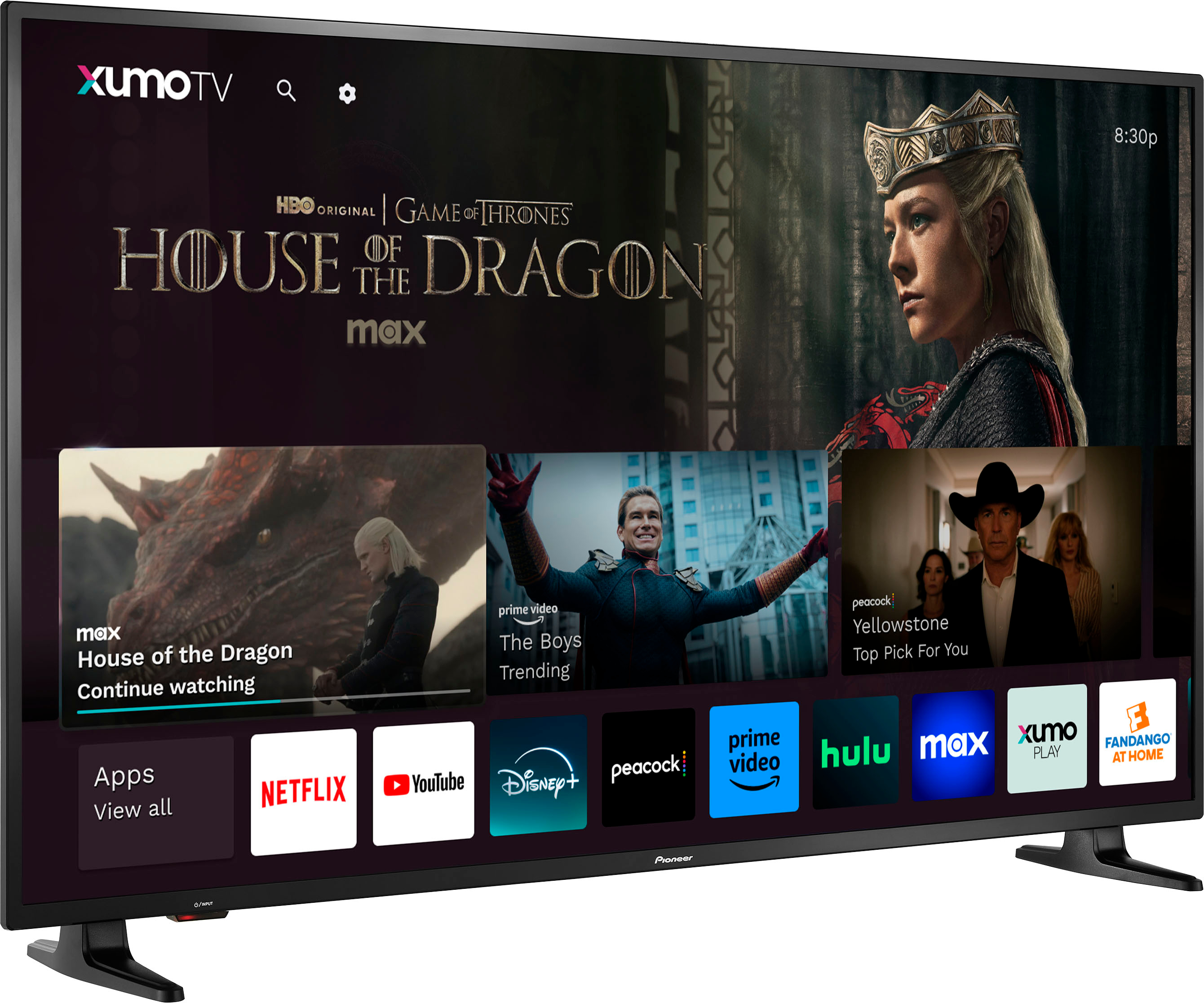
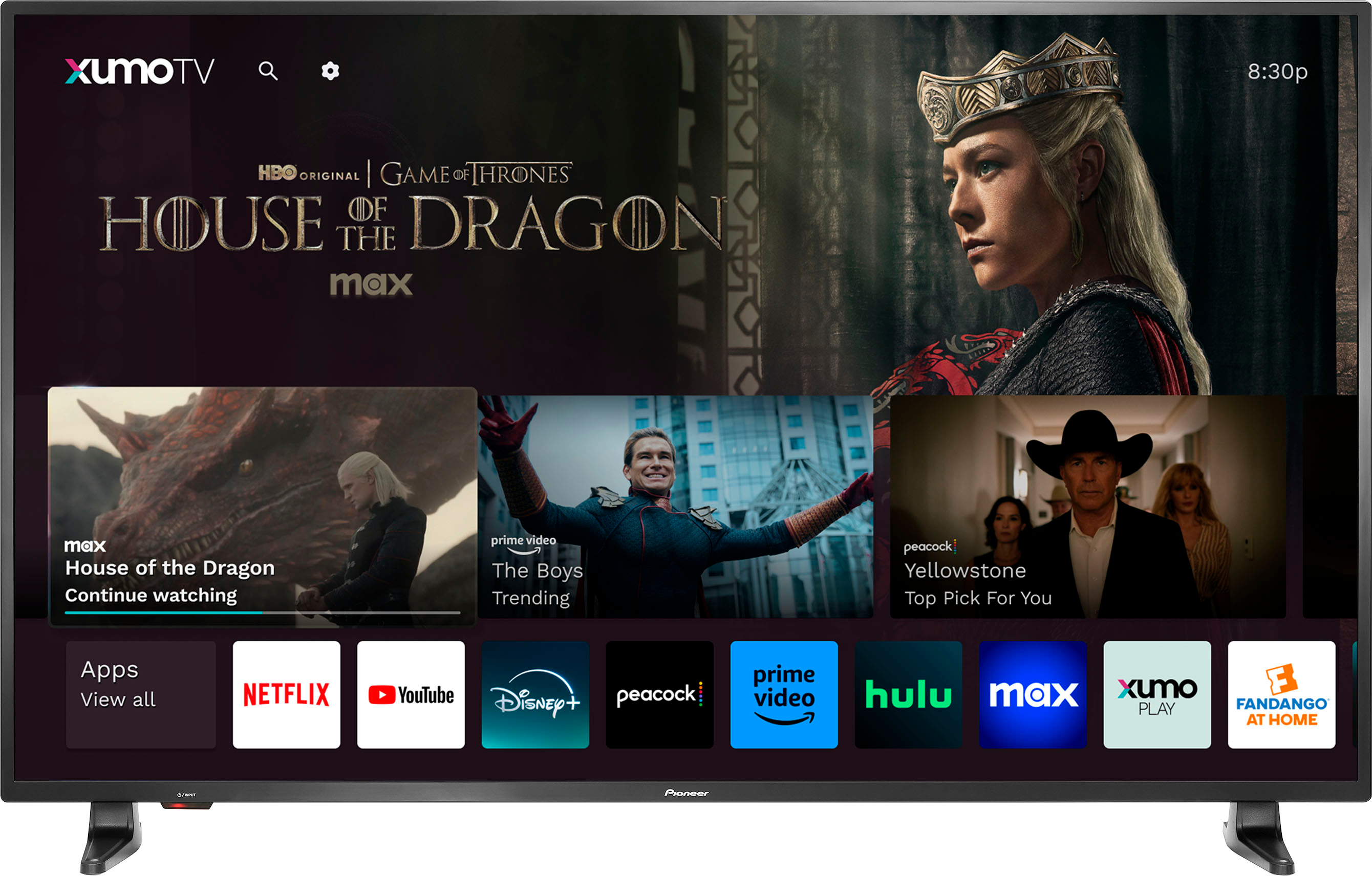
A:AnswerThis TV has around 250 pre-installed apps. You can browse to view all apps that are available.
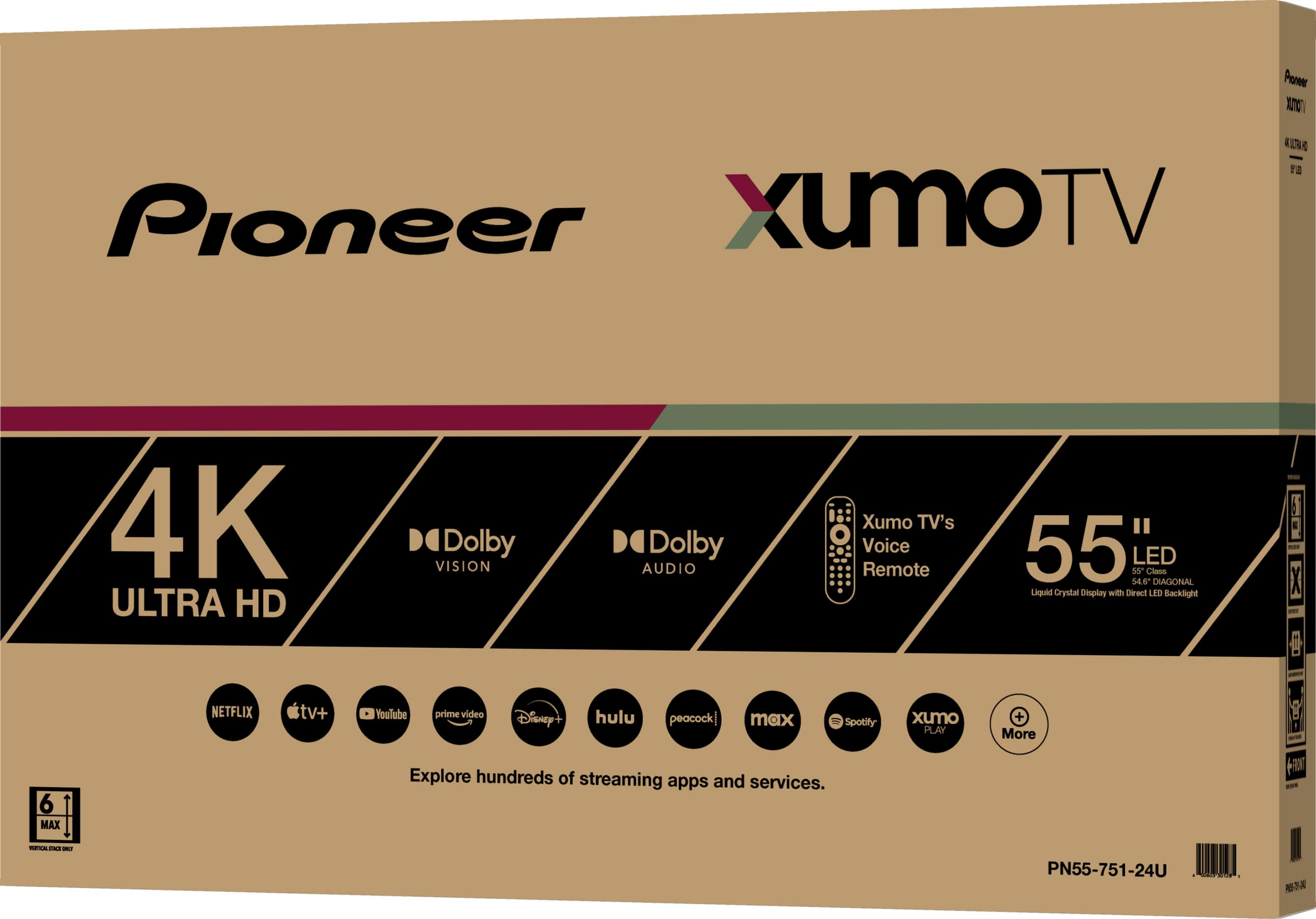
If app is not amongst the 250 or so apps you are out of luck. It has has most major ones but could be missing many of your favorites. For example it only has Starz available if you purchase through Xumo. Out of luck if you already subscribe through Infinity, Spectrum or otherwise. In comparison Roku has thousands of apps available to download.
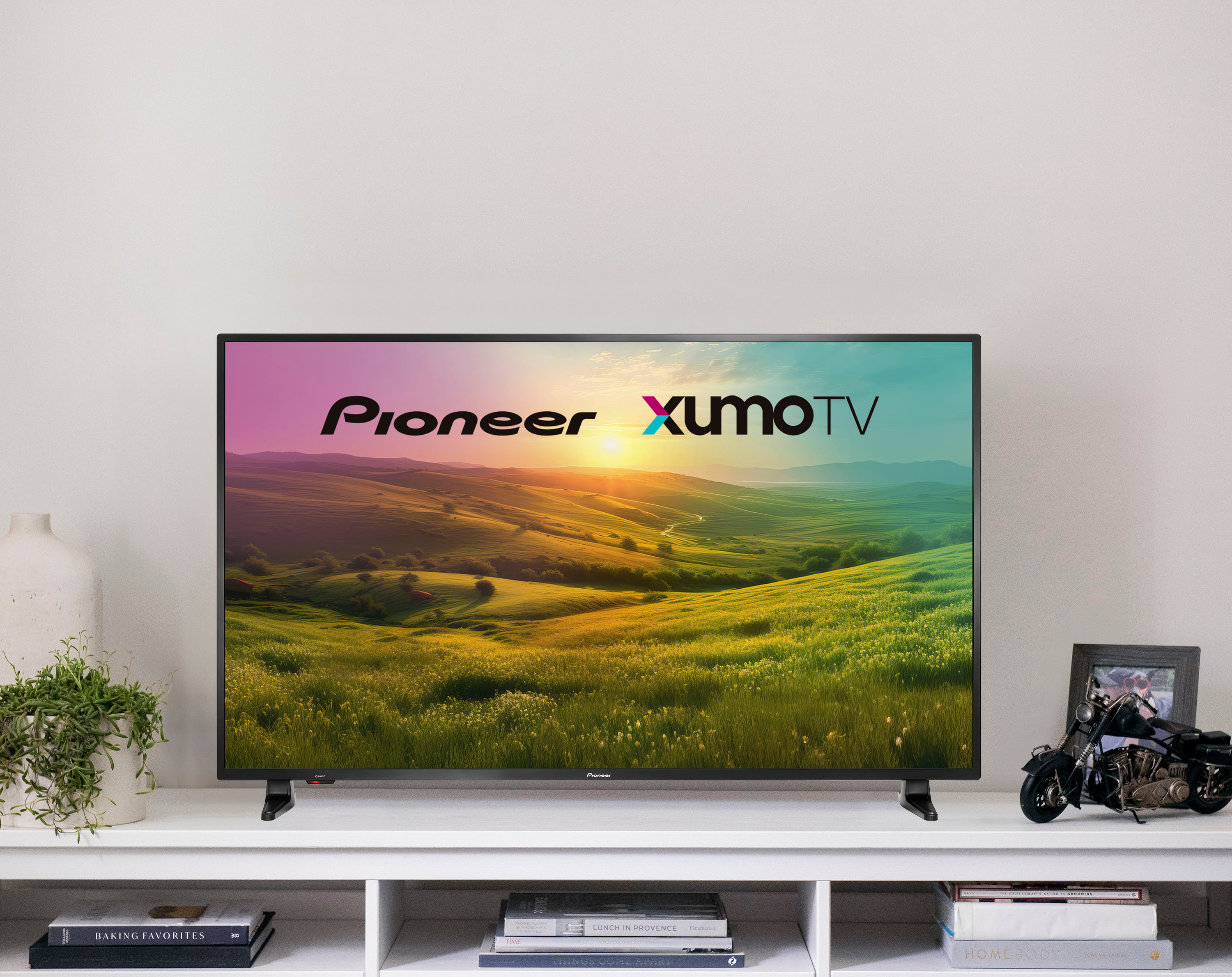
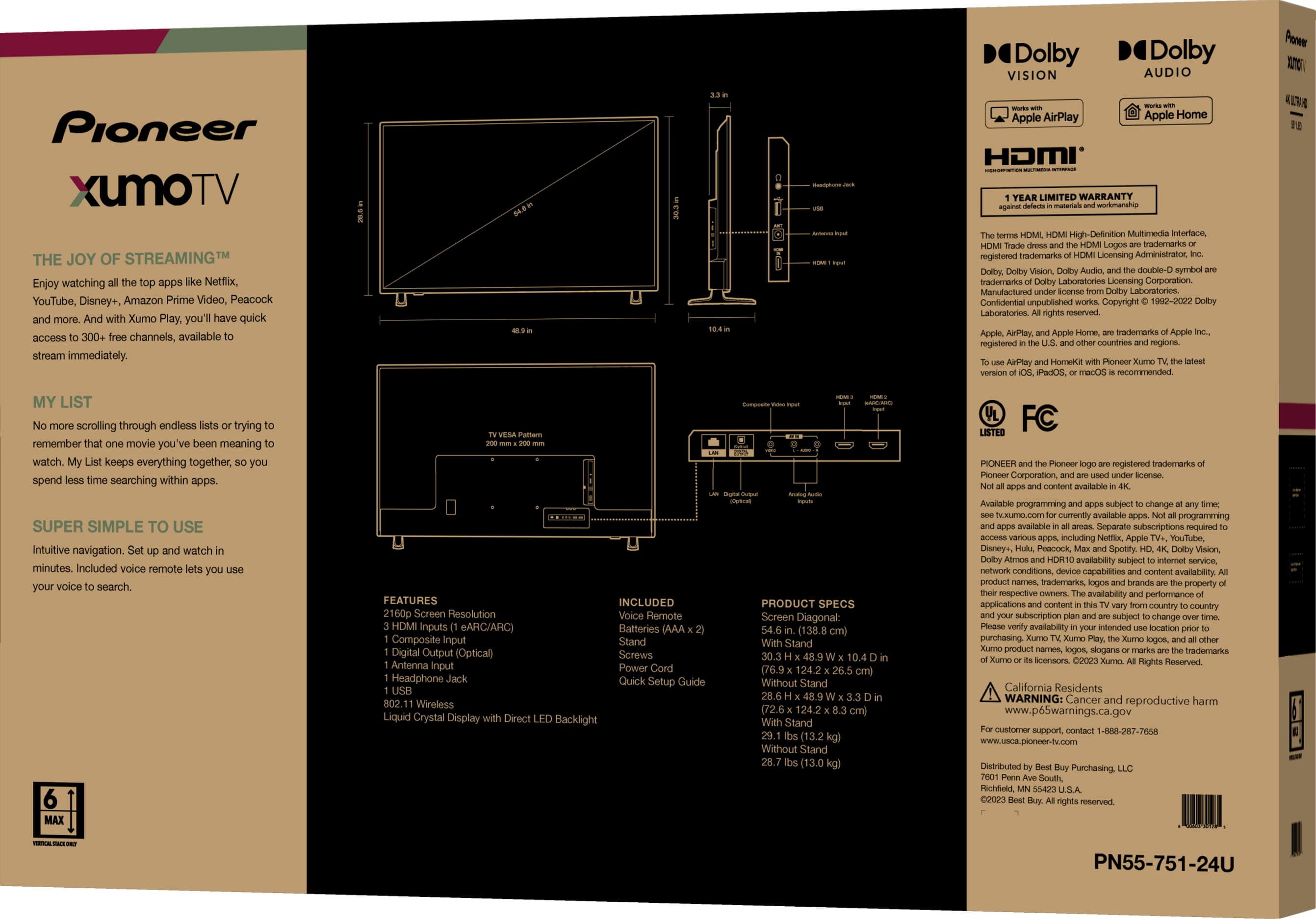
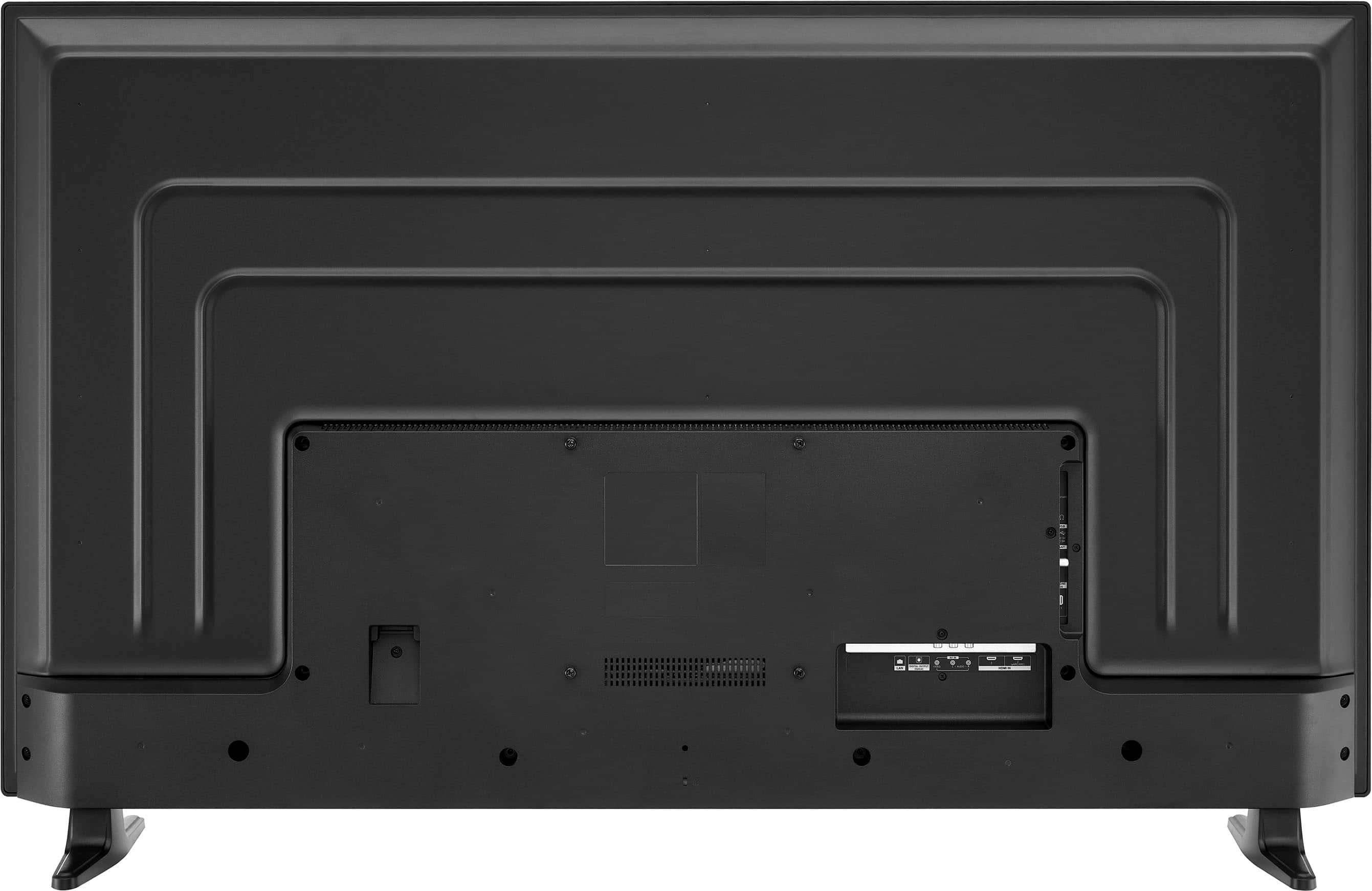
A:AnswerThe distance between the foot stands of the Pioneer - 55" Class LED 4K UHD Smart Xumo TV is 43.1 inches. This measurement ensures that the TV will fit securely on a stand or table that can accommodate this width. Patricia | Pioneer Support
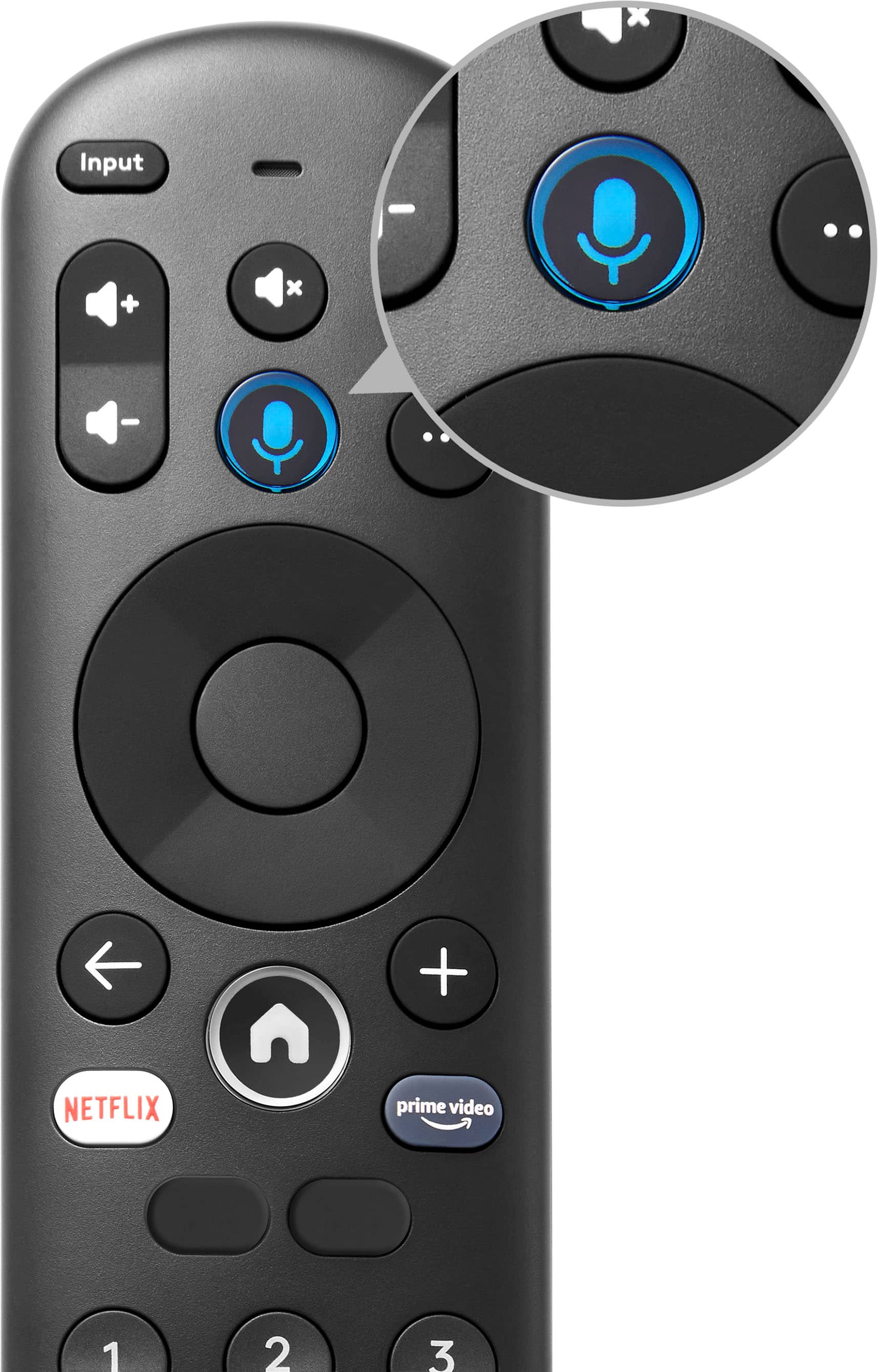
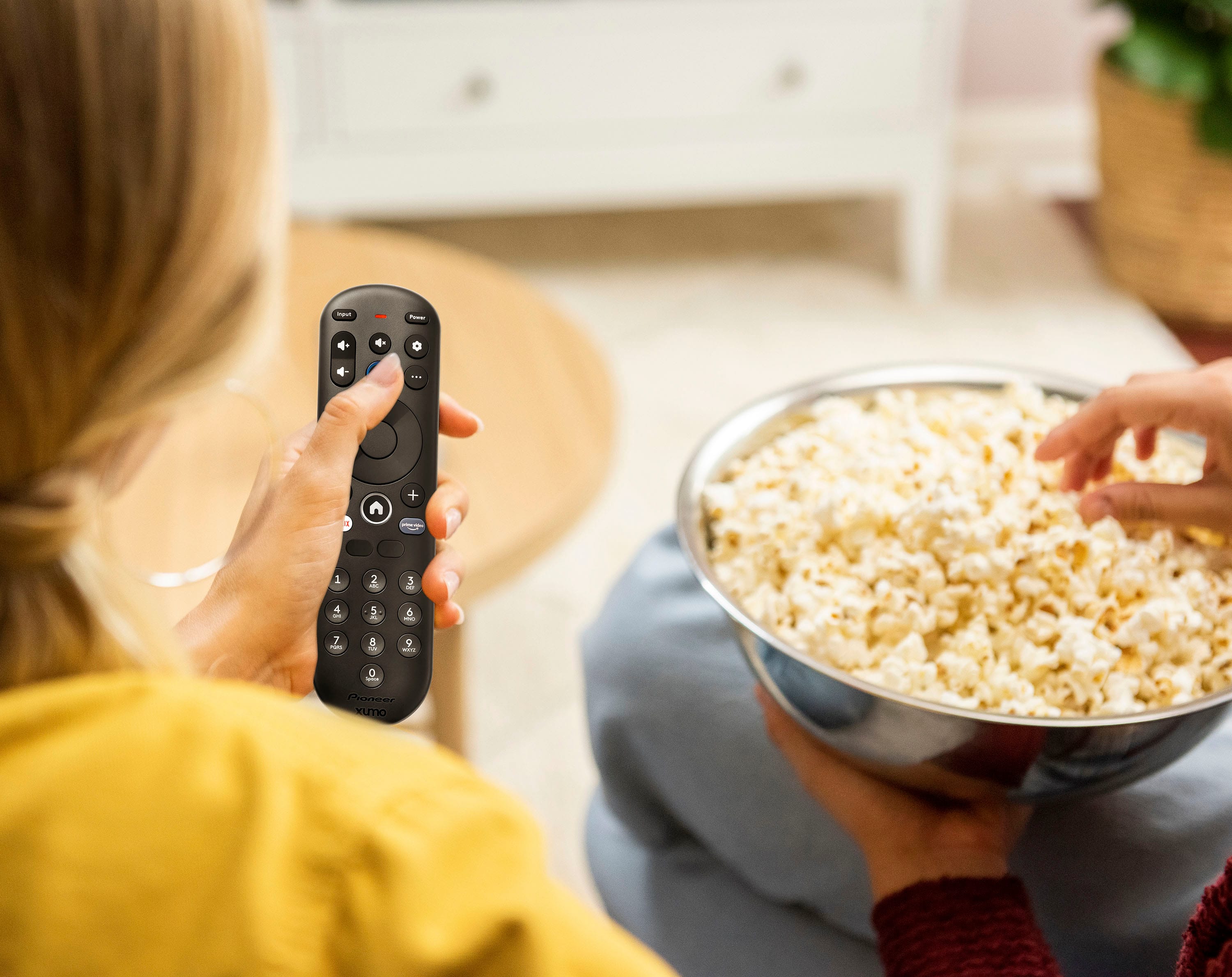
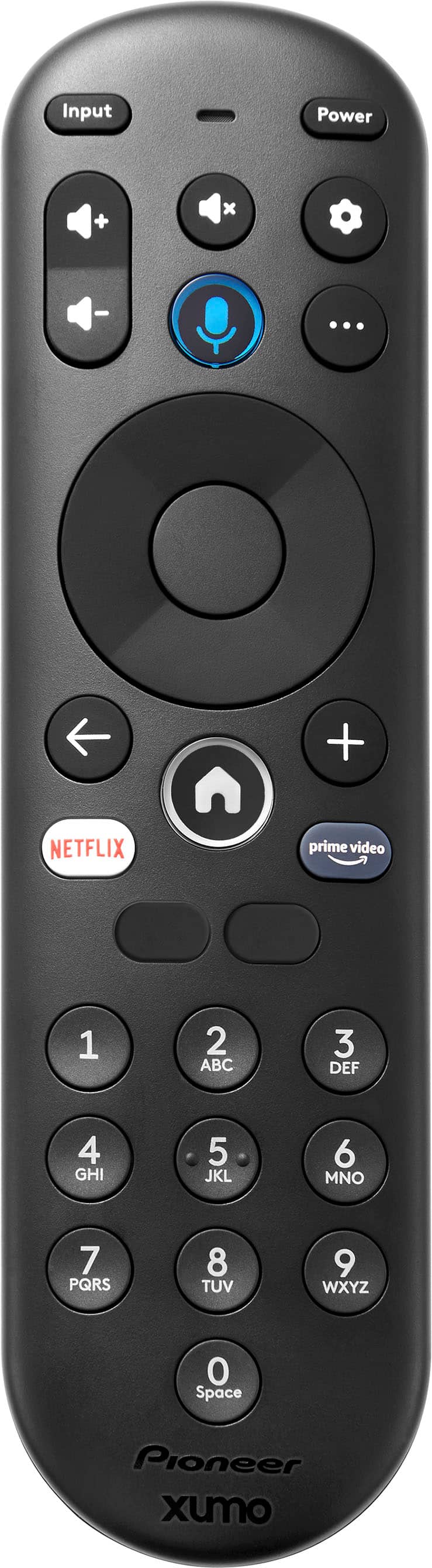
A:AnswerThank you for reaching out regarding your Pioneer 55" Class LED 4K UHD Smart Xumo TV. We understand how important it is to have a functioning remote for your TV.
To obtain a replacement remote, please follow these steps:
1. Go to the Pioneer support website and navigate to the accessories or replacement parts section. You can search for the specific remote model compatible with your TV.
2. If you need further assistance, our customer support team is here to help. You can reach us via phone or email, and we will guide you through the process of ordering a replacement remote.
3. You can also check with authorized retailers, such as Best Buy, to see if they have the replacement remote available for purchase.
We hope this helps! If you have any other questions or need additional assistance, please don't hesitate to contact us.
Thank you for choosing Pioneer!
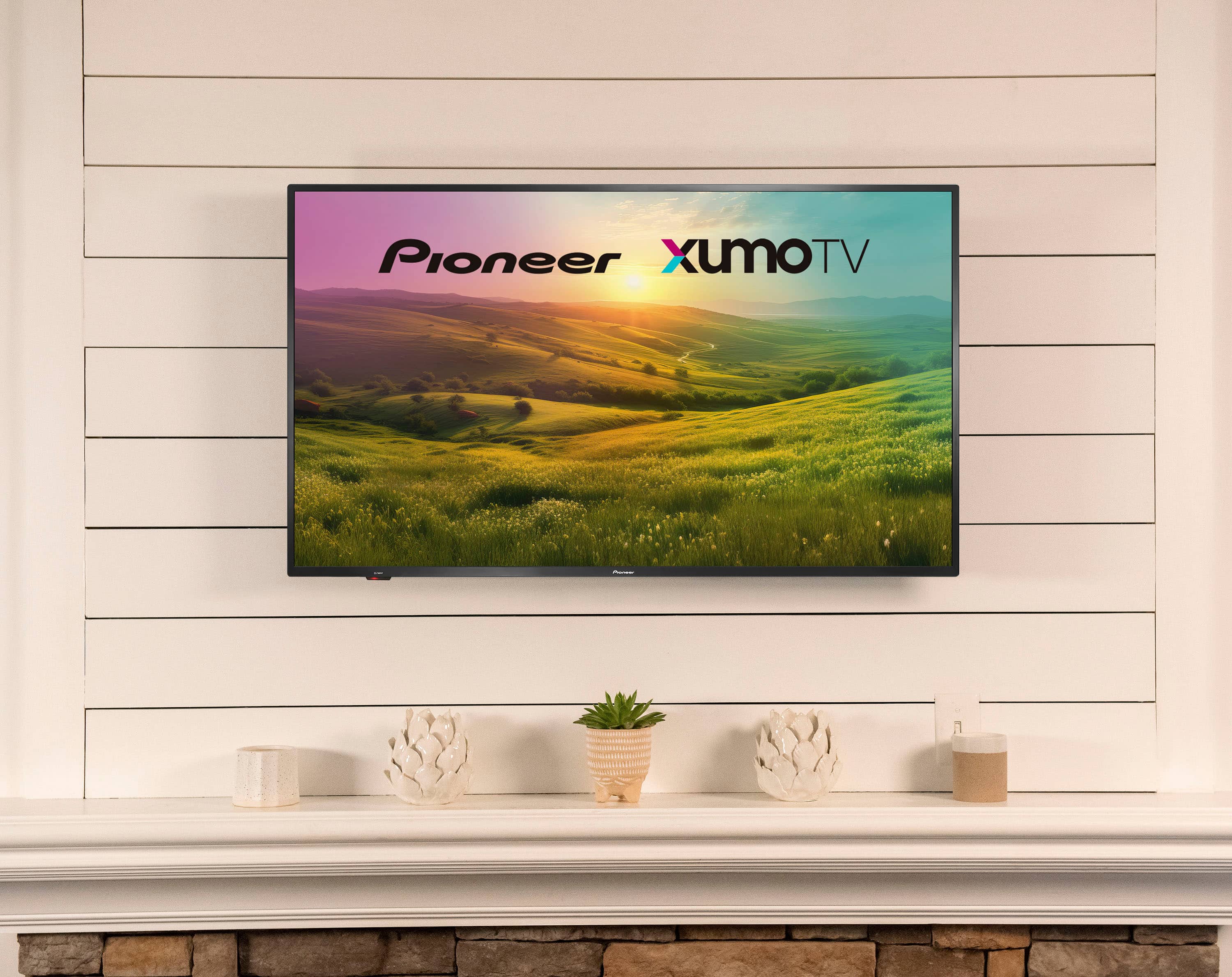
A:AnswerTo wall mount your Pioneer 55" Class LED 4K UHD Smart Xumo TV, begin by ensuring you have a wall-mount bracket that supports the TV's weight and VESA mounting pattern of 200x200 mm. Align the wall-mount bracket with the VESA mounting holes on the back of the TV and secure it using M6 screws. Patricia | Pioneer Support
A:AnswerHi Skip, thank you for bringing this to our attention. The manufacturer's warranty for 55" Pioneer TV is 1 year for labor and parts. If you have any questions, please let us know! Gly | Pioneer Support | https://www.bestbuy.com/site/pioneer-55-class-led-4k-uhd-smart-xumo-tv/6546909.p?skuId=6546909
A:AnswerHi there!
If you are having issues with the cable network channels, you can try the power cycle.
Please follow the steps:
1. Unplug the television from the power outlet.
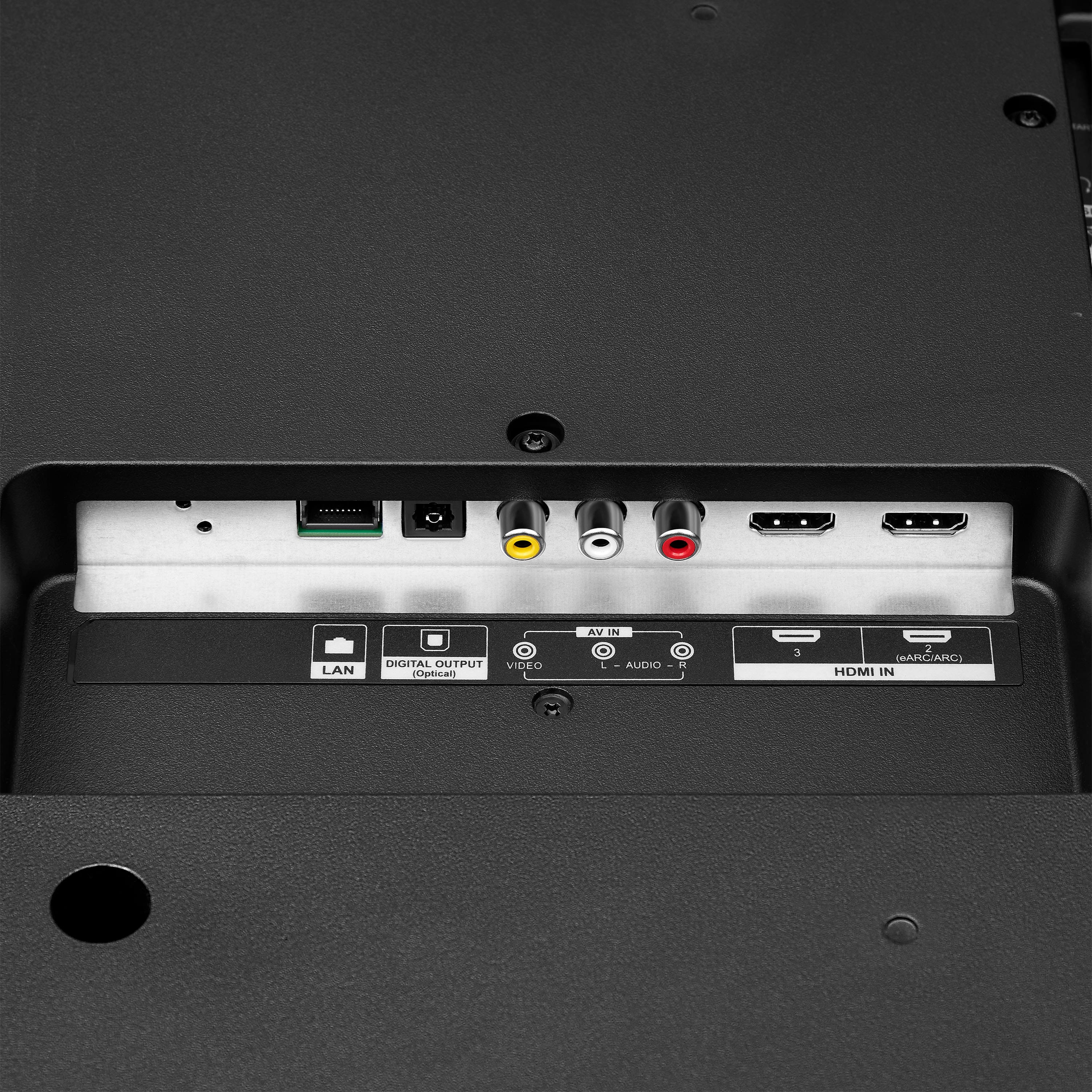
2. Remove all connections from the back of the television.
3. While everything is unplugged, press and hold the "Power" button on your TV for 60 seconds.
4. Connect all devices back into the television, making sure all of them are properly connected.
5. Plug the set to the power outlet, if possible, to a different power outlet or a surge protector.
6. Turn it on and test it.
If this doesn't fixed the issue, you may send us an email [email protected] for further assistance. We'll be more than happy to assist you regarding this matter.
Pioneer Support
Angela
http://www.usca.pioneer-tv.com/en/index.html?c=US
A:AnswerYes! Maybe no a few months ago, but now the Pioneer tvs have the Fubo app pre-installed as well as come with a 30 days free trial of Fubo tv compliments of Best Buy with purchase.