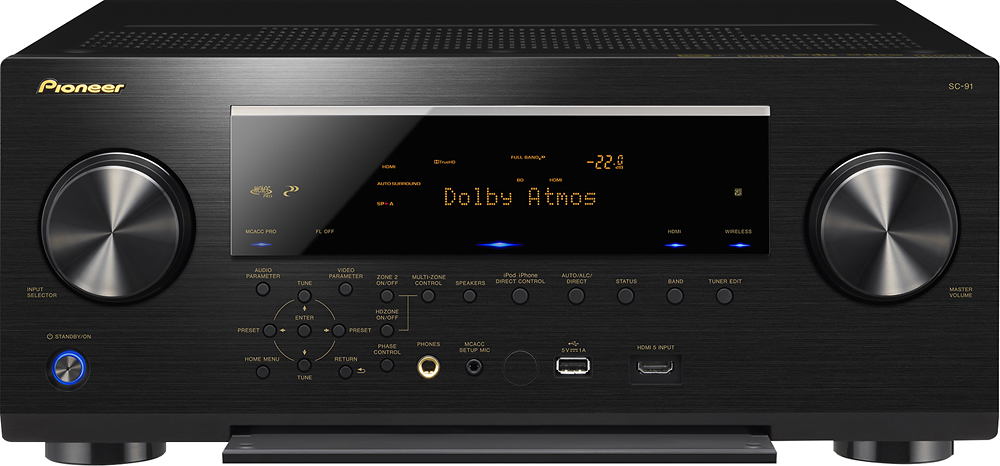
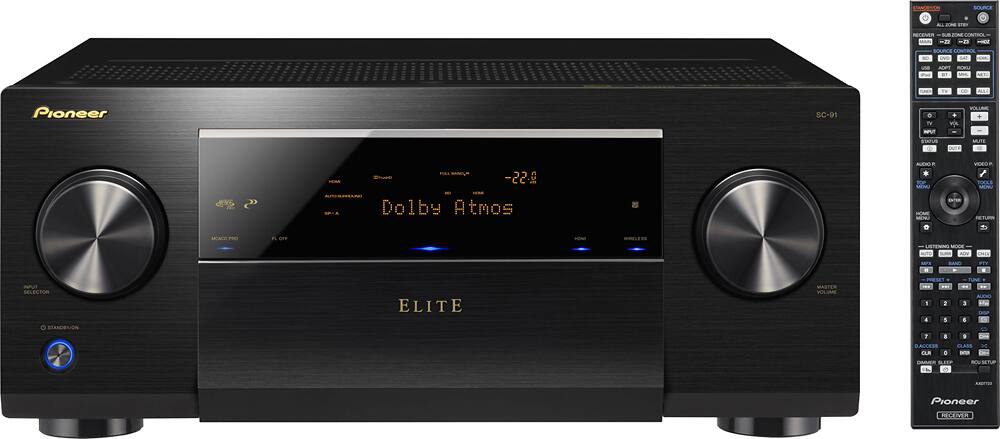
A:AnswerIf you run the MCACC calibration process, it picks up the speaker as large. If you want to do it manually, you can hit the "Home" button on the remote which will give you options for setup. Once in setup you can navigate to Manual speaker setup and set the front ones to "Large"