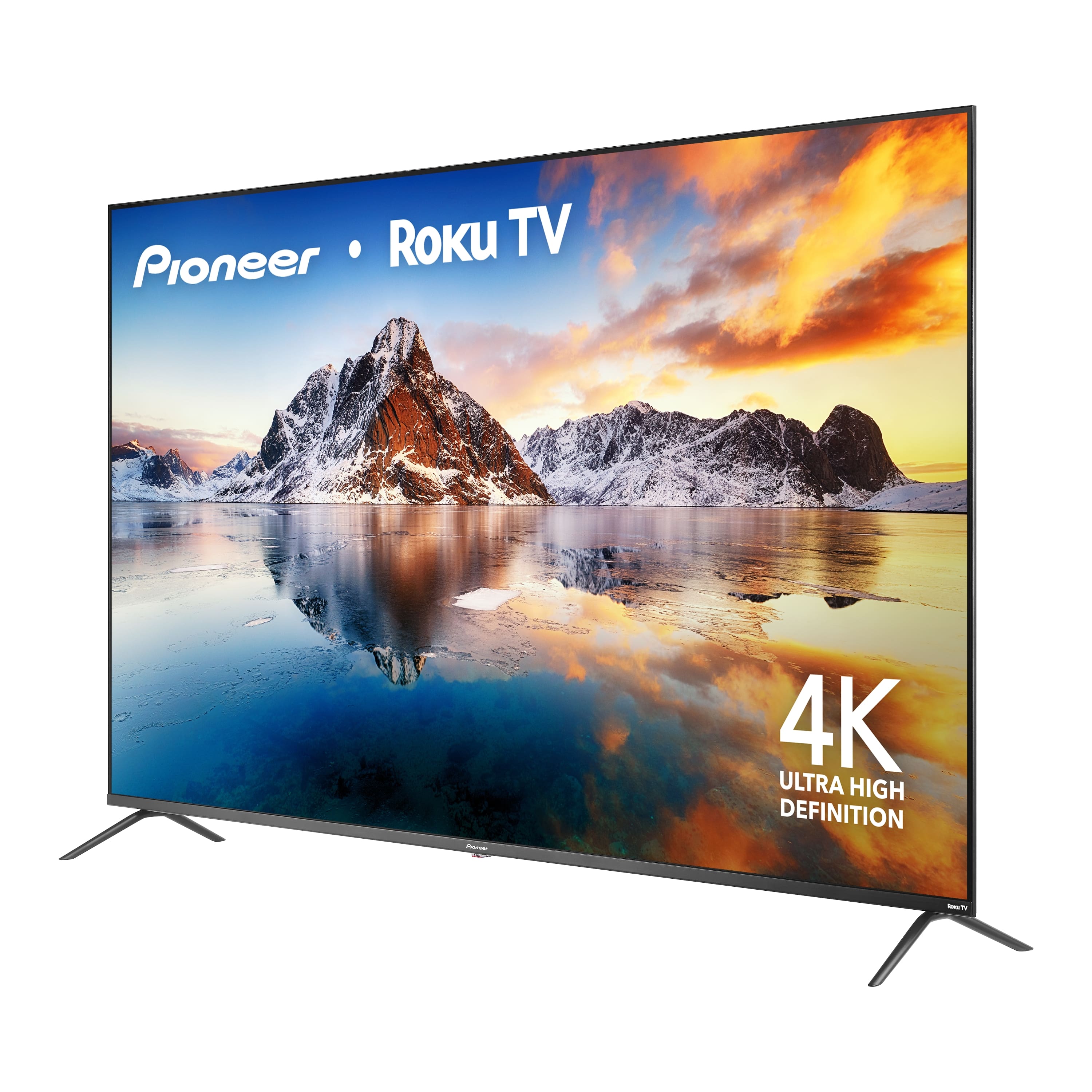
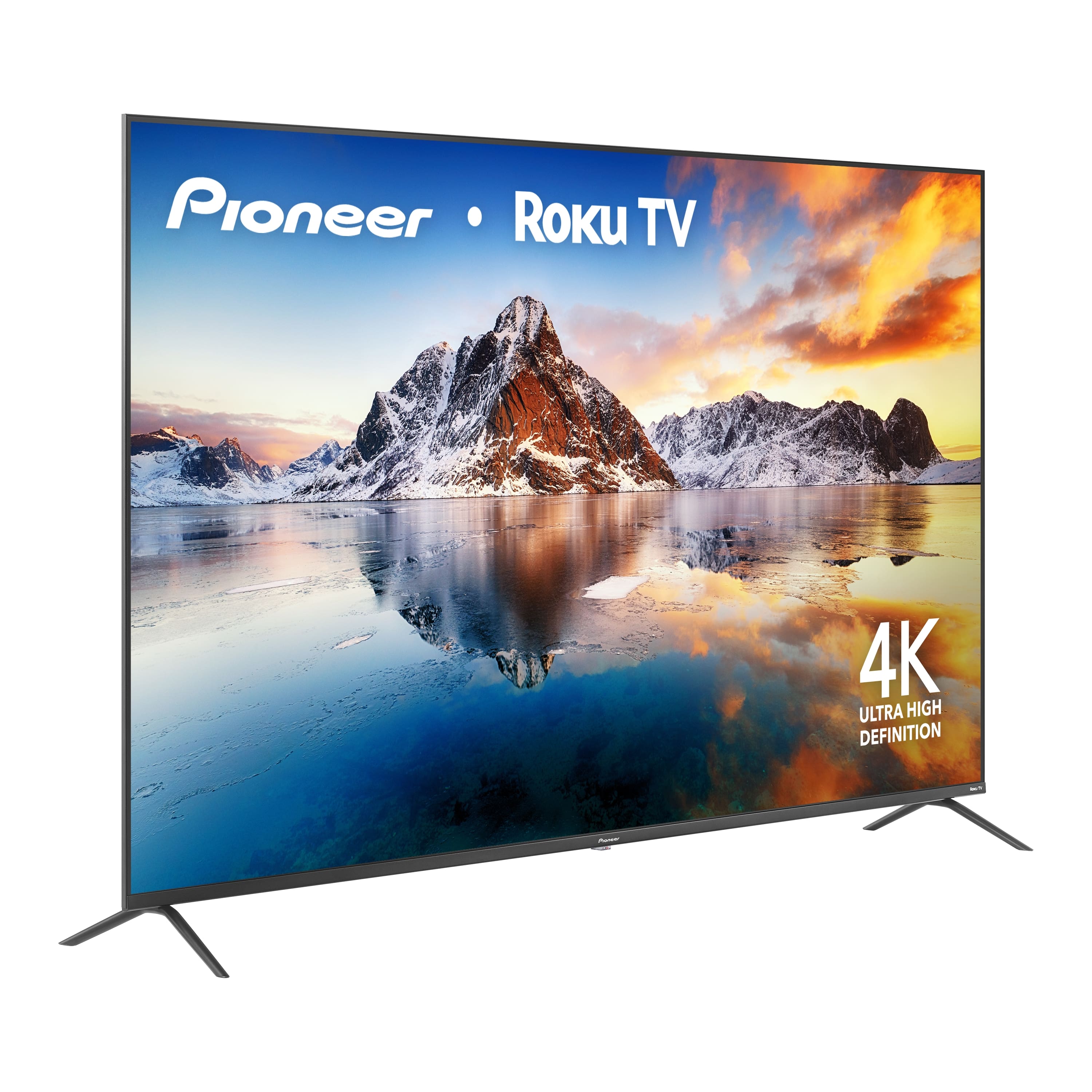
A:AnswerHello! Thank you for your question. You cannot connect Pioneer - 75" Class LED 4K UHD Smart Roku TV to most Bluetooth devices, as it does not offer full Bluetooth connectivity; however, it does support pairing with select compatible Roku accessories such as wireless speakers or a sound bar. Darshan | Pioneer
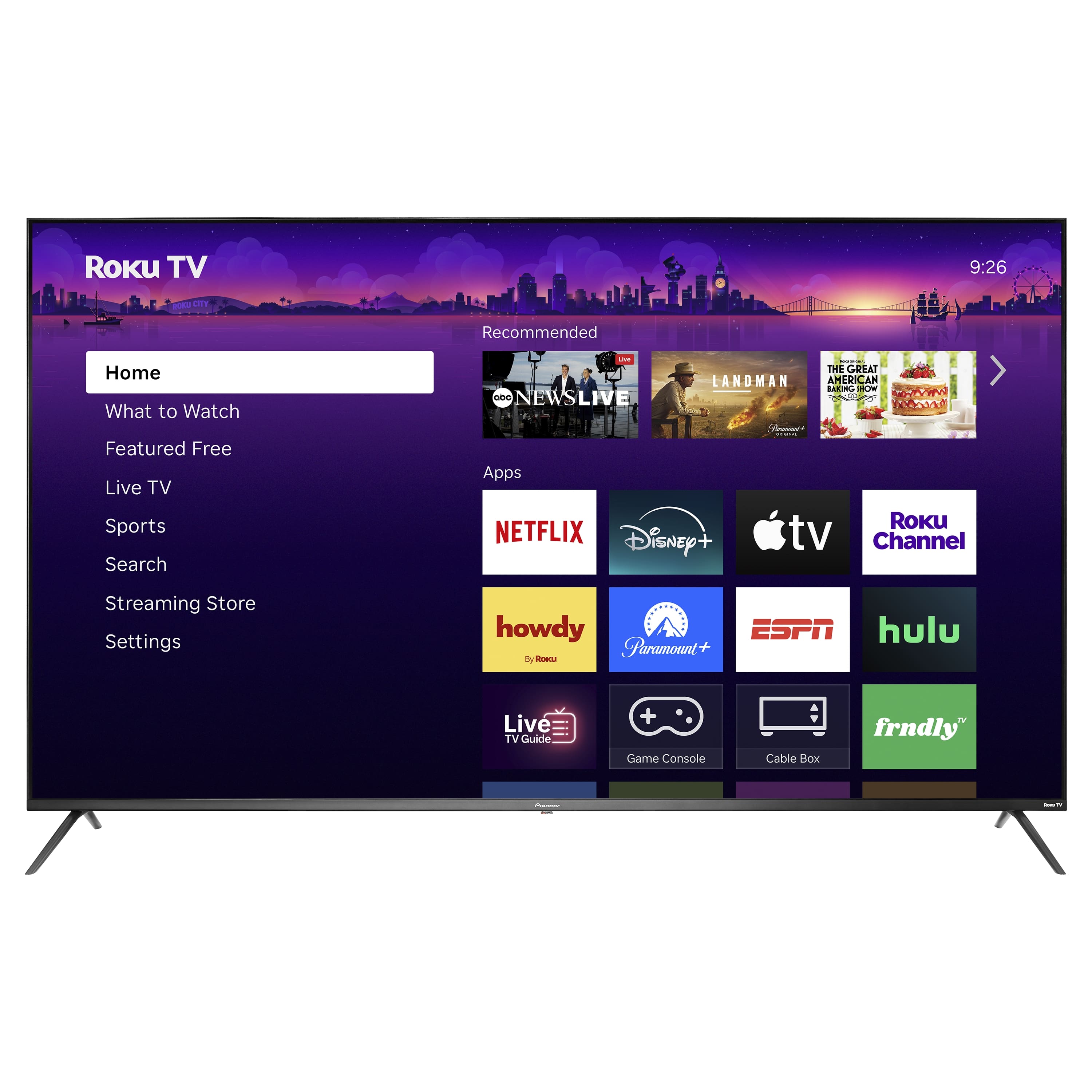
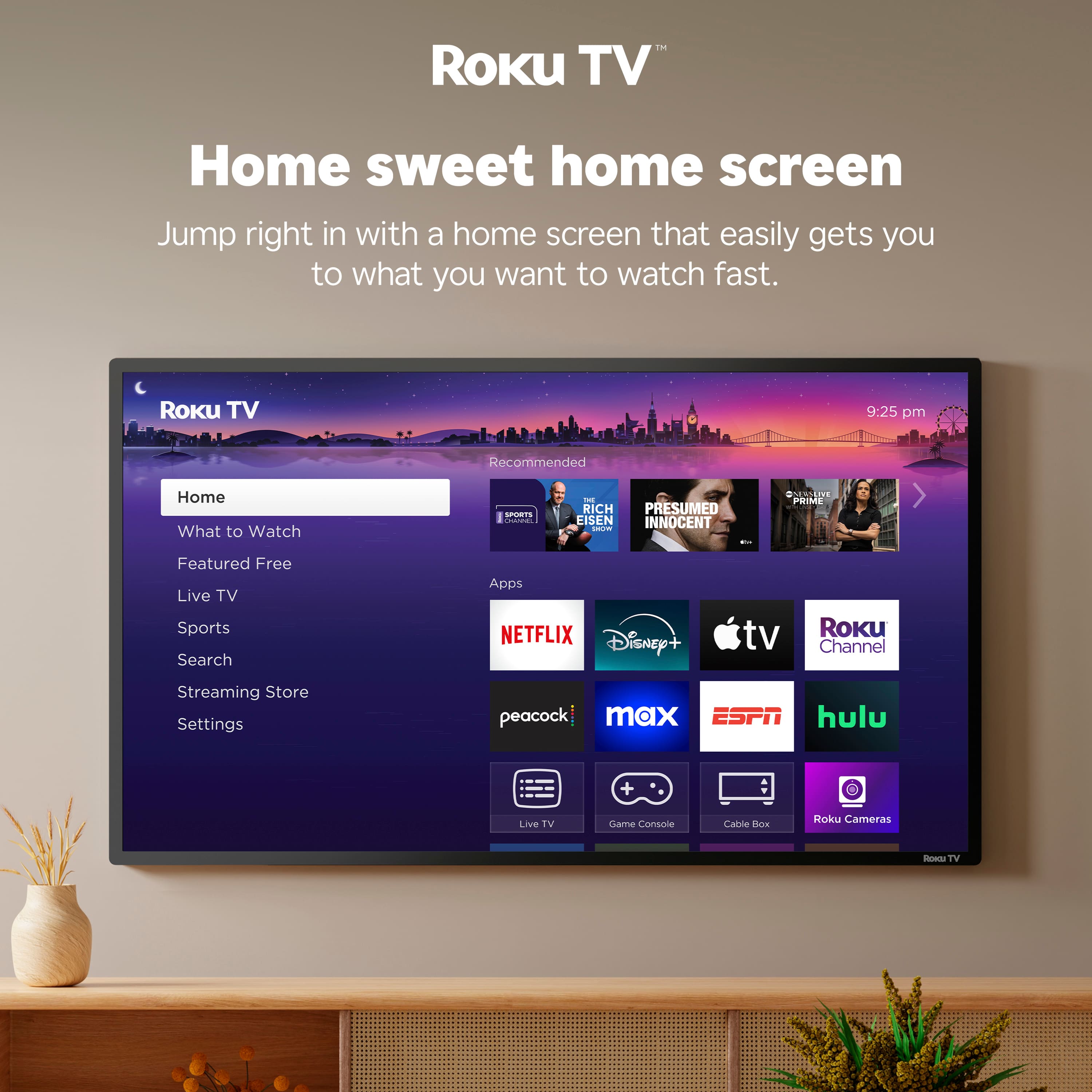
A:AnswerHello! Thank you for your question. Yes, you can download the Spectrum app on the Pioneer 75" Class LED 4K UHD Smart Roku TV, it’s available directly in the Roku Channel Store. Darshan | Pioneer
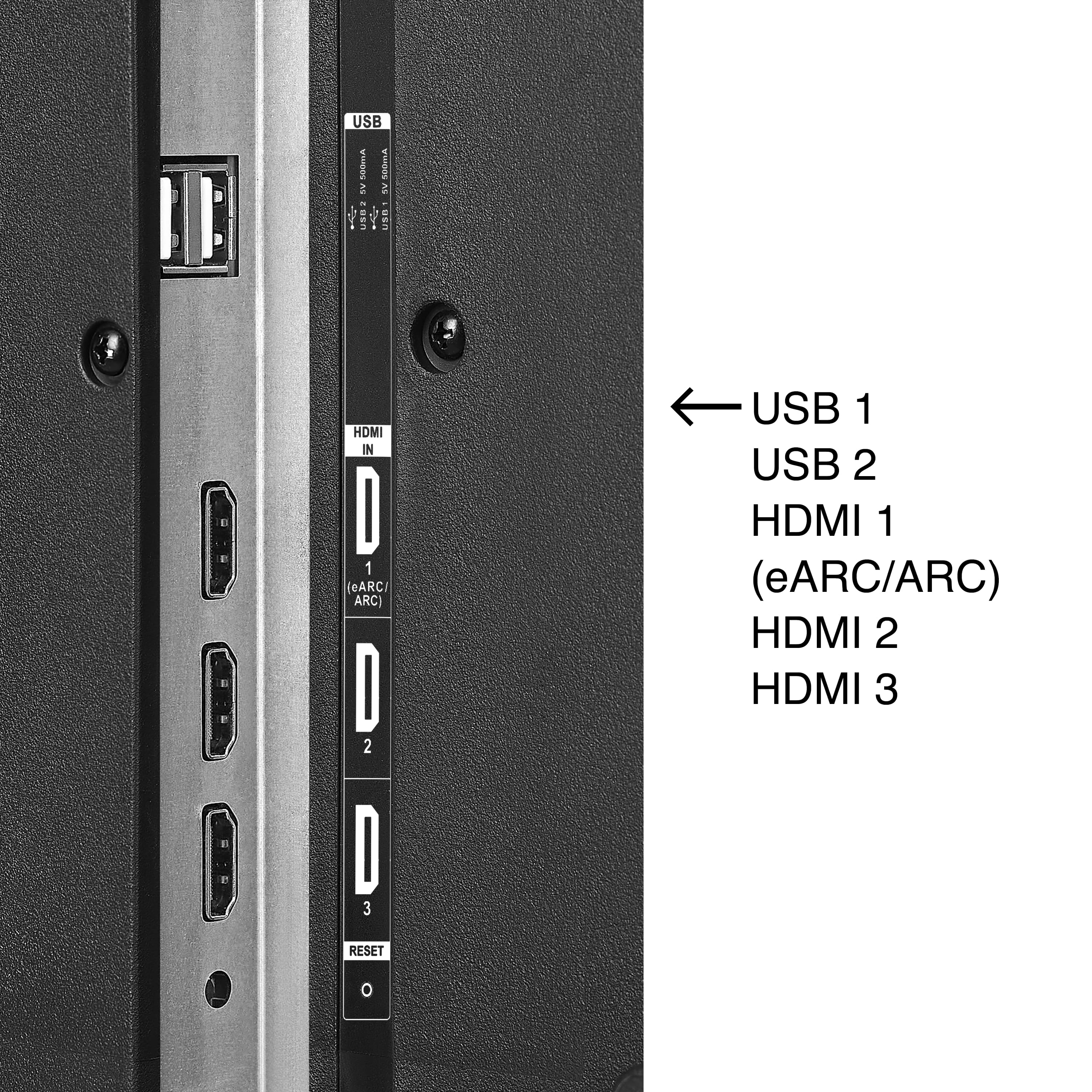
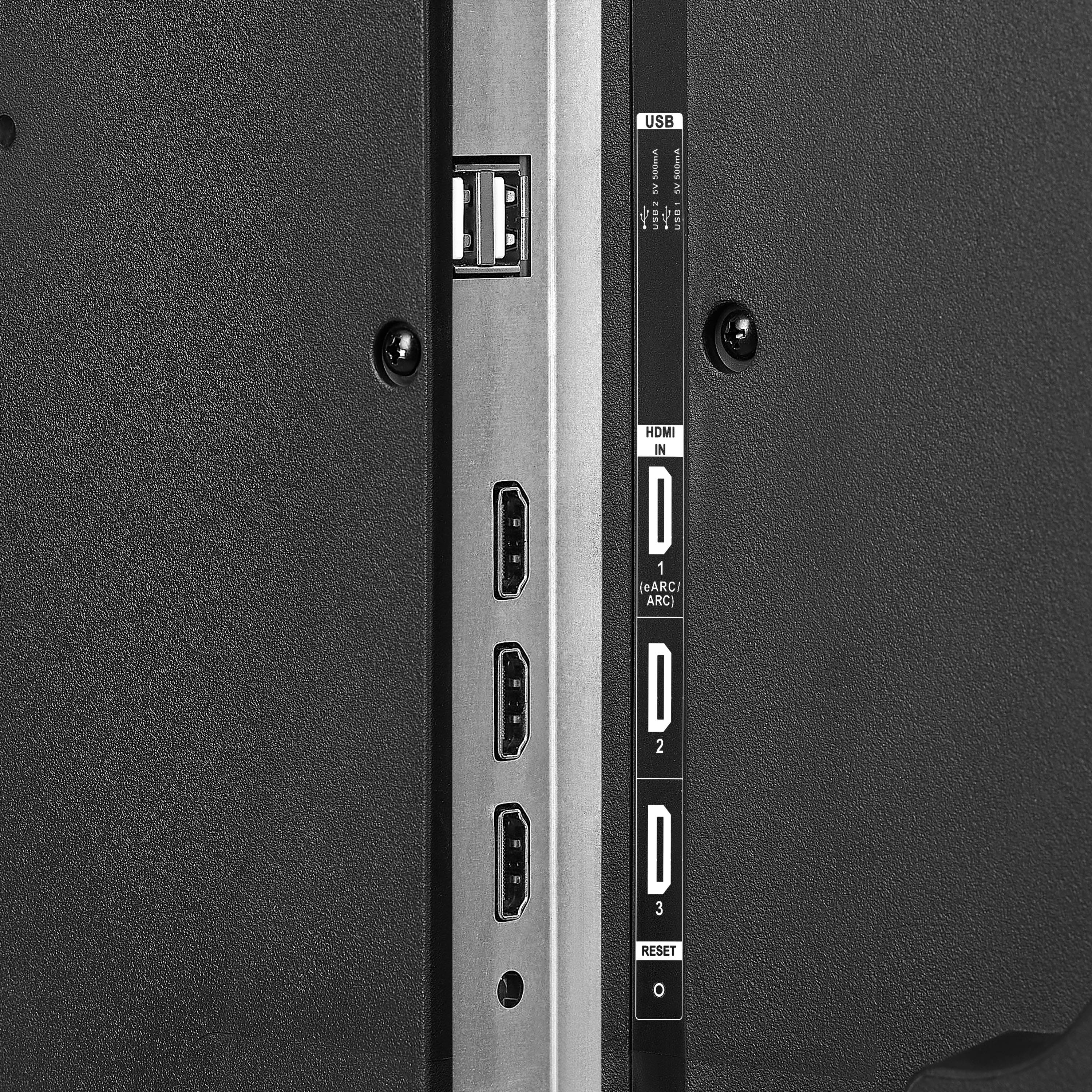
A:AnswerHello Paul! Thank you for your question. Yes you can connect a sound bar to the Pioneer 75" Class LED 4K UHD Smart Roku TV using an open HDMI port, but only if the sound bar supports HDMI‑ARC or eARC. Regular HDMI ports will not allow the TV remote to control the sound.
Darshan | Pioneer
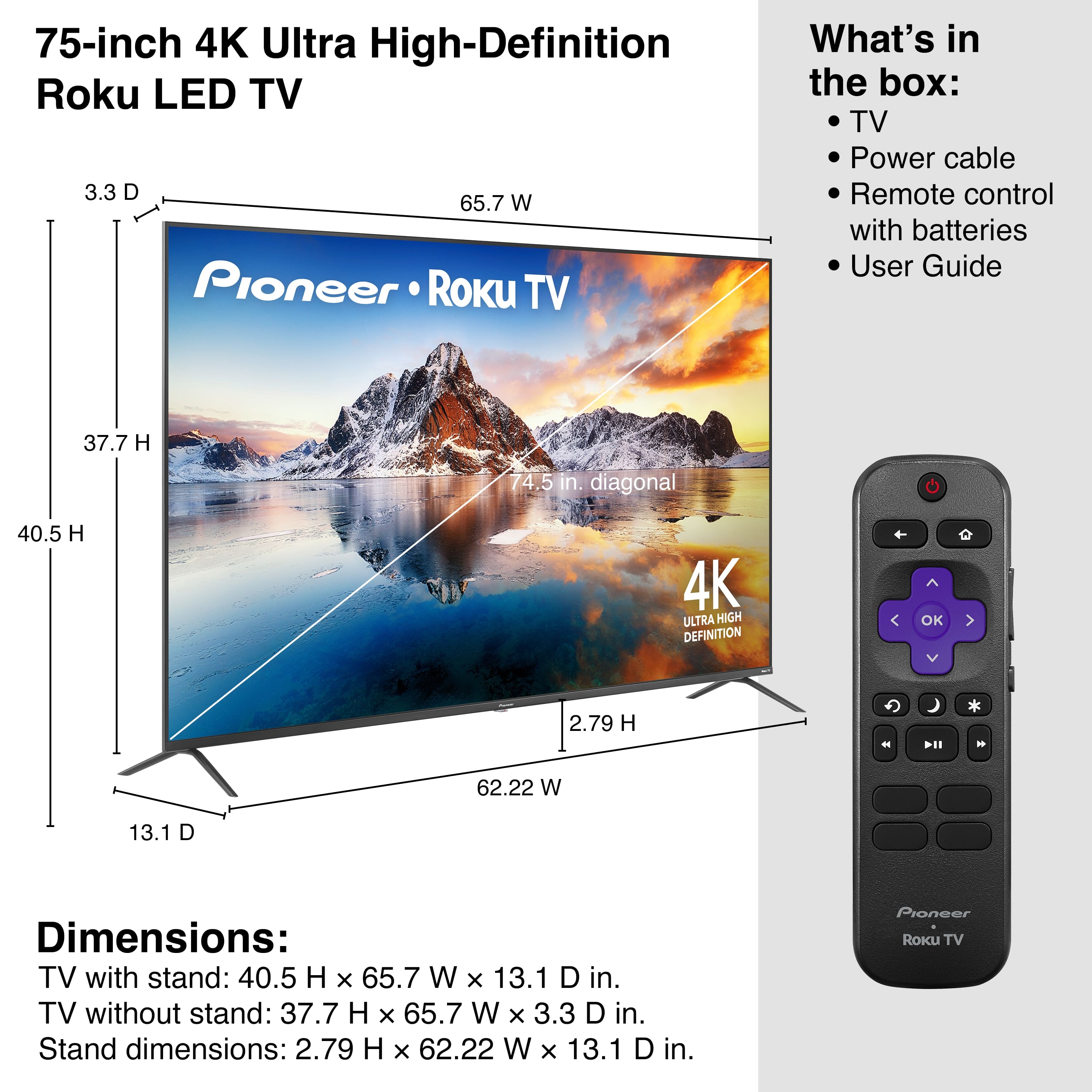
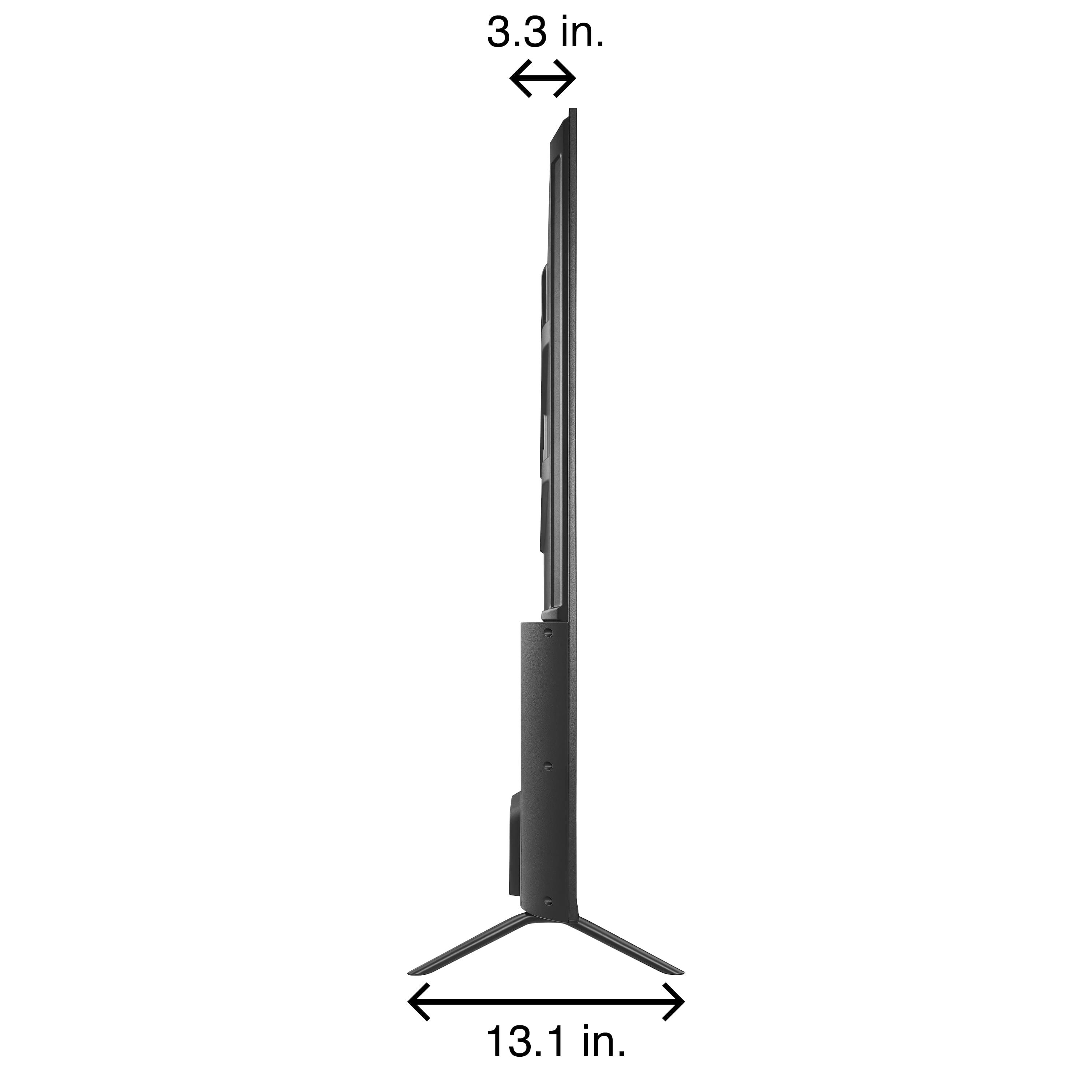
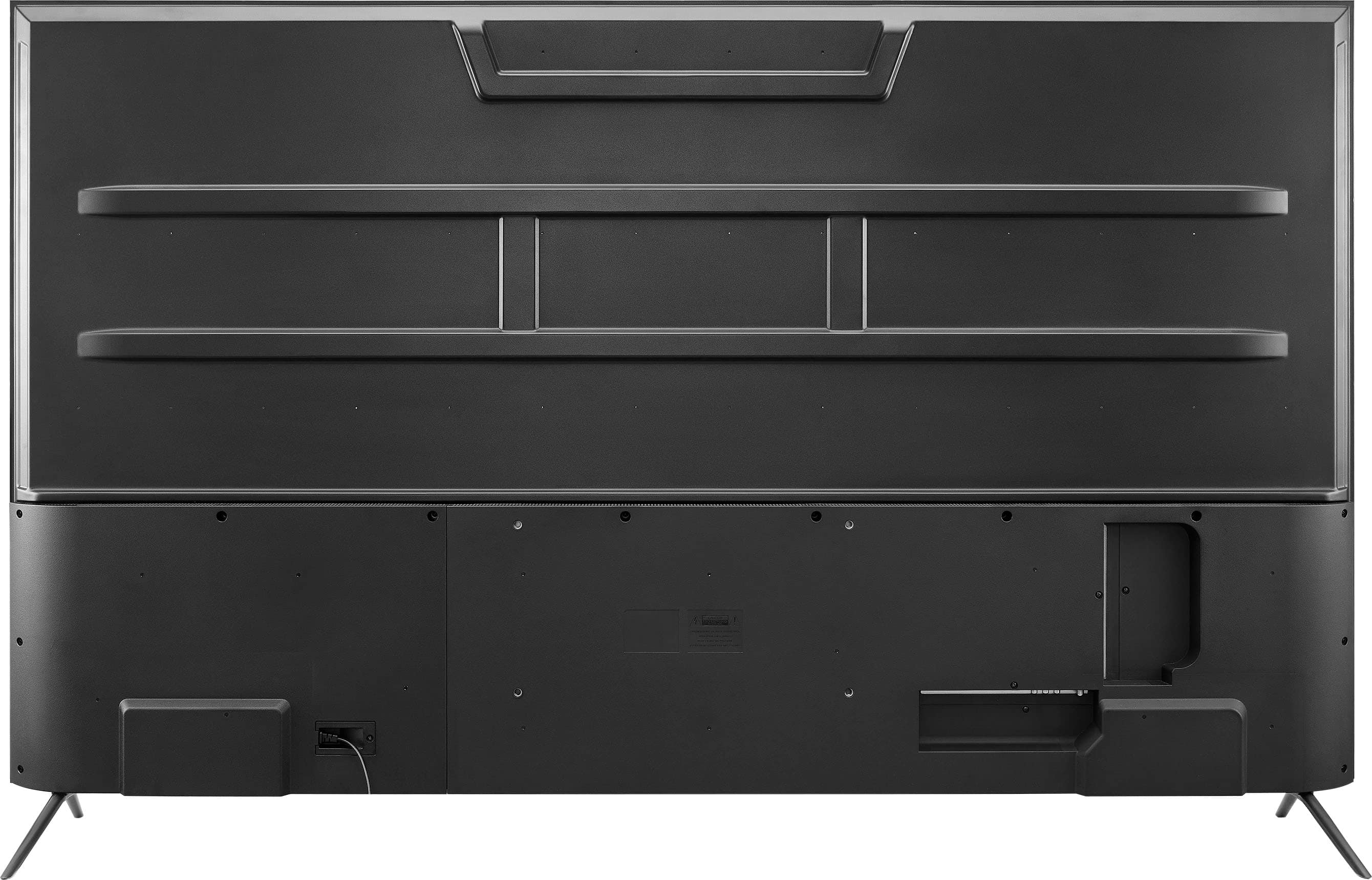
A:AnswerHello! Thank you for your question. Yes, if your current 70" TV uses a VESA 400 × 200 mounting pattern, you can use the same wall mount for the Pioneer 75" Class LED 4K UHD Smart Roku TV as well. This model also supports the 400 × 200 VESA standard, so as long as your mount is rated to hold the weight of a 75" TV, you’re good to go.
Darshan | Pioneer
A:AnswerHi there! Thanks for reaching out. Yes, Best Buy can remove your old TV when you purchase a new one. Simply add the Haul‑Away option during checkout, and the delivery team will take your old TV when they bring the new Pioneer 75" model. If you need help adding the service or have any other questions, feel free to call Best Buy at 1‑888‑237‑8289. They’ll be happy to assist you. Vennila | Pioneer
A:AnswerHi Pat, thank you for your question. The Pioneer 75" Class LED 4K UHD Smart Roku TV is compatible with wall mounts designed for 47–84‑inch TVs, so any mount within that size range will work perfectly for this model. If you’d like to move forward with the purchase or need help choosing the right mount, feel free to contact Best Buy at 1‑888‑237‑8289. They’ll be happy to assist you further.
Vennila | Pioneer
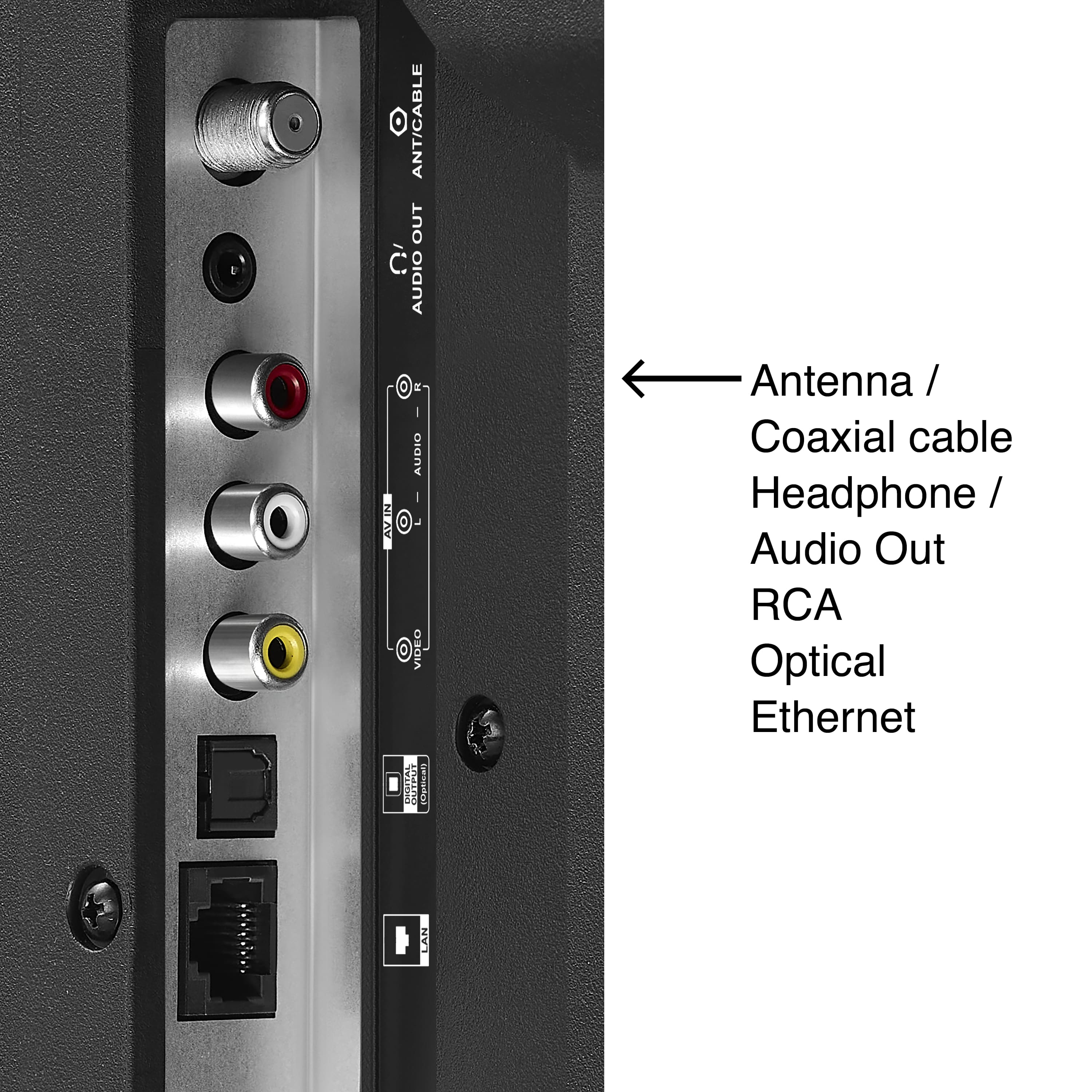
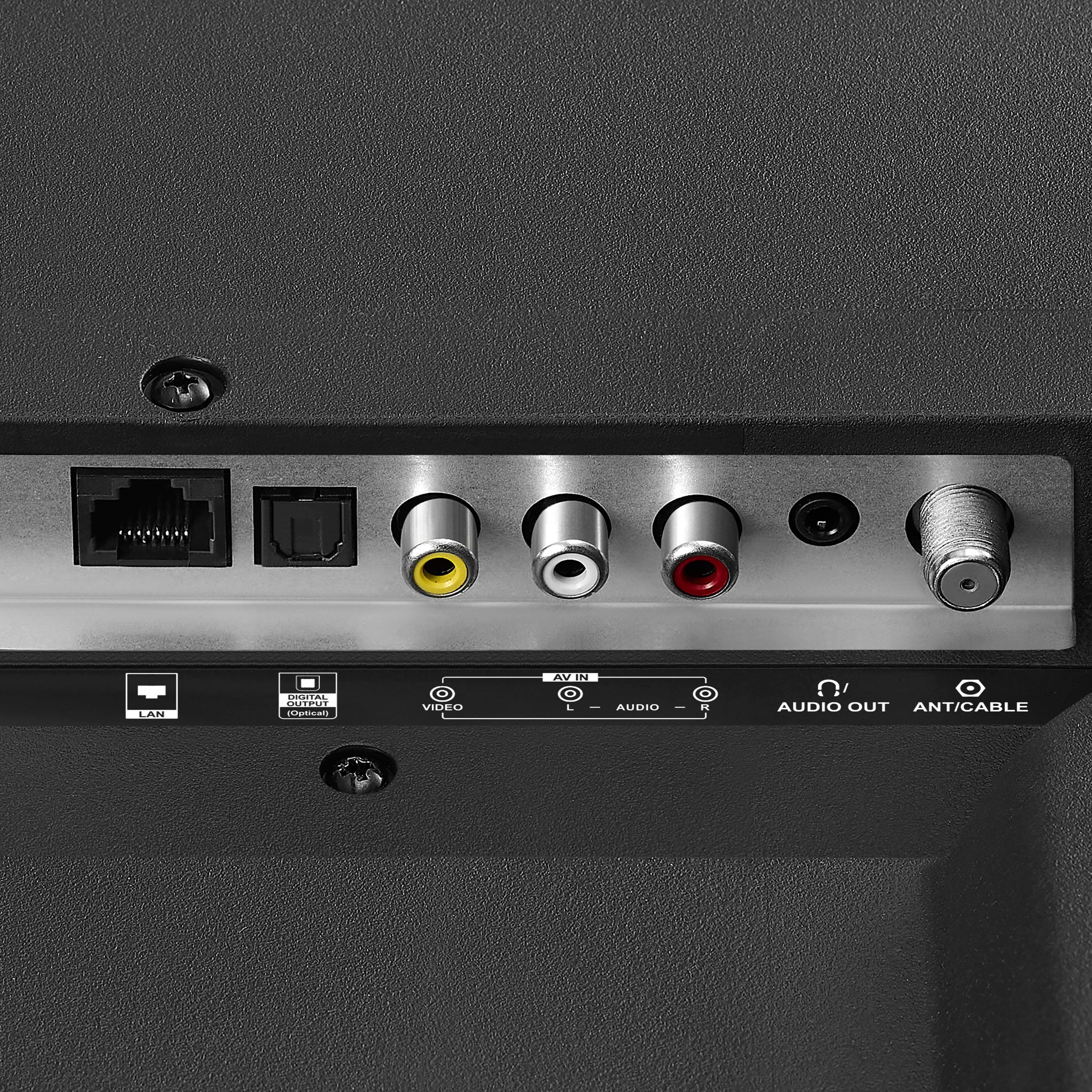
A:AnswerHello Joe! Thank you for your question regarding the Pioneer 75" Class LED 4K UHD Smart Roku TV. Yes, this model does include a Digital Optical Output jack.
Mueez | Pioneer
A:AnswerHello, thank you for your question. Yes, this TV will connect to your Pioneer SC‑25 7.1 Elite surround system. The easiest method is to use the TV’s optical audio output and run it to the receiver’s optical input. This will provide clear digital audio and allow your system to deliver surround sound from the TV’s built‑in Roku apps. Sidhartha | Pioneer
A:AnswerHello Pioneer Customer! Thank you for your question. This Pioneer Roku TV does not include Advanced Volume Leveling. In the Volume Modes menu, you will only see High, Medium, and Low options, which adjust overall volume but do not provide automatic volume leveling. If you have any other questions about features or settings, please feel free to reach out to us.
Poojitha | Pioneer
A:AnswerDear Pioneer Customer! Thank you for your question. Yes, the Pioneer 75" Class LED 4K UHD Smart Roku TV is compatible with the Spectrum Xumo Stream Box. The Xumo device connects through HDMI, and this Pioneer model includes standard HDMI ports, so it will work just like any other streaming box. Narendra | Pioneer
A:AnswerHi Ted! Thank you for sharing your inquiry about Pioneer - 75" Class LED 4K UHD Smart Roku TV , Please contact our retailer BestBuy 1-888-237-8289 for further support.
Mueez | Pioneer products
A:AnswerHi, JoseV!
Yes, it has a Game Mode.
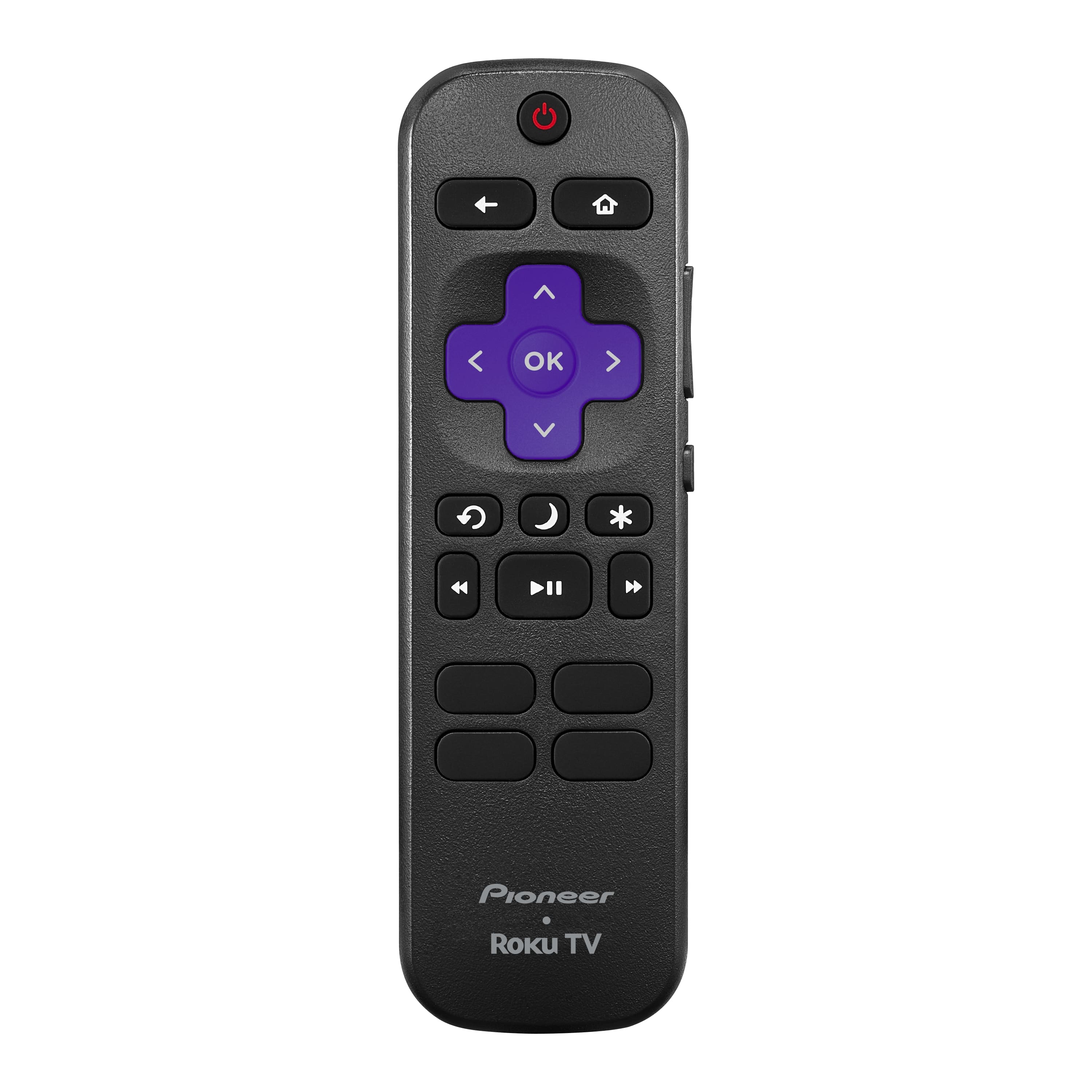
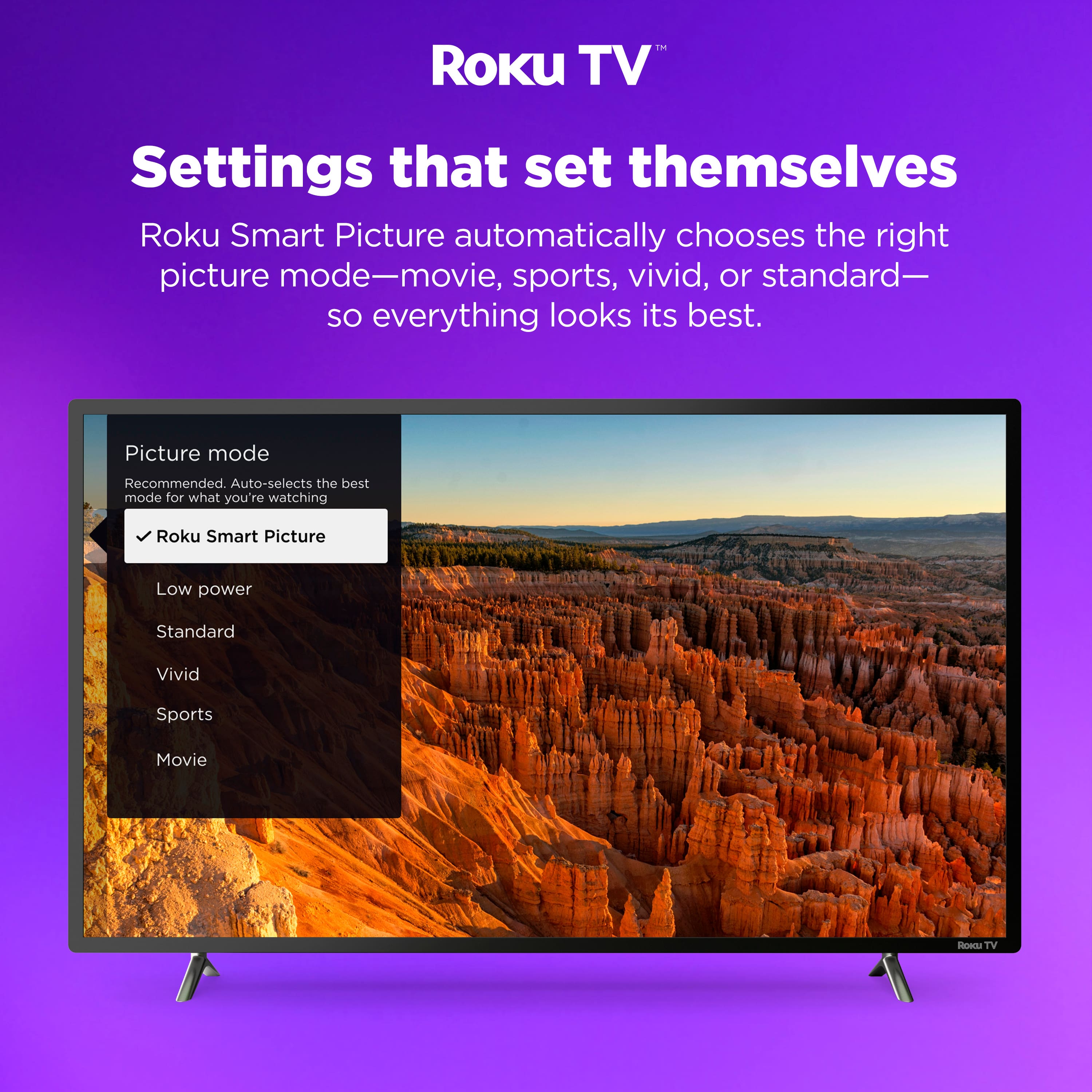
Since this TV uses the Roku platform, you can enable it manually by pressing the Star (*) button on your remote while on your console's input, selecting Picture Settings, and then Customize Picture. It also supports ALLM (Auto Low-Latency Mode), which automatically switches to Game Mode when you start playing on a compatible console.
- Ed| Pioneer Support