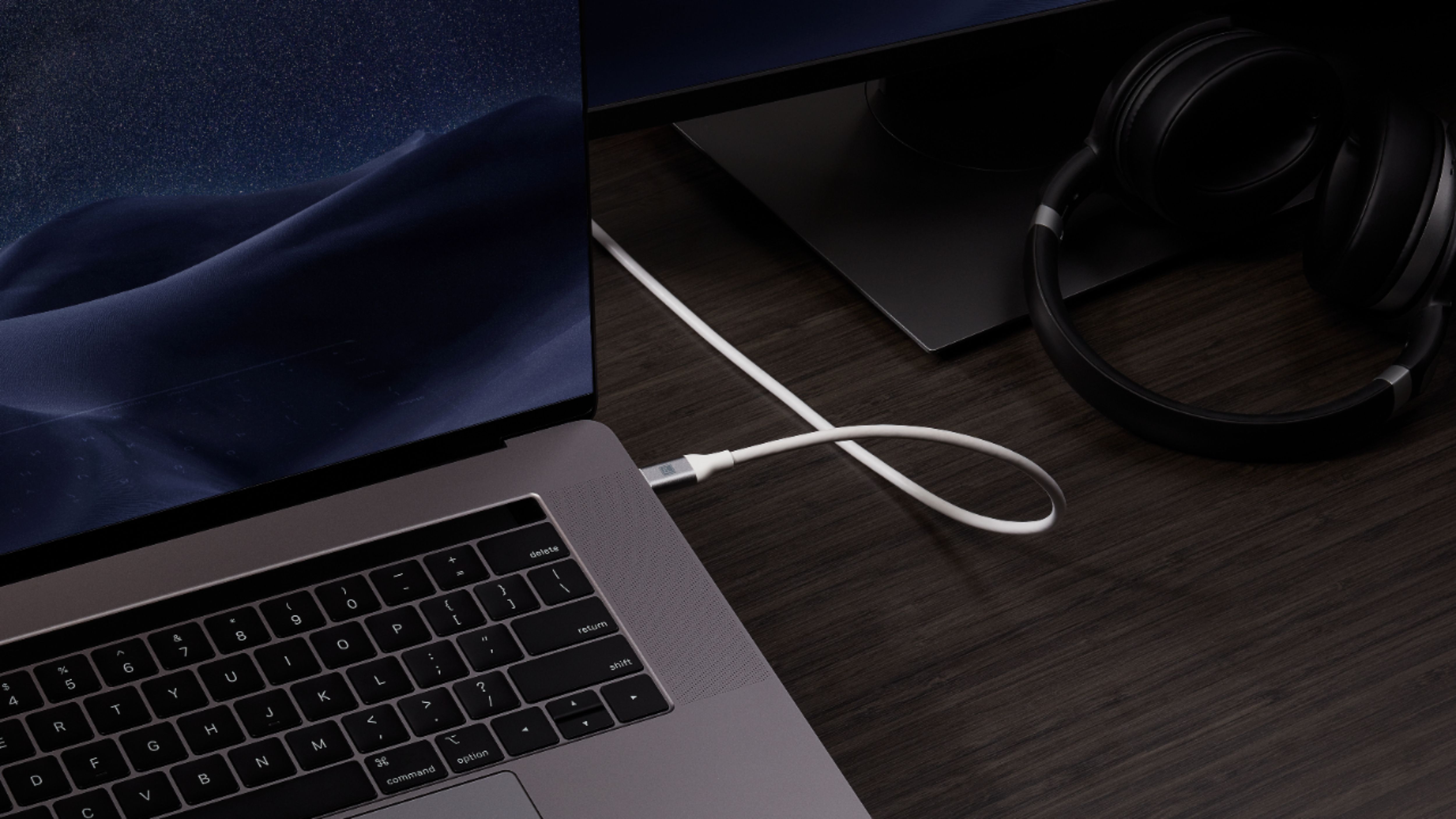
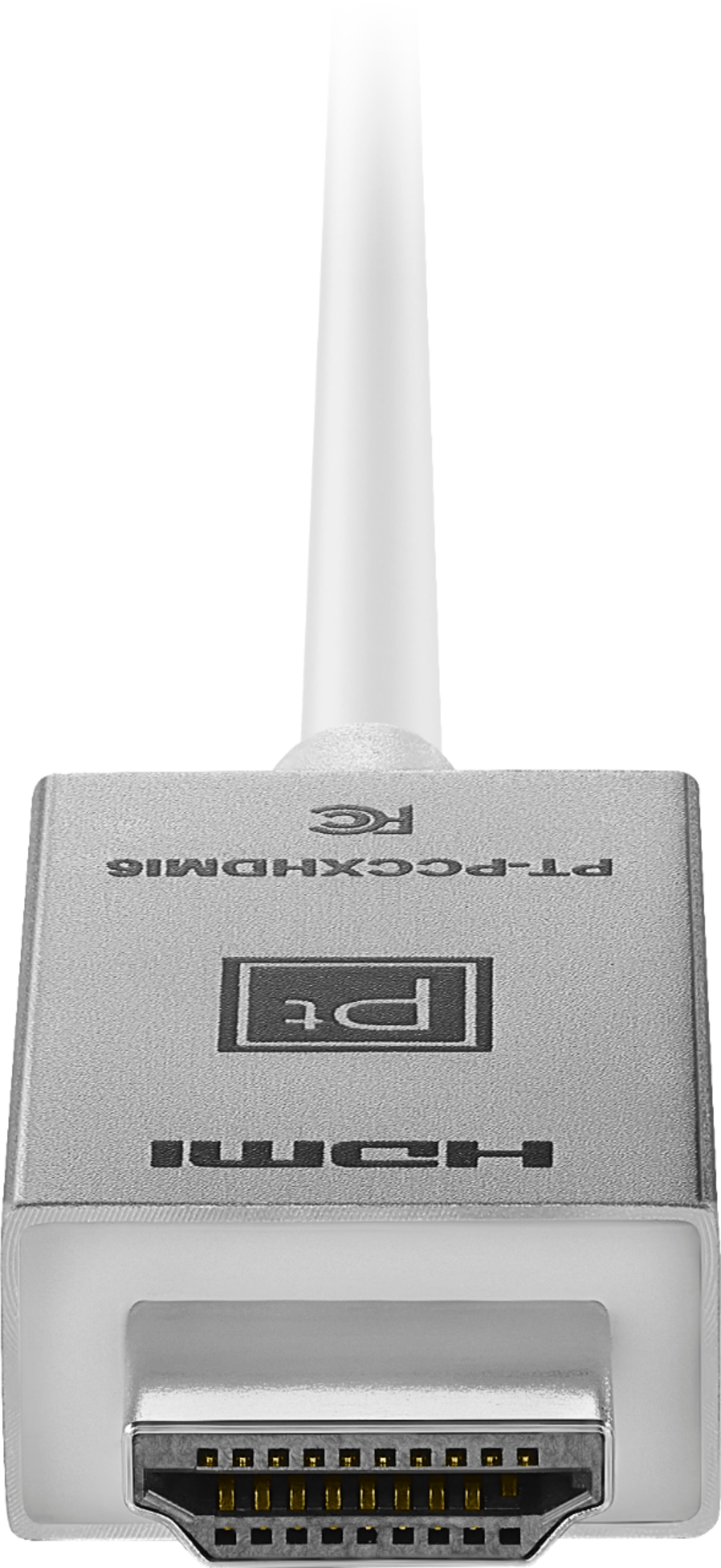
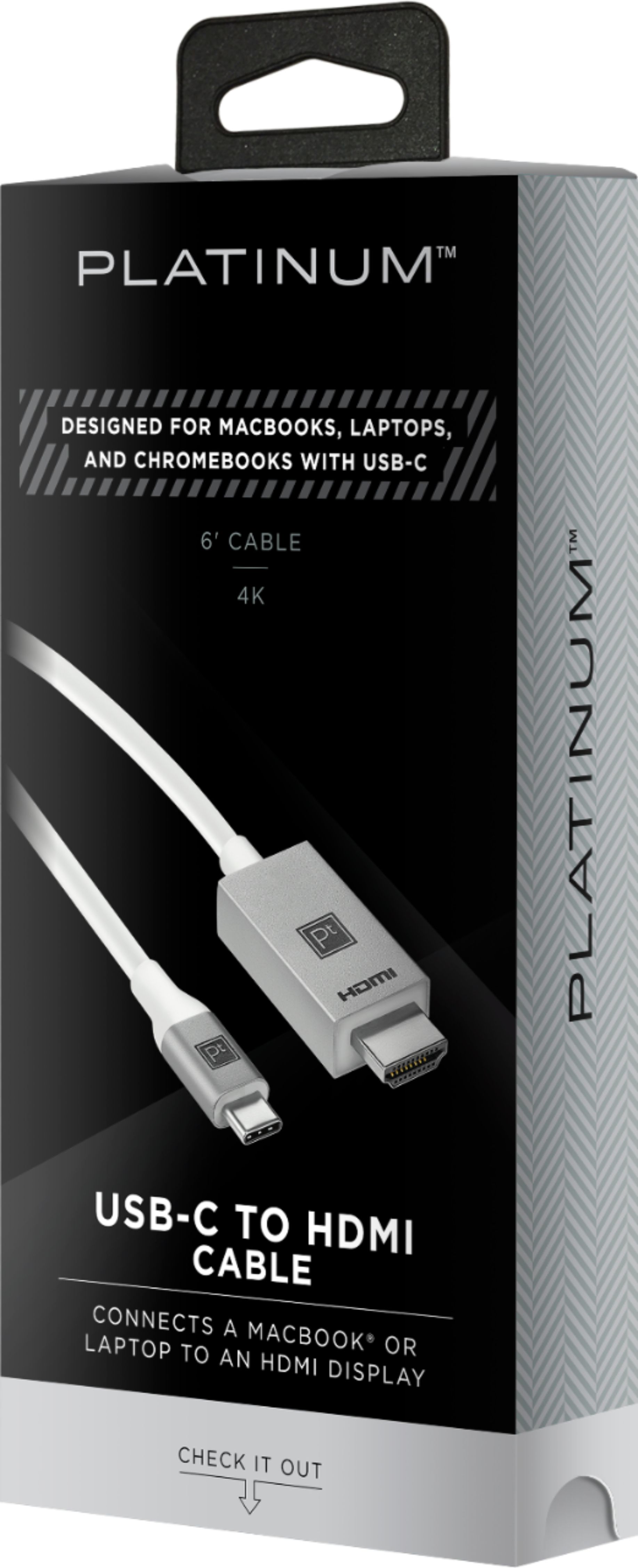
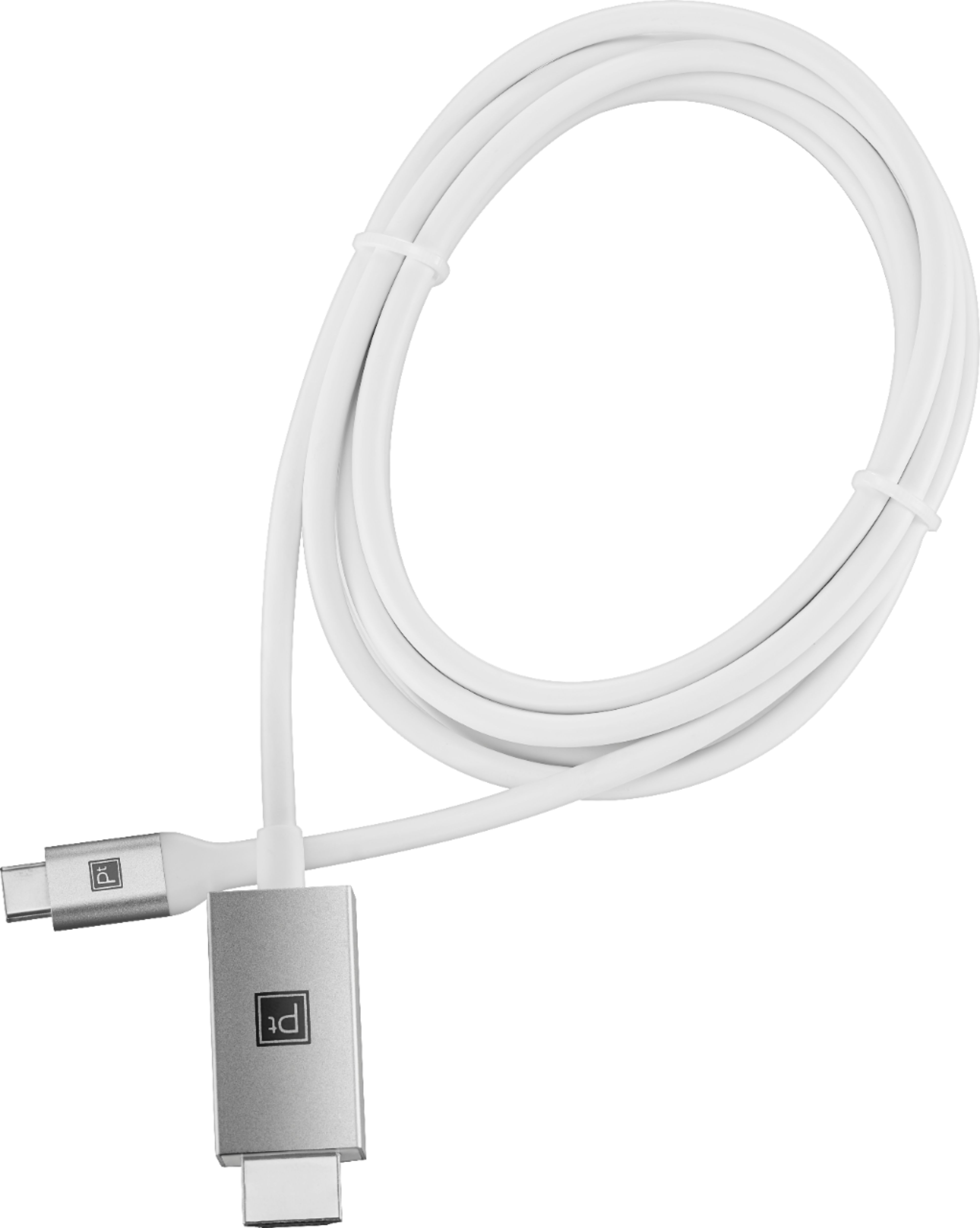
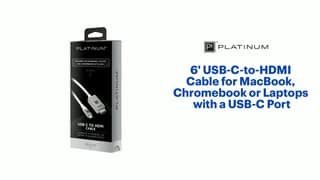
A:AnswerYes I believe so, I go from my Mac usb-c output to my screen which has the hdmi and in your case it’s the other way around so I dont see why this wouldn’t work since the connections are the same and the signal flow can be sent both ways
A:AnswerIt depends which model you have! Newer Apple laptops have the USB-C port now, and that will work here. I recommend you confirm which ports you have first.
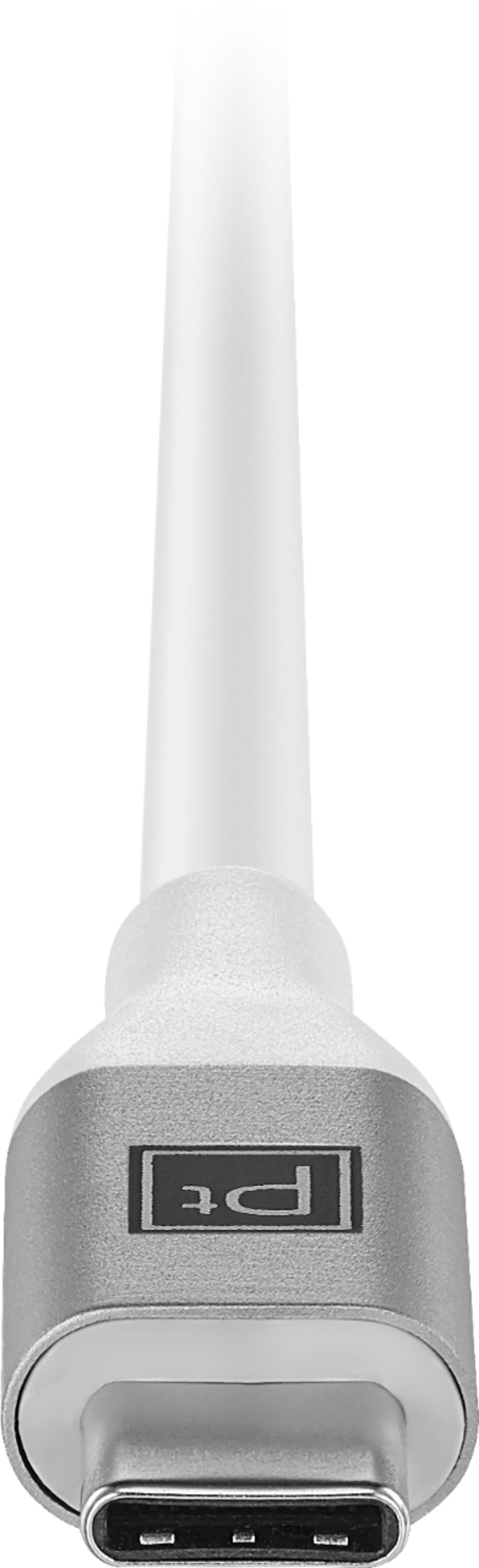
A:AnswerIt has an usb-c fitting which is not the same as the one used by an i-pad. You would need an adapter that that connects the usb--c fitting to the i-pad size fitting used by all i-pads and i-phones.
A:AnswerDepends on the outputs/inputs of your devices. I use it for my MacBook Pro (usb-c output) and my monitor which has an hdmi input - if your devices use the same then you’re good
A:AnswerYou might have a faulty cable or your computers port isn’t working properly, but don’t quote me on that. Definitely exchange the cable first and if that doesn’t work the. Explore other solutions. Sorry you’re dealing with that, sounds frustrating