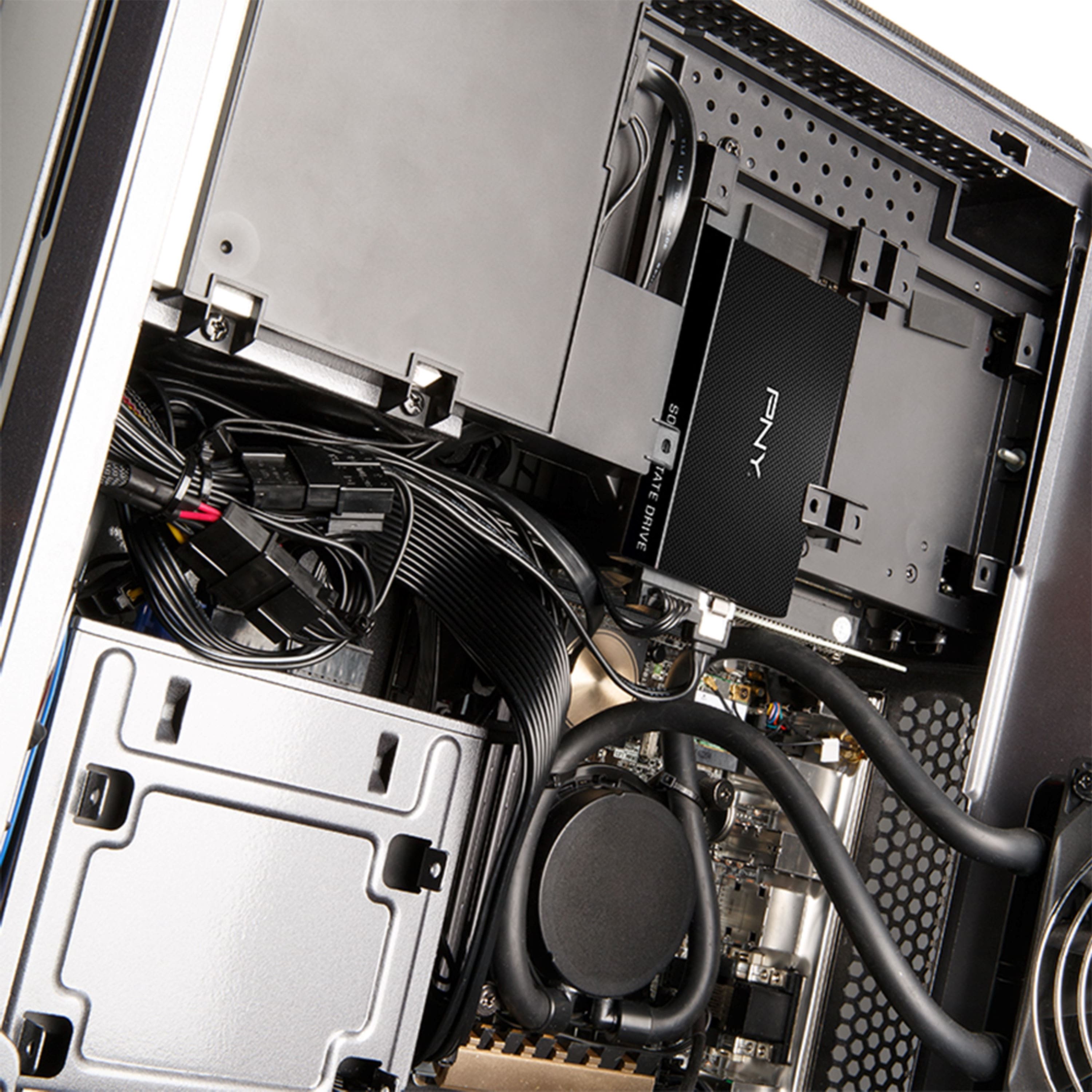
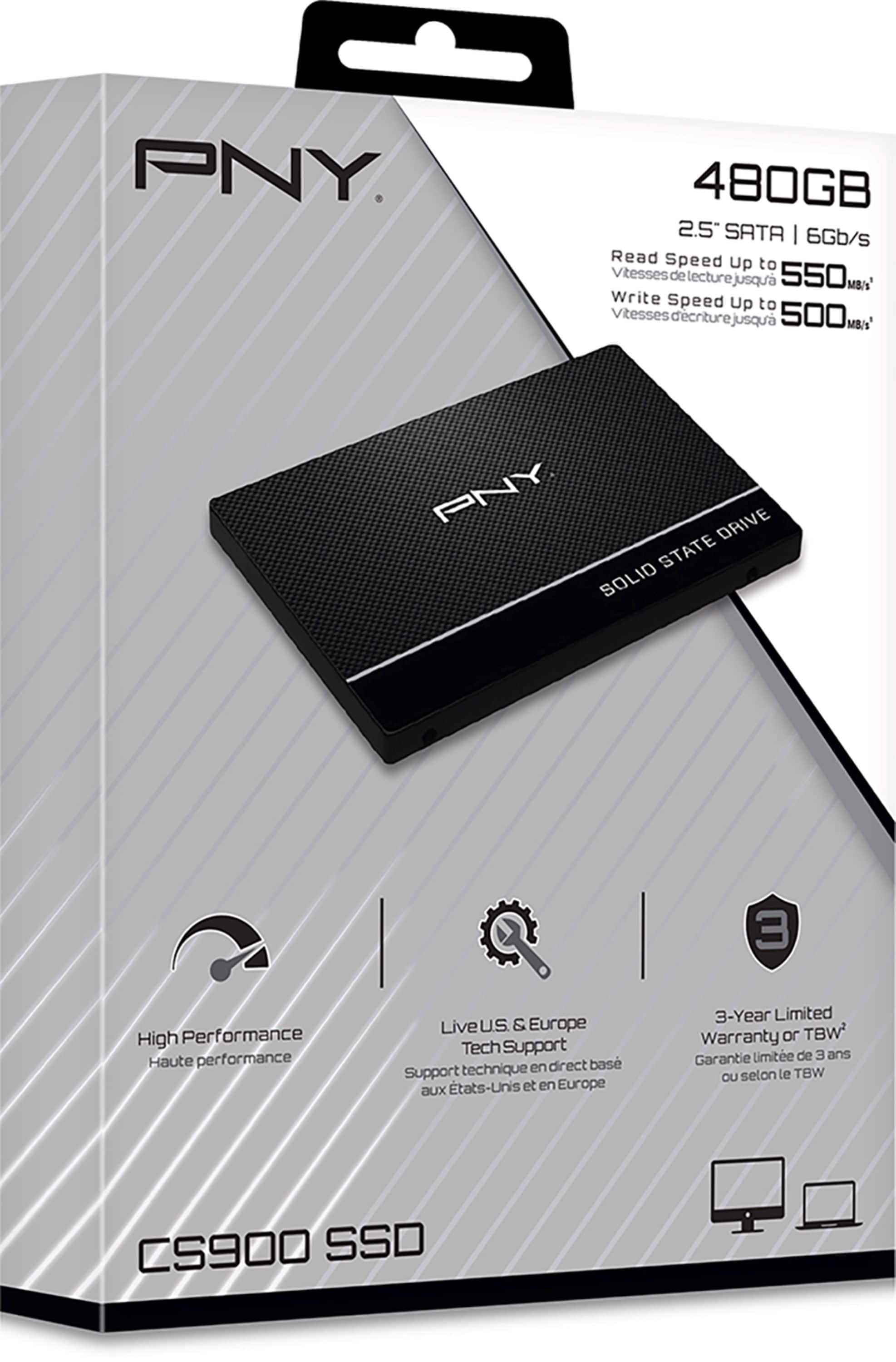
A:AnswerIf you have a desktop you can pull out your old drive and plug it into it, then use acronis to pick what files you want to add to the ssd. Install the new ssd and boot your laptop up.
A:AnswerYes, was able to swap out spinning drive for this one, just had to use the removalable posts on old hard drive and add to ssd, fit perfectly, then just press run recovery mode if you are doing a fresh OS install
A:AnswerI can’t speak definitively, but you would most likely need a 2.5” to 3.5” (bay) adapter. Alternatively, we use a bit of Velcro on iMacs to secure an SSD when retrofitting them with a smaller drive.
Look on the specs of the model you provided to ascertain if in fact it has a full-size 3.5” drive.
A:AnswerI don't know much about SSDs but I'm building a few PCs for a local church. No vital or private information will be on them so I did't care about longevity. Mine works OK so far and I got them at a good price. I've heard SSD's are not immortal but in my circumstances it doesn't matter that much.
If the stuff you'll be putting on your SSD are vital, confidential, or irreplaceable please ask somebody who knows more about them than I do.
Good luck and Happy Thanksgiving