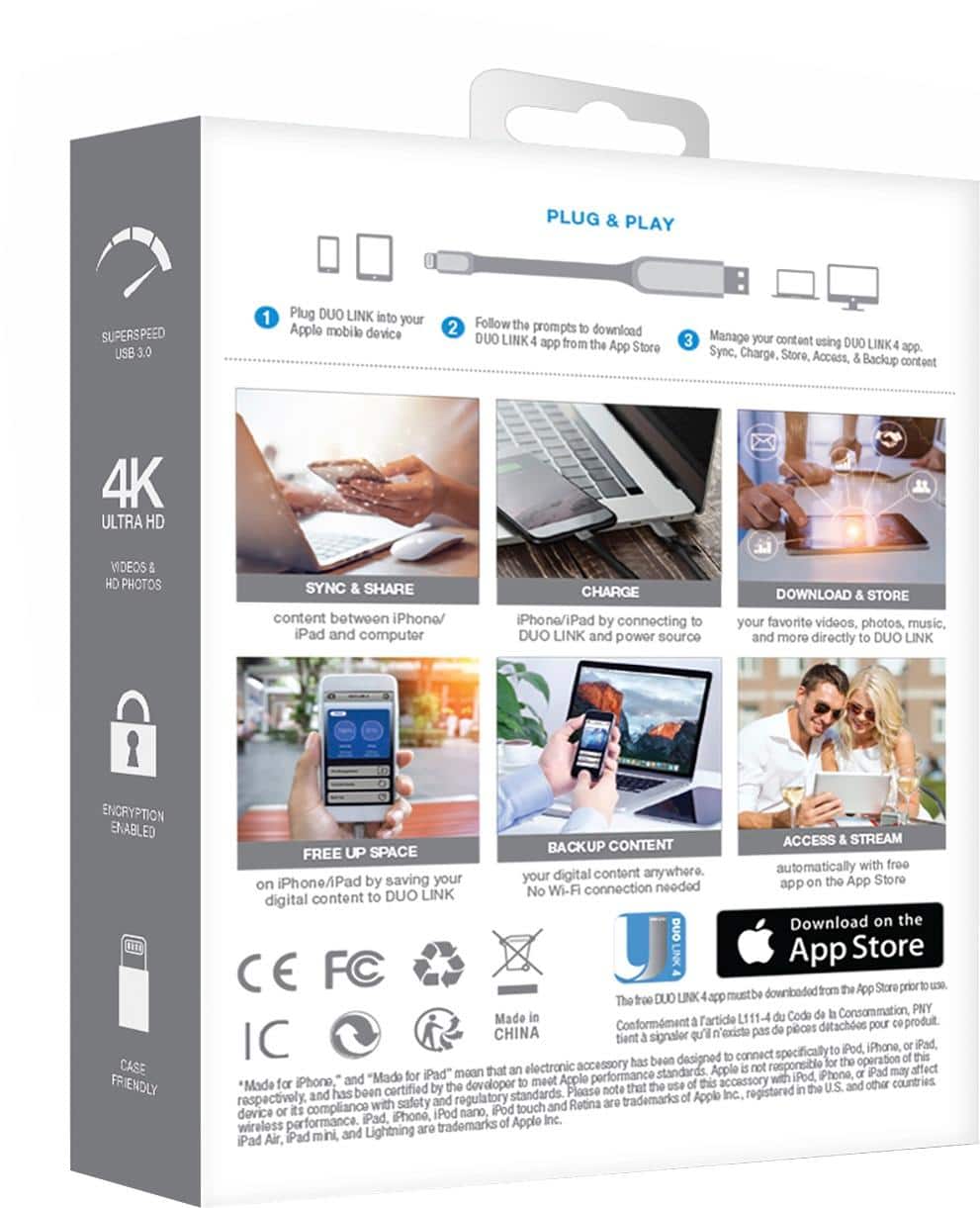
A:AnswerYou just need to have the app downloaded when you want to use the pny on a new phone if you backed up your images and other stuff properly then you should be fine to use it with another device
A:AnswerAccording to the manufacture the unit is primarily designed for use with an IOS unit.
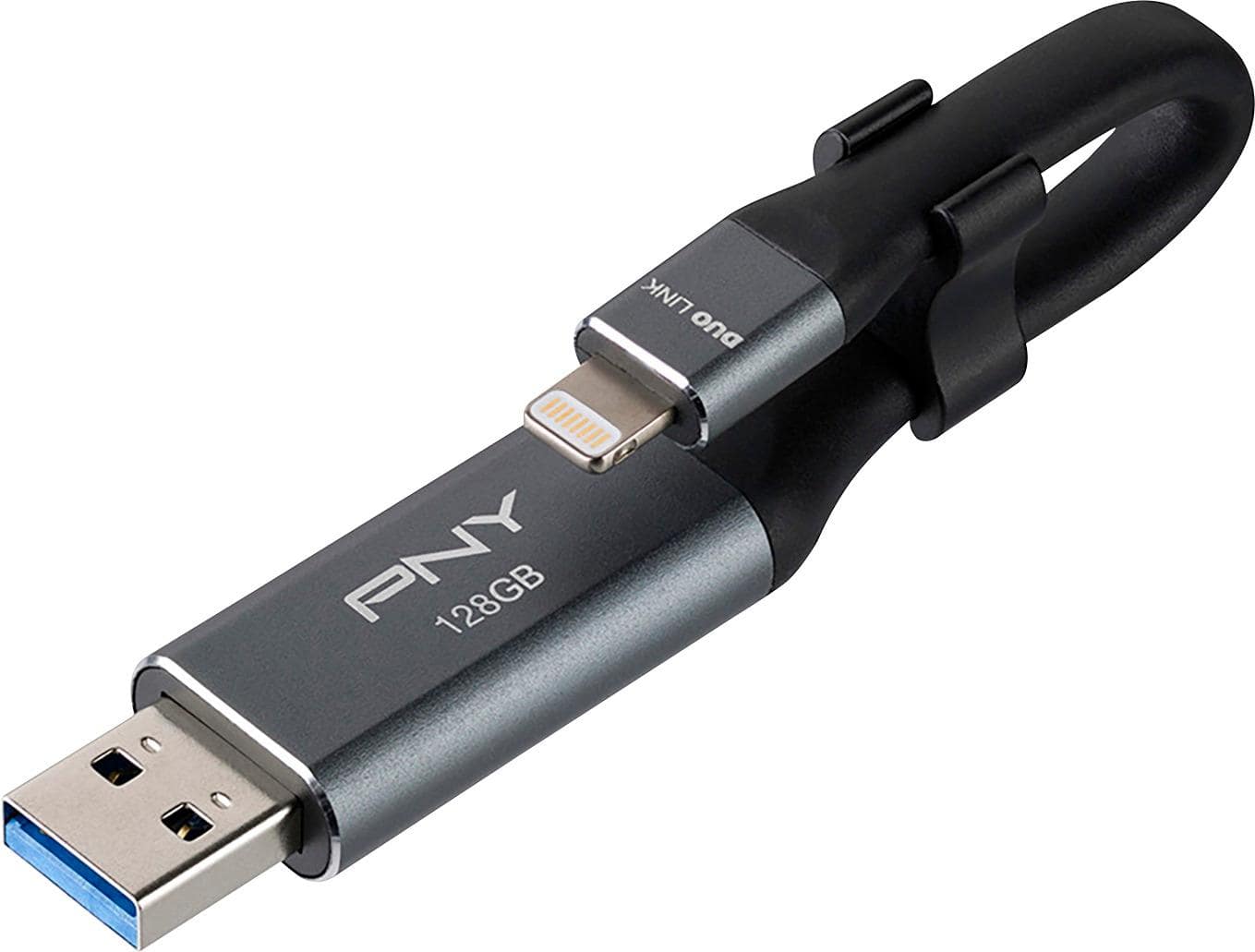
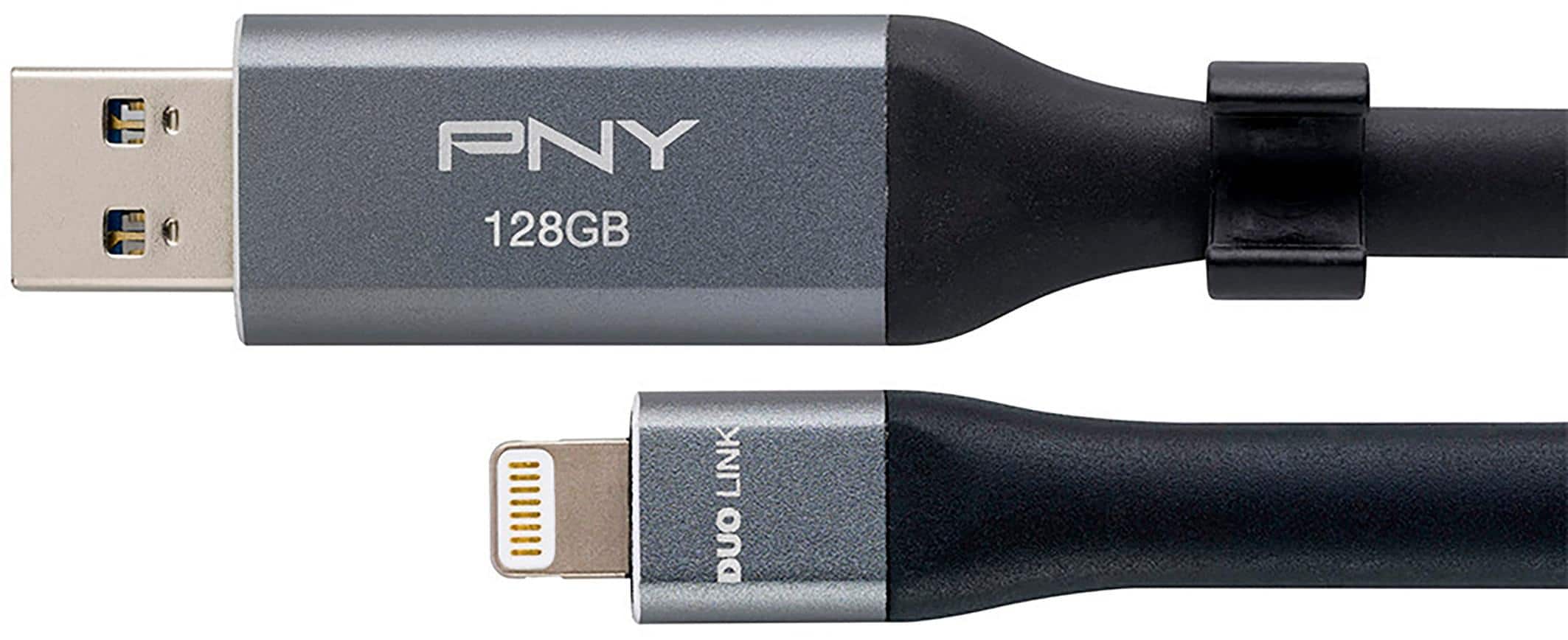
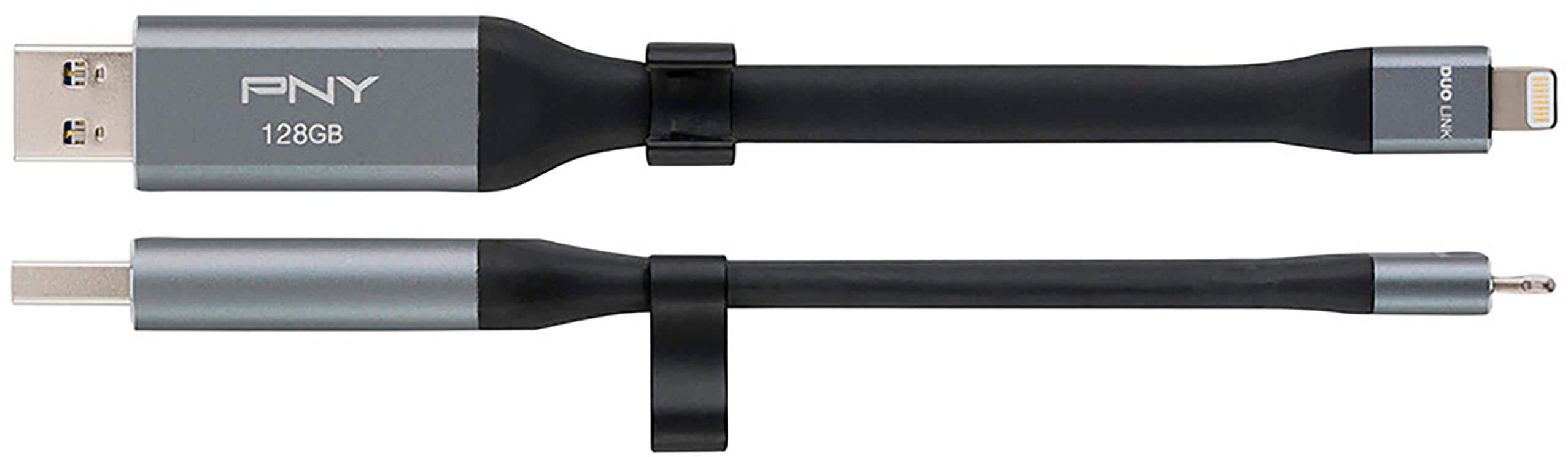
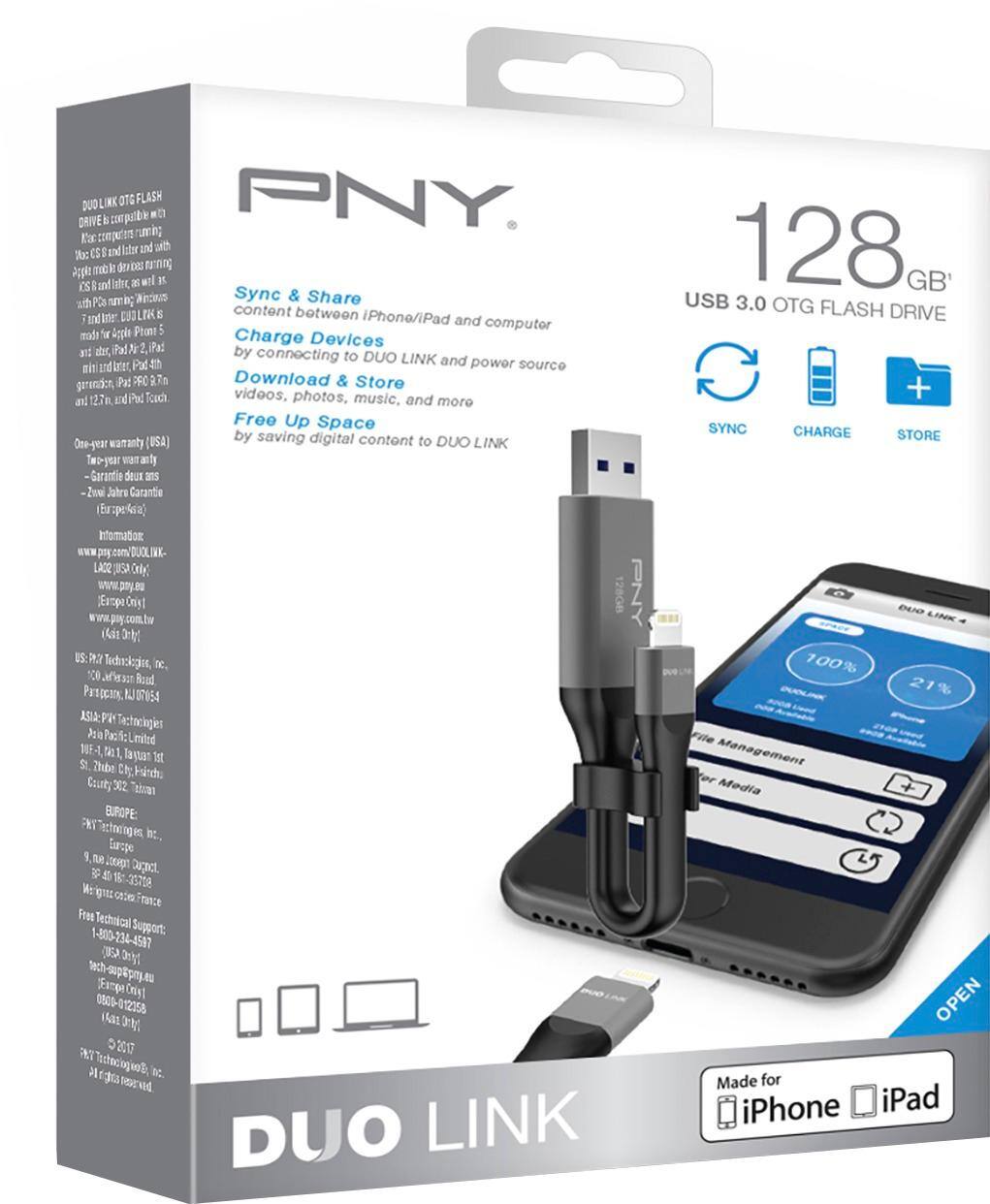
USB 3.0 and Lightning connectors
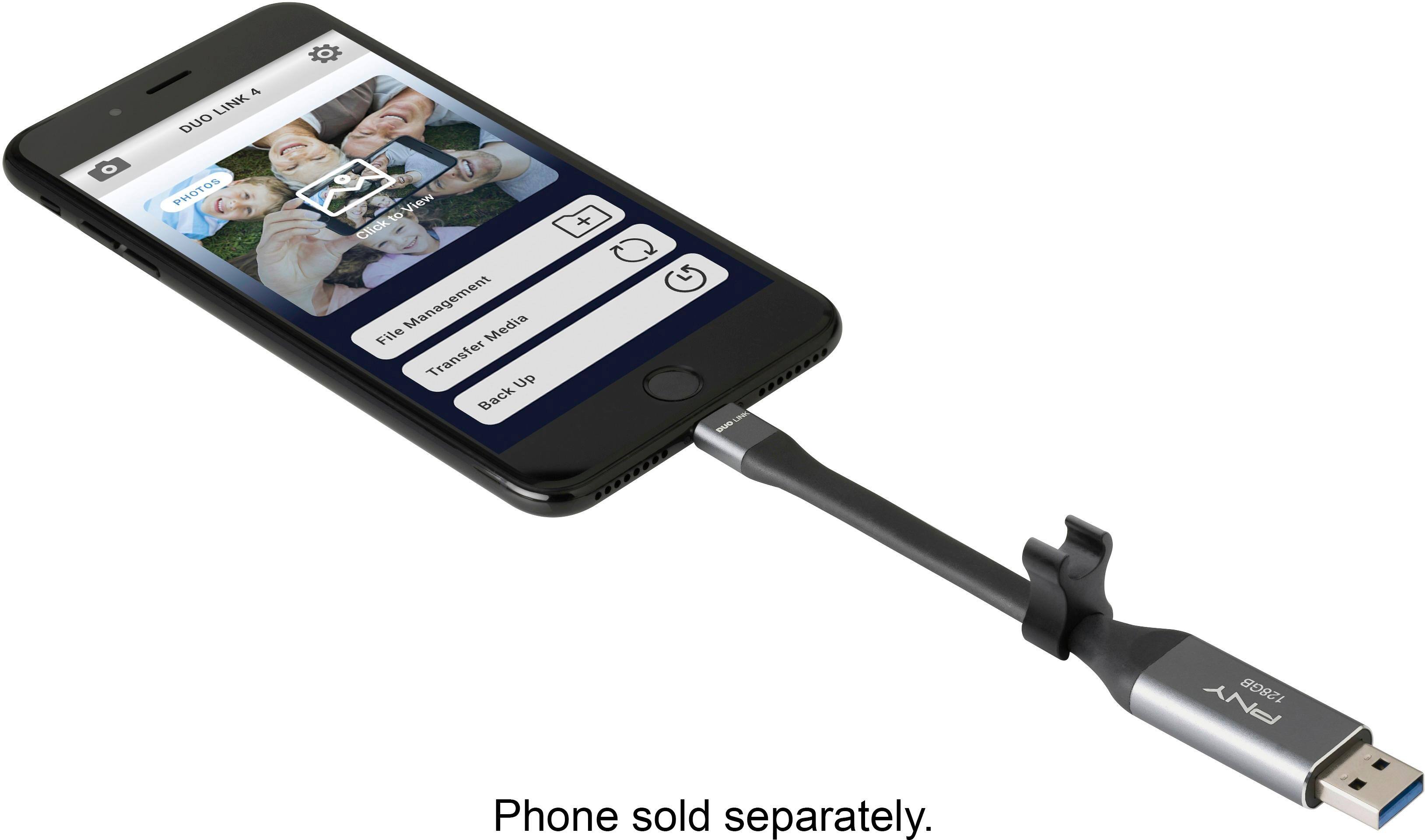
Let you connect your PC, Mac or compatible Apple device, such as iPhone 5 or later, iPad Air, iPad with Retina, iPad mini with Retina display or iPad mini.
But there are always work arounds depending on what your intent is.
A:AnswerNo. This device is worthless unless you just want to back up photos or videos. It does not backup any other kind of file --- period. Not contacts. Not powerpoint. Not Keynote. Not Word. Not Excel. Not Numbers. NADA. It is overpriced and does not compare to the full ability to backup found in most other similar devices, such as Sandisk's. Save your money. And, by the way, Customer Service is of no help.
A:AnswerYes. There is no eligibility requirements for the type of operating system you have. It’s not complicated. Just a usb drive for your phone. You can plug it in and view or transfer just like any other usb storage devices. Just so happens that this one plugs into apple devices.