A:AnswerI have a pair of Roku wireless speakers for my tv in my living room. They sound great for movies and streaming music. I plan to purchase a Roku sound bar for my Roku tv in my new man-cave!
A:AnswerThis Roku TV does not have built-in storage or a DVR feature. You can utilize some streaming services' cloud DVR (such as YouTubeTV) to save TV shows and movies. Many streaming services offer a free cloud DVR feature.
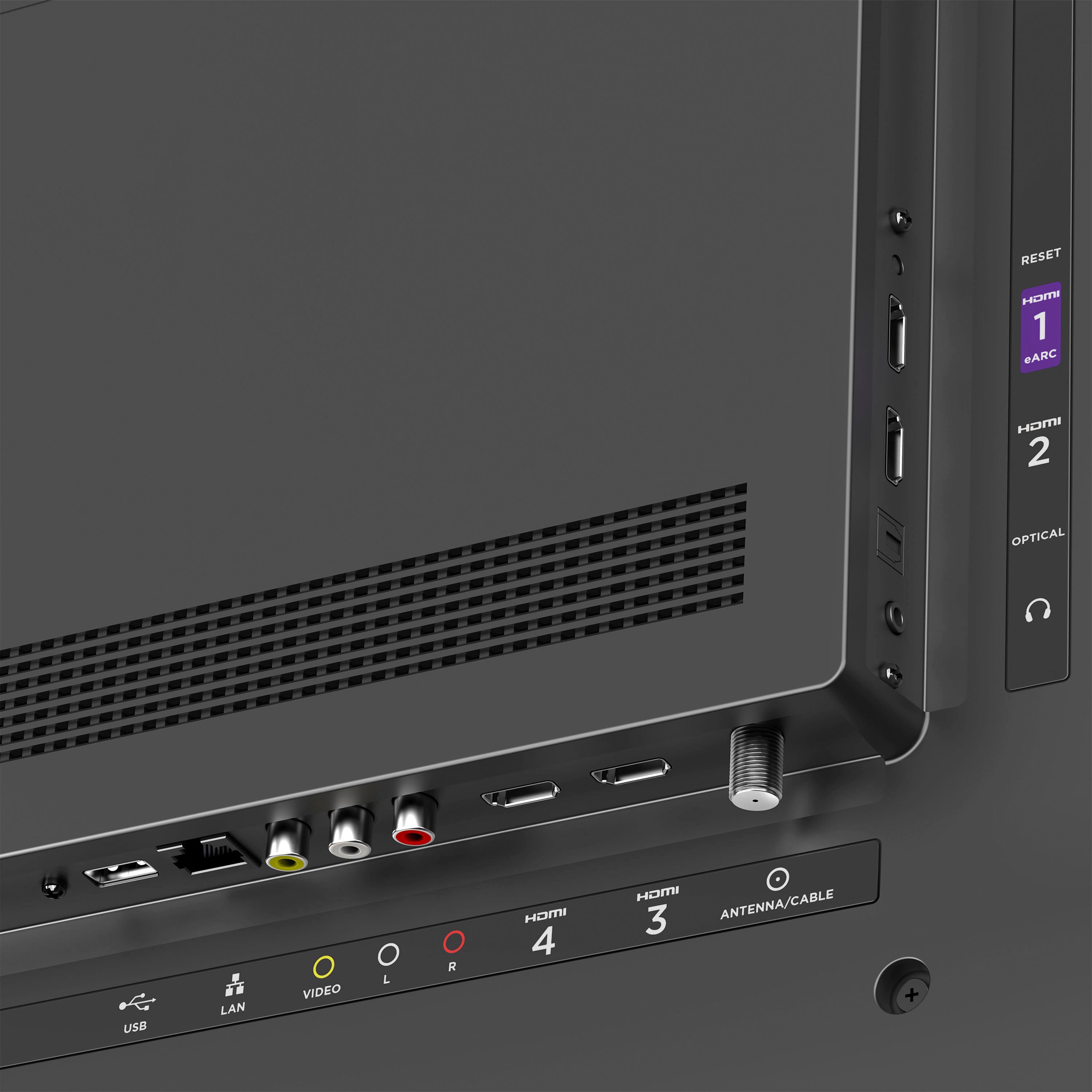
A:AnswerOf course! You can add the Spectrum channel to your TV's home screen and login using your existing Spectrum credentials. If you have a cable box, you can also hook it up to the TV via an HDMI port. Whatever your preference may be, you'll be covered. Happy Streaming!
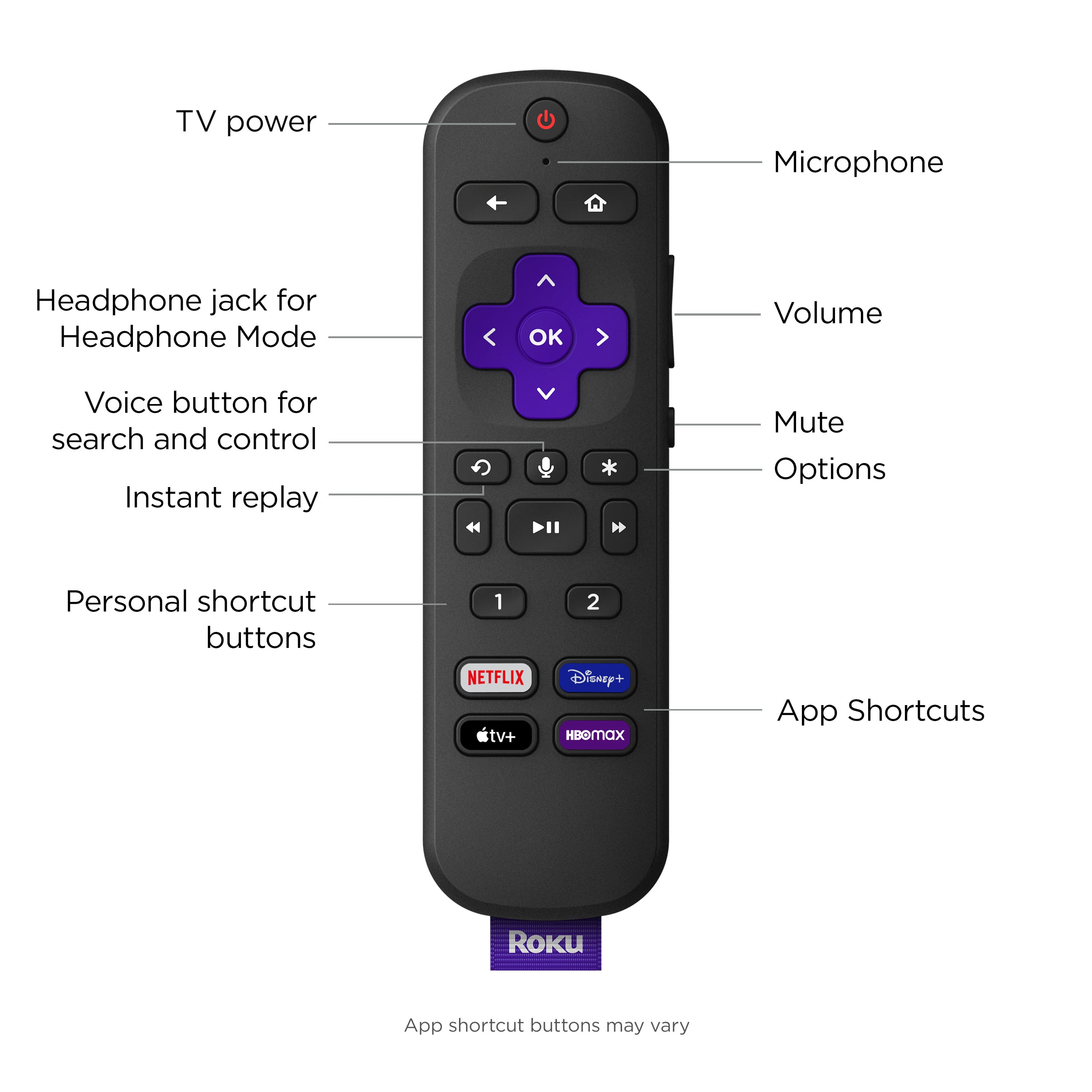
A:AnswerHello! While the Roku Select Series TVs do not have Bluetooth available, you can enjoy bluetooth private listening on all Roku products using the free Roku Mobile App Official. Simply download the app to your phone to tablet, pair your Roku TV to the app, pair your headphones to your phone or tablet, and you're all set!
If Bluetooth capability is a key feature for you, we do have our Roku TV Plus Series range that offer this. Feel free to contact us via our support page with any other questions!
A:AnswerHello! While the Roku Select Series TVs do not have Bluetooth available, you can enjoy bluetooth private listening on all Roku products using the free Roku Mobile App Official. Simply download the app to your phone to tablet, pair your Roku TV to the app, pair your headphones to your phone or tablet, and you're all set!
If Bluetooth capability is a key feature for you, we do have our Roku TV Plus Series range that offer this. Feel free to contact us via our support page with any other questions!
A:AnswerYes, with the Roku OS built-in, this TV will support the Xfinity stream channel where you can sign in with your existing Xfinity credentials. You can browse through our extensive selection of channels when you visit the Roku Channel Store. Happy Streaming!
A:AnswerHere’s one approach. Download the Roku app onto your smartphone. Pair a bluetooth headset to your phone (or plug in a wired headset, either way). Fire up the TV. Open the Roku app on your phone, navigate to “Remote” and tap the icon for private listening. Now the sound from the TV will stream through your headset rather than the TV’s speakers.
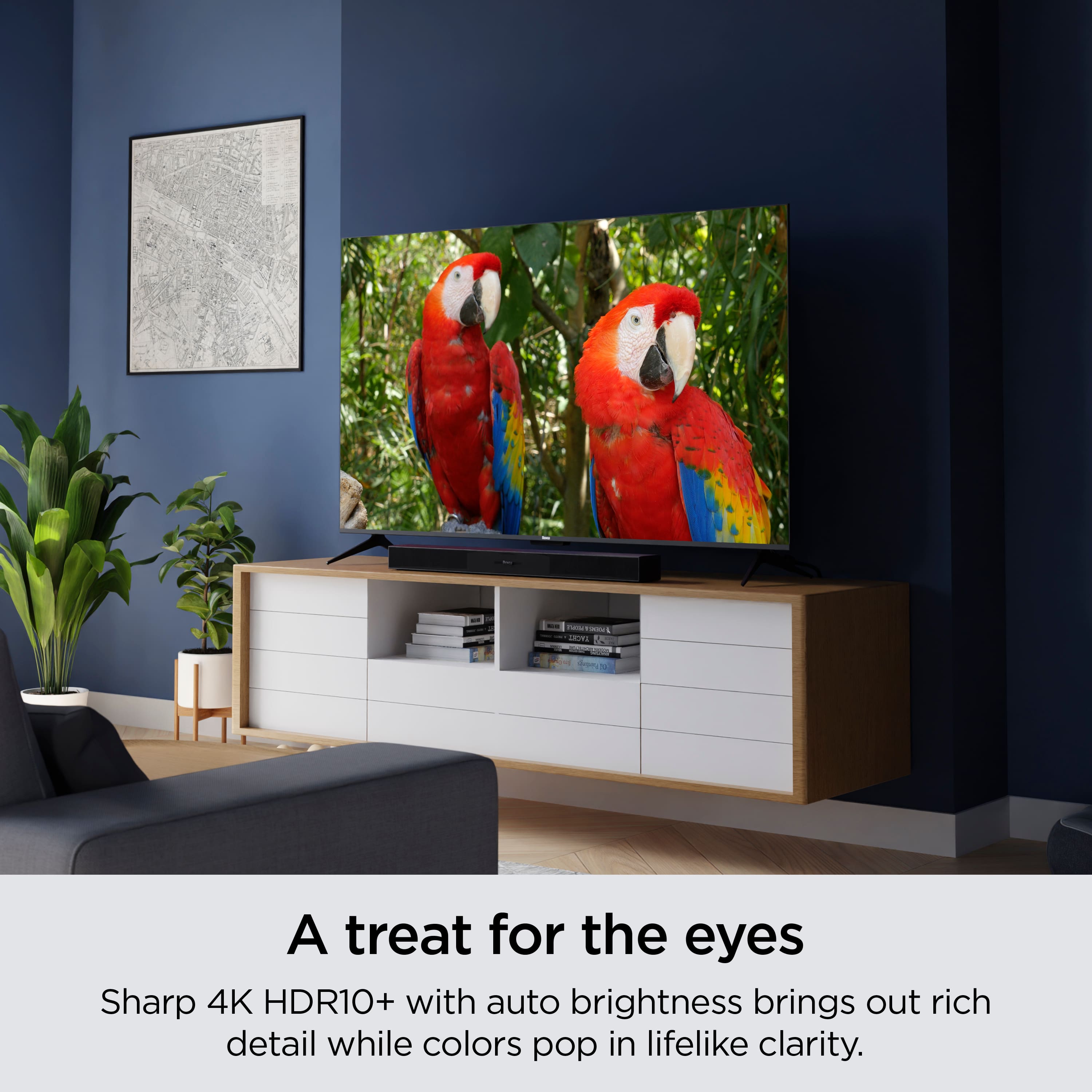
A:AnswerHi Amanda, great question! Yes, if you prefer to disable auto-brightness, you can select your preferred brightness level. To fully customize your 4K display, check out the Expert Picture Settings located within the Roku Mobile App. We hope this helps and Happy Streaming!