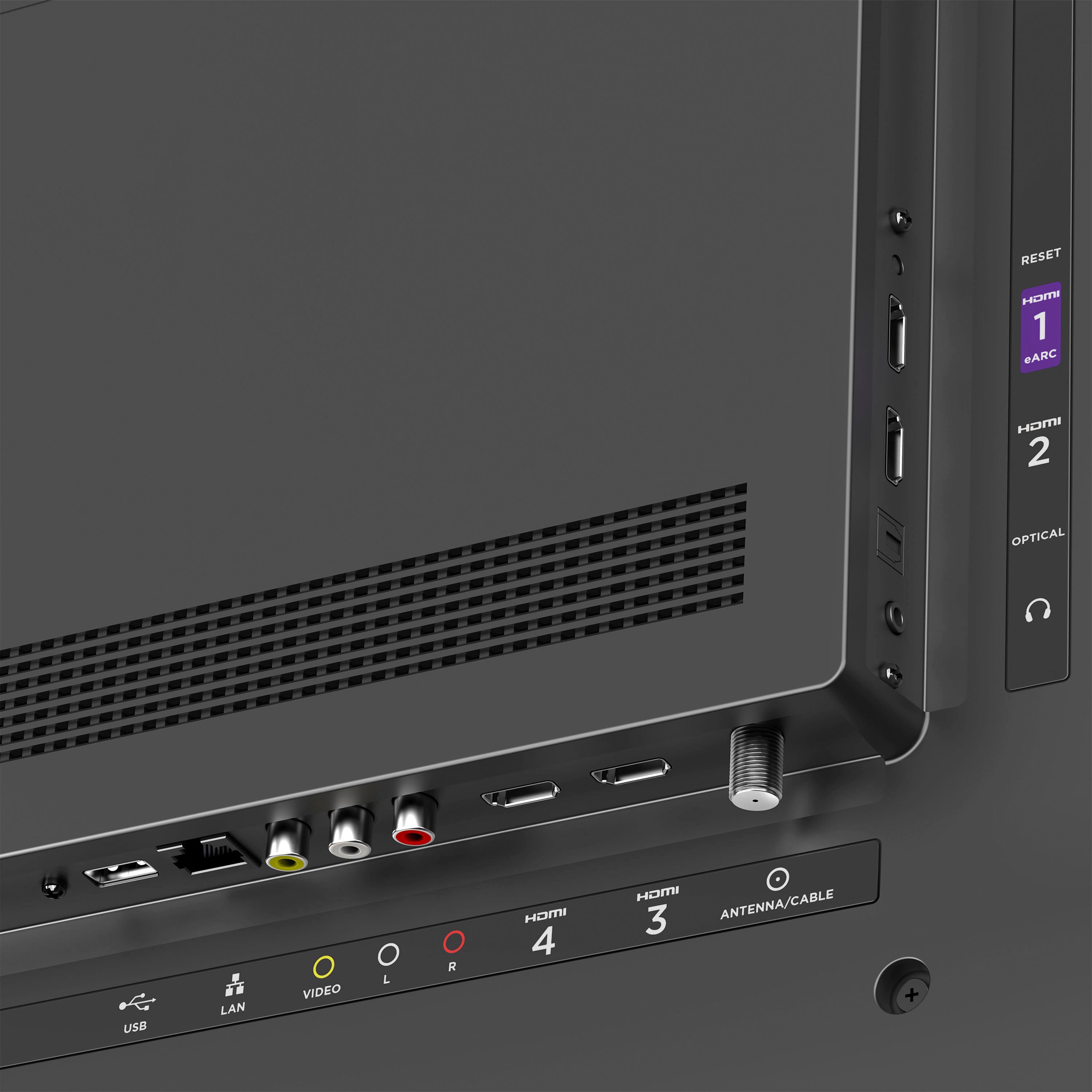
A:AnswerYes, with the Roku Media Player channel available for download in our Roku Channel Store, you can watch your own personal video files, listen to your music files, and view your photos using the Roku device’s USB port. Happy Streaming!
A:AnswerHello! Not only does Best Buy offer a 15-day return window for these models, but we at Roku also offer a 1-year manufacturer's warranty on all our Plus and Select Roku TV models. Happy Streaming!
A:AnswerHello! Most customers will receive an email with an activation link and promotional code. However, if you didn't receive an email or are having other trouble, we recommend reaching out to Best Buy's customer support team directly. We hope this can be resolved for you to get you up and streaming soon!
A:AnswerHi there, we're sorry to hear about your troubles. Most customers will receive an email with an activation link and promotional code. However, if you didn't receive an email or are having other trouble, we recommend reaching out to Best Buy's customer support team directly. We hope this can be resolved for you to get you up and streaming soon!
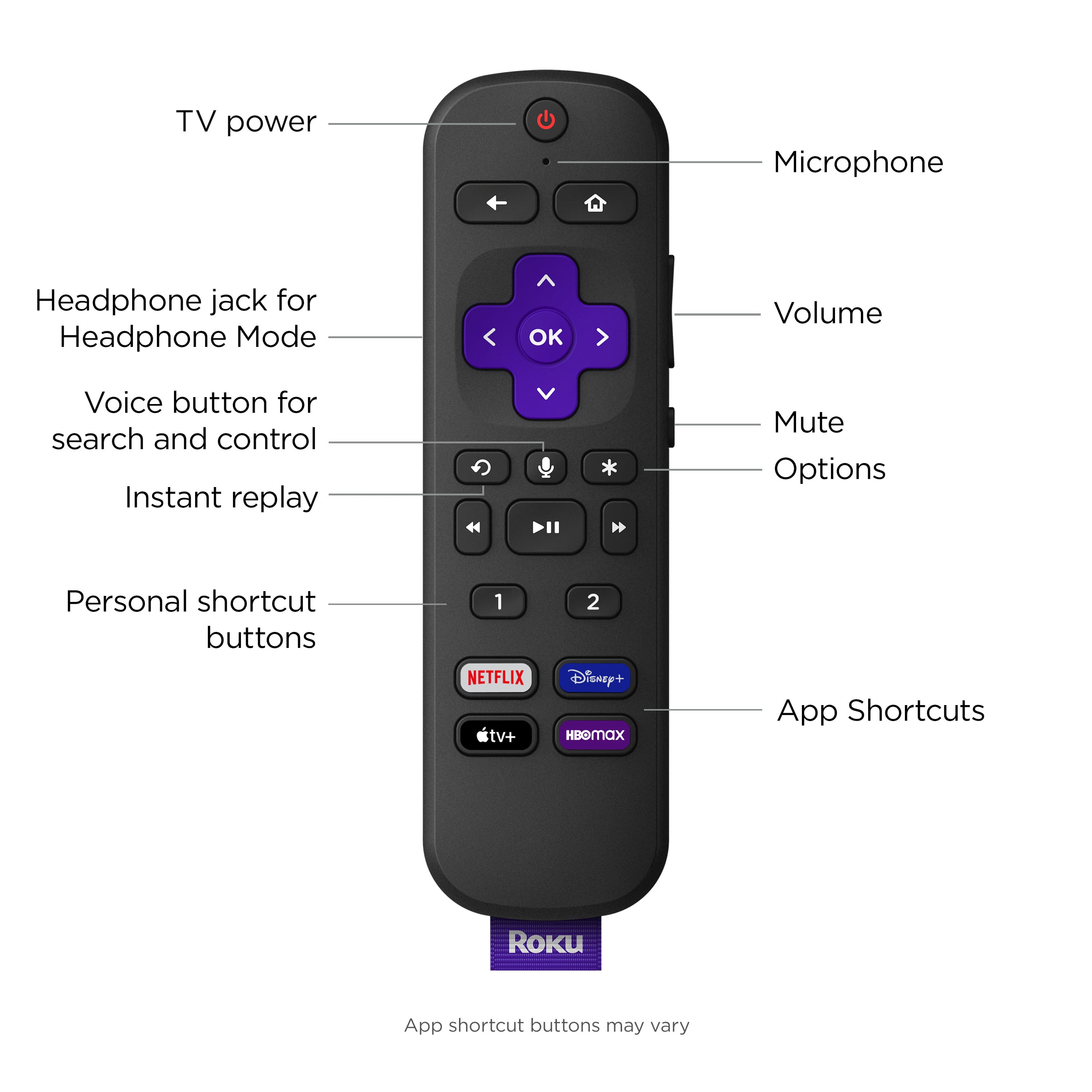
A:AnswerHello! The Roku Select Series TVs do not have Bluetooth available, but our Plus Series does. However, you can enjoy private listening via Bluetooth headphones using the free Roku Mobile App Official. Please know that using private listening will mute the TV speakers. We hope this helps!
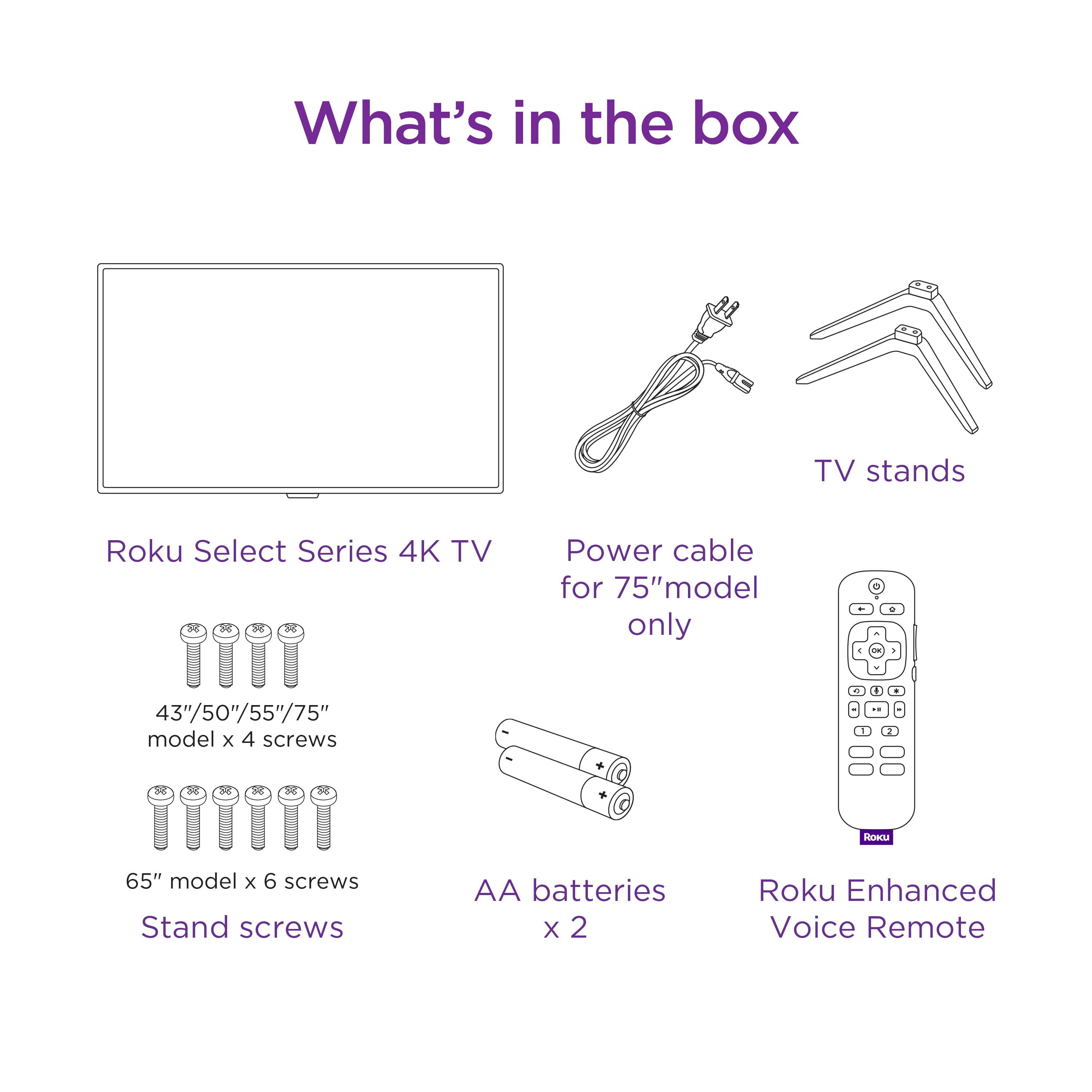
A:AnswerEvery TV I've had has the same legs. They are steady enough for the purpose intended but if you are l9king for more stability, I would suggest hanging on a wall
A:AnswerHi Chas, we aren't aware of any issues that resemble the one you mentioned. However, this sounds a bit unusual and our team of Roku experts would be happy to help troubleshoot what might be happening with your TCL Roku TV. If you haven't already, please visit our website and navigate to our Support tab to begin chatting with an agent. Thanks! -Roku Customer Advocate
A:AnswerHello! The ethernet port has a speed of 100 Mbps. Rest assured that even high resolution content in 4K only require 25 Mbps of bandwidth, ensuring that you'll be able to watch all of your favorite movies and shows via ethernet. Happy Streaming!
A:AnswerI bought this same TV for my 92 year old mother-in-law back in November and she has the same problem. Did you ever find a resolution to this issue?
A:AnswerYou're in luck—All Roku TVs support the Spectrum TV streaming channel. You will simply search for the channel, download it to your home screen, and sign in with your existing Spectrum TV credentials. Happy Streaming!
A:AnswerHi Legs, the stand width for our 43" Select Series Roku TV is 37.2". Our 32" Select Series Roku TV on the other hand has a stand width of 27.4" which might better fit what you're looking for. We hope this helps but if you have any other questions feel free to reach out via our support page!
A:AnswerHi 4TJR, Yes, you can! When shopping for a taller stand, ensure that it is compatible with VESA mount patterns and you will have no problem using it with your Select Series TV to give you more clearance.
For our 43" Select Series Roku TV, you will want to find a mount with a 200mm x 100mm pattern. We hope this helps. Happy Streaming!
A:AnswerStreaming stick and the TV are redundant. It will not work with a streaming stick, but you can take your streaming with you for use in hotels etc., or use it on another TV with HDMI input.