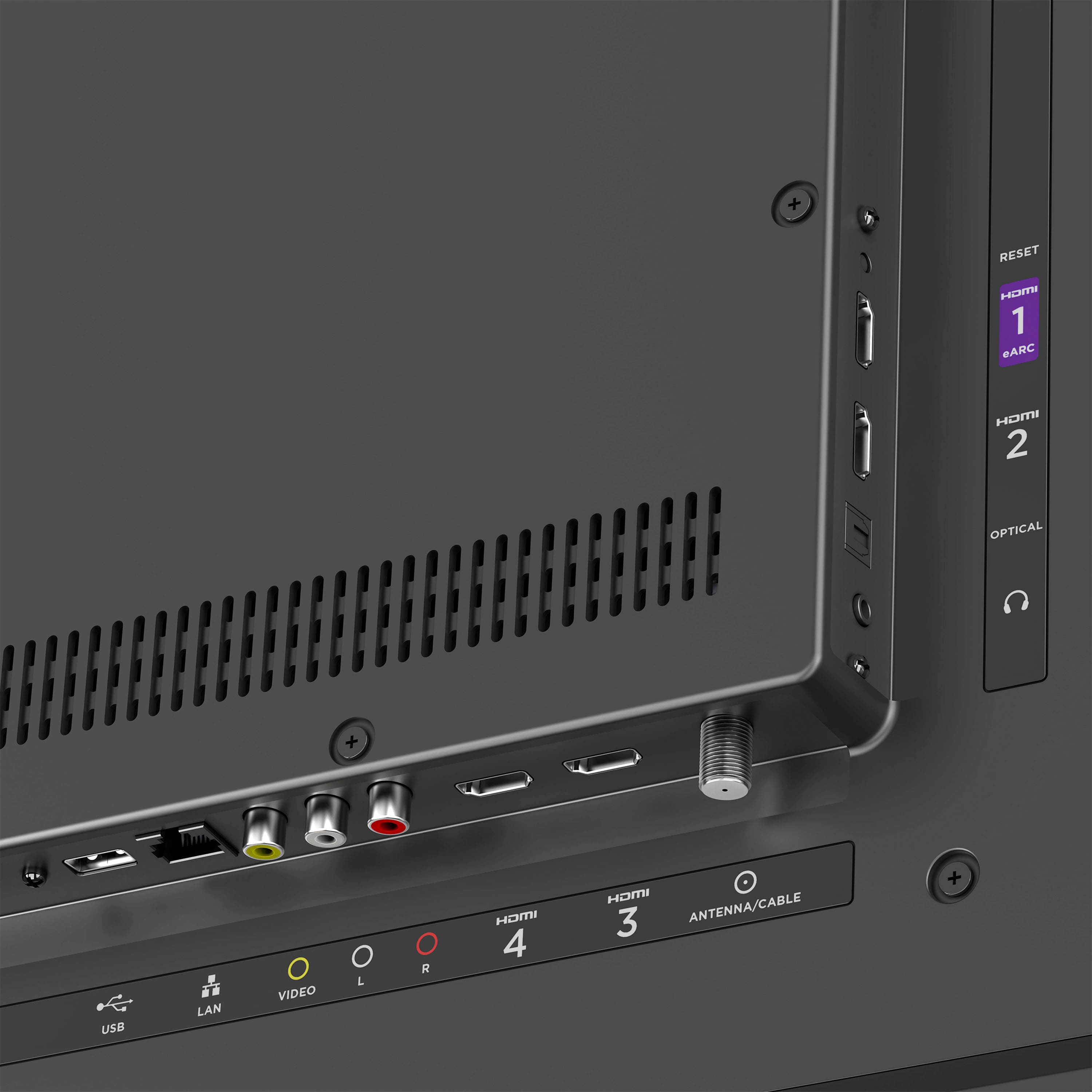
A:AnswerI've only used streaming services with it, but there are settings for cable or over the air TV for the coax input. So I would feel certain you can.
A:AnswerI found this on a Roku blog:
"How to watch local channels for free with antenna
A lot of Roku users might not realize how simple it is to watch broadcast TV for free. How? With an HDTV antenna! We’re gonna drop some details below, but for more in-depth info, visit our Roku TV antenna page.
First, simply connect an HDTV antenna to your Roku TV. Next, follow the easy on-screen steps to scan for channels. Then, start watching your local stations for free! It’s really that simple.
Haven’t used an antenna in a while? No sweat. Today’s HDTV antennas are not the bunny-ears-and-tinfoil of the past. They’re smaller, inexpensive and allow you watch local broadcasts from up to 100 miles away, depending on the antenna. Of course, the number of stations you get can change by location, so your mileage may vary with an antenna based on where you live.
With Roku TV’s built-in features for Live TV and HD antenna, it’s easy to cut back on pricy contracts without cutting back on the features that cable offers. Features like local network integration into the Live TV Channel Guide, the ability to search both live and streaming channels, or live TV pause when you connect a compatible USB drive to your TV help make Roku TVs a part of a complete cord cutting setup."
A:AnswerGo into settings and then to system and then advanced system settings then to network connection reset this fixes the problem when you get kicked off of netflix
A:AnswerNo! Not sure why they discontinued all browsers, but I can't find anything that works on this TV. But you can mirror your computer screen to it provided they are on the same network.
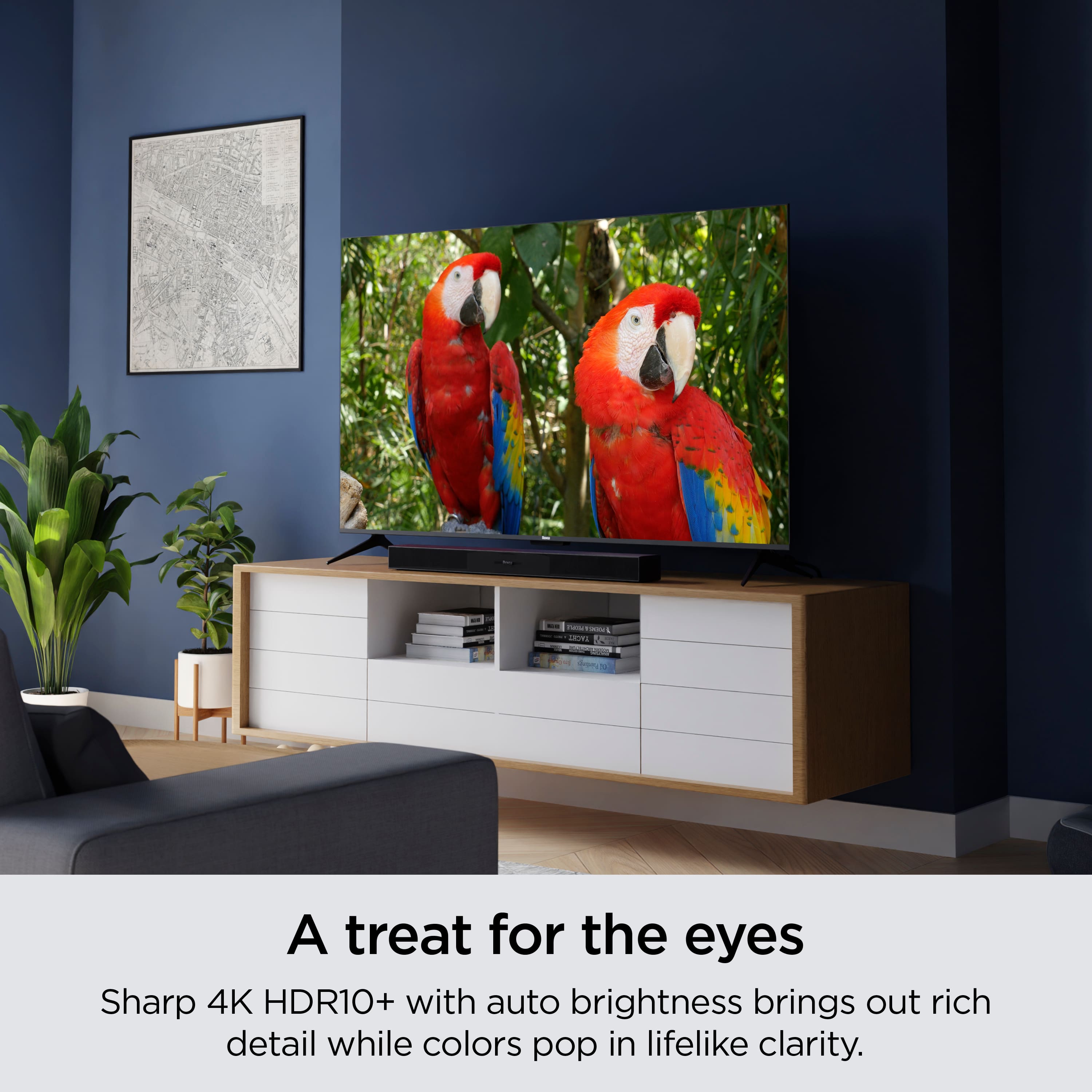
A:AnswerThis Select 4k model offers a standard LED display with HDR10+. We take a lot of pride in the display design of these TVs and the best way to assess the quality is to see it for yourself. Feel free to stop by your local Best Buy and ask for a demo!
A:AnswerI'm not sure you need your Firestick anymore. The Amazon Prime TV app is already built into this tv. I'm not sure if there's any app available through Firestick that you can't get through the Roku tv, but there is one USB input, if you wanted to plug it in.