A:AnswerMy TCL came with Google Tv and I can not find how to load the Spectrum app at all.
If you can explain how to load it this would be a good tv.
Right now it is not.
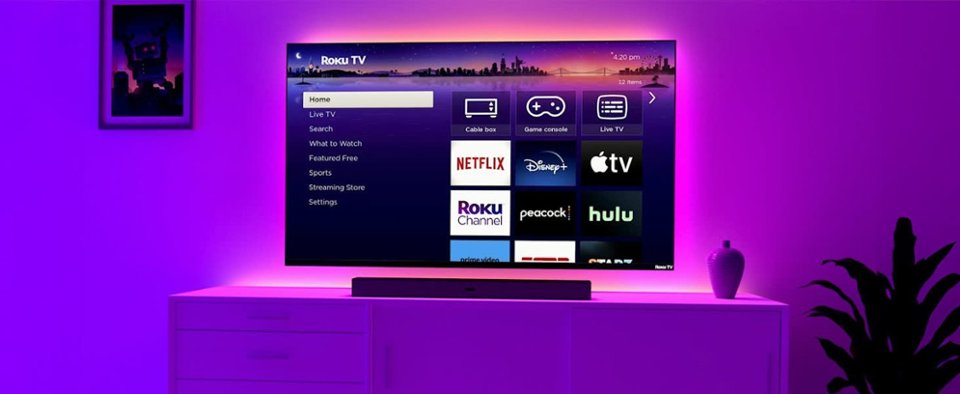
A:AnswerAbsolutely! With the Roku OS built-in, you won't need to add a Roku player to this TV. Simply download the Sling app to your new TV and sign in with your existing Sling credentials. You'll be able to enjoy using all the same features as your Roku device, including record/pause/rewind on your favorite programs. Happy Streaming!
A:AnswerIt definitely has ANTENNA TV pause. A USB drive must be inserted and formatted and set up with the on screen prompts. LIVE TV usually means antenna and/or Internet live stream. Some internet live streaming will not allow pause, rewind, or fast forward.
A:AnswerOf course! All of our Roku Brand Series TVs have standard VESA pattern support and can be mounted. Specifically, for the 65" Select Series Roku TV, the VESA pattern size is 400 x 300 mm. If you need any more help finding the perfect fit, please contact us via our support page!
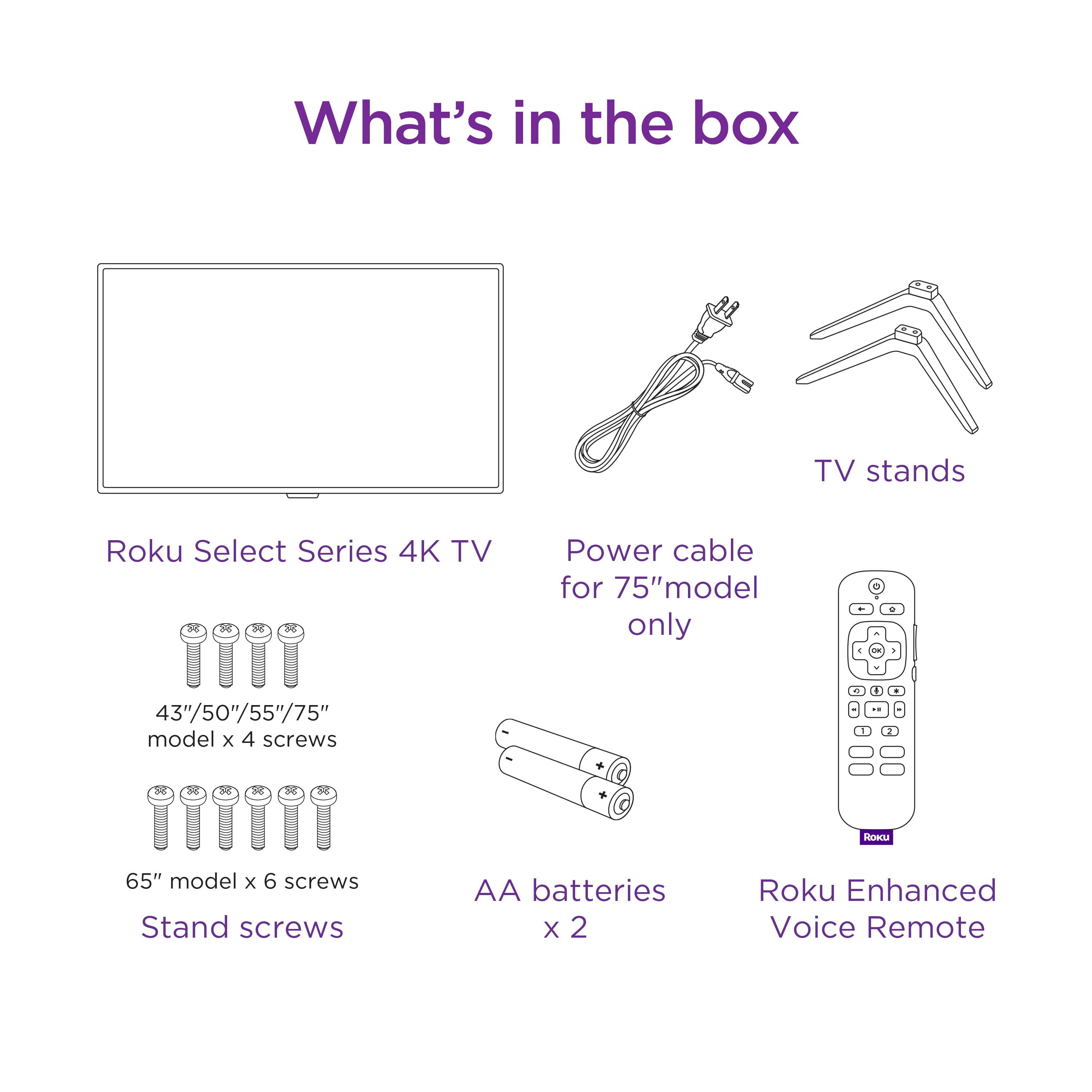
A:AnswerHi Ben, unfortunately none of the Roku-branded TVs sit on a center stand. However, we can certainly pass your feedback along to the product team. In the meantime, you can use the Roku platform on any TV that has an HDMI port! Be sure to check out our Roku players to find the one that suites your needs. Happy Streaming!
A:AnswerI don't think that the van is safe in size to transport this size of a television adequtely, unless your back seats can be flattened or removed. But this item needs to be handled with care and presion, I would only recommend deliveryby a professional to prevent damage.
A:AnswerHi there! We are very involved in all aspects of the manufacturing process for the Roku Select and Plus Series TVs, and work with many suppliers and great teams to bring these TVs to the market.