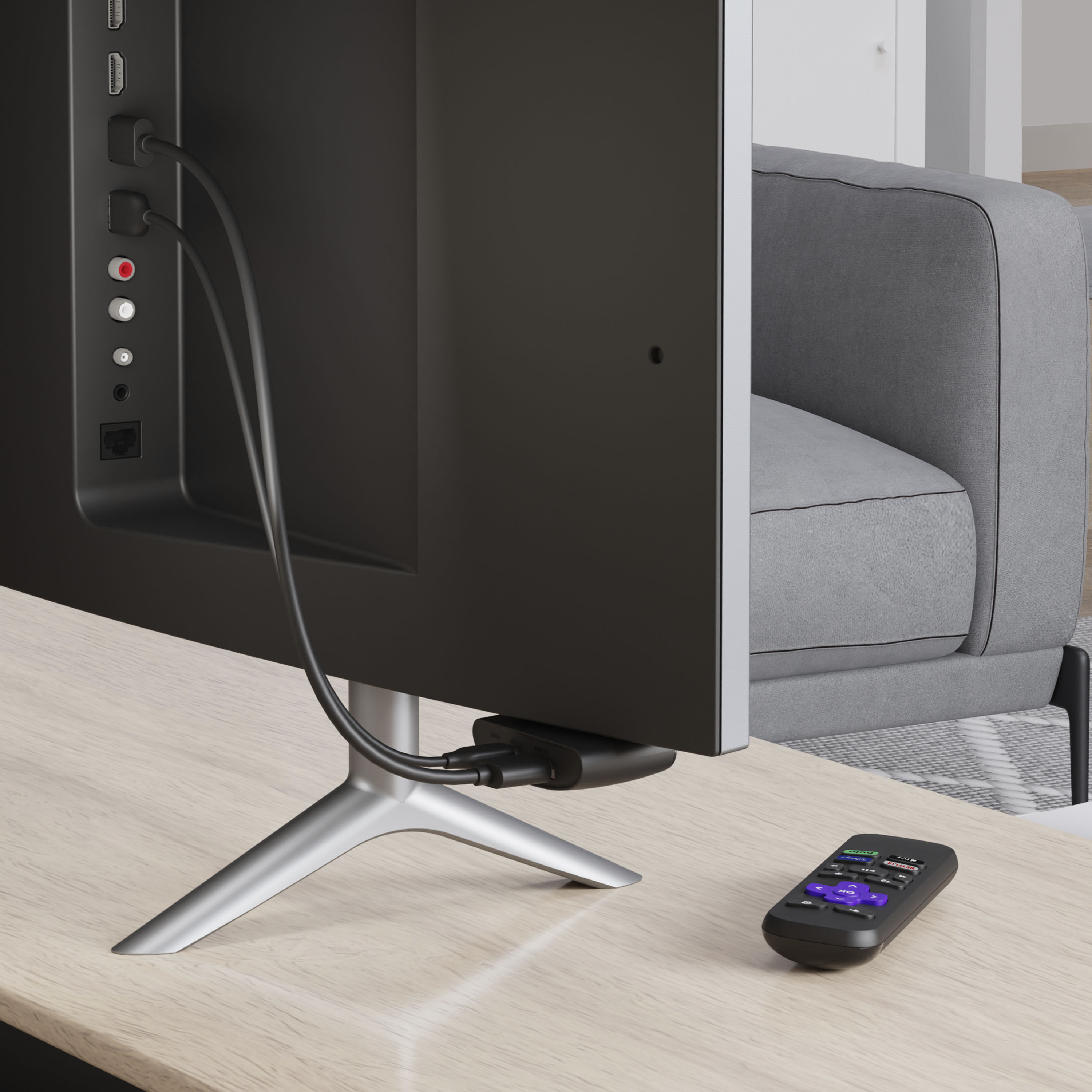
A:AnswerThey are separate devices. I use them both. Chromecast I'm using less and less since TVs are capable to casting to now. If you have enough HDMI and/or USB connections, there shouldn't be a problem. They can't really be used together.
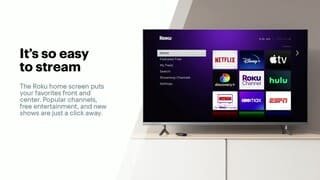
A:AnswerHi BigHaus! Yes, YouTube TV is available on the Roku Channel Store. Just like your smartphone accesses an “app store” to add new applications, your Roku streaming player accesses the Roku Channel Store to add new channels. Some channels require a paid subscription or a one-time charge, while many others are free. Browse the Roku Channel Store directly from your Roku device, or by visiting channelstore.roku.com. Channels can also be added when using the Roku mobile app on a compatible mobile device.
A:AnswerHello! Yes, a Roku streaming player can be connected to your LG TV as long as the TV has an HDMI connection. Both Netflix and Hulu are available on the Roku Channel Store. Just like your smartphone accesses an “app store” to add new applications, your Roku streaming player accesses the Roku Channel Store to add new channels. Some channels require a paid subscription or a one-time charge, while many others are free. Browse the Roku Channel Store directly from your Roku device, or by visiting channelstore.roku.com. Channels can also be added when using the Roku mobile app on a compatible mobile device.
A:AnswerHi Ger! Yes, the Discovery+ channel is available on the Roku Channel Store. Just like your smartphone accesses an “app store” to add new applications, your Roku streaming player accesses the Roku Channel Store to add new channels. Some channels require a paid subscription or a one-time charge, while many others are free. Browse the Roku Channel Store directly from your Roku device, or by visiting channelstore.roku.com. Channels can also be added when using the Roku mobile app on a compatible mobile device.
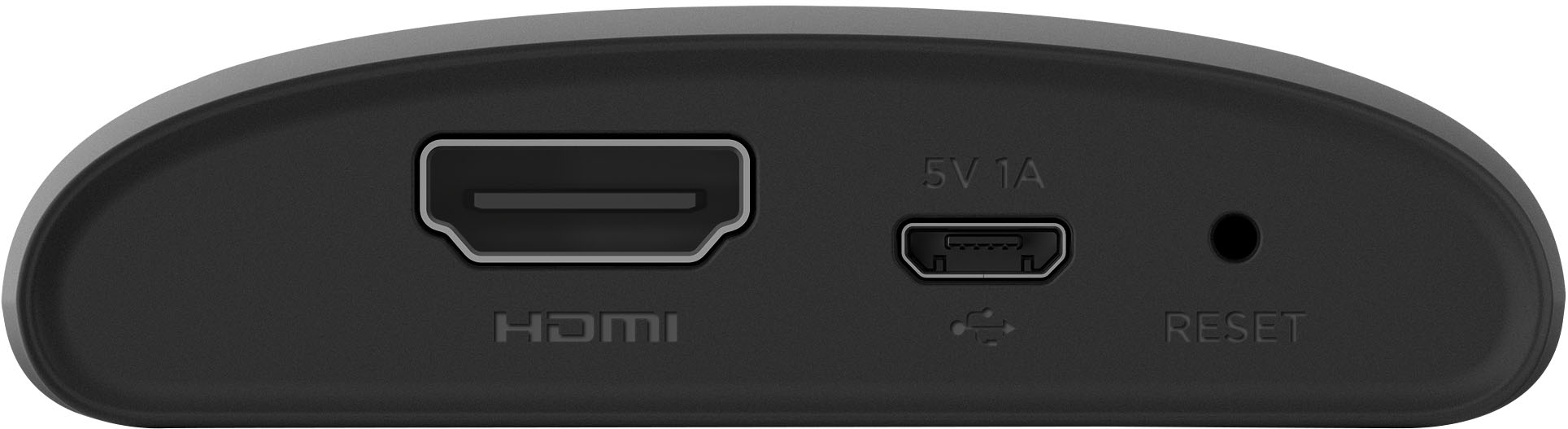
A:AnswerYou have to use the input button on your tv remote to switch to hdmi. You can use the tv remote for volume but not for on and off. The roku should come on when you switch to hdmi.
A:AnswerHi! Yes, the Discovery+ channel is available on the Roku Channel Store. Just like your smartphone accesses an “app store” to add new applications, your Roku streaming player accesses the Roku Channel Store to add new channels. Some channels require a paid subscription or a one-time charge, while many others are free. Browse the Roku Channel Store directly from your Roku device, or by visiting channelstore.roku.com. Channels can also be added when using the Roku mobile app on a compatible mobile device.