A:AnswerHi Deb,
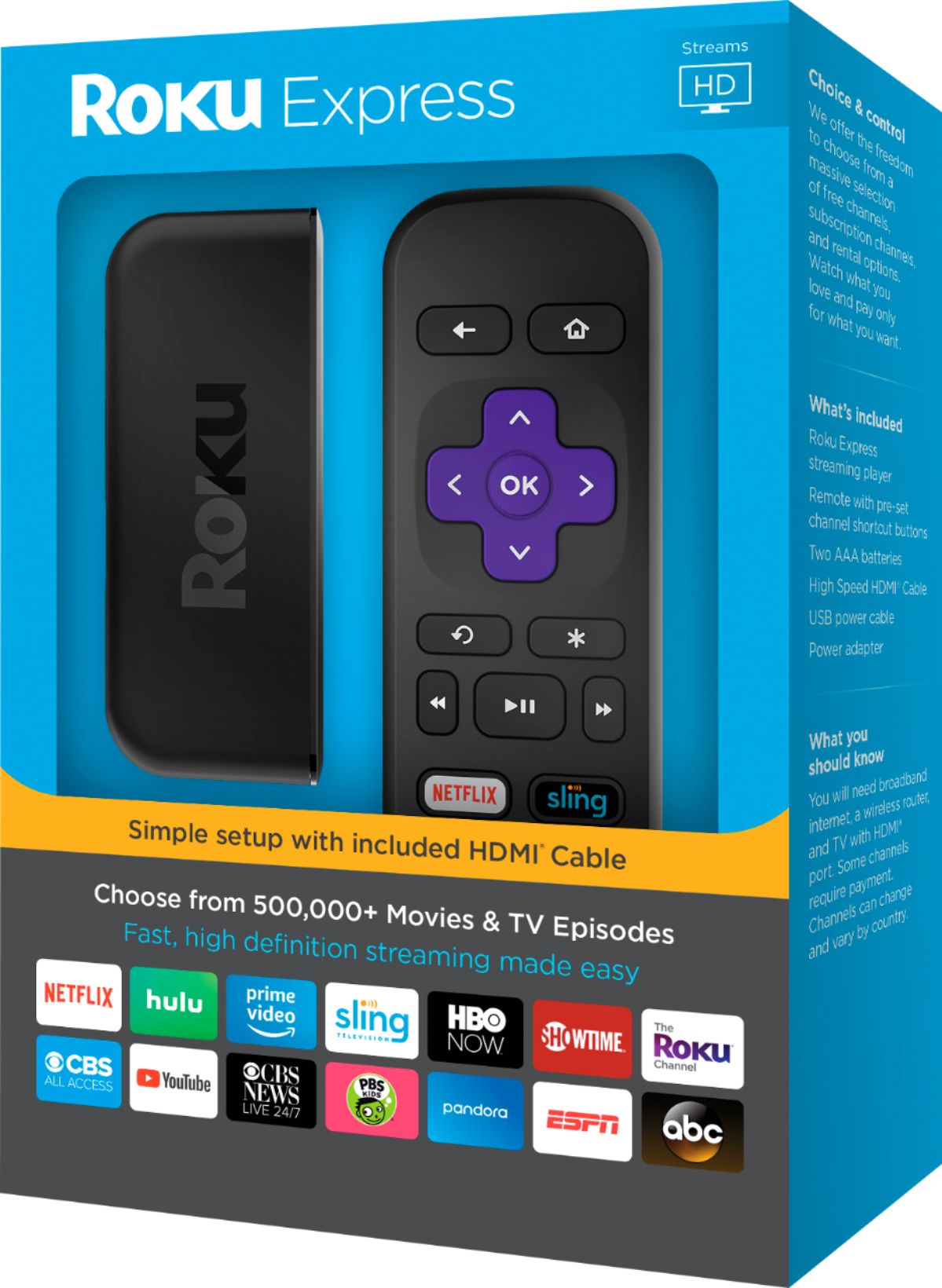
It is simple. After connecting the power and the HDMI cord (comes with) to your TV, the device will start and load up to the 'Welcome' introduction. Really simple to link your Wi-Fi to the Roku device. Just follow the instructions on the screen.
A:AnswerAS FAR AS I KNOW EACH TV WILL REQUIRE A ROKU DEVICE..I HAVE 7 TV's AND HAVE TO BUY 7 DEVICES BUT I LOOK AT IT AS SAVING ABOUT $60.00 PER MONTH WITH MY CABLE TV FOR THE RENTAL OF THE EXTRA CABLE BOXES.. ALL I PAY IS THE ONE TIME FEE FOR THE ROKU DEVICES...
A:AnswerThe Roku Ultra streams HD, 4K and HDR without needing any additional equipment. As far as having to pay your cable provider for their part I am not sure.
A:AnswerYou can use your hotspot for streaming, but it would use a large amount of data. If you are on one of the unlimited data plans that would work but even carriers that offer that usually slow your streaming speed down after you've reached a certain amount of data. Many channels require a subscription but there are some that do not, usually offering older programming, movies, and tv.
A:AnswerI was confused about this too, and was told by a rep that Roku Express+ is meant for older TV's that have/use analogue signals. So if you have a "newer" (eg flat-screen TV with an HDMI port) you don't need the + model.
A:AnswerAcorn TV shows up as a Roku channel. I don't use it, but looks like you can. Any of them will work to watch a channel like that. Just a matter of how nice a quality you need, what the channel supplies, and if you need any special features the more expensive ones have like headphone jacks or whatever.
A:AnswerFor best use of your Roku you would need Wi-Fi network only through your cable company. I have spectrum and for my first time I got the promotion deal of 44.95 a month for the first year. But you won't regret the Roku once you have WiFi.
A:AnswerI’ve never heard of Britbox but I do know that you can get just about any streaming channels. I would go on line and do a little research. Hope this helps
A:AnswerThe Roku Express plugs into a USB power charger just like any other Roku device or charging a cell phone. The only piece that requires batteries is the remote and you can use your phone as a substitute remote with the Roku App.
A:AnswerJust go to slingtv.com create an account then choose which package you want there’s $25 to $40 u can try it out first for free it’s a 7 day trial u can cancel if u don’t like it it shows all the channels in each package